Article: How to Choose a Camera Module for Remote Monitoring
How to Choose a Camera Module for Remote Monitoring
The best camera module for remote monitoring is not simply the one with the highest resolution. Start with the installation environment and network connection, then choose the imaging and integration features you need.

1. Choose the Network
Use WiFi where reliable wireless networking is available, Ethernet or PoE for a permanent wired installation, and 4G/LTE where fixed internet is unavailable but cellular coverage is good.
Read 4G vs WiFi vs PoE Camera Modules.
2. Choose Resolution
2MP can suit general monitoring, 5MP provides more detail, and 8MP can provide higher pixel density when the system supports it.
3. Match the Lens
A wider lens captures more of a scene but makes distant objects appear smaller. A narrower view can provide more useful detail on a specific area.
4. Decide How You Will Record
Options can include microSD/TF or NVR recording. If you need NVR/VMS integration, check required protocols.
5. Check Audio and Power
Some modules include audio support; others are video-only. Check voltage, current and connector requirements separately from network type.

6. Check Physical Size
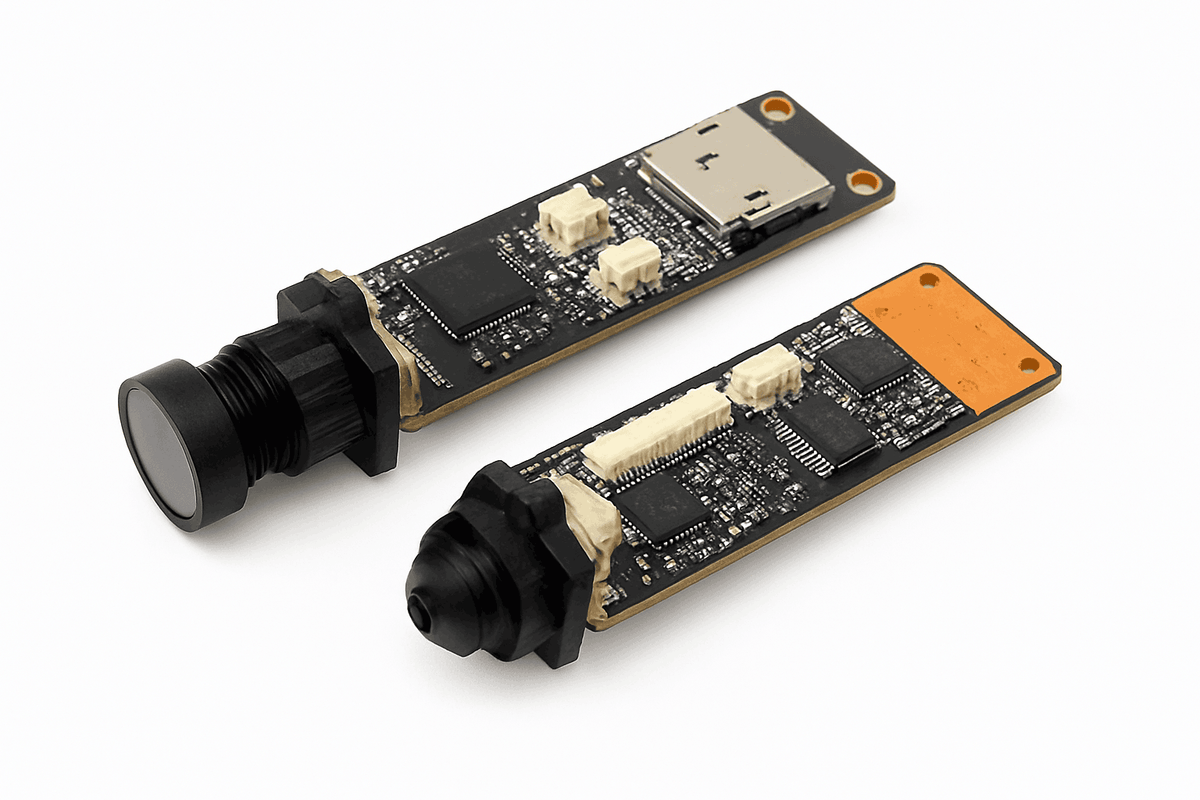
Board dimensions, lens position and mounting points matter for embedded projects. A bare module may require an enclosure.
For cellular monitoring, see the DIY 5MP 4G SIM LTE IP Camera Module or Mini 5MP 4G IP Camera Module with Zoom and ONVIF.