Mini Camera Battery Life: Standby vs Recording Time
Understand mini camera battery life, standby claims, WiFi use and recording modes. Compare catalog power features and test your own setup.
Mini Camera Battery Life: Key Considerations
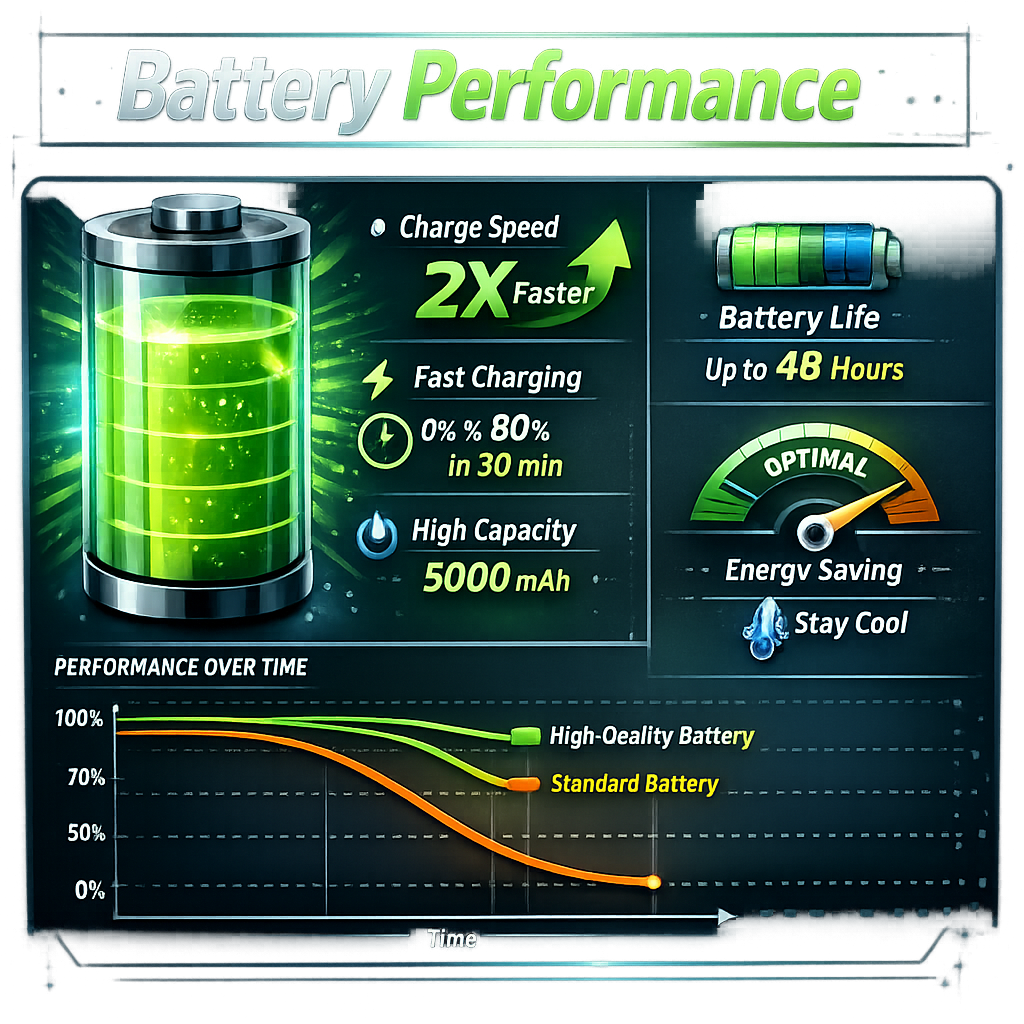
Mini camera standby time and recording time measure different things. A camera that waits for occasional events may last much longer than the same device recording continuously. Compare the recording mode and test conditions before relying on a battery-life claim.
For help choosing connectivity, storage and resolution, read our mini camera buying guide.
Standby, event recording and continuous recording
| Claim or mode | What it describes | What to check |
|---|---|---|
| Standby time | Time waiting rather than recording continuously. | How often the camera wakes, whether WiFi stays connected and what triggers it. |
| Motion-triggered recording | Clips captured when an event is detected. | Number and length of events, wake-up delay and missed-event risk. |
| Continuous recording | Recording without deliberate gaps. | Resolution, frame rate, night illumination, storage and power conditions. |
| Live WiFi viewing | Video viewed through a supported app or network. | Whether streaming and local recording operate together and the runtime in that mode. |
Why real-world runtime changes
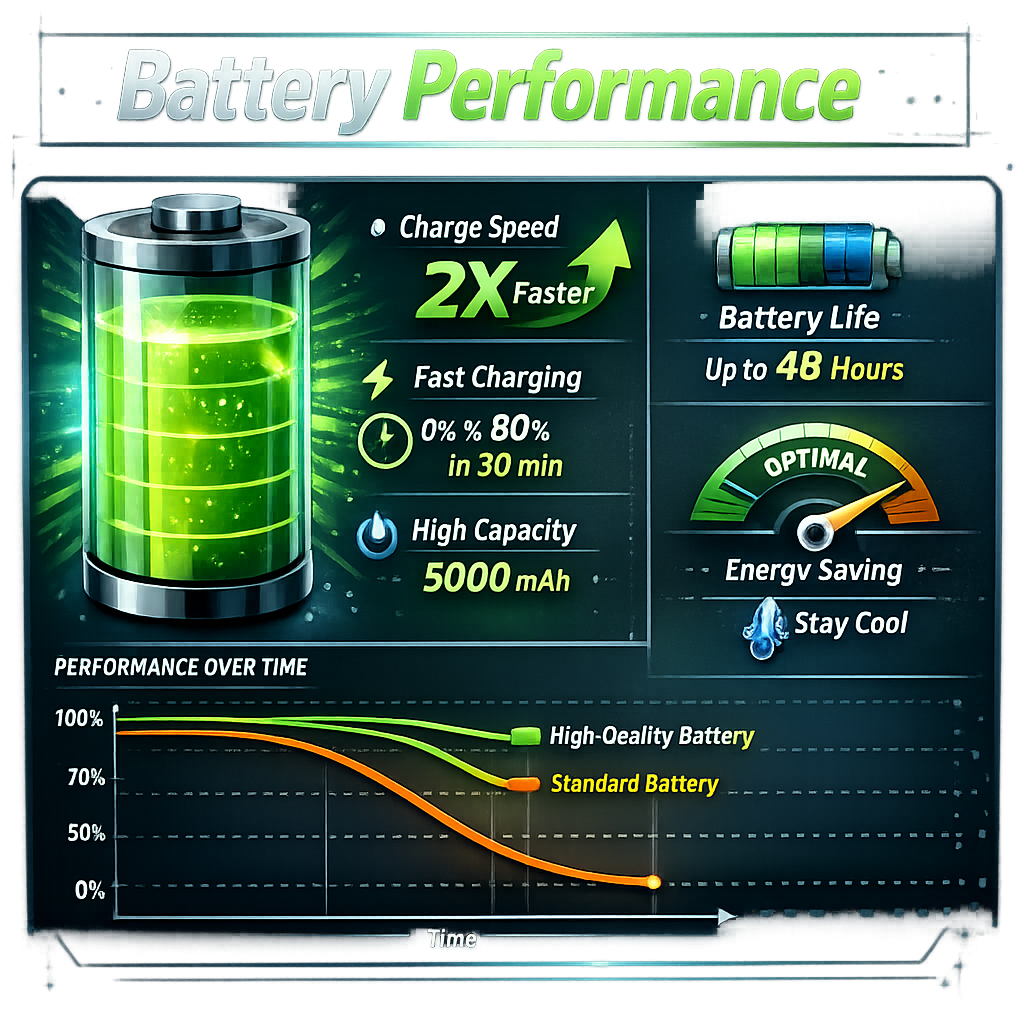
Wireless use, night illumination, frequent activity and operating temperature can affect power consumption and available battery capacity. The amount varies by camera and settings. There is no reliable universal percentage to subtract from every advertised runtime.
Battery capacity alone is not a runtime guarantee. Compare devices under similar recording conditions, and check the manufacturer's operating-temperature and charging instructions.
Two catalog examples: what the listings do and do not establish
| Camera | Listed features | Battery evidence available here |
|---|---|---|
| MD13 HD Mini Camera | 1080P recording, rechargeable battery, infrared night vision, motion detection and loop recording. | The listing reviewed does not give a numerical continuous-recording runtime. |
| HD WiFi Mini Camera | 1080P recording, live WiFi viewing, motion-triggered recording and operation while charging. | The listing reviewed does not give a numerical runtime for WiFi viewing. |
This comparison uses product descriptions, not measured tests. Confirm the selected variant and power arrangement before purchase. Recording while charging should be used only where the manufacturer supports it and with a suitable power supply.
How to test your own setup
- Fully charge the camera according to its instructions.
- Choose the resolution, recording mode and storage you intend to use.
- Record the start time and note whether WiFi viewing and night illumination are enabled.
- Run the intended scenario and check the saved files for gaps as well as the shutdown time.
- Repeat under the conditions that matter to you, including day and night if relevant.
Keep standby results separate from active recording results. Allow a practical charging margin rather than planning a critical session to end exactly at the observed battery limit.
Common mistakes to avoid
- Using a standby claim as a continuous-recording estimate.
- Assuming motion detection guarantees long runtime in a busy location.
- Assuming that an external battery or charger works with every camera.
- Overlooking storage limits and loop recording, which may overwrite older footage.
Frequently asked questions
How much does WiFi reduce battery life?
It depends on the camera, signal conditions and whether you are streaming or only receiving occasional alerts. Use a model-specific specification or a test under your intended settings.
Will motion detection always save battery?
No. Frequent triggering can produce long periods of recording. Some cameras also keep parts of their electronics active while waiting.
Can I record while charging?
Only if the specific model supports that mode. The HD WiFi Mini Camera listing describes operation while connected to power; verify the selected configuration and instructions.
Choose power for the session you need
For short sessions, a rechargeable camera may be convenient. For longer coverage, check supported external power and recording behavior. Compare mini and nanny cameras by their actual features, and use recording equipment only where permitted.