Office Video Surveillance to Prevent Internal Theft: Legal, Comparison & Buyer Guide
Video surveillance is a practical tool for preventing internal theft in offices when deployed with clear policies, appropriate technology, and legal compliance. This article explains how to evaluate systems, compare options, avoid common mistakes, and design monitoring practices that focus on deterrence, detection, and evidence preservation rather than intrusive observation. Early planning reduces risk and protects employee privacy while maintaining security objectives. Read the complete Video Surveillance guide
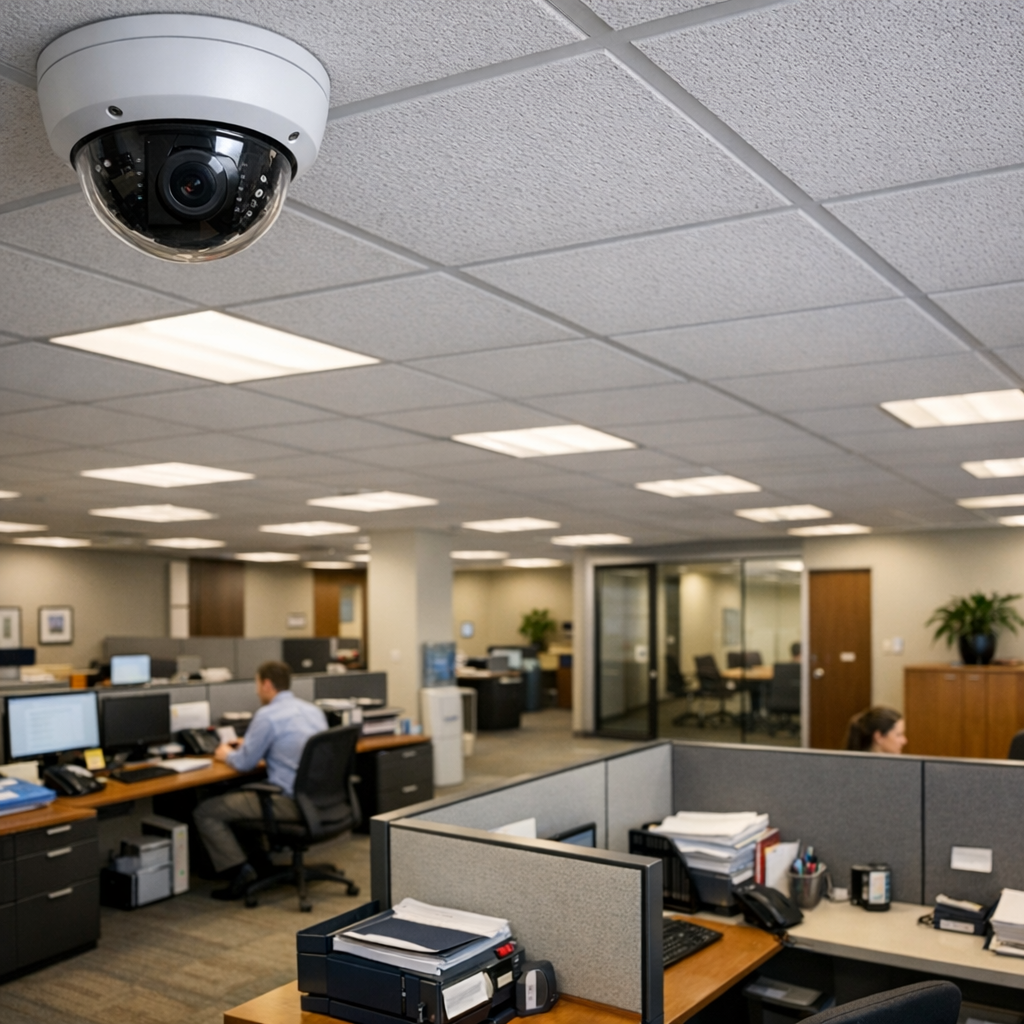
How video surveillance deters internal theft
Video surveillance reduces opportunity by increasing perceived risk: visible cameras, routine recording, and clear signage change behaviour. For many small businesses and office environments, simply documenting activity in high-risk zones — cash-handling desks, storage rooms, IT closets, and mailrooms — is enough to lower incident rates. When combined with access controls and inventory checks, recorded footage provides an objective timeline for investigations.
Comparing video surveillance options for offices
Choosing the right system requires comparing functionality, reliability, and legal footprint. Consider three broad categories: analog CCTV systems, IP camera networks, and cloud-managed business surveillance platforms.
Analog CCTV systems
CCTV systems remain cost-effective for continuous local recording. Pros: resilient to network outages, lower bandwidth demands, and straightforward local storage. Cons: limited scalability, lower image quality for small object identification, and more cumbersome retrieval for investigative review.
IP camera networks
IP cameras deliver higher resolution and flexible placement, supporting advanced analytics such as object tracking and tamper alerts. Pros: scalable, high image quality, and remote access. Cons: require network security hardening, higher upfront investment, and careful configuration to avoid privacy overreach.
Cloud-managed business surveillance
Cloud platforms centralize storage and often include automated retention controls, role-based access, and simplified remote review. Pros: easier software updates and evidence sharing. Cons: ongoing subscription costs, bandwidth considerations, and additional data protection obligations under regional law. For teams unfamiliar with deployment, browse our surveillance camera selection Browse Video Surveillance to match camera classes to office size and budget.
Buyer guide: choosing office video surveillance
Start with a risk assessment: identify where loss occurs, how often, and what evidence is needed. Key evaluation criteria include resolution at target distance, field of view, low-light performance, storage architecture, access controls, and audit logging. Decide whether a visible deterrent or covert recording is necessary — note that covert cameras raise significant legal and ethical issues discussed below.
Technical specifications to prioritize
- Resolution and frame rate: 1080p is baseline; 4K may be necessary for narrow aisles or product detail.
- Lens and coverage: choose varifocal lenses for flexible mounting and to reduce the number of cameras.
- Low-light and HDR: ensure identification under varied lighting, especially in storerooms or night shifts.
- Storage strategy: hybrid local-plus-cloud provides backup without excessive bandwidth load.
- Authentication and logging: role-based access and immutable logs are essential for chain-of-evidence.
When selecting products, avoid buying solely on sticker features. Consider maintenance costs, warranty terms, and whether the vendor provides firmware updates to address security vulnerabilities. If you need advanced deployment advice, dive deeper into video surveillance deployment strategies discreet camera solutions.
Practical examples and common mistakes
Real-world scenarios illustrate decision logic and pitfalls.
Scenario 1 — Medium office with inventory shrinkage
Problem: shrinkage occurs in supply closets during night restocking. Solution logic: install one IP camera with a narrow field and infra-red capability to cover closet doors and shelving. Combine footage review policy with periodic physical audits and keyed access logs to correlate camera timestamps with badge entries.
Scenario 2 — Front-desk cash handling in a small firm
Problem: occasional missing cash from petty cash box. Solution logic: mount a visible camera focused on the cash handling area, and display signage stating video is recorded. Pair with a locked cash drawer and two-person handling for cash-outs. Visible cameras act as deterrents and simplify investigations.
Common mistakes
- Over-monitoring non-sensitive areas: recording entire open-plan offices without purpose increases privacy risk and complicates compliance.
- Poorly secured networked cameras: default credentials and open admin ports have led to data breaches; always change defaults and use network segmentation.
- Insufficient retention policy: either deleting footage too quickly or retaining it indefinitely creates legal risk; retention must match investigative need and local law.
- No documented access controls: unrestricted viewing undermines evidentiary integrity and employee trust.
- Relying on cameras alone: surveillance is most effective when combined with process controls, audits, and staff training.
Legal & ethical considerations
Legal frameworks differ across jurisdictions but the core concerns are consistent: informed notice, purpose limitation, proportionality, and secure handling of recorded data. In the United States, state laws and workplace rules govern expectations; in many EU countries, the GDPR imposes strict requirements for processing video footage, including lawful basis, data minimization, and data subject rights.
Practical compliance steps: document the legitimate business purpose for monitoring; conduct a simple privacy impact assessment that maps camera placement and data flows; limit coverage to necessary areas (avoid recording bathrooms, changing rooms, and private spaces); implement retention schedules; and create an access log that records who viewed footage and why. Provide clear notice to employees and contractors about monitoring practices and disciplinary policies tied to theft.
Ethically, favor transparency where possible: visible cameras, posted policies, and a defined escalation path for incidents build trust. Covert monitoring should be an exceptional measure reserved for credible, specific suspicion and undertaken only after consulting legal counsel or HR to avoid unlawful surveillance claims.
Frequently Asked Questions
Can I record audio with office cameras?
Audio recording introduces higher legal risk in many jurisdictions and often requires explicit consent. For most internal-theft use cases, focus on video only, and consult local law before enabling audio capture.
How long should I retain footage?
Retention should match business needs and legal obligations. A common approach is 30–90 days for general recording, extended retention for footage linked to incidents, and deletion once the investigative or legal need ends.
Are visible cameras enough to deter theft?
Visible cameras are effective deterrents for opportunistic theft but less effective against collusion or organized internal fraud. Combine visibility with access controls, inventory reconciliation, and audit trails.
What are the risks of cloud storage for CCTV systems?
Cloud storage offers resilience and convenience but raises data protection duties: ensure the provider supports encryption in transit and at rest, permits exportable audit logs, and complies with regional data residency or processing restrictions if applicable.
How do I balance employee privacy with security needs?
Balance is achieved through purpose limitation, minimal coverage, clear policies, and restricting access. Engage staff communications and, where required, works councils or data protection officers to align monitoring with workplace norms and legal requirements.
Closing: practical next steps
Effective prevention of internal theft with video surveillance combines targeted technology selection, clear policies, and legal awareness. Begin with a focused risk assessment, choose cameras and storage aligned to evidence needs, implement role-based access and retention rules, and document processes to support investigations and compliance. Where uncertainty exists, seek specialist advice before deploying covert measures or cloud solutions. For a broader technical background on monitoring systems and deployment models, consult our overview of video surveillance fundamentals and review models of surveillance cameras to match your office footprint.