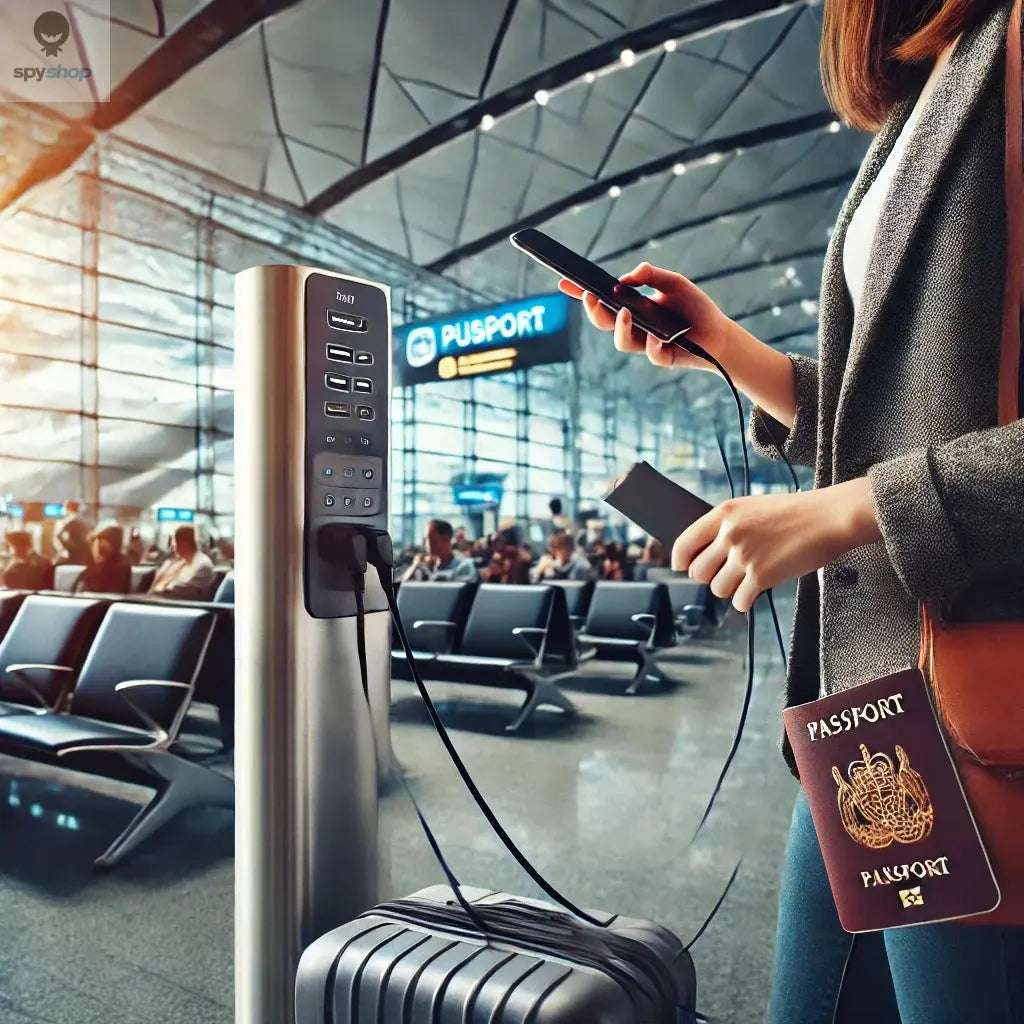
Public Charging Stations: Security Risks and Precautions
Charging away from home involves separate physical and digital risks. A USB connection can carry both power and data, so an unfamiliar public USB port or cable deserves caution. This does not mean every charging point can automatically compromise every phone.

Understand the conditions
Exposure depends on the device, software, connection type and any prompts or vulnerabilities involved. Modern devices have protections, but users should not approve an unexpected data-access or “trust this computer” request just to charge. Keep the operating system updated.
Use a known power source
A personal wall charger plugged into an ordinary mains outlet, or a trusted charged power bank, avoids relying on the data interface of a public USB port. Bringing your own ordinary cable alone does not remove the data capability of an unknown port.
A correctly designed power-only cable or suitable data-blocking adapter can prevent the relevant USB data connection, but compatibility, charging speed and supported USB modes differ. Confirm the accessory's purpose and specifications rather than assuming that every charging cable blocks data.
Protect the physical device
Keep it nearby, locked and in sight. Do not leave it unattended or give an unknown person unlocked access. Public Wi-Fi is a separate connection: use legitimate networks, heed certificate warnings and rely on secure apps and HTTPS rather than treating charging precautions as network protection.
If something unexpected happens
Disconnect from the unfamiliar equipment, avoid approving prompts and follow the device maker's support guidance. A generic paid “defence service” cannot guarantee detection or removal of every threat. Choose assistance based on a specific issue and documented capabilities.
These precautions reduce avoidable exposure while keeping the risks of public charging in proportion.

Written by PRIVATE D.O.O. Pecek