USB-Stick vs Screen-Based Recorders: Choosing Controls
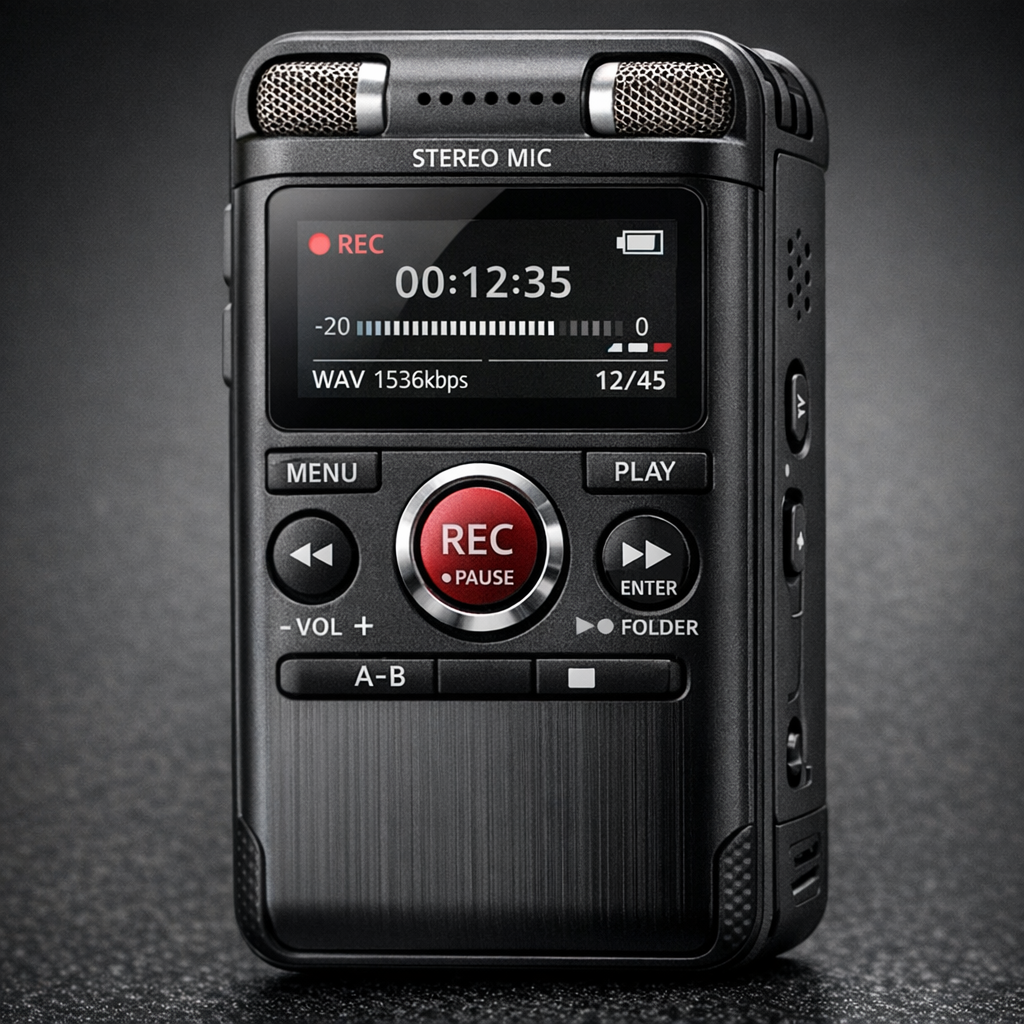
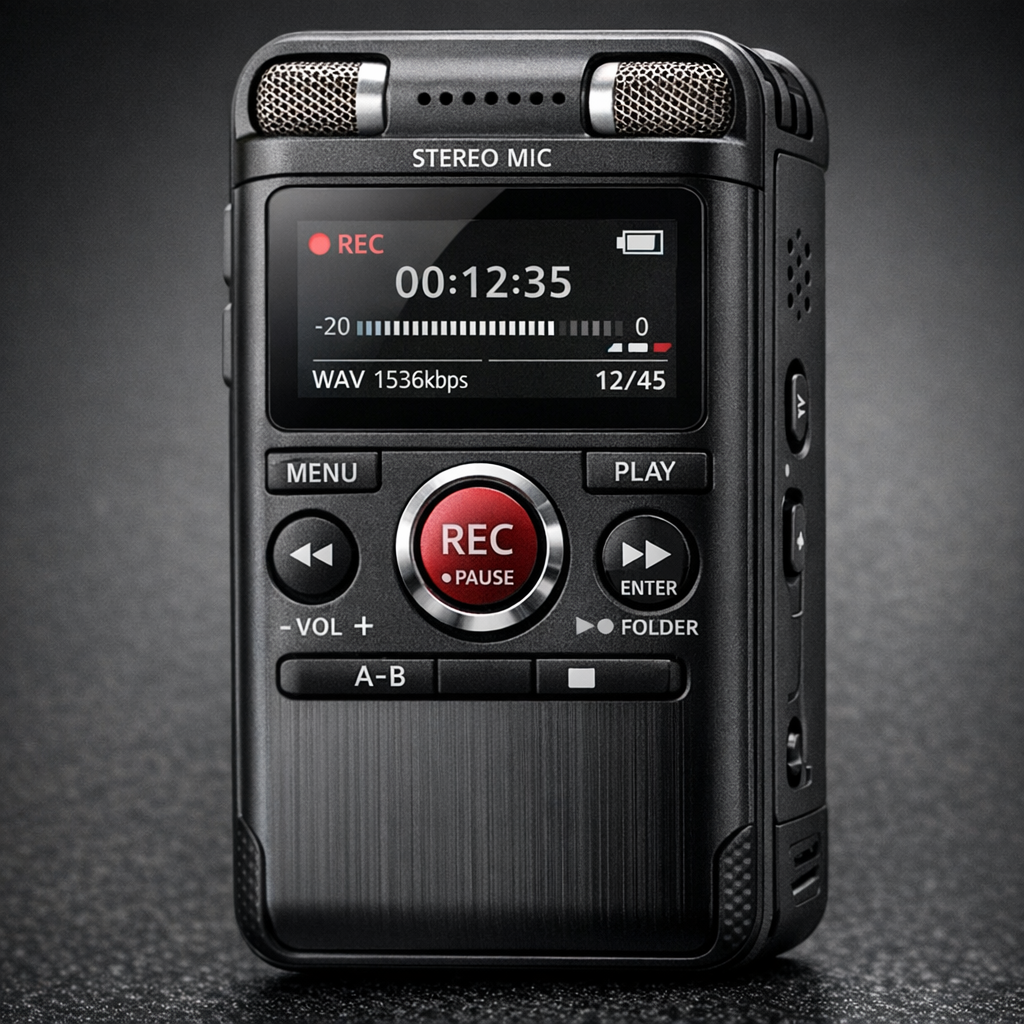
A USB-stick-style recorder and a recorder with a screen can both save audio independently and transfer files by USB. The useful comparison is their physical controls and review workflow, not whether one is a “standalone” device. Choose the layout that makes recording status and file handling clear for your task.
Compare what you can check before recording
| Task | USB-stick-style design | Screen-based design |
|---|---|---|
| Confirm mode | Check switches, indicators and instructions | Check display and menu behaviour |
| Review a file | May require another device; verify the workflow | May support on-device playback; verify the model |
| Check remaining capacity | Check available indicator or computer method | Check available display information |
| Adjust recording settings | May use switches or configuration files | May use menus and physical controls |
These are questions, not universal features. Confirm each against the selected model.
When a simple control layout helps
A limited set of controls can suit a repeatable task when the correct mode is already established. Practise the operation and confirm how errors or low charge are indicated. Fewer buttons do not guarantee fewer mistakes if several functions share one control.
When a display is useful
A screen can make it easier to inspect settings or select files when those functions are supported. It also introduces menu choices that need checking. Test whether you can read the status and operate the buttons in the expected environment.
Compare the whole workflow
Start a recording, stop it, find the file and play it on the device you expect to use. Compare charging, available memory, microphone placement and carrying arrangements. Neither housing format guarantees better speech clarity, longer runtime or a particular file format.
Use a purchase test rather than a label
Choose the device whose controls you can verify and whose files you can retrieve reliably. For an existing device with file or connection problems, use the USB recorder troubleshooting guide.