
Video Surveillance for Offices: Legal Features Every Manager Must Prioritize
Video surveillance is a routine part of modern office security, but choosing features that satisfy operational needs while limiting legal risk requires a compliance-first approach early in the procurement and deployment process. This article focuses on specific features, policy controls, and selection logic that matter most for employers, facilities managers, and small-business owners concerned with employee privacy, evidence integrity, and regulatory obligations.
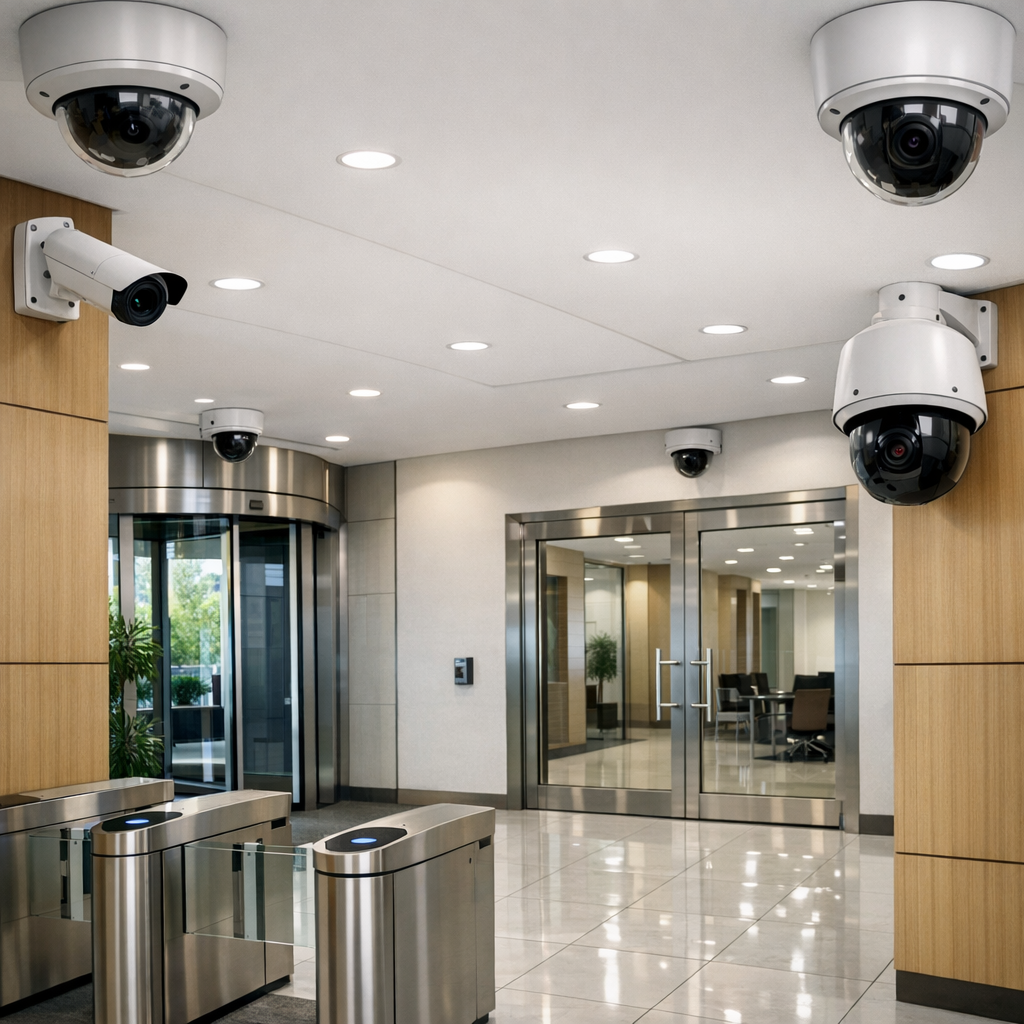
Key video surveillance features that affect legal compliance
When assessing systems, prioritize technical features that directly support lawful processing and defensible evidence handling. Resolution and frame rate matter for identification, but higher fidelity increases privacy impact and storage needs. Tamper detection, authenticated timestamps, and cryptographic storage integrity reduce disputes about evidence alteration. On-device analytics (motion, object classification) can limit continuous recording to legally justifiable events, reducing retention exposure and demonstrating necessity. Consider whether the camera records audio — many jurisdictions treat audio as a higher-sensitivity processing activity with stricter consent or notice requirements. Evaluate cloud vs on-premises storage for data jurisdiction, exportability, and vendor contractual protections. For baseline procurement language and documentation templates, review a consolidated policy overview in our pillar resources Read the complete Video Surveillance guide .
Comparing feature sets: privacy-preserving vs. forensics-first video surveillance
Make explicit trade-offs when comparing models. A forensics-first CCTV systems configuration emphasizes high-resolution sensors, long retention windows, mirrored redundant archives, and chain-of-custody logging for potential legal proceedings. A privacy-preserving business surveillance deployment emphasizes masked zones, lower-resolution streams in sensitive areas, edge analytics for event-triggered capture, and automatic overwriting after short retention windows. Choosing between them depends on the business case: a retail loss-prevention program may warrant forensics features, while a co-working space needs privacy protections. Tests should include demonstration of masking, configurable retention, and the ease of exporting auditable excerpts for legal requests.
Implementing video surveillance: policies, notices, and retention
Technical features without clear policies create compliance gaps. A defensible program includes a written surveillance policy that documents purpose, lawful basis, retention, access rules, and audit procedures. Employee and visitor signage must be visible and specific; generic notices are weaker evidence of notice in many jurisdictions. Retention schedules should be short and purpose-limited; retain only what is necessary for the stated purpose and document the rationale. Where required by data protection law, complete a privacy impact assessment or DPIA before new deployments and record mitigation measures. Include vendor safeguards in contracts and a data processing addendum where the vendor processes footage on your behalf. When drafting policies, link technical claims to operational controls — for example, how tamper alerts trigger locked retention protocols and escalation.
Retention and deletion mechanics
Ensure that the camera system supports automated deletion after the retention period and that deletions are logged. Manual deletion processes without audit trails are a legal risk. If footage may be required for litigation, implement legal hold procedures that override automatic deletion and leave a clear audit trail of who accessed or exported footage.
Buyer guide: evaluation criteria and common procurement mistakes
- Access control and audit logs: Confirm role-based access, multi-factor authentication for administrative accounts, and immutable audit logs documenting exports and viewing. Lack of these features is a frequent compliance failure.
- Encryption and chain of custody: Validate encryption at rest and in transit, and whether exports can be digitally signed to prove integrity.
- Configurable retention and masking: Check that you can define retention per camera and mask private areas (restrooms, private offices). Cameras without masking options force policy workarounds that increase risk.
- Audio controls: Prefer devices where audio recording can be disabled at the device level. Systems that only mute at the client side are legally insufficient in many states and countries.
- Local law and data location: Confirm where recorded data is stored and whether that location triggers cross-border transfer rules or local censorship or access requirements.
- Vendor obligations: Require a data processing agreement, security certifications, breach notification timelines, and clarity on sub-processors. Failing to contractually bind vendors is a recurring procurement error.
Common procurement mistakes
Typical mistakes include buying cameras for maximum resolution without auditing privacy impact, selecting cloud-only systems without jurisdictional assurances, and failing to require tamper-evident logging. Another frequent error is treating home security cameras as business solutions; consumer devices often lack enterprise audit controls and retention configuration appropriate for business surveillance or litigation use. When researching hardware options, review curated collections of professional surveillance cameras to compare enterprise-grade controls Browse Video Surveillance.
Practical examples and decision logic
Example 1 — Small professional office (five to 20 staff): A receptionist area and exterior entrances create a need for identification but also involve private conversations nearby. Decision logic: choose cameras with masking and disabled audio, short retention (30–60 days), tamper alerts, and a clear notice policy. Document the DPIA and retention rationale.
Example 2 — Retail office with inventory storage: A loss-prevention need supports higher-resolution streams and 90–180 day retention for incidents across multiple locations. Decision logic: implement encrypted centralized storage, chain-of-custody exports for investigations, and strict access segregation between HR and loss-prevention teams.
Example 3 — Multi-tenant co-working space: Shared areas require heightened privacy measures. Decision logic: deploy cameras limited to common corridors, use analytics-only captures where faces are not stored unless an event triggers retention, and publish a clear privacy notice for tenants and visitors.
Example 4 — Small call center with audio concerns: Because audio capture triggers stricter consent obligations under many U.S. state laws and EU guidance, the default choice should be video-only with technical audio disablement and documented lawful basis if audio is ever required for training or quality assurance. For scenarios where audio is necessary, implement explicit notice and consent processes and check state wiretapping laws.
Legal and ethical considerations (EU and U.S. high-level overview)
EU: The GDPR requires a lawful basis for processing personal data and mandates transparency, purpose limitation, data minimization, and documented DPIAs for high-risk processing such as continuous workplace monitoring. Member states may have additional CCTV-specific codes; for example, the UK ICO issues guidance on surveillance that stresses signage, data minimization, and staff notifications. Audio recording typically increases the processing risk and may require stronger justification or consent.
U.S.: There is no single federal data-protection statute equivalent to GDPR; compliance involves a mix of federal statutes and state laws. The Electronic Communications Privacy Act (ECPA) and state wiretapping statutes regulate audio recording, with some states requiring two-party consent for audio. Employment law and labor regulators (e.g., NLRB) can challenge surveillance that chills protected activities. State privacy laws such as the California Privacy Rights Act (CPRA) impose additional obligations in covered contexts. Employers should document necessity, avoid covert monitoring where not justified, and maintain narrow access controls.
Ethical practice spans both regions: minimize intrusive capture, prioritize transparency, and create clear redress channels for subjects who request access or deletion where lawfully appropriate. Maintain records of processing activities and vendor assessments to show due diligence. For technical security baselines and vendor evaluation checklists, consult adjacent guidance in the pillar resources Discreet solutions.
Practical mistakes to avoid
Common failures that produce regulatory exposure include: using consumer-grade home security cameras in business contexts; keeping footage indefinitely without a documented purpose; neglecting signage and employee notice; failing to encrypt or log access; and ignoring jurisdictional storage rules. Remediate gaps by documenting corrective actions, conducting a DPIA when necessary, and updating contracts with vendors to include breach response and data processing terms.
Frequently Asked Questions
Q1: Do I need to notify employees when installing office cameras?
A1: Yes — most jurisdictions require notice. Even where notice is not strictly mandated, written policies and visible signage reduce legal risk and improve transparency.
Q2: Can I record audio with office cameras?
A2: Audio recording is subject to stricter rules and may require consent or specific legal justification; many organizations disable audio to reduce compliance exposure.
Q3: How long should I keep surveillance footage?
A3: Retention should be purpose-driven and minimal; typical retention ranges from 14 to 90 days for general monitoring, extended only when necessary for investigations or legal holds.
Q4: Are cloud-based systems legally riskier than on-premises?
A4: Cloud systems raise considerations about data location, cross-border transfers, and vendor controls; they are not inherently illegal but require stronger contractual and technical assurances.
Q5: What steps demonstrate good-faith compliance if footage is requested in litigation?
A5: Preserve originals with cryptographic integrity, document chain of custody, log all access and exports, and provide only the minimal necessary excerpts consistent with legal obligations.
Closing: applying legal rigor to surveillance choices
Selecting and operating office video surveillance is both a technical and legal exercise. Prioritize features that enable transparency, limit unnecessary capture, and produce auditable evidence when required. Combine those technical choices with documented policies, signage, retention limits, vendor contracts, and routine audits to reduce regulatory and litigation risk. Implementing a policy-first selection logic helps reconcile security needs with employee and visitor rights while keeping systems defensible under EU and U.S. frameworks.