

Voice-Activated vs Continuous Recorders: How to Choose
Compare voice-activated and continuous recorders by battery use, storage and recording reliability before choosing a device.
Voice-Activated vs Continuous Recorders: Key Considerations
When deciding between a voice activated recorder and a continuous recording recorder for home, office, or professional use, owners need clear comparisons of battery life, storage consumption, reliability, and practical trade-offs to pick the right digital voice recorder for their environment. This guide examines battery performance and audio storage under typical recording settings, explains how voice activation mode changes runtime and file use, and maps legal and ethical boundaries for US and EU contexts. Read the complete Voice Recorders guide
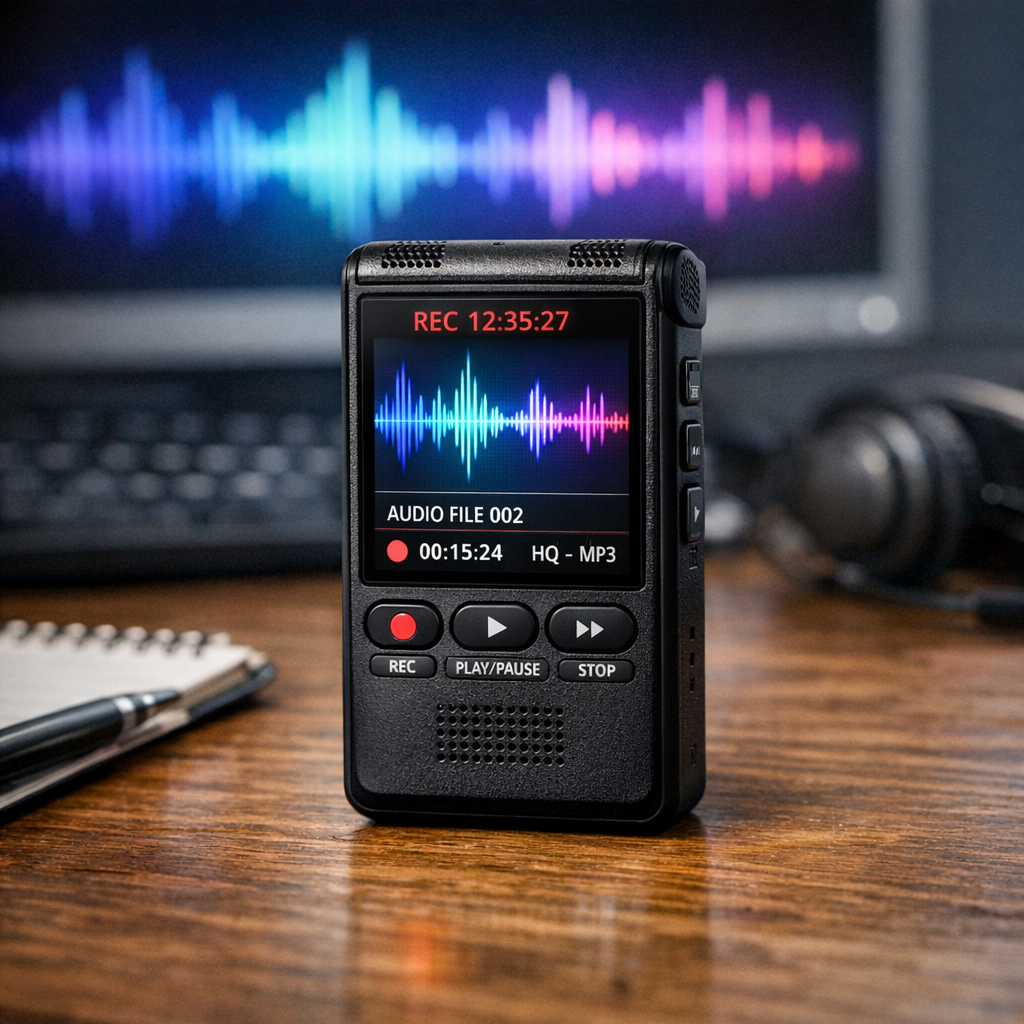
voice activated recorder: battery life, storage, and reliability
Voice activation can reduce silent files, but power savings and missed-speech behaviour are model- and environment-dependent. Measure a representative session rather than converting a continuous-runtime claim into assumed weeks of deployment.
Storage use is proportional to active recording duration and chosen bitrate. Voice activation mode saves disk space by eliminating silent segments, but it also produces many short files unless the device supports seamless stitching. Consider these reliability factors:
- False triggers: HVAC, pets, or road noise can generate recordings if thresholds are too low.
- Missed speech: Aggressive thresholds or slow trigger response can clip the start of sentences or fail to capture very soft speech.
- File fragmentation: Devices that create new files on each trigger can complicate indexing and increase metadata overhead.
To optimize a voice activated recorder, test trigger sensitivity in the intended location, choose a codec and bitrate that balance quality with storage, and enable pre-record buffering when available to capture audio that occurs just before the trigger. These adjustments influence both perceived reliability and effective battery savings.
continuous recording recorder: battery life, storage, and reliability
Continuous recording recorders capture an uninterrupted stream of audio until power or storage runs out. This mode maximizes reliability for forensic-style needs because it preserves context and avoids missed words, but it is the most demanding for audio recorder battery life and storage consumption. Continuous files are easier to manage in post-processing because there is no fragmentation, but they often require larger, higher-performance storage media.
Key technical trade-offs for continuous recording recorder use:
- Battery management: Expect predictable drain correlated with sample rate and codec. Low-power devices use efficient codecs and sleep strategies for inactive components, but the microphone and encoder remain engaged.
- Storage calculation: a total encoded bitrate of 128 kbps uses about 57.6 decimal MB per hour, or 0.96 MB per minute, before overhead. Do not multiply by channels again if 128 kbps already describes the total stream.
- Data integrity: Continuous recording reduces the risk of dropped segments, but long files are more vulnerable to corruption if the device loses power during a write operation. Look for journaling or atomic file write features.
Selecting a digital voice recorder: evaluation criteria and common mistakes
Choosing a digital voice recorder hinges on use-case priorities: maximum uptime, discreetness, evidence preservation, or storage economy. Evaluate these criteria:
- Power options: Replaceable batteries, external power support, and power-saving modes affect usable runtime.
- Trigger and buffer behavior: Voice activation mode settings, pre-record buffers, and hysteresis prevent cut-offs and false triggering.
- File format and bitrate: Lossless formats preserve fidelity for analysis; lossy codecs reduce storage needs.
- Storage medium: Internal flash, removable microSD, and write endurance influence long-term reliability.
- Fail-safe and write-atomic behavior: Protects against data loss during power failure.
Common mistakes buyers make include selecting a device solely on maximum advertised continuous hours without checking battery chemistry and real-world consumption patterns, underestimating storage overhead from file metadata and indexing, and failing to test voice activation mode under actual background noise. Another frequent error is ignoring how recording settings affect legal admissibility, particularly in multi-jurisdiction operations where retention requirements differ. Browse Voice Recorders
Use cases and decision logic: when to choose voice activation or continuous
Decision-making should start with the problem you are solving. Below are typical scenarios and recommended recording modes.
Home monitoring and occasional interviews
For homeowners who want to capture occasional important conversations or deter intruders without continuous data accumulation, a voice activated recorder with conservative sensitivity settings is usually best. It preserves battery life and reduces storage needs while still capturing speech. Enable pre-record buffering and timestamping to ensure context is preserved when triggers occur.
Small office and meeting capture
Meetings and client interviews benefit from continuous recording when full context and minute accuracy matter. If privacy policies require consent or notice, confirm compliance and consider recording settings that limit capture to meeting areas. Use high-quality codecs and secure storage to preserve evidence quality for later review.
Continuous surveillance and compliance logging
Regulated environments that log interactions for compliance often need continuous recording recorder workflows. These systems should prioritize redundant power, high-capacity storage, and robust file integrity mechanisms. Set retention and overwrite policies that align with corporate governance and applicable law.
Practical examples and common mistakes
Illustrative scenario, not a verified customer case: Example 1: A real estate agent uses voice activation mode during open houses to avoid recording long silent intervals. They set a medium trigger level and 2-second pre-buffer; this saves storage but requires testing in busy streets to prevent false triggers.
Illustrative scenario, not a verified customer case: Example 2: A therapist records sessions for transcription and chooses continuous recording in a secure, consented workflow. They select a lossless codec and local encrypted storage to maintain fidelity and client confidentiality.
Common mistake: deploying voice activation mode with factory defaults in a noisy factory floor. The device produces thousands of short files, drains battery due to frequent wake cycles, and complicates evidence review. Better: adjust the threshold, increase debounce time, or use continuous recording with scheduled segmentation.
Legal & ethical considerations
Recording laws vary by jurisdiction and purpose. In the United States, federal law is complemented by state laws that may require one-party or two-party consent. In the European Union, GDPR imposes obligations on data controllers who record audio that can identify individuals — they must justify processing, limit retention, and protect access. This guide is educational and not legal advice; consult counsel for operations that cross state or national boundaries. Discreet solutions
Ethically, recorders must respect expectation of privacy: private conversations in homes, restrooms, and medical settings typically demand clear consent or should not be recorded. For businesses, adopt documented policies, employee notice, and access controls to mitigate risk.
Buyer guide: checklist for selecting the right recorder
- Define goals: Evidence collection, transcription, deterrence, or meeting minutes.
- Estimate recording load: Calculate expected hours per day and choose storage and power accordingly.
- Test voice activation mode: Simulate real background noise and speech levels.
- Choose codecs and bitrates: Balance quality requirements with storage and battery trade-offs.
- Confirm legal requirements: Retention, access logs, and consent rules for your jurisdiction.
- Plan for integrity: Look for tamper-evident features and secure exports for evidentiary use.
Frequently Asked Questions
Q: How much battery life can I expect from voice activation mode compared to continuous recording?
A: Voice activation mode can extend battery life substantially—often multiple times longer—depending on duty cycle; devices idle with microphone active but not writing use less energy than continuous encoding and writing.
Q: Does voice activation mode reduce file quality or evidence value?
A: Not inherently, but short fragments can omit context. Use pre-buffering and timestamping to preserve evidentiary value where needed.
Q: How do recording settings affect storage consumption?
A: Bitrate, channels, sampling rate, and codec determine bytes per second. Voice activation reduces total recorded seconds; continuous recording requires planning for sustained throughput.
Q: Are there common reliability problems with long continuous files?
A: Large files can be vulnerable to corruption on power loss; choose devices with atomic write behavior, journaling, or periodic file rotation to reduce risk.
Q: What legal steps should businesses take before recording?
A: Establish a documented policy, obtain necessary consents, secure stored files, and limit access in line with local law and data protection rules.
Educational closing
Choose continuous recording for an intended uninterrupted timeline, subject to verified power, storage and device behaviour. Compare it with voice activation through a realistic trial rather than a guarantee of complete capture.


