Video Surveillance Retention Rules for Small Businesses and Offices
Video surveillance is a core security tool for many small businesses and offices, but deciding how long to keep recorded footage requires balancing operational needs, legal obligations, storage cost and privacy risk. This article explains retention ranges, how to evaluate cctv storage options, and step-by-step logic for drafting a defensible video retention policy that meets common compliance expectations. Where useful, the guidance points to broader technical background and product categories for further reading Read the complete Video Surveillance guide and Browse Video Surveillance
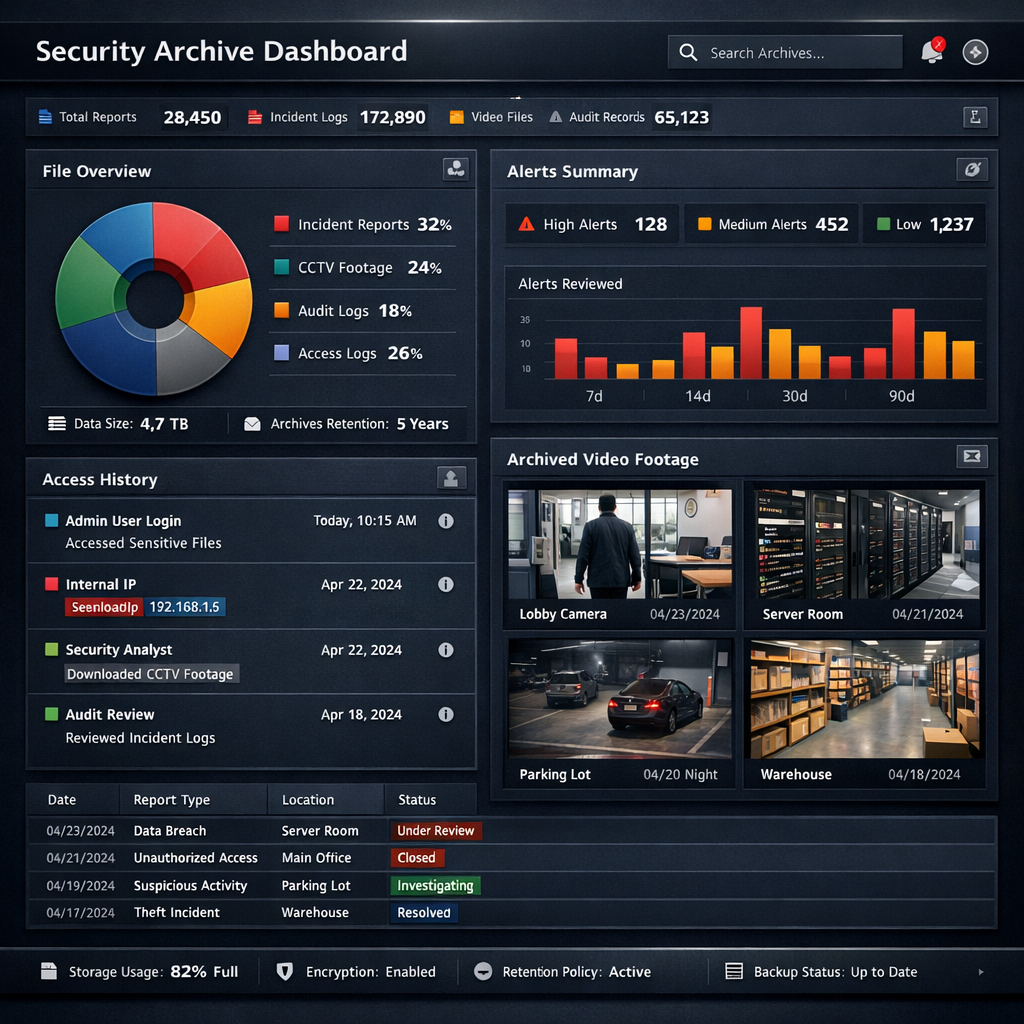
Why video surveillance retention matters for businesses
Retention decisions affect three practical areas: incident response, liability exposure, and regulatory compliance. Short retention can leave gaps when investigations require footage; excessive retention increases the surface area for data breaches and noncompliance. A clear video retention policy documents retention purpose, retention length, and deletion processes so staff and auditors understand boundaries. When procurement or upgrades are considered, retention expectations drive cctv storage architecture and ongoing costs.
Comparing video surveillance retention lengths: trade-offs and scenarios
Retention lengths commonly fall into short (24–72 hours), medium (7–30 days), and long (90–365+ days) bands. Each choice creates trade-offs: short retention minimizes storage and privacy risk but may be useless for slow-developing investigations; long retention supports extended investigations and evidence preservation but increases legal exposure and storage expense. Use the scenario comparisons below to map a retention band to likely business needs.
Short retention (24–72 hours)
Pros: minimal cctv storage requirements, lower risk of holding unrelated personal data, faster deletion reduces breach impact. Cons: insufficient if incidents are reported late or if cross-referencing with transaction systems is needed. Best for low-risk retail operations with frequent turnover and no statutory retention demands.
Medium retention (7–30 days)
Pros: balances investigation utility and storage cost, often sufficient for theft, property damage, or short-term HR inquiries. Cons: may still be inadequate for regulatory disputes or civil litigation that emerge later. Widely adopted as a baseline by many small businesses.
Long retention (90–365+ days)
Pros: useful for high-risk sites, recurring investigations, or where regulators expect extended availability. Cons: higher cctv storage expense, stronger data protection controls needed, and longer retention can increase legal discovery obligations.
How cctv storage options affect retention choices
Storage architecture—local on-premise DVR/NVR, hybrid, or cloud—directly impacts feasible retention windows. On-premise devices offer predictable upfront costs but require capacity planning and secure disposal policies. Cloud storage enables scalable retention but introduces subscription costs and role-based access controls. Comparing costs should include expected footage volume, retention period, resolution, and overlap of event-based versus continuous recording. A compact camera fleet recording 720p at moderate frame rates consumes far less space than 4K continuous recording and therefore supports longer retention for similar budgets.
Designing a practical video retention policy (buyer guide perspective)
A robust video retention policy has clear, documentable steps: define purposes for recording; classify cameras by purpose and sensitivity; set retention bands per camera class; specify secure deletion procedures and audit logging; and assign roles for access and incident preservation. Tie technical settings—resolution, frame rate, motion or continuous capture—to policy outcomes so procurement decisions match retention goals. For deeper operational details and sample policy templates, consult technical pillars and product category pages as context Discreet solutions.
Key evaluation criteria when selecting storage
- Retention capacity: calculate expected footage per camera and choose headroom for retention and legal holds.
- Access controls: ensure role-based permissions and logging to limit exposure during discovery or audits.
- Encryption and transport security: especially important for cloud or hybrid models to limit breach risk.
- Cost per GB and scalability: factor ongoing costs into TCO over typical retention periods.
- Deletion guarantees: verify secure wipe procedures for end-of-life devices and overwritten footage.
Use-case scenarios and decision logic
Apply a simple decision flow: identify the highest risk camera (public-facing, cash register, secure storage), determine legal constraints (industry-specific rules, lease or insurer requirements), then choose the minimal retention that meets investigative needs. Examples below illustrate this logic in realistic contexts.
Scenario A — Small retail shop
Risk: shoplifting and customer disputes. Legal: no sector-specific retention law. Decision: medium retention (7–14 days) for sales-area cameras; short retention (48–72 hours) for non-critical common areas. Keep incident response procedures to preserve footage beyond the default when needed.
Scenario B — Medical office
Risk: patient privacy and regulated health data adjacency. Legal: HIPAA considerations in the US may require stricter controls. Decision: use short-to-medium retention for general areas with strict access logs; consider longer retention only when justified by incident or regulator guidance, and document the justification within the video retention policy.
Scenario C — Logistics yard
Risk: cargo theft and insurance claims. Legal: insurer may require multi-month availability for claims. Decision: long retention for perimeter and dock cameras (90+ days), and segregated secure storage for footage used in claims or investigations.
Practical examples and common mistakes
Common errors include adopting a one-size-fits-all retention length, failing to document retention rationale, and keeping footage 'just in case' without access controls. Another frequent mistake is neglecting to align recording resolution and frame rates with retention—higher resolutions dramatically increase storage needs without proportionate investigative value in many environments. Always document exceptions: if footage is preserved for litigation, update logs and keep chain-of-custody notes to reduce evidentiary challenges.
Legal & ethical considerations (high-level US and EU)
US: retention obligations vary by sector and state; evidence preservation obligations can be triggered by litigation hold notices that suspend deletion. Data minimization and breach notification laws increasingly affect how long footage may be retained; organizations should coordinate retention policy with legal counsel and insurers.
EU: under the GDPR, retention must be limited to what is necessary for the purpose and documented; data controllers must justify retention periods and provide transparent notices. Additional national rules in EU member states can impose stricter retention or video placement requirements. Both jurisdictions emphasize proportionality, access control and timely deletion.
Ethical: beyond law, consider employee and customer expectations. Visible signage, limited access to footage, and clear retention disclosures reduce privacy friction and reputational risk. Where possible, redact or blur non-essential imagery before sharing footage externally.
Frequently Asked Questions
Q1: How long is it generally safe to retain CCTV footage?
A1: There is no universal safe period; typical practice ranges from 7–30 days for general security needs. Higher-risk sites may justify 90+ days, but any retention should be documented with purpose and access controls.
Q2: Does cloud cctv storage require different retention rules?
A2: Rules are similar, but cloud raises additional concerns about data jurisdiction, subscription retention controls and vendor access. Ensure contractual terms support deletion guarantees and encryption.
Q3: What triggers a legal hold on footage?
A3: A legal hold is triggered when litigation, regulatory investigation, or an official claim is reasonably anticipated. Once triggered, automatic deletion must be suspended and preserved footage inventoried.
Q4: Can I keep different retention periods for different cameras?
A4: Yes. Best practice is to classify cameras by purpose and apply retention bands accordingly; store configurations and audit logs to show consistent application of policy.
Q5: What are easy steps to reduce cctv storage costs without losing necessary footage?
A5: Use motion-based recording for low-activity areas, reduce resolution/frame rates where high detail is unnecessary, implement retention tiers, and adopt scheduled overwrites. Combine local short-term storage with selective cloud archiving for incident footage.
Closing summary: Choosing how long to keep video surveillance footage requires mapping business risk, legal expectations, and cctv storage capabilities to clear retention bands and documented procedures. A defensible video retention policy reduces liability, clarifies operational behavior, and supports investigations without retaining excessive personal data. Regularly review retention settings after incidents or legal changes to ensure the policy remains proportionate and enforceable.