Câmaras mini Wi-Fi e com bateria: Guia de gravação local
WiFi and Battery Mini Cameras: choose a mini camera by WiFi access, battery life, storage and night recording. Compare two SpyShop models and practical setup requirements.

WiFi and Battery Mini Cameras: Key Considerations
Mini cameras are compact recording devices designed for situations where a standard security camera is too large, too visible, or simply impractical. Choosing the right model depends less on size alone and more on how you plan to record, power the device, store footage, and review it later.
What to look for in a mini camera
Start with the recording method. Some mini cameras save footage locally to internal or removable storage, while WiFi models can stream or transfer video through an app. Local recording is usually simpler and more reliable when internet access is limited. WiFi models are more useful when remote viewing matters.
Battery life and continuous recording
Small cameras have limited battery space, so battery life can vary significantly depending on video resolution, WiFi use, motion detection, and standby mode. A model advertised for long standby time may record for a much shorter period continuously. For longer sessions, look for external power support or a larger built-in battery.
1080p, 2K or 4K?
Higher resolution can provide more detail, but it also creates larger files and uses more power. For many indoor applications, 1080p offers a practical balance between image quality, file size, and battery life. 2K or 4K can make sense when identifying fine details is more important than recording duration.
Motion detection vs continuous recording
Motion detection can reduce unnecessary footage and save battery and storage space. Continuous recording is better when you need a complete timeline and cannot risk missing the beginning of an event. The best choice depends on whether your priority is coverage or efficiency.
WiFi mini cameras vs local recording
WiFi cameras are useful for remote viewing and notifications, but they depend on network quality and app compatibility. Local-recording cameras are often easier to set up and can keep recording even if the internet connection drops. For critical recording, reliability should usually come before extra app features.
Where mini cameras work best
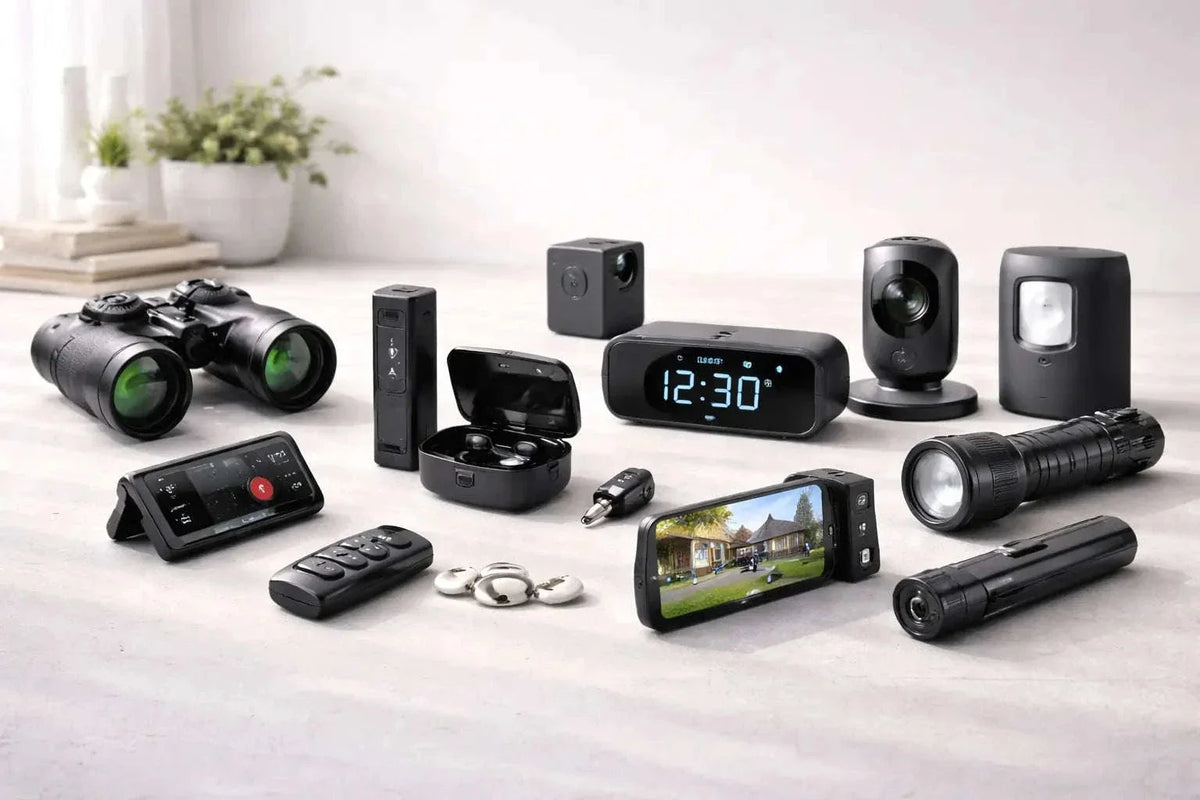
Mini cameras are commonly used where space is limited, where a compact form factor matters, or where a large camera would interfere with the environment. Before installation, always consider local privacy and recording laws and use recording equipment responsibly.
Mini camera comparison: two catalog examples
These examples use the linked product descriptions, not hands-on image-quality or battery tests.
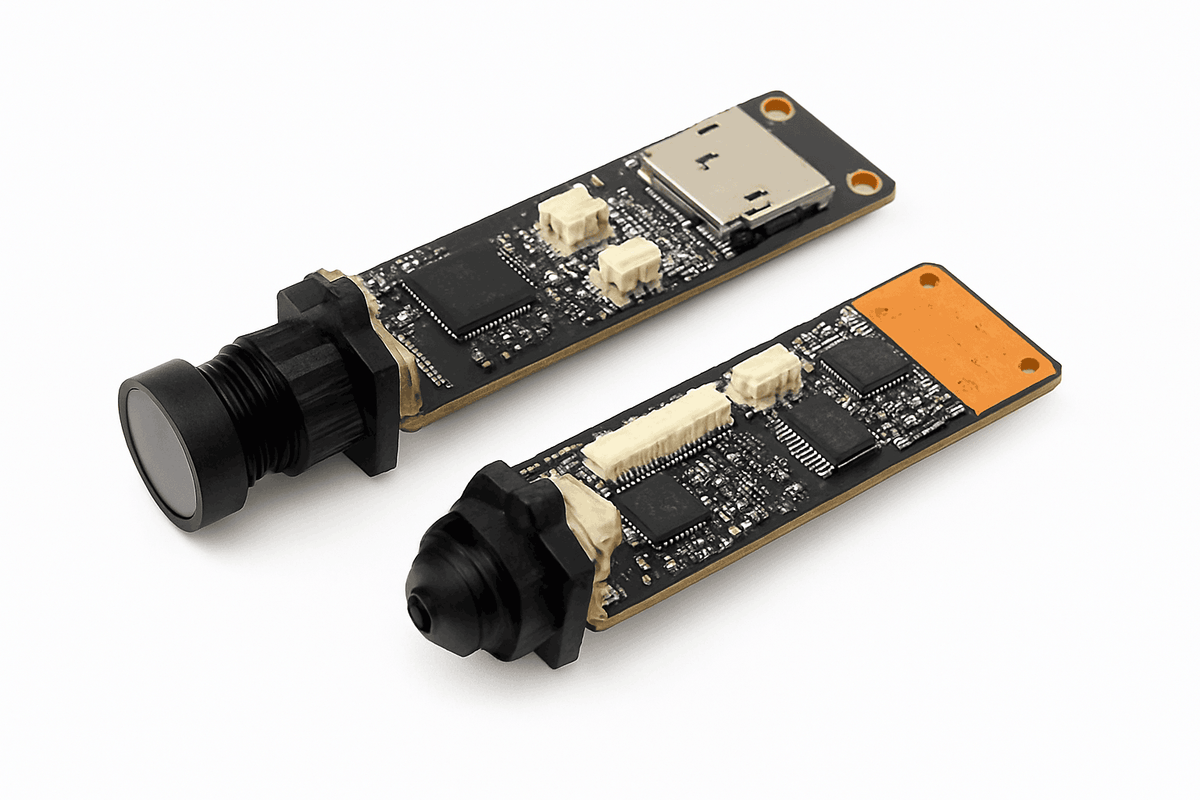
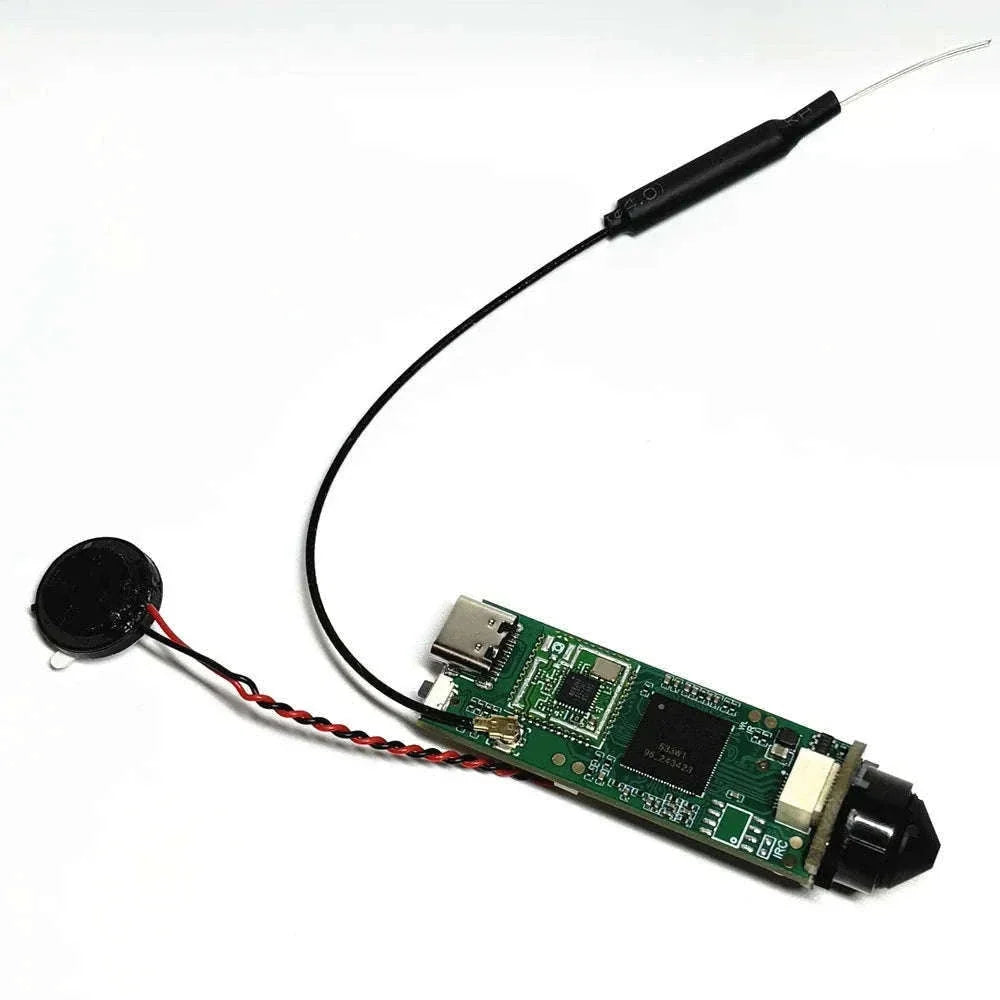
| Feature | MD13 HD Mini Camera | HD WiFi Mini Camera |
|---|---|---|
| Listed video resolution | 1080P | 1080P |
| Recording features | Motion detection and loop recording | Motion-triggered recording and live WiFi viewing |
| Power details | Rechargeable battery | Operation while charging is listed |
| Night recording | Infrared night vision is listed | Check the selected variant; the reviewed description does not establish night-vision capability |
| What still needs checking | Recording runtime, storage requirements and file retrieval | App compatibility, selected lens and storage option, and WiFi runtime |
Match the camera to a practical setup
Review footage later: Check local storage, file retrieval and overwrite behavior. Make a test recording before relying on the setup.
View a room through an app: Choose a model with verified live viewing, check the WiFi signal at the mounting position and confirm the power arrangement.
Record for a long session: Compare continuous-recording runtime, not standby time. See our mini camera battery-life guide for a comparison checklist and a simple testing method.
Check image quality before installation
Record a short clip at the intended distance and viewing angle. Review whether the details you need are visible in both daylight and the actual night conditions. Resolution alone does not establish usable detail, and a wide view may make individual subjects appear smaller.
Choose the right mini camera for your setup
Before buying, compare battery life, recording mode, storage capacity, resolution, viewing angle, night performance, and whether you need WiFi. Matching those features to your actual use case is more important than choosing the smallest model available.