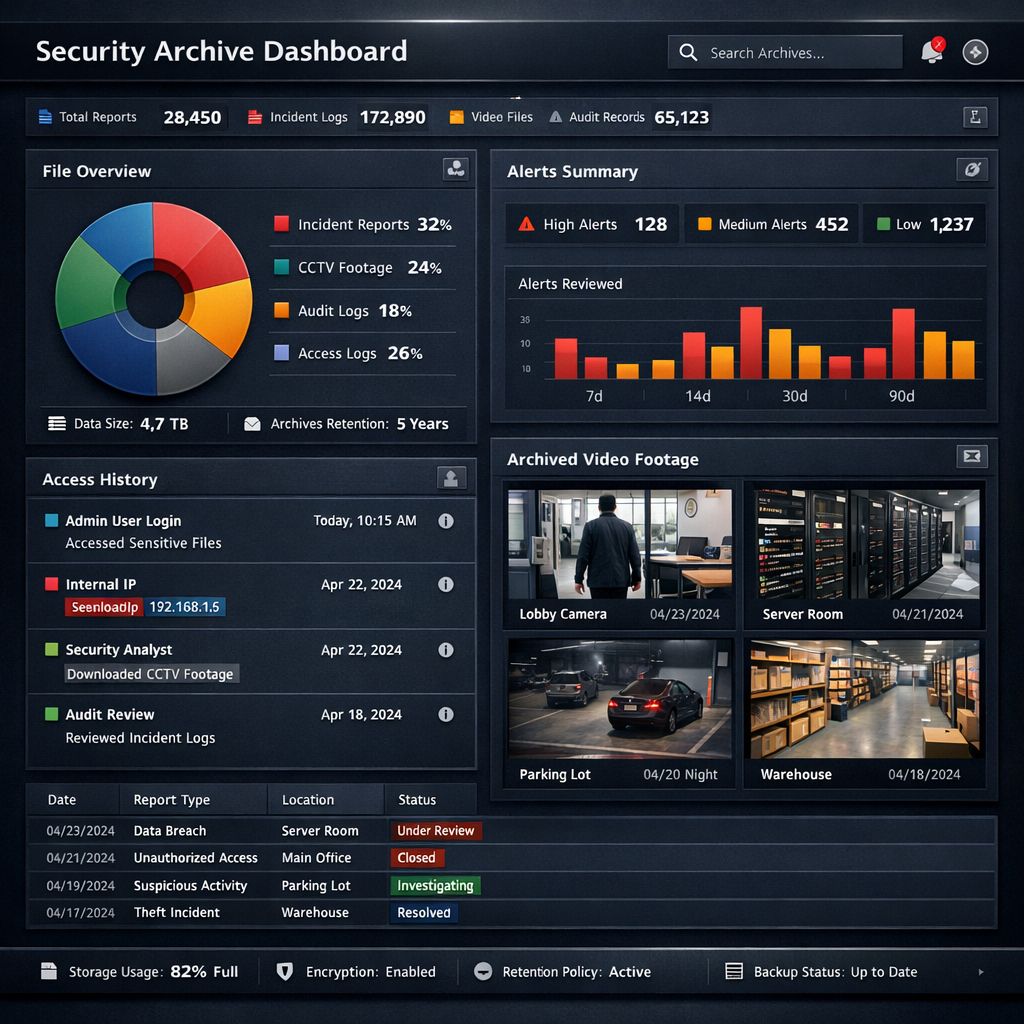
CCTV Retention Policy: Storage, Deletion and Exceptions
A CCTV retention policy explains why footage is stored, when routine recordings are removed and how specific incident copies are handled. Start with the recording purpose and applicable requirements. Available disk space or a cloud subscription's longest option is not a reason to keep every recording for that period.
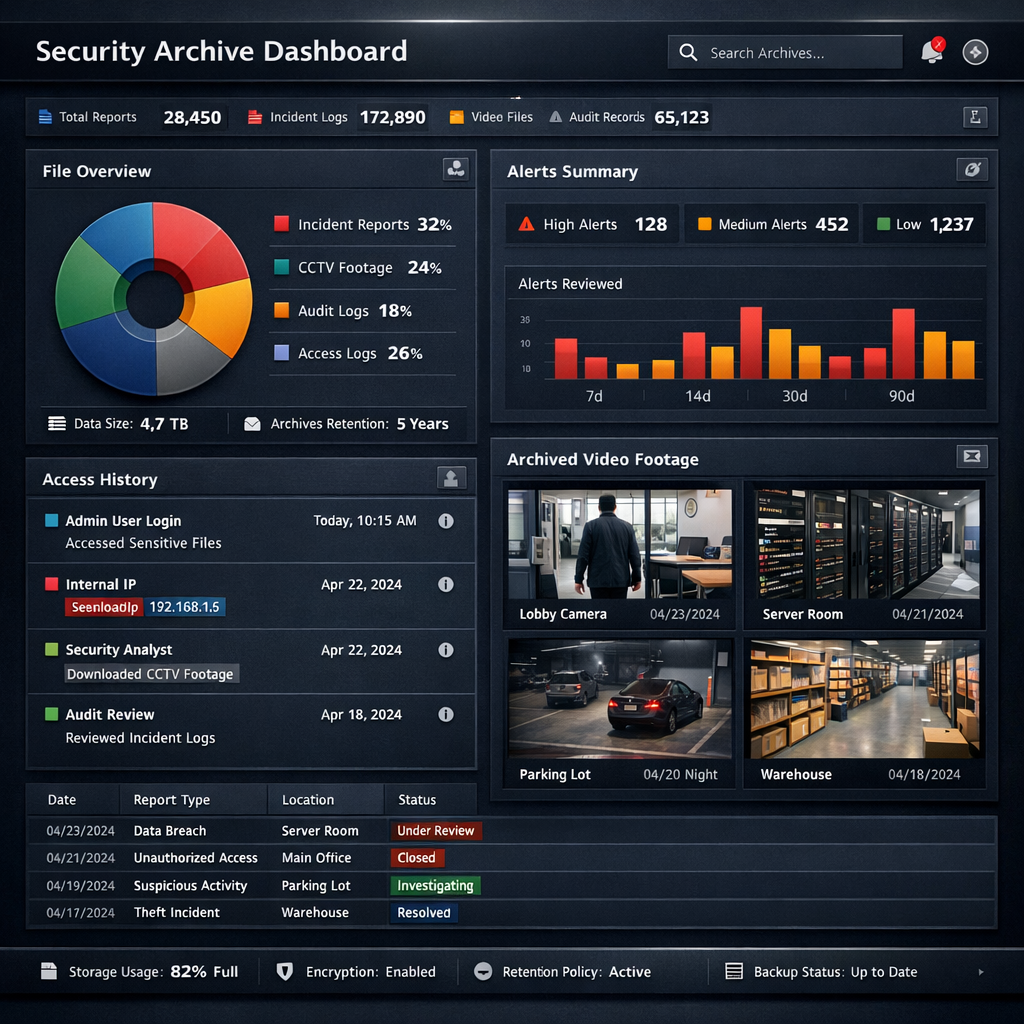
There is no universal retention period
Do not treat 7, 30 or 90 days as automatically suitable for every business. The EDPB guidelines on video devices explain that footage for purposes such as detecting vandalism should generally be erased after a few days, preferably automatically, and that longer storage requires stronger justification. This is not a universal schedule for every location or purpose; national and sector-specific requirements also need checking.
Document the decision for each camera group
- Purpose: what specific security need does the recording serve?
- Area: which cameras and people are affected?
- Review process: how are relevant incidents identified and reported?
- Duration: what period is necessary, and what supports that conclusion?
- Owner: who approves the policy, checks it and reviews exceptions?
Consider whether differences between areas actually justify different settings. Avoid choosing a longer period for the whole system when only a defined incident needs separate handling.
Make routine deletion work in practice
Configure supported deletion or overwrite settings and test them with non-sensitive sample footage. Check the oldest recording that remains available after the chosen interval. Establish whether the setting applies to every camera and storage destination, including any cloud service.
An age-based retention setting and a storage-full overwrite setting are not the same. A large disk may retain footage much longer than intended if deletion happens only when it fills. Check that the system can implement the selected policy and that timestamps are correct.
Handle incident copies through a separate process
For an incident requiring further review, identify the relevant cameras and time window instead of copying an entire archive by default. Record who created the copy, why it was needed, where it is stored and who may access it. Set a review point and obtain appropriate advice about any preservation requirement before deleting material connected with a dispute or investigation.
A saved export can remain after the recorder has deleted its source footage. Include authorised exports and relevant backups in the handling process so exceptions do not become an unmanaged permanent collection.
Calculate capacity after deciding the policy
Estimate storage from the number of streams, actual bitrates and recording schedule, then allow capacity for operation and approved incident copies. Confirm the estimate from recorded samples. Changing resolution or event settings can change both storage use and what the recordings show, so check that the result still serves the intended purpose.
Review the policy and the configuration together
Schedule checks of deletion, access and outstanding incident copies. Revisit the decision when camera views, purposes, suppliers or relevant requirements change. For selecting hardware and demonstrating the necessary controls, read the office CCTV buying guide.