Office CCTV Buying Guide: Access, Export and Privacy
Office CCTV procurement should turn operational needs into tests a supplier can demonstrate. Start with the areas that need coverage and the people who should be able to view or export recordings. Image resolution is only one item on the specification.
Define the recording task for each area
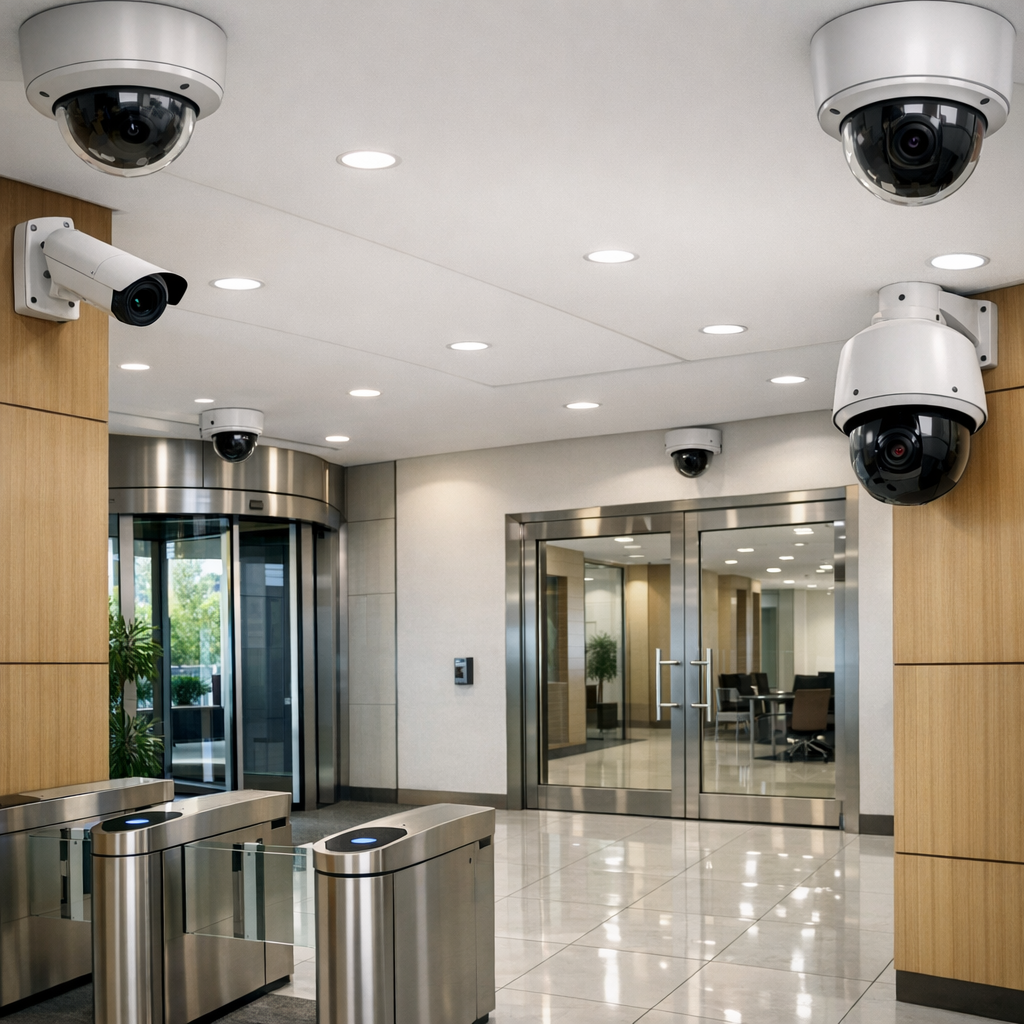
Separate entrance monitoring, equipment-room access and other genuine security needs. Specify the useful detail and event timeline required for each view. Avoid collecting unrelated activity simply because a camera can see it. Make a separate decision about audio and leave it disabled unless it is needed and appropriate.
Ask for a demonstration of user permissions
| Control | Demonstration to request |
|---|---|
| Separate accounts | Create individual users instead of sharing one administrator login. |
| Viewing restrictions | Show that a limited user sees only the assigned cameras or functions. |
| Export permissions | Confirm who may download clips and how that action is recorded. |
| Access logs | Locate available logs and check what events they actually capture. |
| Account removal | Revoke a test user's access and confirm the change takes effect. |
Feature names vary. Require the workflow you need to be shown on the proposed system, including any app or cloud subscription that affects it.
Test an export before purchasing
Select a short event, locate it by time and export it with an authorised account. Play it on a separate computer using the intended software. Check timestamp display, timezone, file format and whether a proprietary player is needed. Confirm how an original export is kept separate from any edited or redacted copy.
Check privacy controls and notice planning
Test any privacy masking on both live and saved video; do not assume the mask applies everywhere. Document the purpose, relevant information for people affected and the responsibility for reviewing the setup. For EU deployments, the EDPB video surveillance action plan provides an official starting point for purpose, necessity, transparency and retention. Check applicable national and workplace requirements as well; purchasing a feature does not certify compliance.
Demonstrate recording and deletion behaviour
Ask what continues if the internet fails, how recording health is monitored and what happens when storage fills. Test the available retention settings and identify whether local, cloud and exported copies are managed separately. Decide the retention rationale through policy, then configure the system to support it. Our CCTV retention policy guide covers that separate decision.
Write the acceptance record
Keep the agreed camera views, demonstrated permissions, export steps, recording destination and responsible owner in the handover notes. Record any functions that depend on an additional licence or subscription. Repeat key tests after a system change and review user access when staff roles change.