PoE vs WiFi IP Cameras: Which Should You Choose?
PoE vs WiFi IP Cameras: compare PoE and WiFi IP cameras for power, reliability, installation and remote viewing, with practical setup examples and a buying checklist.
PoE vs WiFi IP Cameras: Key Considerations
PoE and WiFi IP cameras can offer similar video quality, remote viewing and recording features, but the way they connect makes a major difference to reliability and installation. A PoE camera uses an Ethernet cable for network data and, with compatible equipment, power. A WiFi security camera sends data wirelessly but usually still needs a power cable.

PoE vs WiFi IP camera: quick comparison
| Feature | PoE camera | WiFi camera |
|---|---|---|
| Network | Wired Ethernet | Wireless WiFi |
| Power | Power and data can share one Ethernet cable | Usually requires separate power |
| Connection stability | Very stable for fixed installations | Depends on WiFi signal and interference |
| Installation | Requires Ethernet cabling | Easier where network cable is difficult to run |
| Best suited for | Permanent CCTV and video surveillance systems | Homes, apartments and flexible installations |
What is a PoE security camera?
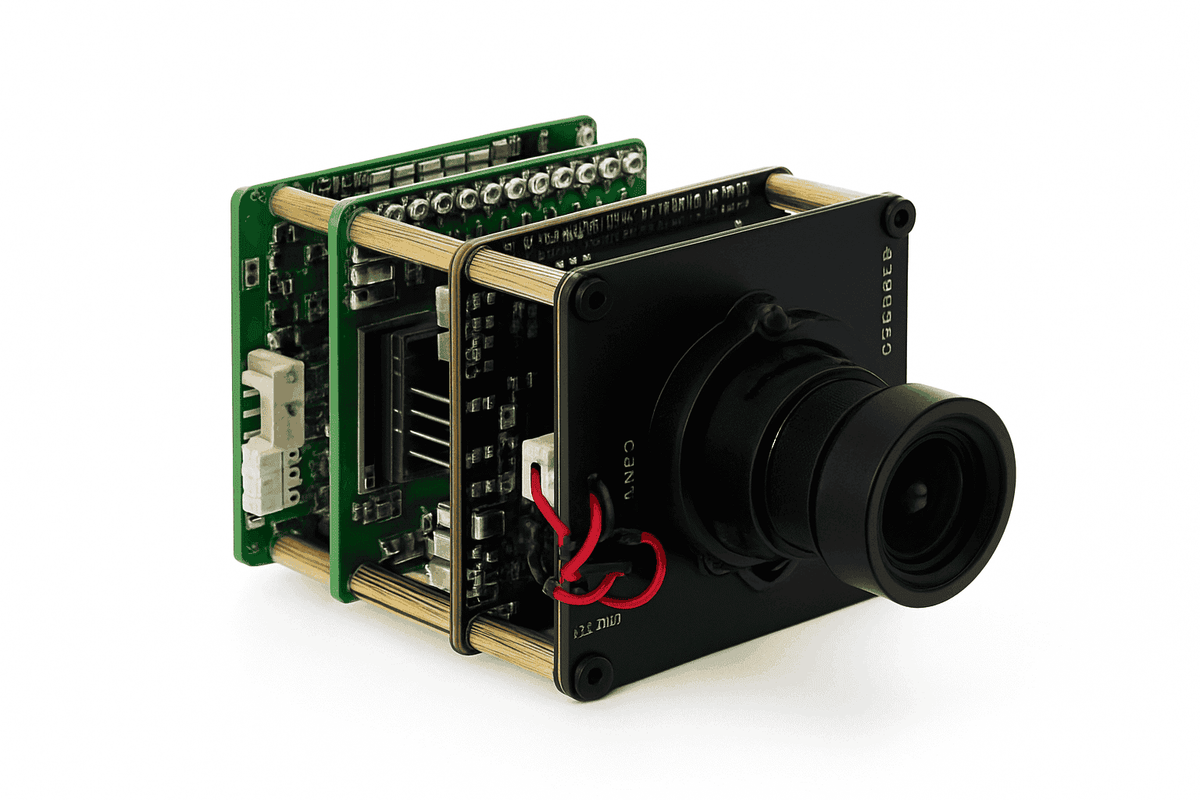
A PoE IP camera connects to a compatible PoE switch, injector or NVR through Ethernet. Power over Ethernet can carry both network data and electrical power over the same cable, reducing the number of cables required at the camera location.
For multi-camera video surveillance systems, wired PoE is popular because each camera has a predictable physical network connection. It also avoids many of the range and interference problems that can affect wireless cameras.
What is a WiFi security camera?
A WiFi IP camera sends video through a wireless network. This can simplify installation when Ethernet cabling is unavailable, especially in apartments, offices or finished buildings. However, WiFi does not automatically mean completely wireless: most WiFi cameras still need a power adapter unless they are battery powered.
Which connection is more reliable?
For a permanent security camera installation, Ethernet is generally less affected by wireless congestion, walls and changing signal strength. WiFi performance depends on router placement, distance, building materials, competing networks and the number of connected devices.
A strong WiFi connection can work very well for one or several cameras. For larger CCTV systems or locations where uninterrupted connectivity is important, PoE is often easier to manage consistently.
Image quality: is PoE better than WiFi?
Connection type alone does not determine image quality. A 1080p, 2K, 5MP or 4K camera can use either connection. Sensor quality, lens, bitrate, compression and lighting are also important. The advantage of wired Ethernet is that it can provide a more predictable network path for high-bitrate video.
PoE vs WiFi for remote viewing
Both types can support remote viewing through a compatible app, NVR or browser. Remote access normally depends on the camera or recorder software and internet connection rather than on whether the local camera connection is PoE or WiFi.
What if there is no WiFi or Ethernet?
For locations without fixed internet, a 4G SIM camera can use a mobile LTE network. This is useful for remote properties, vehicles, construction sites and other locations where a conventional router is unavailable. Read our 4G Camera vs WiFi Camera guide.
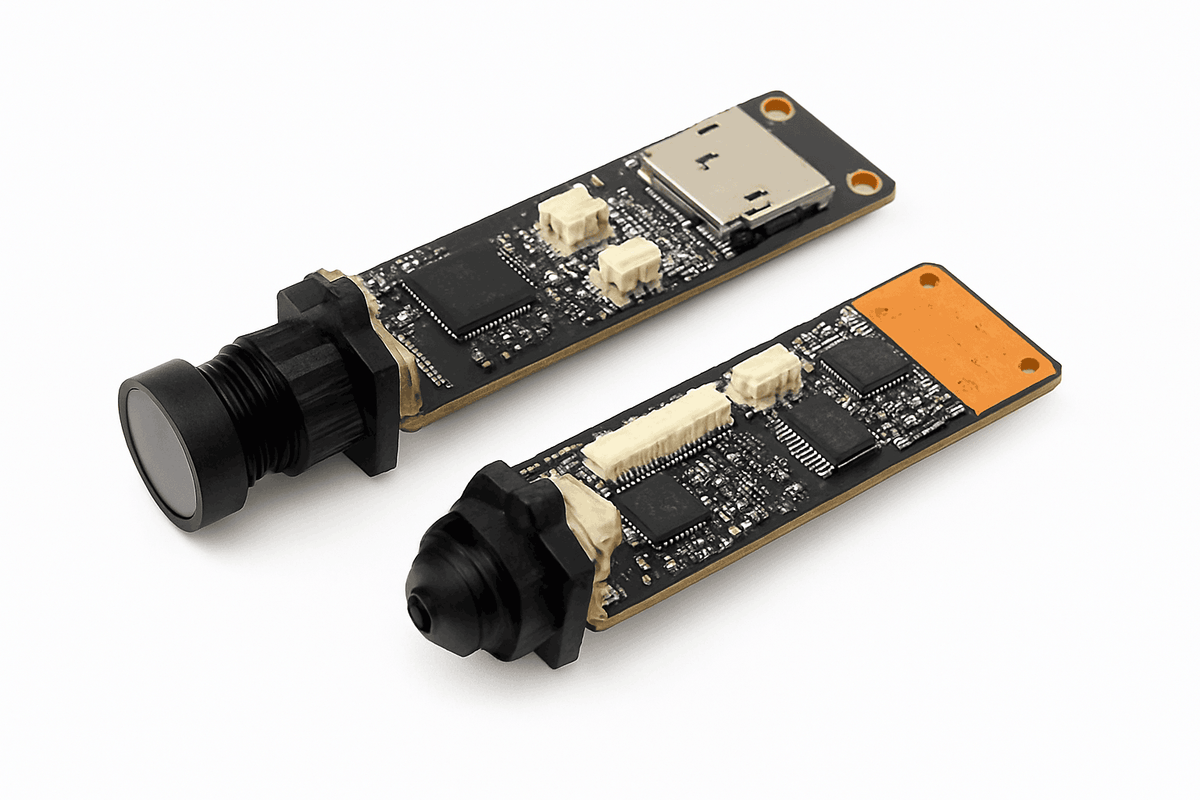
For custom installations, see the 4G SIM Card IP Network WiFi 4K 8MP Camera Module.

Which should you choose?
Choose PoE when you can run Ethernet and want a stable, permanent installation. Choose WiFi when easier placement matters and a strong wireless network is already available. Before buying, compare resolution, night vision, storage, ONVIF or NVR compatibility, audio, app support and power requirements as well as the network connection.
Practical installation examples
A fixed multi-camera shop installation: If you can run Ethernet to each camera, plan compatible PoE cameras, a PoE switch or NVR, suitable cables and enough power capacity for the chosen devices. Check camera-to-recorder compatibility and storage requirements before buying.
A room where Ethernet is difficult to route: A WiFi camera may be easier to position if it has a reliable signal and a suitable power source. Test live viewing and recording at the intended position before mounting it permanently.
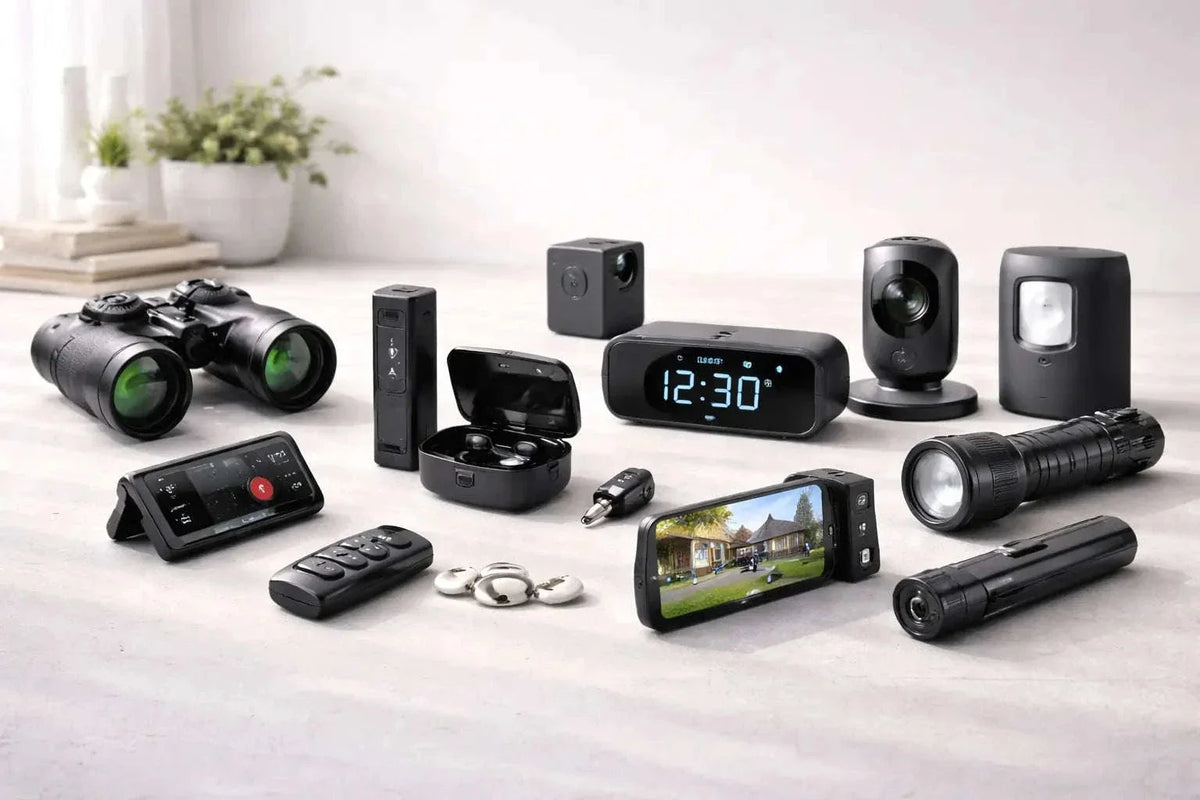
A compact WiFi option: The HD WiFi Mini Camera listing describes 1080P recording, live WiFi viewing and recording while charging. Check the selected variant and app requirements. For smaller devices, read our mini camera buying guide.
Frequently asked questions
Is PoE faster than WiFi?
Actual performance depends on the equipment and network. Wired Ethernet is generally less exposed to wireless interference and variable signal strength.
Does a WiFi camera work without internet?
Some models can record locally or communicate on a local network without internet, but remote viewing and cloud-based features usually require internet access. Check the specific camera functions before purchase.
Do PoE cameras need an NVR?
Not always. Depending on the model, an IP camera may record to a microSD card, compatible software or network storage. An NVR is useful for centrally managing and recording multiple cameras.
Related guide
For related background, read our Video Surveillance: Home and Business Security Guide.