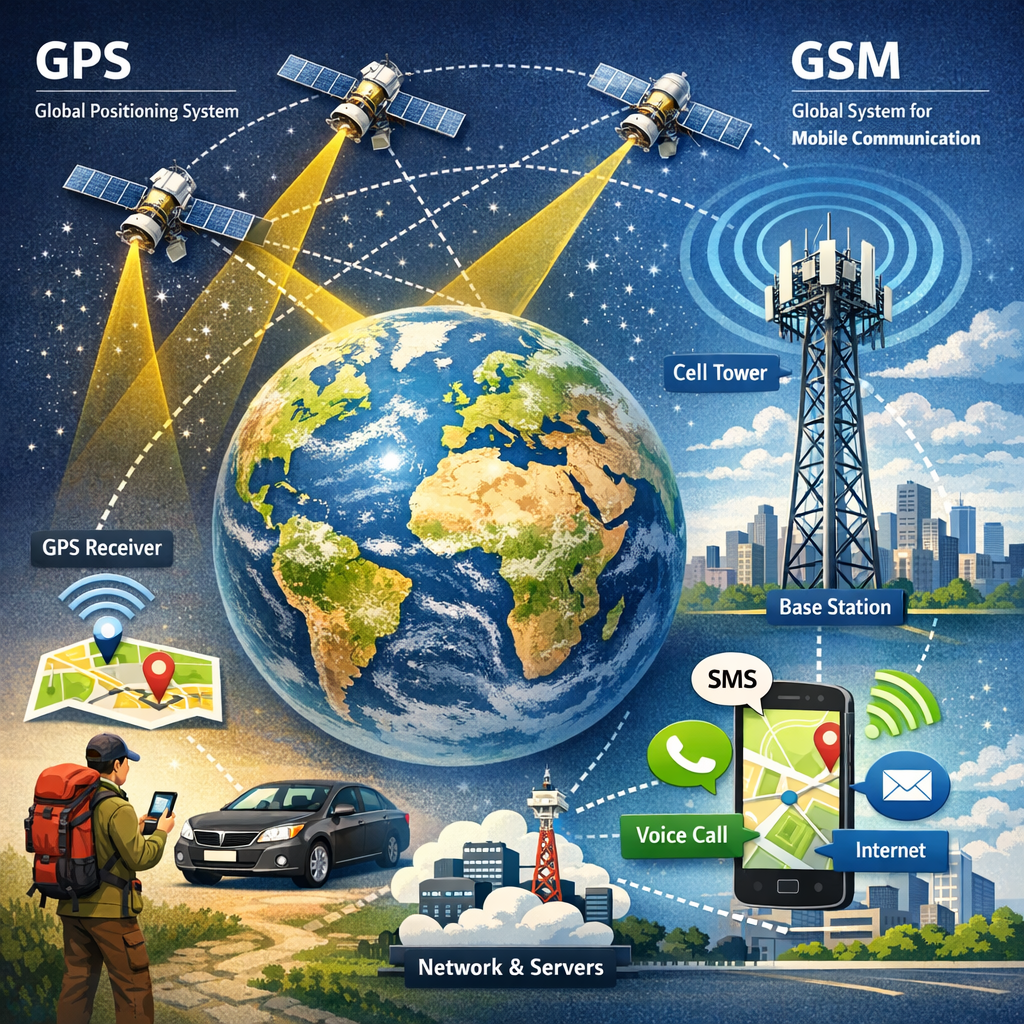
Article: 4G Camera vs WiFi Camera – Which One Do You Need?
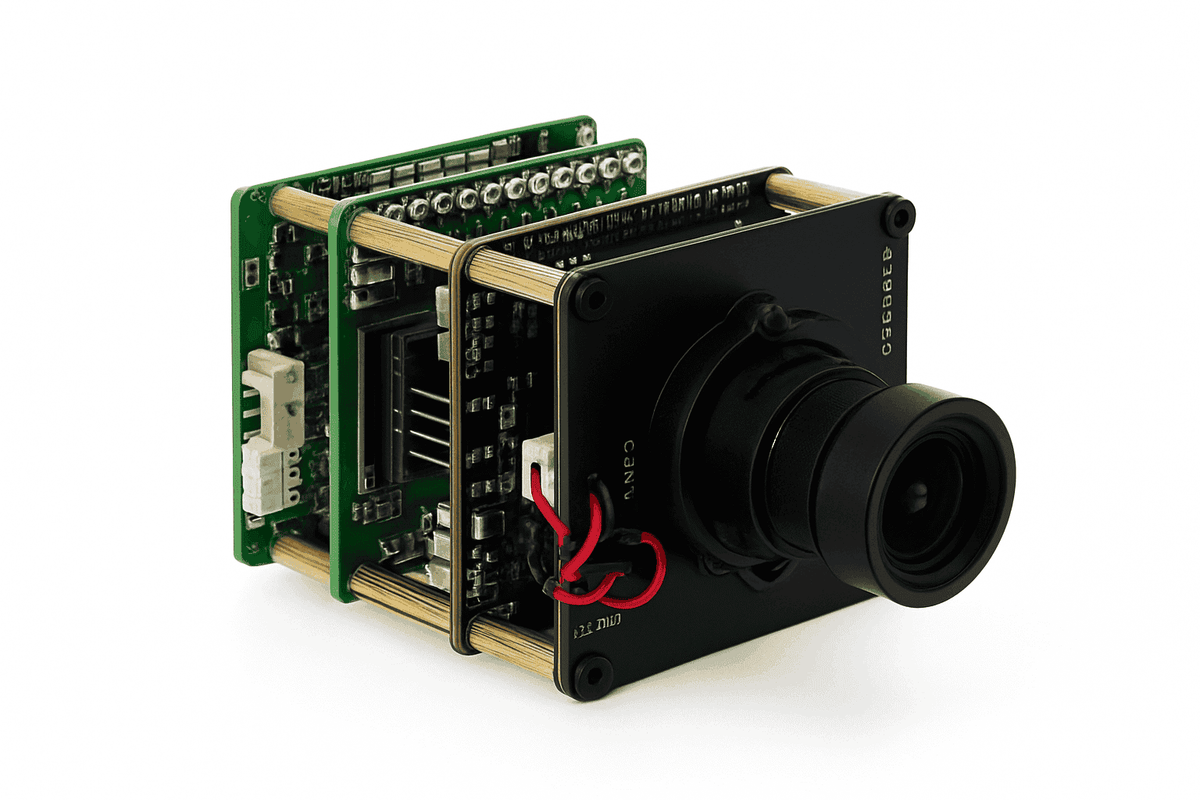
4G Camera vs WiFi Camera – Which One Do You Need?
Choosing between a 4G camera and a WiFi camera mainly comes down to one question: is reliable WiFi available where you want to install the camera? Both types can provide remote viewing, motion alerts, recording and high-resolution video, but they connect to the internet in different ways.

This guide explains the practical differences so you can choose the right connection for a home, vehicle, construction site, holiday property, warehouse or DIY camera project.
4G Camera vs WiFi Camera: Quick Comparison
| Feature | 4G Camera | WiFi Camera |
|---|---|---|
| Internet connection | Mobile 4G/LTE network | WiFi router or access point |
| SIM card | Usually required | Not required |
| Best location | Places without fixed internet | Homes and buildings with reliable WiFi |
| Ongoing data cost | Usually yes | Normally uses existing internet plan |
| Installation flexibility | High where mobile coverage exists | Limited by WiFi coverage |
| Remote viewing | Yes, model dependent | Yes, model dependent |
| Local recording | Often microSD/TF, model dependent | Often microSD/TF or NVR, model dependent |
What Is a 4G Camera?
A 4G camera connects to a mobile LTE network using a SIM card instead of depending on a local WiFi router. Once the camera has power, a compatible SIM and mobile coverage, supported models can send video and alerts through the cellular network to an app or remote viewing system.
This makes 4G cameras particularly useful in locations where broadband or WiFi is unavailable, unreliable or simply too far away.
When does a 4G camera make sense?
- Construction sites and temporary locations
- Garages, sheds and remote buildings
- Farms and rural properties
- Holiday properties without permanent internet
- Mobile and temporary monitoring projects
- DIY camera installations where a fixed network is unavailable
For projects that need cellular connectivity, see our DIY 5MP 4G SIM LTE IP Camera Module or the 4G SIM IP Camera Module with 5MP Pinhole Lens.
What Is a WiFi Camera?
A WiFi camera connects to a nearby wireless network. In a home or office with stable broadband and good WiFi coverage, this is usually the simplest option because no separate mobile data plan is required.
WiFi cameras are well suited to fixed indoor installations and other locations where the router provides a strong, stable signal. The exact frequency support varies by model, so always check whether a camera requires 2.4 GHz WiFi, supports 5 GHz, or supports both.
When does a WiFi camera make sense?
- Homes and apartments with reliable WiFi
- Offices and shops
- Indoor DIY camera projects
- Locations close to an existing router or access point
- Installations where you want to avoid a separate SIM and mobile data plan
For compact projects, our DIY Mini WiFi IP Camera Module is an example of a WiFi-based camera module.
The Biggest Difference: How the Camera Gets Online
The camera sensor itself does not determine whether 4G or WiFi is better. The important difference is the network path.
WiFi camera: camera → WiFi router → internet → app or remote viewer.
4G camera: camera → mobile network → internet → app or remote viewer.
If the WiFi connection disappears, a WiFi-only camera can lose remote connectivity. A 4G camera does not need the local WiFi network, but it depends on compatible cellular coverage and an active data service.
Does a 4G Camera Need WiFi?
No, a true 4G/LTE camera does not normally need WiFi for its main internet connection. It uses the mobile network instead. Some models include both 4G and WiFi functions, so check the specifications of the exact model before installation.
Does a 4G Camera Need a SIM Card?
Usually, yes. The SIM provides access to the mobile network. Compatibility can depend on the camera version, supported frequency bands, network operator and country. Before buying, check that the camera's cellular version is suitable for the network where it will be used.
Which One Is More Reliable?
Neither connection type is automatically more reliable everywhere. A WiFi camera can be extremely stable when it is close to a good router and the internet connection is reliable. A 4G camera can be the better option at a remote location with strong mobile coverage but no fixed internet.
The best approach is to evaluate the signal available at the actual installation point. Thick walls, distance, interference and router placement can weaken WiFi. Terrain, building materials and network coverage can affect 4G.
What About Video Quality?
4G versus WiFi does not by itself determine image quality. Resolution, image sensor, lens, bitrate, compression and lighting performance matter more. Both connection types are available in cameras and modules with resolutions such as 1080p, 5MP and 8MP/4K.
For example, the 4G SIM Card IP Network WiFi 4K 8MP Camera Module includes variants using different network configurations, making it useful when comparing connectivity options within the same type of camera platform.
4G Camera Data Usage
A 4G camera uses mobile data when transmitting information over the cellular network. The amount depends on factors including resolution, bitrate, compression, how often you view live video, recording behavior and how frequently events are uploaded.
Continuous remote streaming can consume considerably more data than occasionally opening a live view or receiving event notifications. If mobile data cost matters, check the camera settings and your network plan before relying on continuous streaming.
Power Is a Separate Question
It is important not to confuse wireless networking with wireless power. A WiFi or 4G camera can still require a wired power supply. Some models use rechargeable batteries or solar power, while camera modules often require a dedicated DC power source.
Always check the power requirements separately from the network connection.
Can You Use 4G as a Backup for WiFi?
Some devices and networking modules support multiple connection methods. For specialist installations, a separate 4G networking module can provide mobile connectivity to compatible equipment. Our 4G Module with WiFi and LAN for IP Cameras and Devices is designed for projects requiring several networking options.
Which Camera Should You Choose?
Choose a WiFi camera when you have stable internet and good WiFi coverage at the installation point. It is generally straightforward for homes, offices and other fixed locations.
Choose a 4G camera when the location has mobile coverage but no dependable WiFi or wired internet. It is particularly useful for remote and temporary installations.
If both connections are available, compare the exact camera features rather than choosing solely by network type. Look at resolution, lens, night vision, recording method, app compatibility, ONVIF support, audio, power requirements and supported cellular bands.

Frequently Asked Questions
Can a 4G camera work without a router?
Yes. A true 4G camera can connect through a compatible mobile network and does not require a local internet router for its cellular connection.
Can a WiFi camera work without internet?
Some WiFi cameras can continue certain local functions without internet, such as local recording or communication on a local network, but remote viewing and cloud-dependent features generally require internet access. This varies by model.
Is 4G better than WiFi for a security camera?
It depends on the installation. 4G is useful where fixed internet is unavailable. WiFi is often more convenient where a stable existing network is already present.
Do 4G cameras have monthly fees?
The camera itself does not necessarily have a subscription, but cellular connectivity normally requires mobile data. App, cloud-storage or service fees depend on the specific product and provider.
Can I use a 4G camera in another country?
Potentially, but you must verify supported frequency bands, SIM compatibility and local mobile-network requirements for the exact camera version.
Final Takeaway
The simplest rule is this: use WiFi when reliable WiFi is already available; use 4G when you need internet connectivity where WiFi is not practical. Then compare the camera's actual specifications to make sure the model fits your installation.
Explore SpyShop's camera and networking products to find a setup that matches your required connection, resolution and installation type.