
Video surveillance blind spots for businesses and what they miss
Video surveillance is often treated as a solved problem, but overlooked blind spots in coverage, policy and technology create real legal, operational and safety risks for businesses. This article focuses on specific blind spots businesses forget to monitor, explains why they matter, compares common system types, and gives practical decision logic and buyer criteria for reducing exposure without overreaching on privacy.
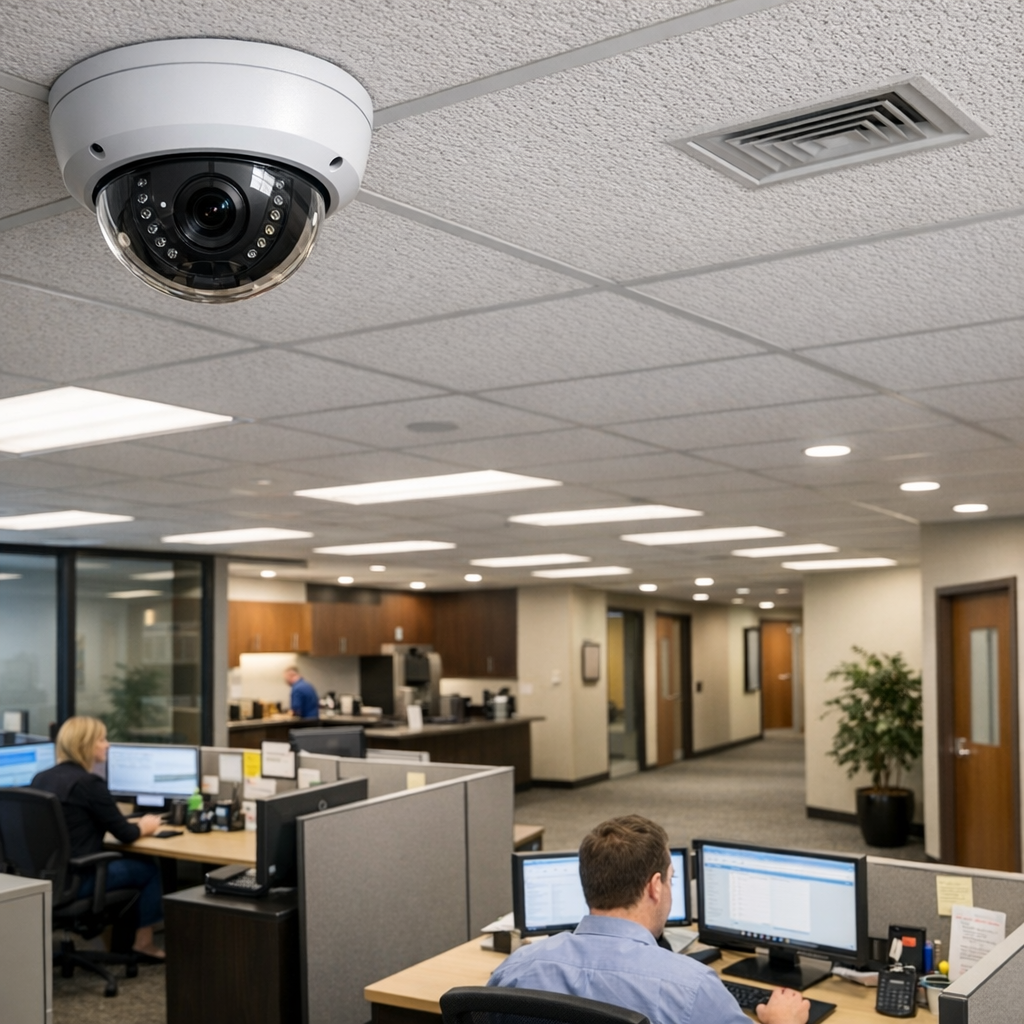
Why blind spots in video surveillance matter for business risk
Blind spots are not just gaps in camera fields of view; they are places where evidence cannot be captured, where compliance obligations can be violated, and where attackers or dishonest insiders exploit predictable weaknesses. A missing beam that allows repeated theft becomes a regulatory incident when stored footage cannot support an investigation or retention policies violate privacy laws. Operationally, gaps erode trust in monitoring practices and increase insurance exposure. For recommended baseline practices and system fundamentals, many teams consult broader references on site-wide monitoring Read the complete Video Surveillance guide when drafting their survey plans.
Common physical blind spots in video surveillance and how they form
Physical blind spots often stem from placement errors, environmental changes, and predictable occlusions:
- Near-ceiling corners and eaves: Cameras mounted too high or without adequate tilt miss areas directly beneath them or along walls where incidents start.
- Z-axis gaps: Overlooking vertical coverage in multi-level lobbies, mezzanines, or shelving aisles leads to unmonitored spaces despite many nearby cameras.
- glare and reflective surfaces: Windows, polished floors, and metal racks create intermittent blindness when sunlight or fixtures produce glare at certain times.
- Temporary occlusions: Displays, seasonal signage, or stacked pallets block views, and those changes are rarely re-assessed after initial installation.
In retail and warehouses these issues are common: a camera covering an aisle end can be blocked by a new promotional stand; in offices, plants and furniture rearrangement create new blind zones. Regular physical audits mapped against activity patterns are essential to catch these dynamic failures.
Technical blind spots in video surveillance systems
Technical blind spots arise from camera choice, network design, and software configuration rather than pure geometry. Examples include:
- Compression and frame rate gaps: Cameras configured for low bitrate or low FPS miss fast-moving events or make identification unreliable.
- Network congestion and packet loss: Poorly segmented networks or overloaded switches cause intermittent drops in streams—gaps that may not trigger alerts.
- Storage retention policies and overwrite windows: Short retention cycles can erase footage before an incident is discovered; retention settings that differ across devices create inconsistent evidence availability.
- Blind trust in analytics: Relying solely on motion detection or analytics for recording can miss events that don't match preset signatures (for example, slow tampering or staged incidents).
When evaluating CCTV systems and modern IP camera deployments, verify real-world bandwidth and retention under peak conditions and validate analytics with intentional test scenarios to reveal these gaps.
Human and process blind spots affecting business surveillance
People and policies are sources of persistent blind spots:
- Monitoring assumptions: Assuming live monitoring exists when a system is record-only leaves response gaps.
- Access control and audit trails: Weak administrator practices or shared credentials undermine chain-of-custody for footage.
- Notification and escalation failures: Alerts routed to unread inboxes or to a single individual create single points of failure.
- Training gaps: Operators not trained on evidentiary standards can mishandle footage, reducing its utility in incidents or insurance claims.
For small businesses or sites where a single manager oversees security, these human factors are often the largest ongoing blind spot.
Comparison: cctv systems vs IP video surveillance and their distinct blind spots
Legacy CCTV and modern IP video both capture imagery but differ in blind spot profiles:
- CCTV systems (analog): Typically simpler networks with local recording. Advantages include predictable bandwidth and limited external attack surface. Common blind spots: fixed analog lenses with limited remote adjustment, and single-point DVR failures that erase long windows of footage.
- IP video surveillance: Offers remote management, higher resolution, and analytics. Common blind spots: network misconfiguration, firmware vulnerabilities, and cloud dependencies that introduce availability gaps if internet connectivity fails.
Choosing between them is a trade: CCTV systems reduce software attack vectors but can be brittle operationally; IP systems improve flexibility but require robust IT controls. Buyer decisions should weigh these differences against the business's IT maturity and regulatory profile. When selecting devices, consult product listings and categories to compare camera types and form factors Browse Video Surveillance tailored to your environment.
Practical examples and common mistakes
Example scenarios illustrate recurring mistakes and correct actions:
- Retail theft near a register: Cameras angled above cash registers record faces but not the operator’s hands or the countertop area. Fix: add low-angle coverage and set higher frame rates for point-of-sale zones.
- Warehouse pallet tampering: High-mounted cameras miss the lower shelf rows. Fix: combine wide-angle overhead cameras with strategically placed box cameras at aisle height and enable scheduled quality audits.
- Office sensitive areas: Directors install cameras into meeting rooms for security but fail to post notice or limit retention, risking privacy complaints. Fix: implement policy with minimized pixelation for private zones and clear signage.
Common mistakes include assuming a single high-resolution camera covers multiple behavioral vectors, ignoring the impact of lighting changes, and not validating analytics against local environmental conditions. A short testing checklist—walk the space during different lighting, simulate incidents, and verify retention—prevents these errors.
Buyer guide: evaluation criteria and selection logic
When choosing or upgrading a business surveillance solution, evaluate these criteria in order:
- Coverage needs mapping: Start by mapping critical assets, ingress/egress points, and high-risk activity windows. Prioritize continuous recording where evidence value is highest.
- Image quality vs bandwidth: Select resolution and compression that preserve identification needs while keeping storage practical.
- Reliability and redundancy: Prefer systems with redundant recording (edge + central storage) and clear failover behaviors.
- Access control and auditability: Ensure role-based access, immutable logs, and export controls for evidentiary integrity.
- Analytics and false positive management: Choose analytics that are tunable and validated in situ; require manual review thresholds for high-stakes alerts.
- Privacy controls: Look for privacy masking, configurable retention, and easy audit exports to support compliance.
Follow a procurement process that includes proof-of-concept testing, and document decision logic around where you accept partial coverage and why.
Legal and ethical considerations (high-level US and EU)
Legal obligations differ by jurisdiction but converge on core principles: necessity, proportionality, transparency, and data security. In the EU, GDPR principles require a lawful basis for processing recorded personal data, data minimization, and documentation of retention policies. In the US, sectoral laws and state regulations govern consent and notice; employee monitoring often requires specific disclosures. Ethically, businesses should avoid indiscriminate monitoring of private spaces, implement privacy masking where appropriate, and maintain clear retention schedules. These are high-level considerations and not legal advice; consult counsel for case-specific decisions. For policy templates and compliance checklists, teams often cross-reference broader guidance on site design and monitoring best practices Discreet solutions.
Frequently Asked Questions
Q: How often should I audit camera coverage to find blind spots? Annual audits are a minimum; high-change environments (retail layouts, warehouses) should be audited quarterly or after any layout change.
Q: Can motion-only recording create blind spots? Yes. Motion-only recording can miss slow tampering or events below the motion threshold; consider continuous recording in high-value zones.
Q: Are high-resolution cameras always better for eliminating blind spots? Not always. Higher resolution helps identification but does not solve poor placement, lighting, or occlusion; quality of placement and analytics tuning are equally important.
Q: What is the safest way to balance employee privacy with surveillance? Limit camera placement to public or operational areas, use masking for private spaces, minimize retention, and document policies transparently.
Q: How should small businesses prioritize limited budgets to reduce blind spots? Focus spending on critical entry points, high-risk asset zones, redundancy for recording, and basic IT segmentation to protect camera networks.
Closing: practical next steps
Reducing blind spots requires combining physical audits, technical validation, and policy controls. Start with a risk map, run simple test incidents, and document a prioritized remediation plan that balances legal obligations and operational needs. Regular reviews—triggered by layout changes, incident learnings, or staff turnover—keep coverage aligned with evolving risks. Thoughtful selection between cctv systems and IP deployments, paired with clear retention and access policies, reduces exposure while preserving legitimate surveillance value for safety and investigation.