Mini Camera Offline Tests: WiFi Loss and Local Recording
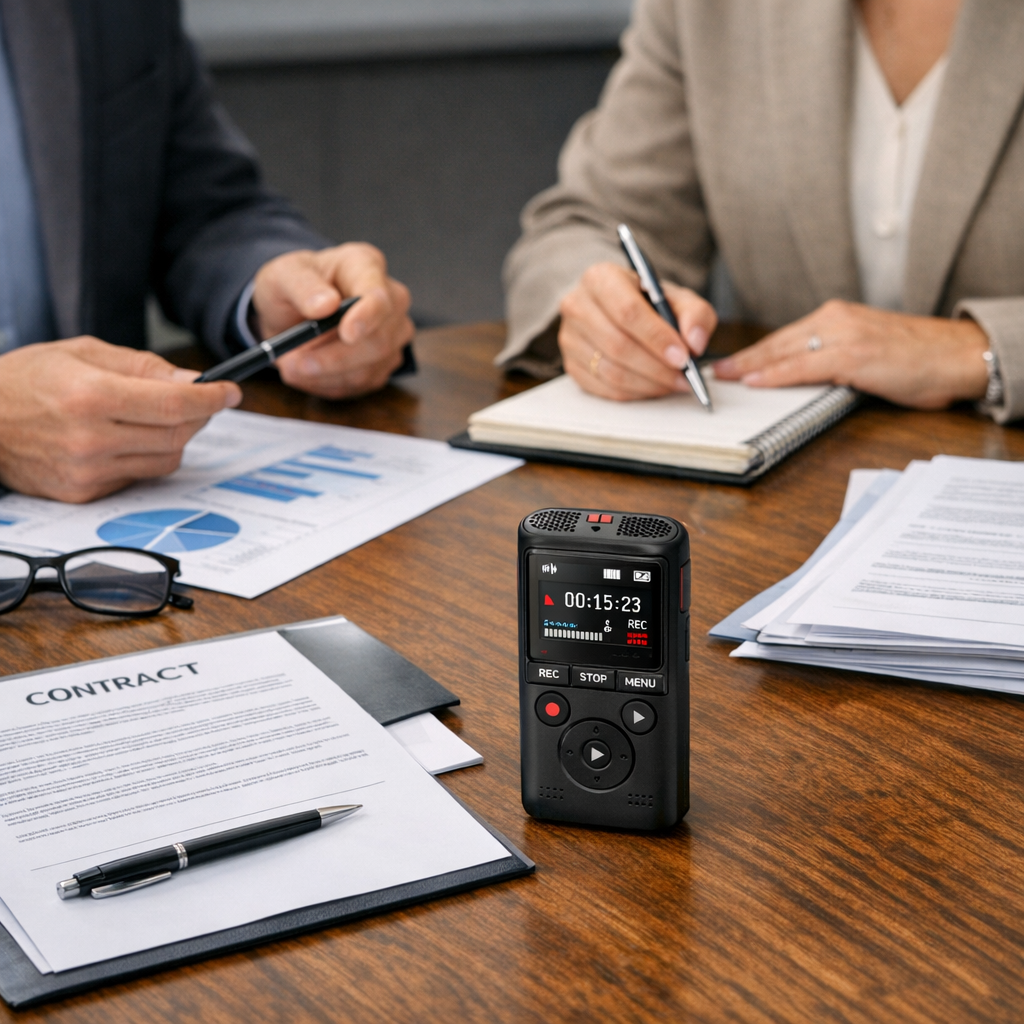
WiFi and local recording are not opposites. A camera can use WiFi for viewing while saving footage to a card, or it may depend on online services for important functions. Test the exact workflow before relying on recording during a connection failure.
Separate three kinds of connection
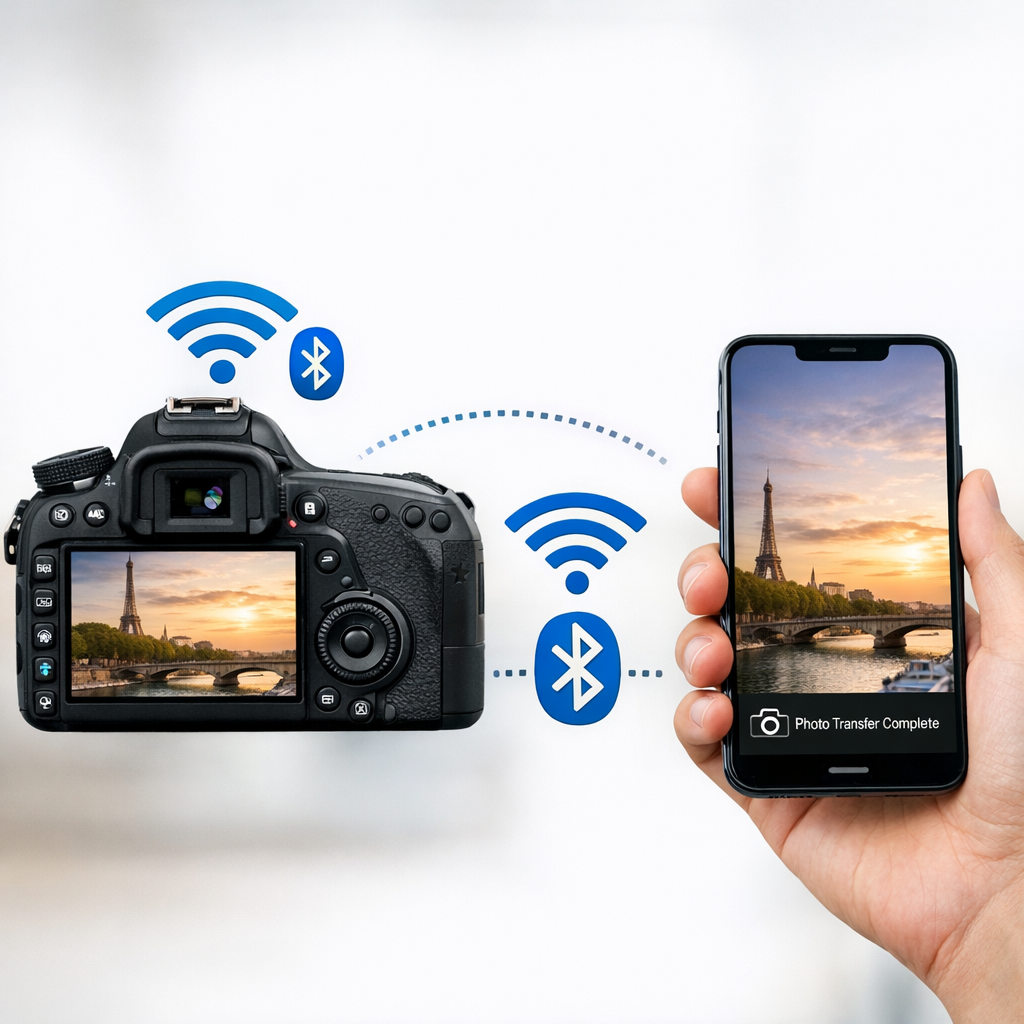
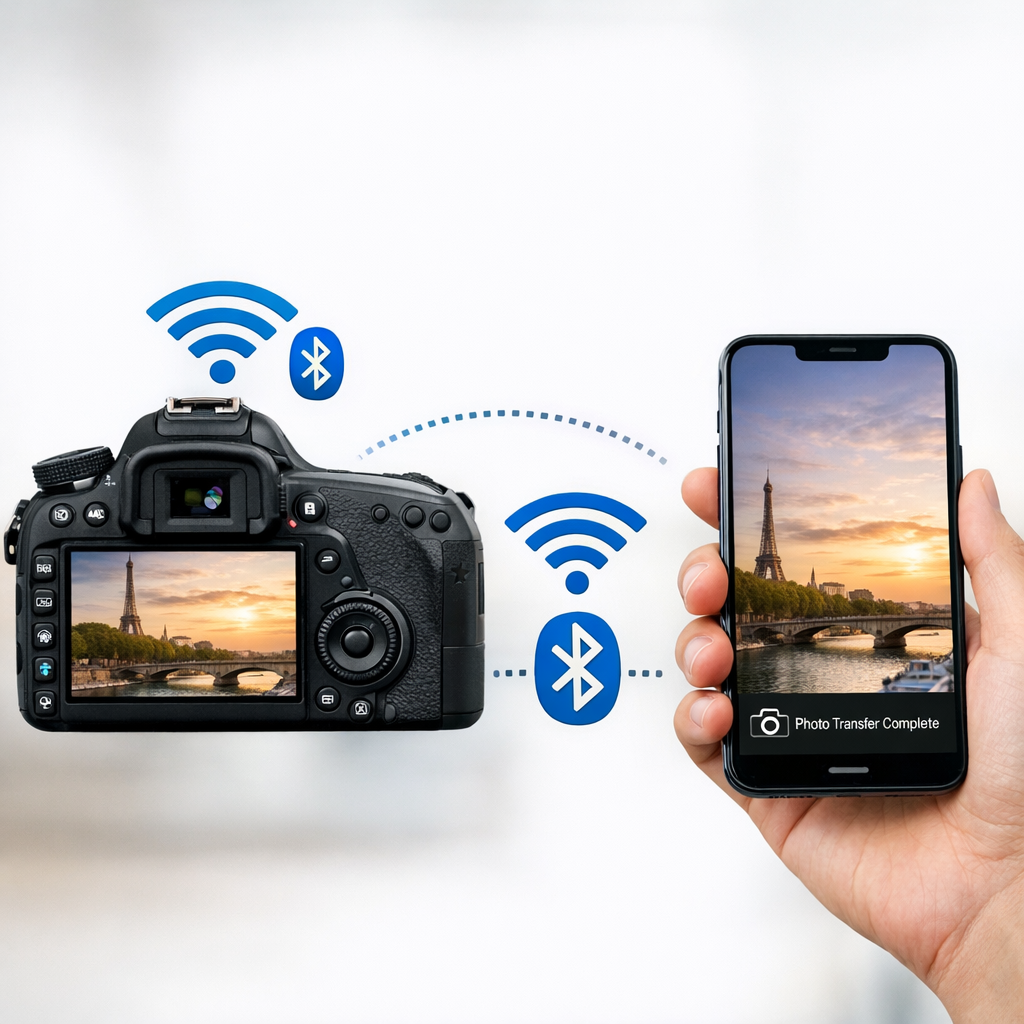
- Local wireless link: the camera's connection to a router or access point.
- Internet access: the local network's route to online services.
- Account or cloud service: the system used for sign-in, notifications or stored clips.
Losing internet is different from turning off the router. A local network can remain available during an internet outage, but the camera and app must support the functions you need.
Establish a working baseline
Prepare supported storage, record a test event and retrieve the saved file. Confirm timestamps and overwrite settings. Note whether playback uses a direct card reader, local app connection or online account. Keep the test authorised and separate from recordings you must preserve.
Run a controlled internet-outage test
Leave the local network running while safely interrupting its internet connection. Record another agreed event. Check live viewing, notifications and local recording separately; one may fail while another continues. Restore the connection and verify the actual saved files rather than assuming a later app thumbnail proves continuous capture.
Test local wireless loss separately
If appropriate for the device, interrupt the camera's WiFi link and repeat the event test. Verify whether it records locally, how it reports the loss and whether it reconnects automatically. Do not confuse a power interruption with a network interruption.
Check playback and restart behaviour
A file stored on a card is useful only if you can retrieve and play it. Test the intended offline retrieval method and any software requirement. Perform a planned restart and confirm the recording mode resumes as expected. Keep account recovery details secure and avoid depending on one person's phone for all access.
Record which functions worked in each condition and choose the setup around those results. For format selection use the mini camera buying guide; for session duration use the power and storage checklist.