


Adjustable Desktop Tablet Stand for Streaming and Recipes
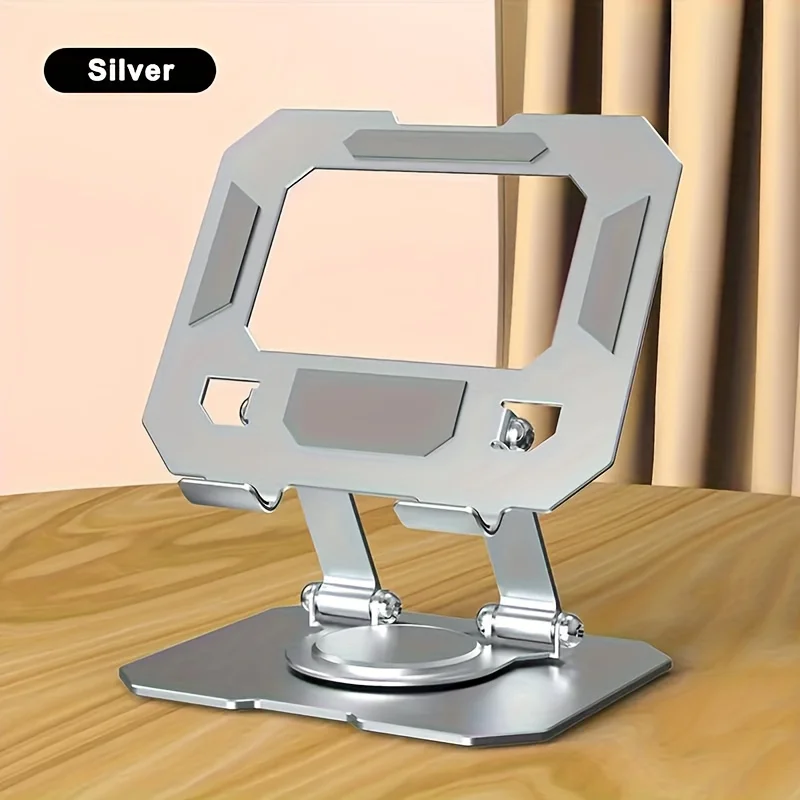
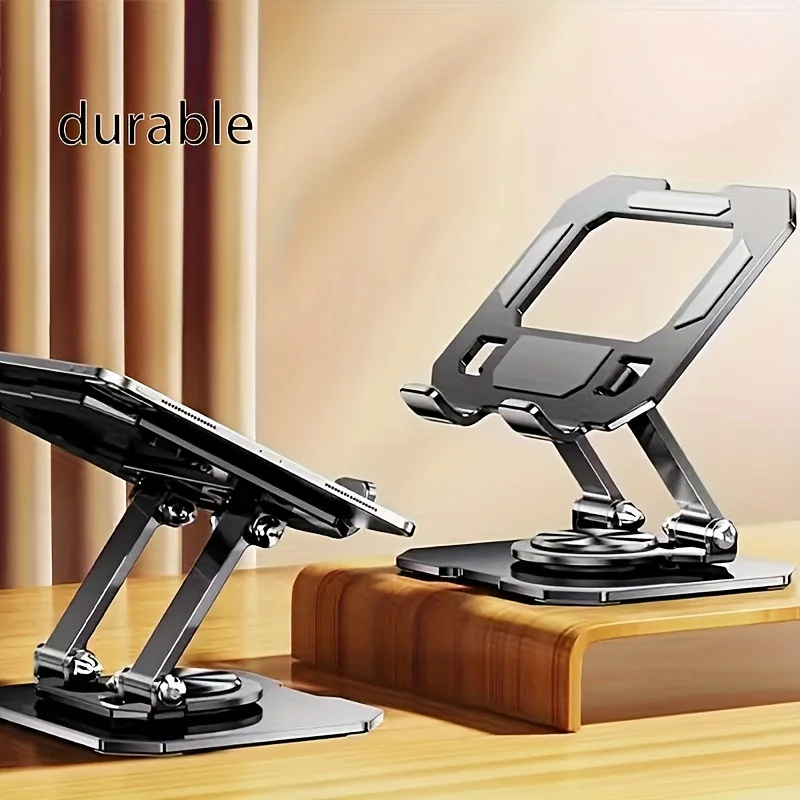
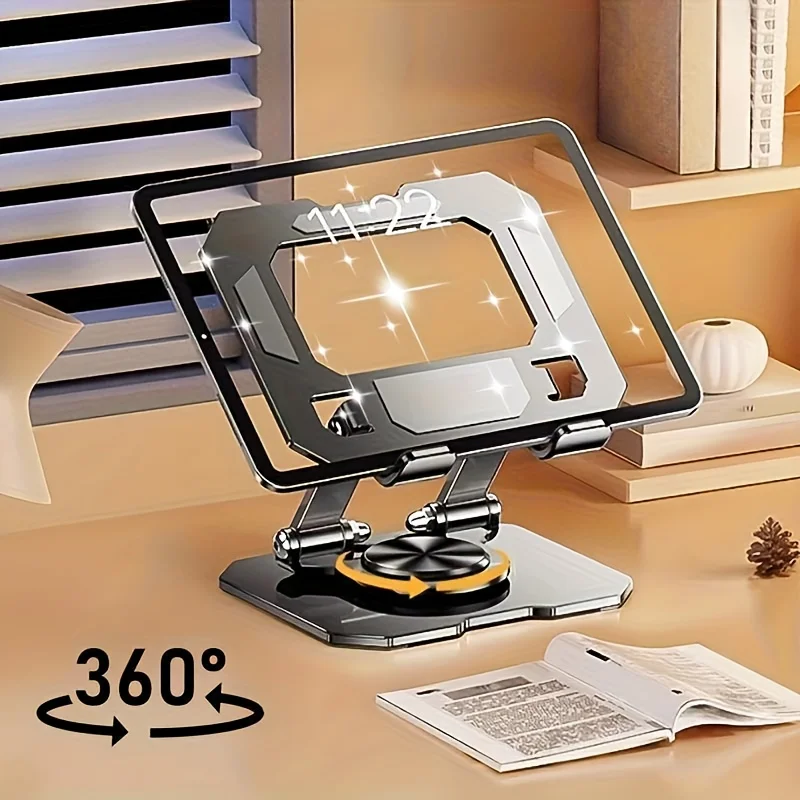
A tablet propped against a mug slips at the wrong moment. This desktop stand holds the screen upright at an adjustable angle, leaving both hands free for a live stream, a video call or a recipe. It suits streamers, home cooks and anyone who reads from a screen at a desk.
Hold the screen up and keep both hands free
✅ Hands free for the whole frame The stand holds the tablet upright on its own, so you can gesture, cook or write while the screen stays in view.
✅ Live streams without a tripod Set it on a desk for a stream or a call, adjust the angle once and leave it there for the session.
✅ A reading spot in the kitchen Stand it beside the mixing bowl and the recipe stays at eye level instead of flat on the worktop.
✅ Less looking down With the tablet upright rather than lying flat, you look straight ahead at the screen instead of down at the desk.
✅ Two versions to pick between It is offered in two options, so check the selector before ordering to get the version you want.
In a streaming setup, place the stand towards the back of the desk and tilt the screen slightly up, so the tablet camera faces you rather than the ceiling. Once the angle is right, the position stays put for the rest of the session.
The stand is a holder and nothing more: it does not charge the tablet, connect to it or control it. If you need power during a long stream, run the charging cable to the tablet as you normally would.
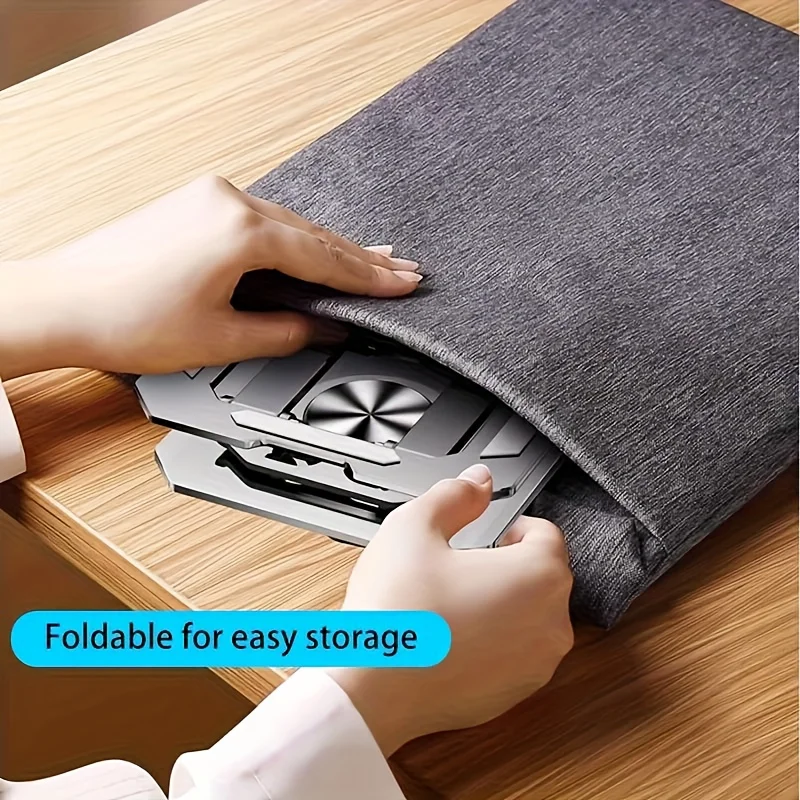
A folding case props a tablet at a shallow angle and travels with it; a desktop stand stays where you put it and keeps the screen steady while you tap or type. The two are not exclusive, and many people use both.
Because the stand is upright, it also frees the space in front of the screen for a keyboard, a bowl or a notebook, which is the practical difference at a small desk.
Technical details
- Device: Tablet
- Placement: Desktop or tabletop
- Orientation: Vertical, screen upright
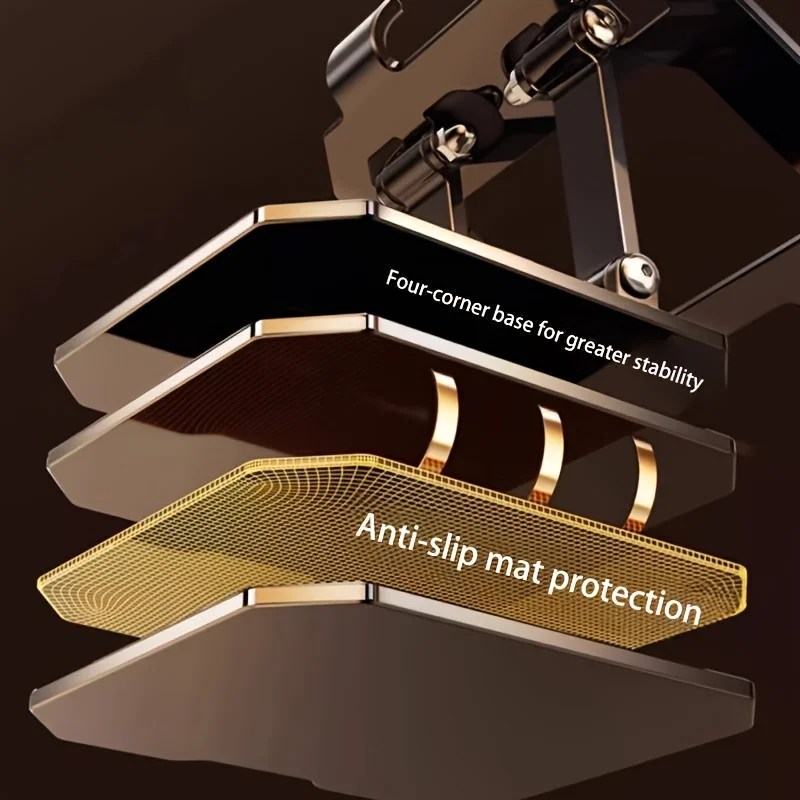
- Adjustment: Adjustable angle
- Typical uses: Live streaming, video calls, recipe reading
- Options: Two variants; check the selector for the exact one


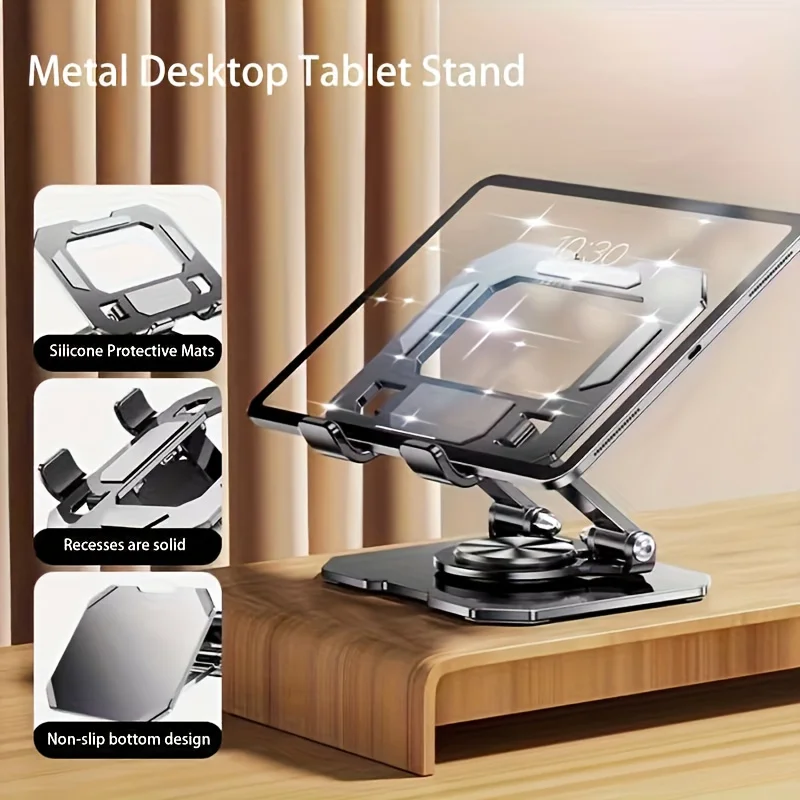

Choose the option that fits your desk, then set the tablet at the angle you read from.
Scegli le opzioni