
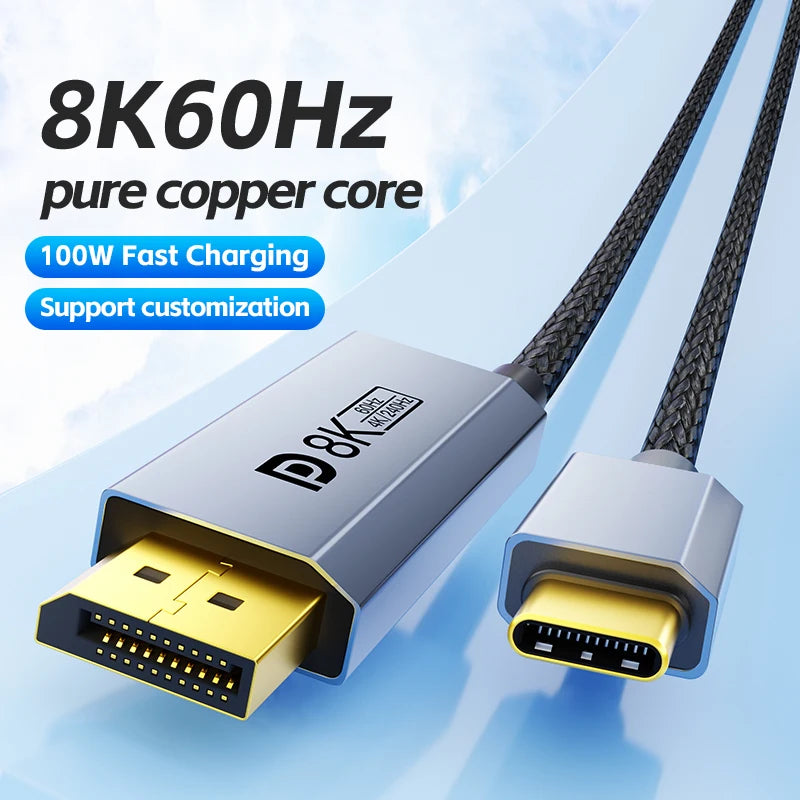


USB-C and DisplayPort Video Cable, Multiple Versions
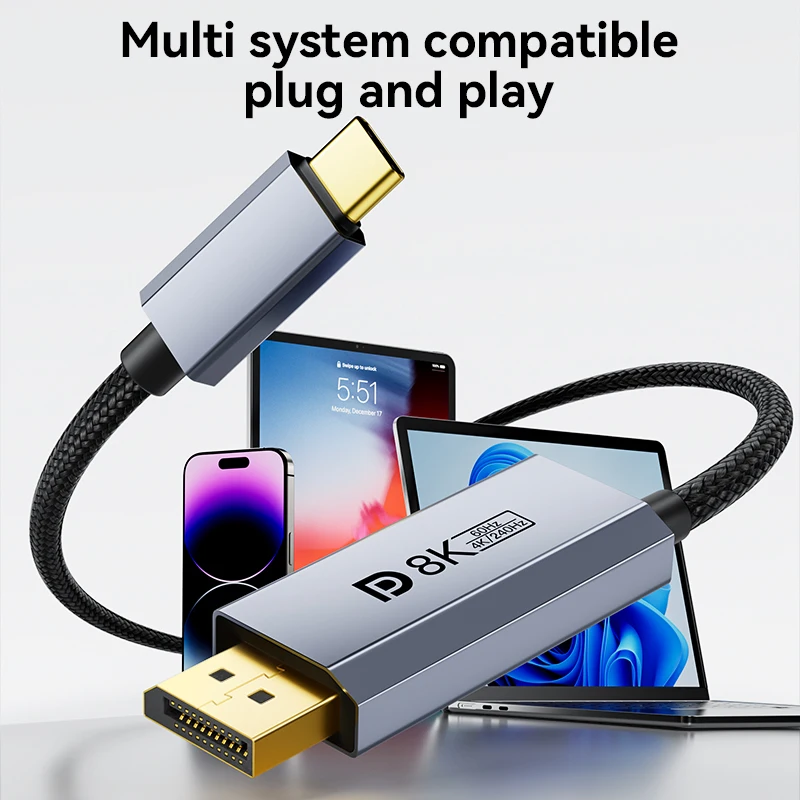
Connect a compatible USB-C video source and DisplayPort display with the cable version your setup requires. Several lengths and direction-labelled options help match the route between devices.
✅ Bring video to a separate display - A supported connection expands the available viewing area.
✅ Choose a suitable cable length - Short and longer versions suit different desk layouts.
✅ Match the signal direction - Unidirectional and bidirectional-labelled selections distinguish different connection requirements.
Verify the Ports and Direction Together
For USB-C video output, the source port must support the required display mode. A USB-C socket used only for charging or data will not provide the necessary video signal.
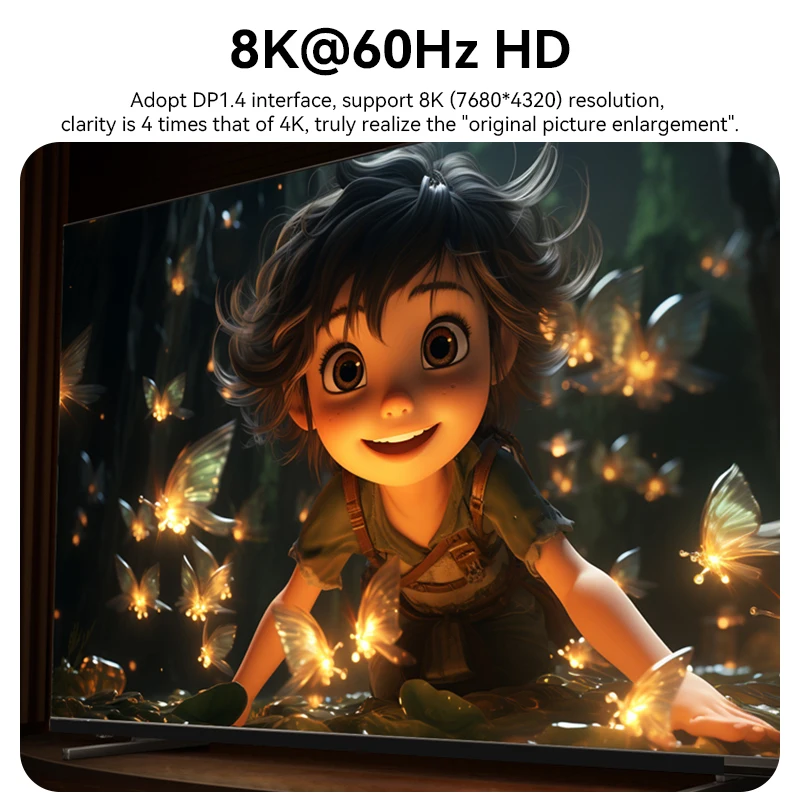
Choose the exact cable version for the source, display and intended resolution. Maximum modes depend on the complete device chain; charging or reverse-direction support applies only where the selected version explicitly provides it.
Technical details
- USB-C / DisplayPort cable family
- Multiple lengths and version selections
- Direction depends on selection
- Compatible video-capable USB-C port required
- Display and source capabilities determine output
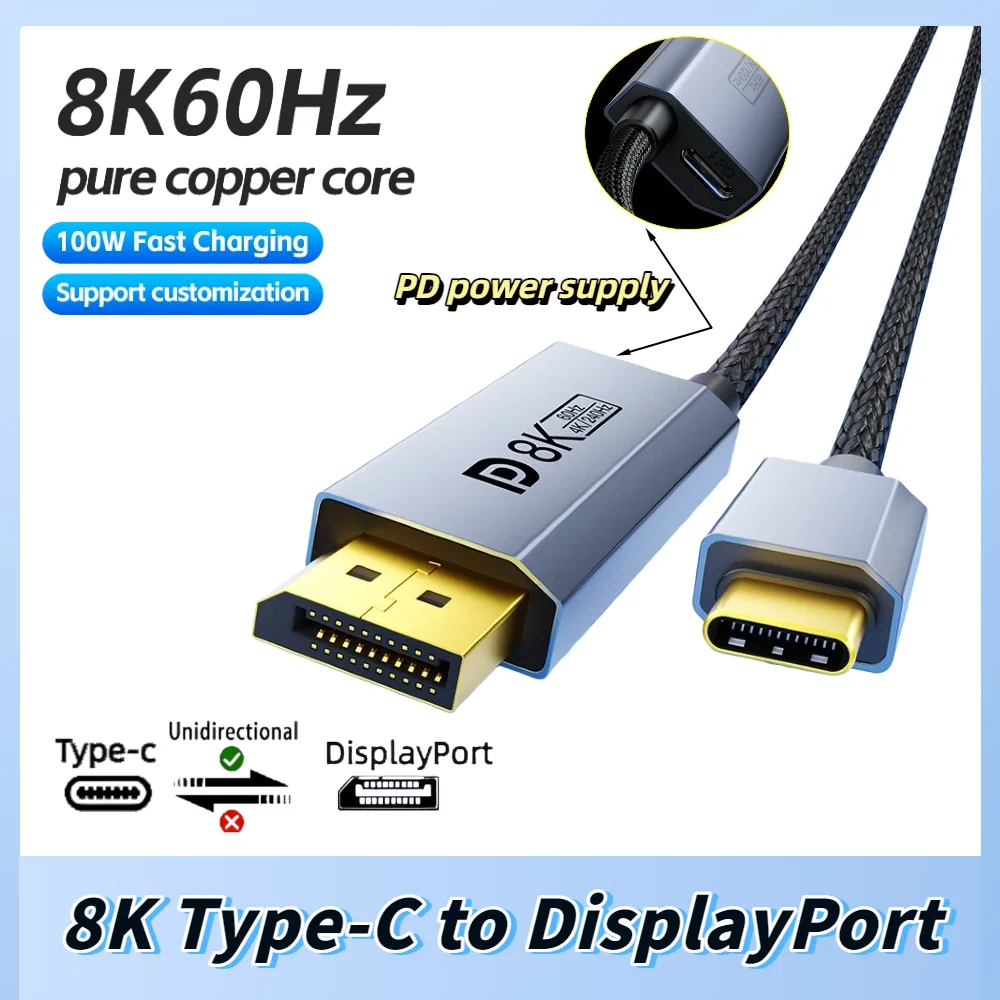
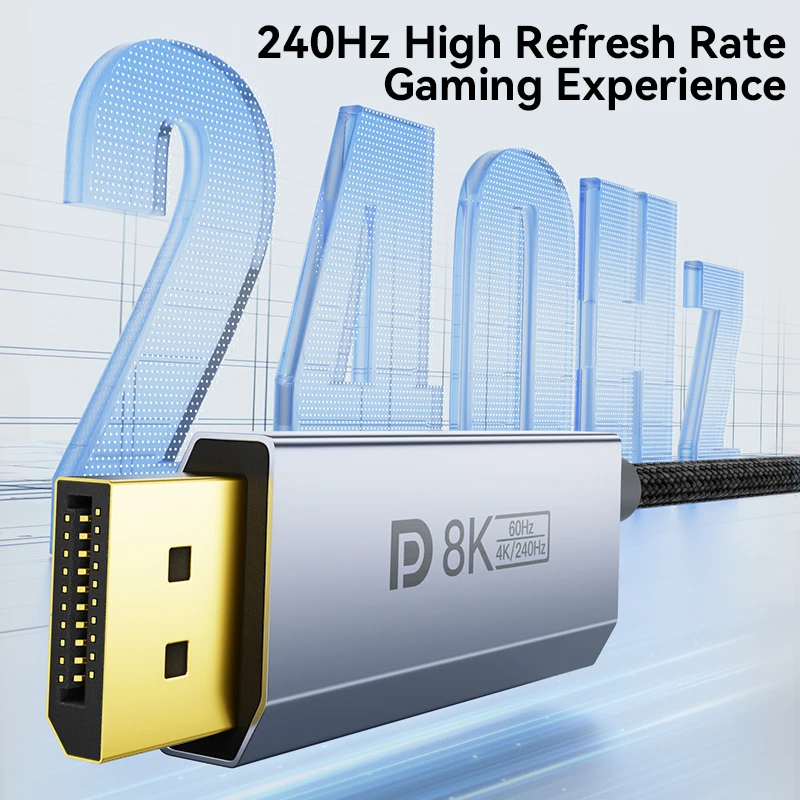
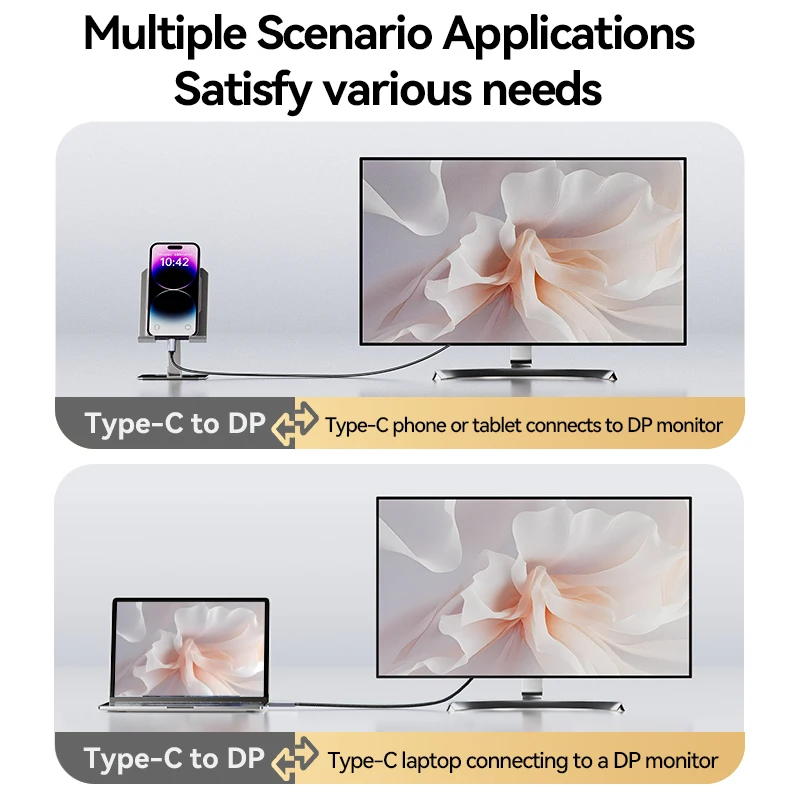
Choose the cable version that matches your display connection.
Wybierz opcje