


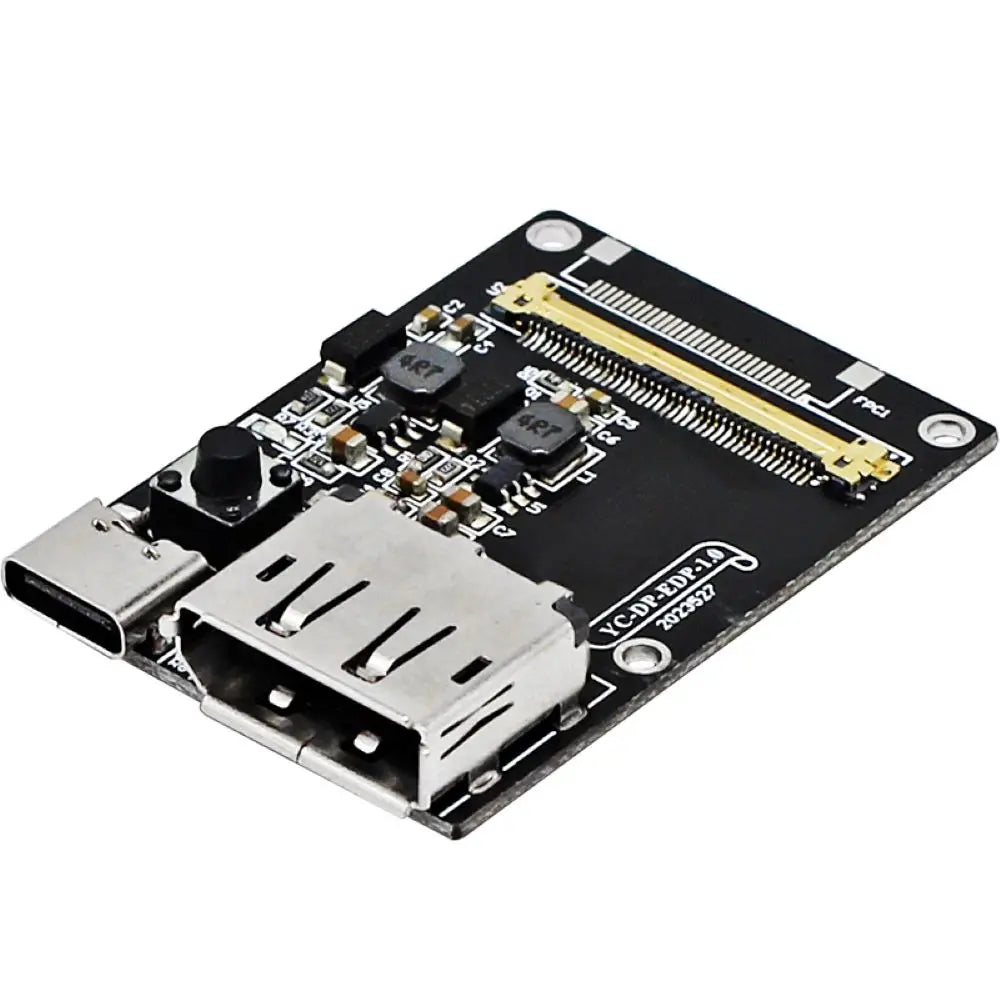


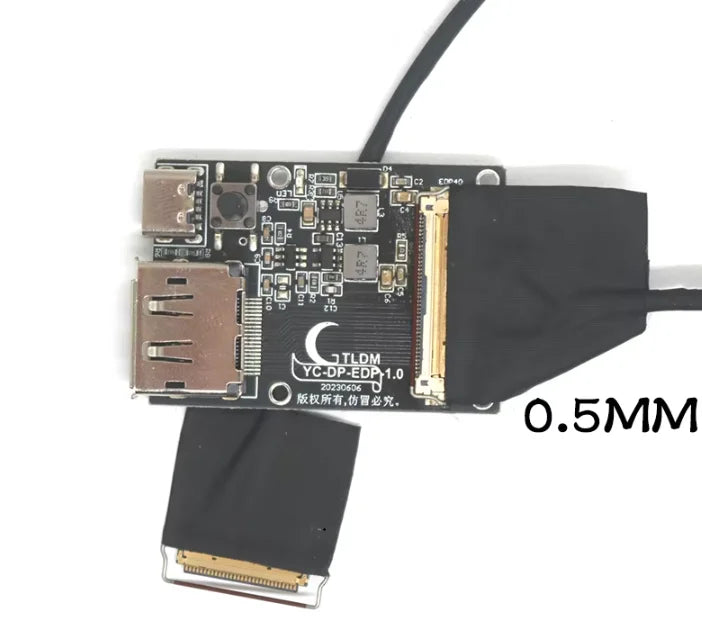
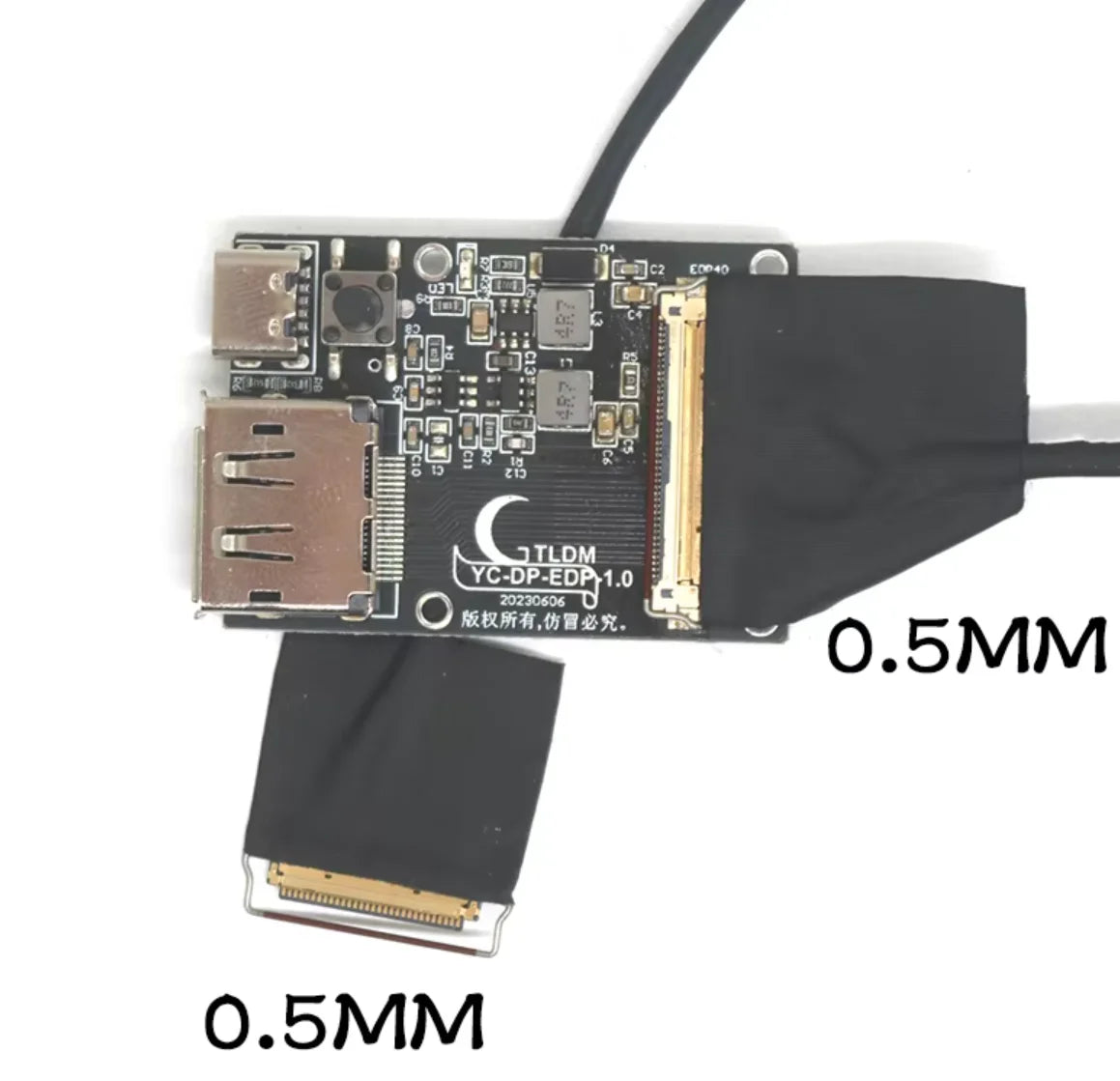

DisplayPort to eDP Panel Driver Board Options
Drive a specifically compatible eDP panel from a matching DisplayPort/USB-C source with a selected panel-controller board.
✅ Reuse a suitable display panel - The board provides the interface stage for a correctly matched eDP screen.
✅ Choose the panel connection - Thirty-pin and forty-pin configurations provide different cable arrangements.
✅ Adjust the backlight where supported - A dimming control provides the described brightness adjustment.
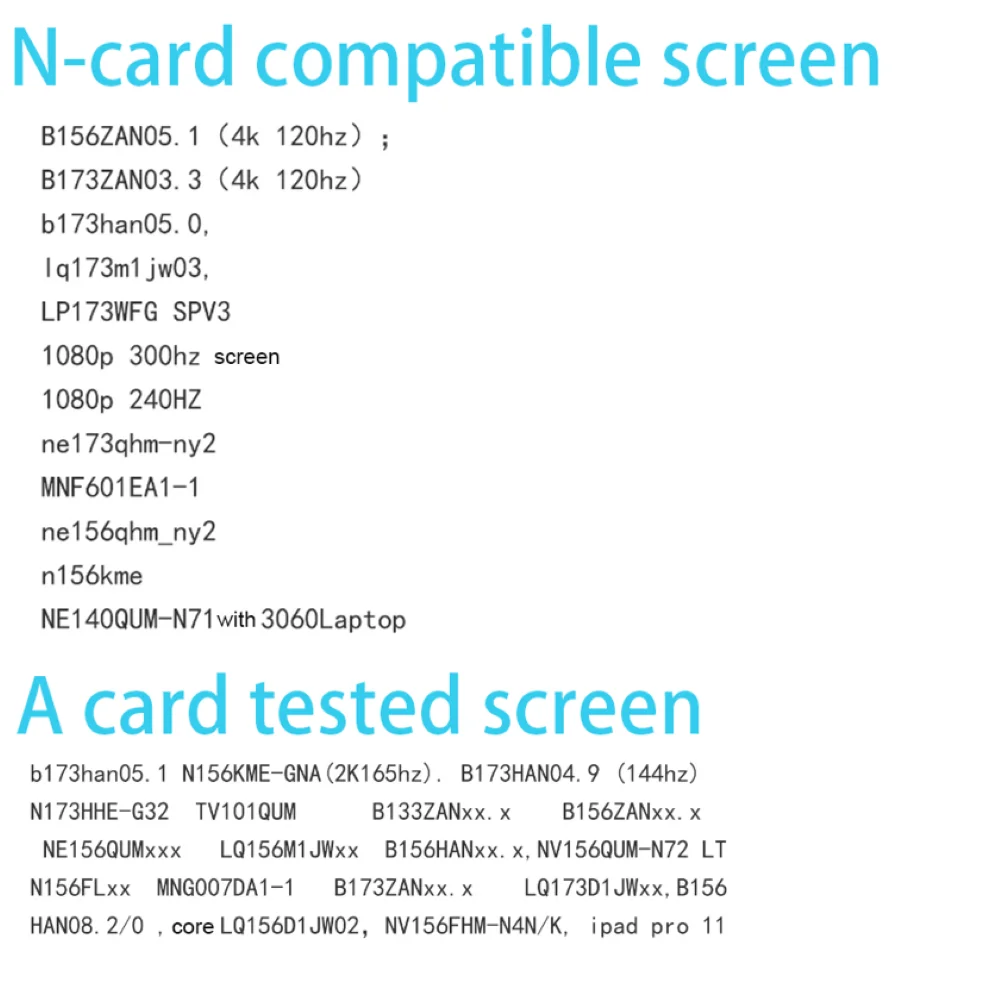
Identify the panel before choosing the board
An unconnected LCD panel needs the right signal, power and backlight arrangement. Select the driver around the panel's exact model rather than assuming the connector pin count is enough.
This board is for eDP, not LVDS, and it does not support OLED and Samsung ATN panels. Check cable orientation, pin pitch and voltage before connection; maximum-resolution claims depend on the panel and source.


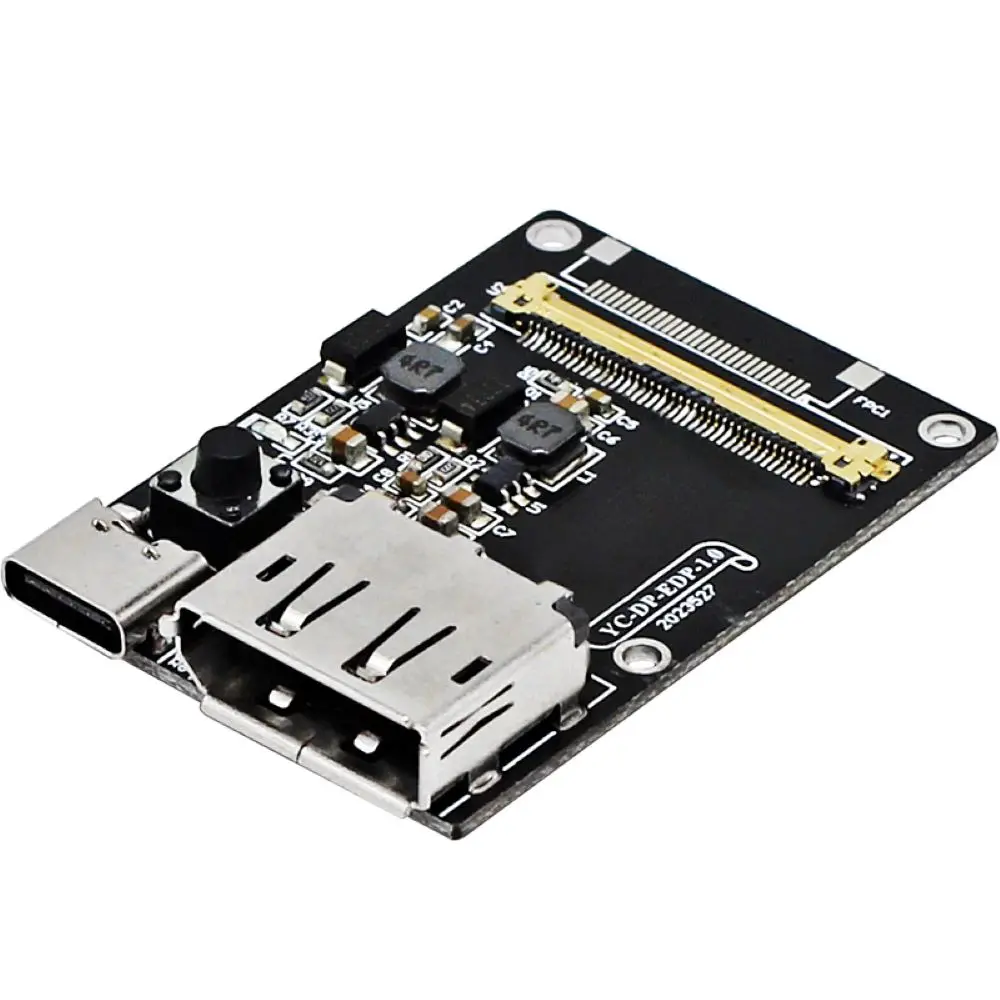
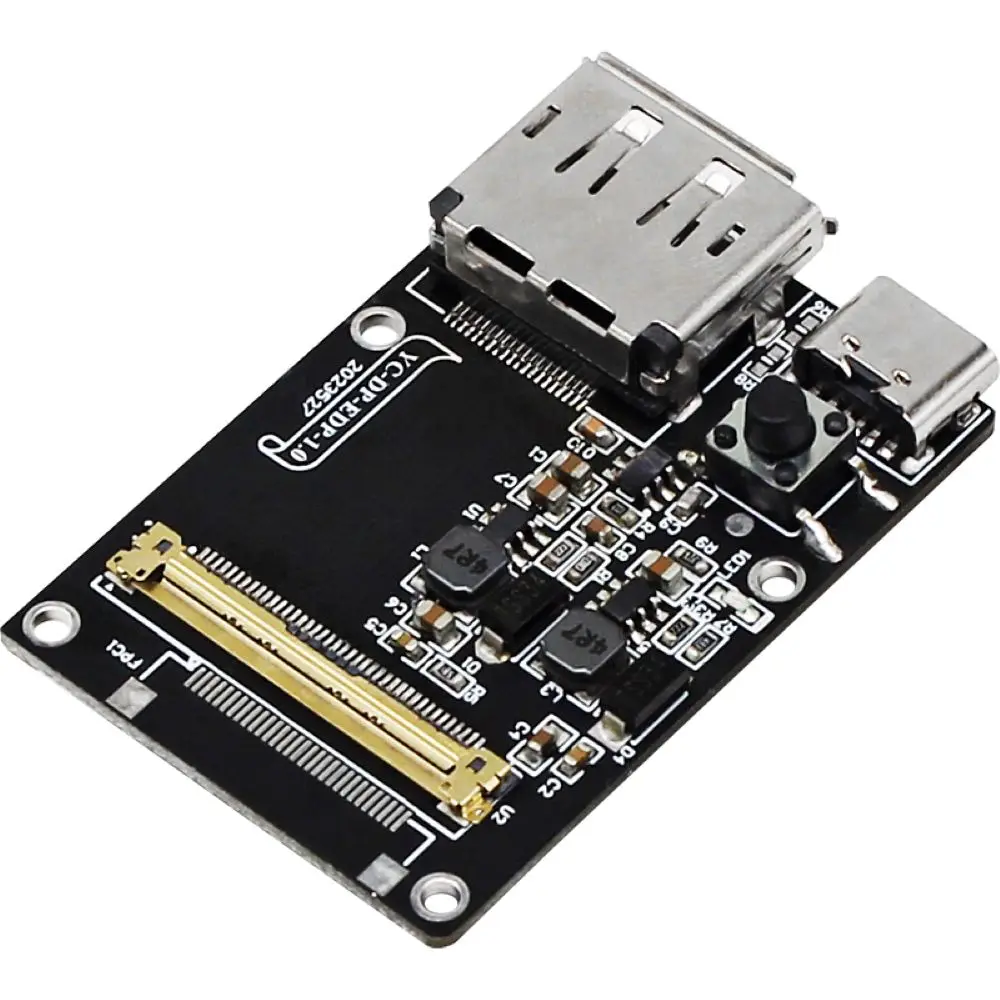
Technical details
- Type: DP-to-eDP driver board selections
- Inputs described: DisplayPort / compatible USB-C
- Panel outputs: selected eDP 30-pin or 40-pin arrangement
- Thirty-pin version requires the specified reverse cable
- Forty-pin options use specified coaxial cables
- Panel and suitable power arrangement: separate
Choose the controller and cable for your verified eDP panel.
Choose options