



Programmable USB Macro Keypad – Two-Key, Three-Key and Knob Options
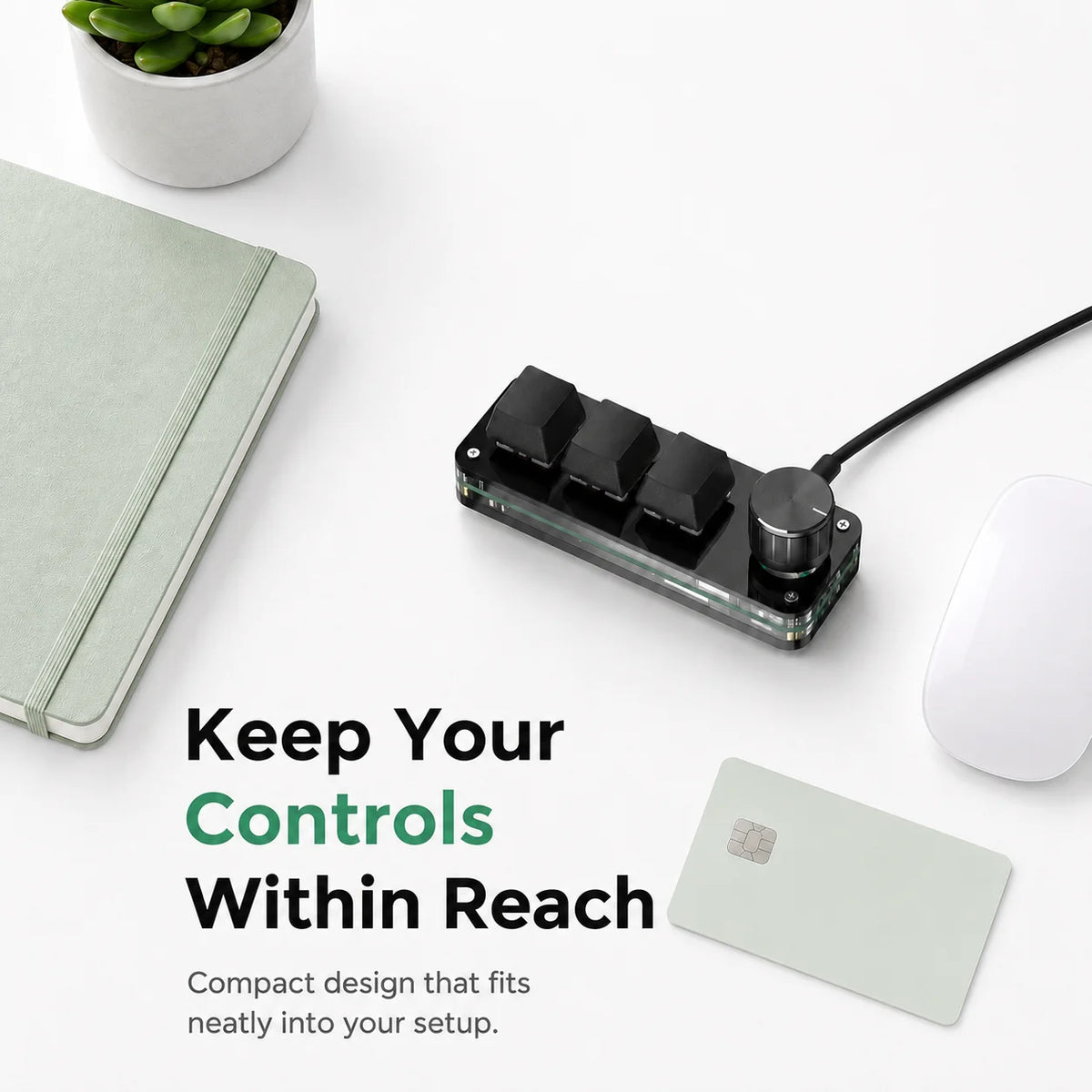
Put frequently used computer commands on a compact programmable USB keypad with the key or knob layout you select.
✅ Keep assigned shortcuts within reach - The programmable keys trigger the computer shortcuts you assign during setup.
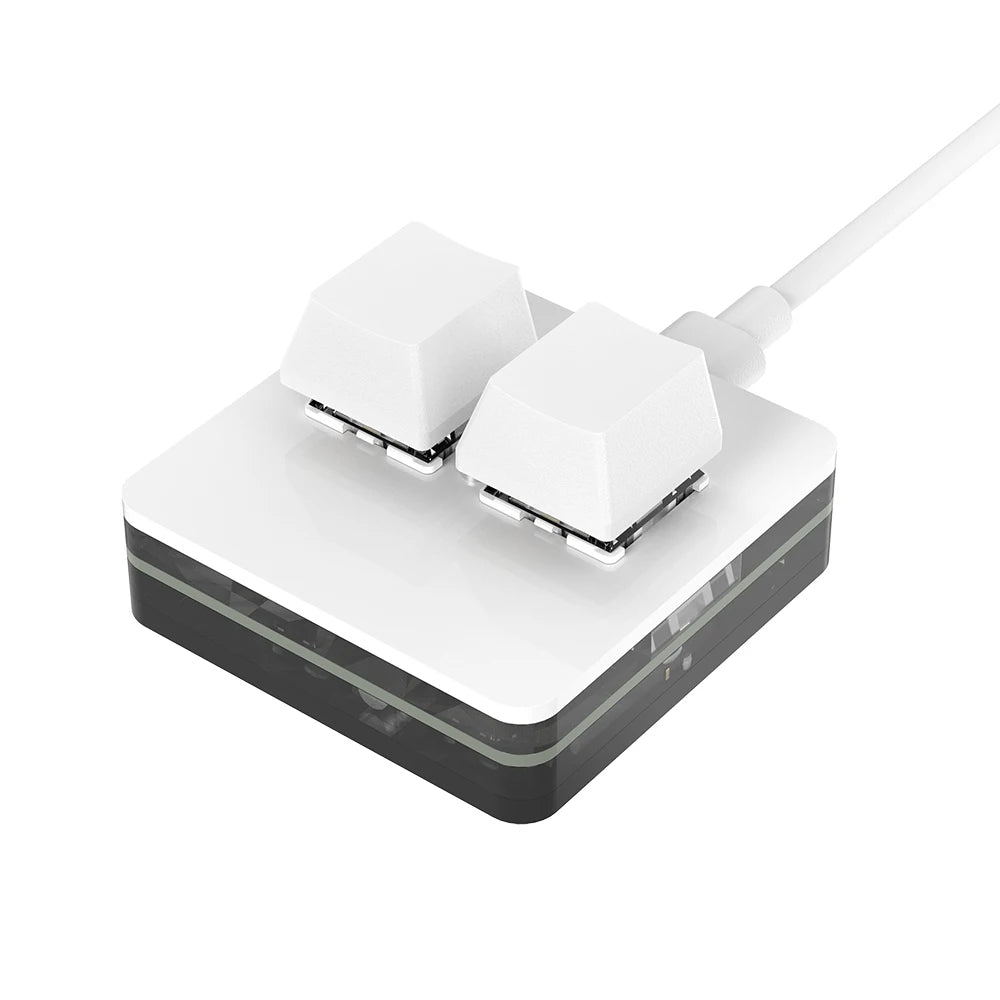
✅ Choose the control arrangement - Two-key, three-key and three-key-with-knob versions offer different layouts.
✅ Change matching keyboard components - The hot-swap design supports compatible replacement switches and keycaps.
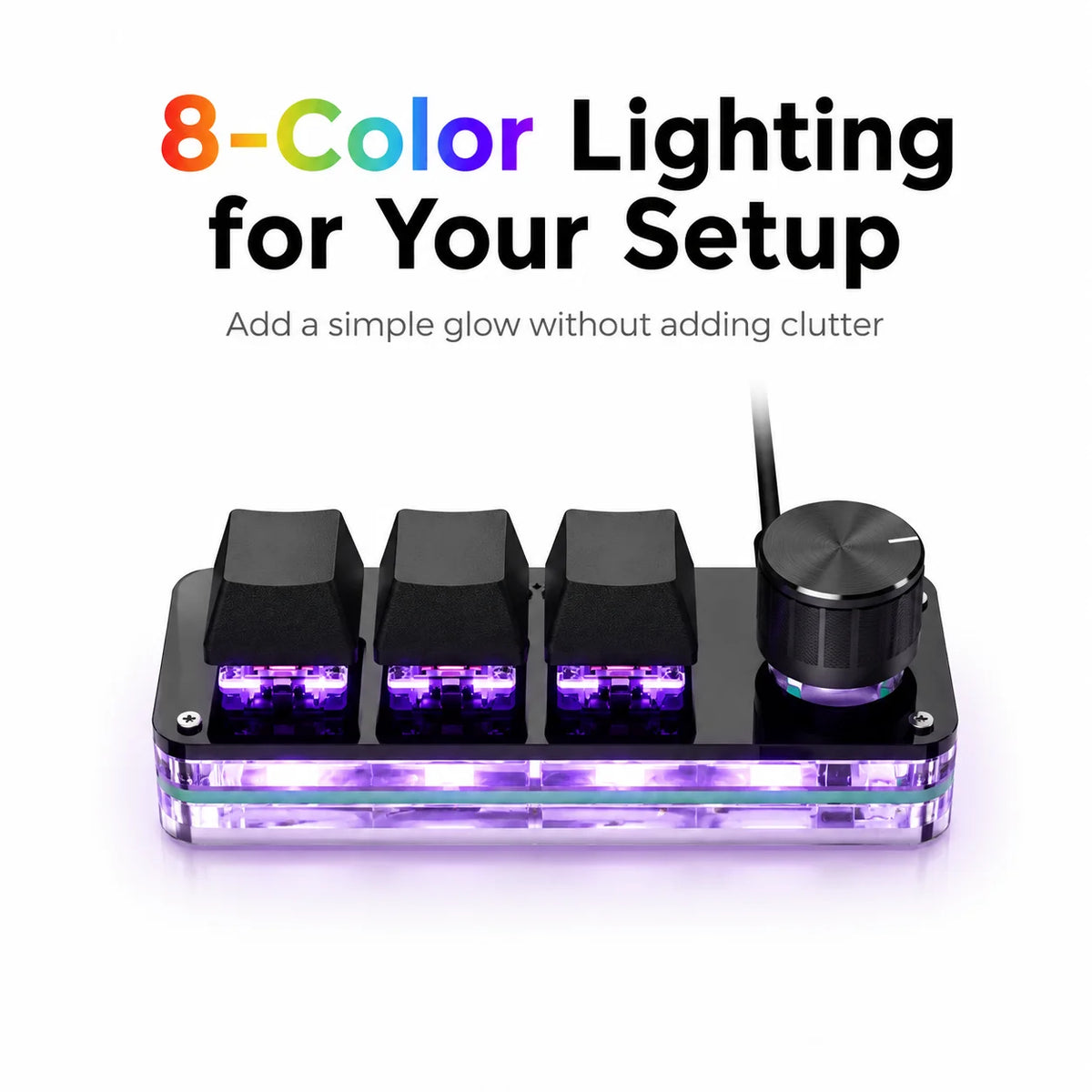
✅ Set a visible lighting style - Selectable multicolor modes provide different keypad lighting appearances.
Build a Small Control Area for Repeated Commands
Choose the commands you use repeatedly and assign them through the supported setup procedure. A small separate keypad gives those actions their own physical controls beside the main keyboard.
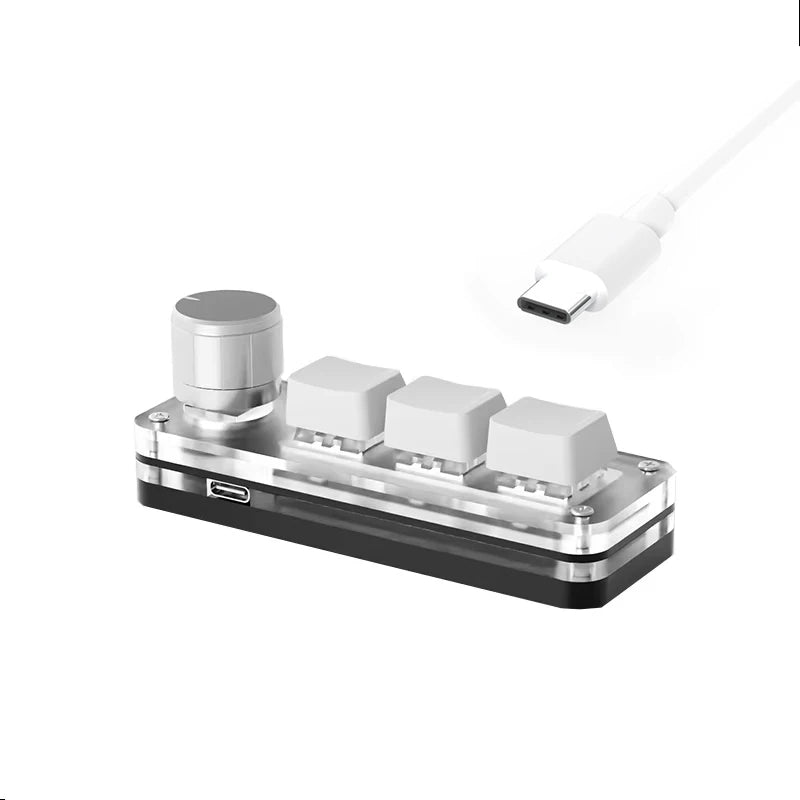
Use the included data-capable USB-C cable and follow the software instructions for your operating system. Confirm the selected layout before setup, since a key-only version does not include the knob.
https://sikaicase.com/blogs/support/setting-for-software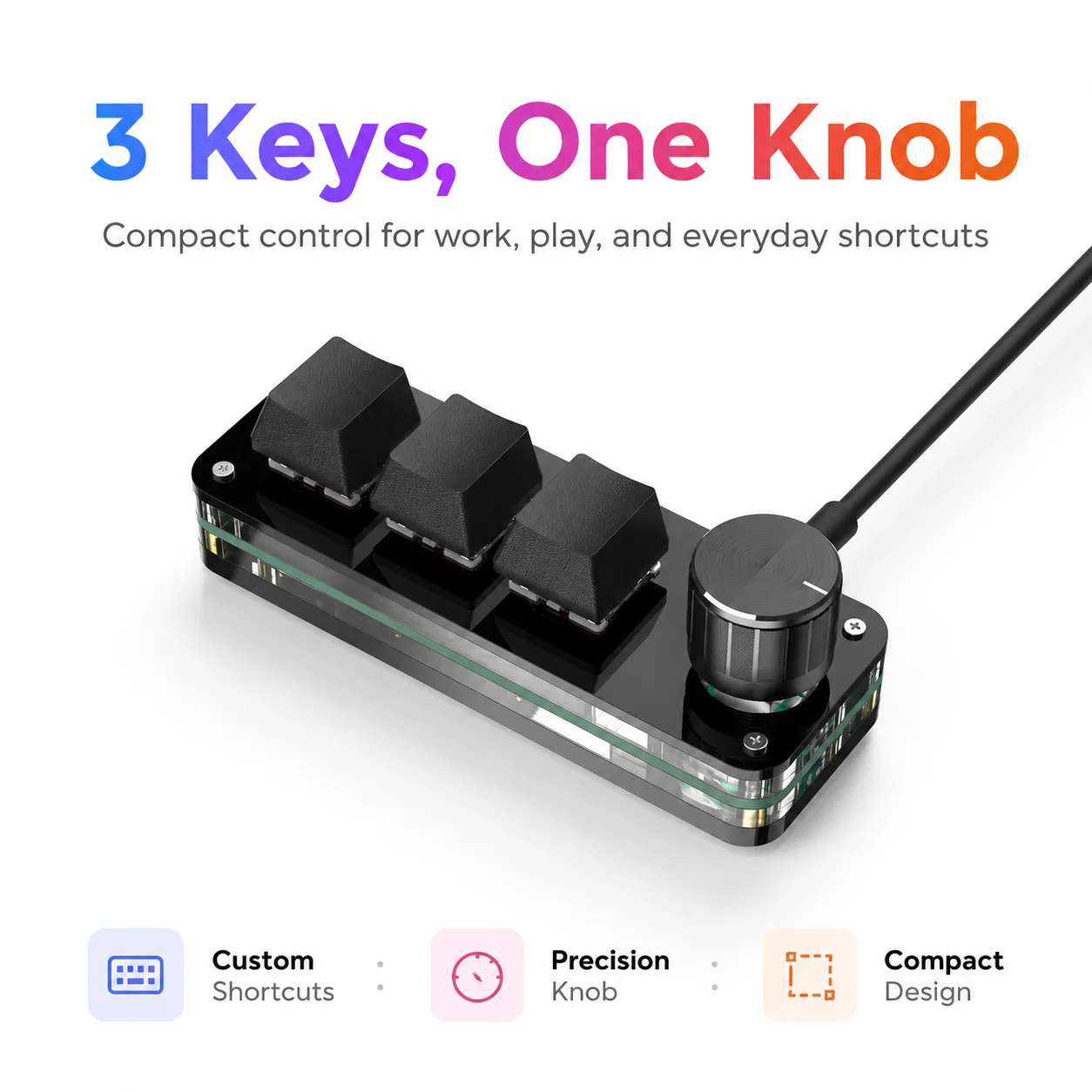


 computer accessories
Technical details
- Wired USB programmable mechanical keypad; red-switch option.
- Two keys, three keys or three keys plus knob.
- Hot-swap matching parts; multicolor lighting; OS setup required.
Choose the control layout for the shortcuts you use most.
Choose options