
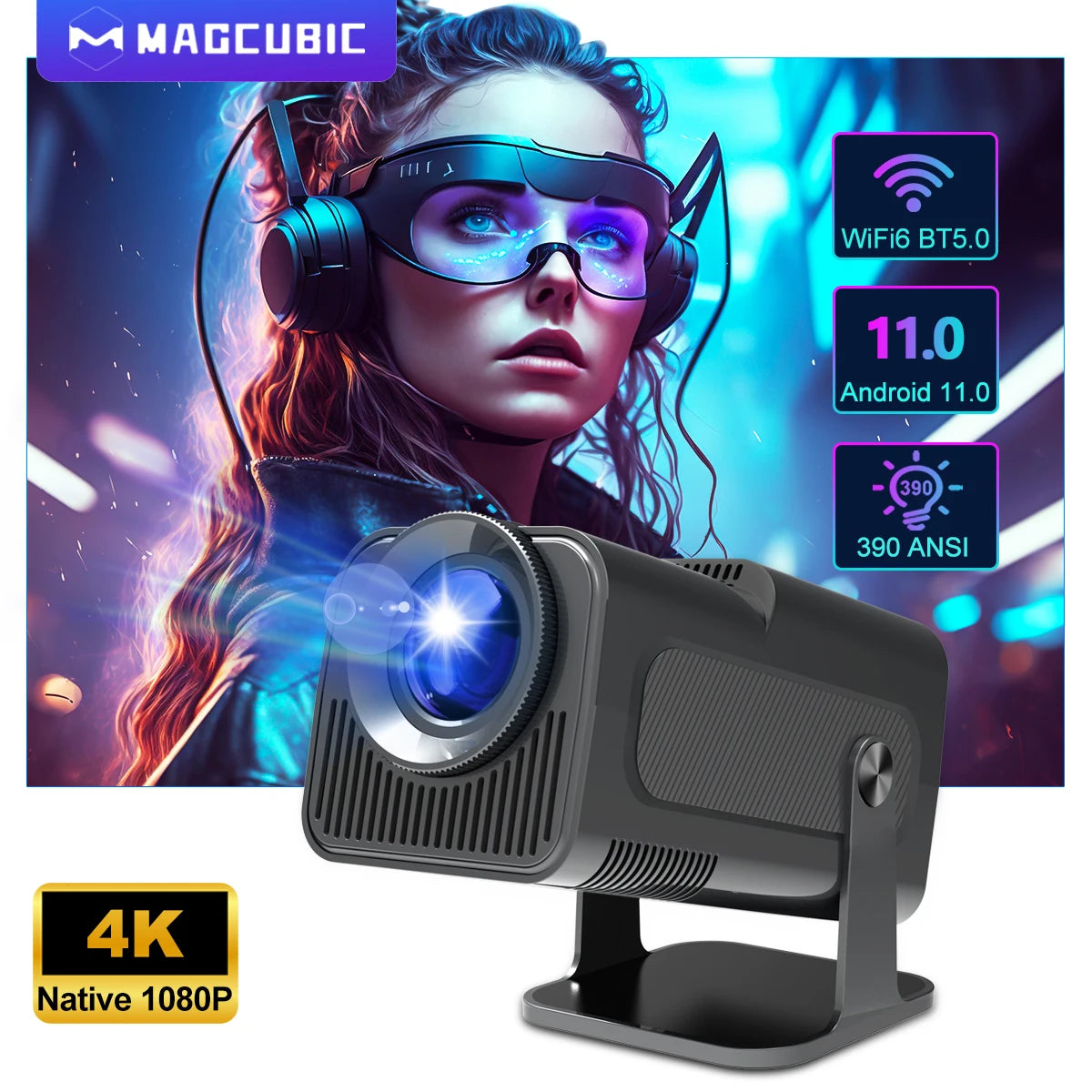


Magcubic HY320 4K Support Native 1080P Android Projector
Native 1080P Android Projector – Benefits for You
✅ Enjoy crisp, detailed visuals so you can immerse yourself in every scene without missing key details.
✅ Experience smooth wireless casting with WiFi 6 so you can stream or mirror content without lag.
✅ Built‑in stereo sound surrounds you with fuller audio so you don’t need extra speakers for casual viewing.
✅ Bluetooth 5.0 connectivity lets you pair headphones or speakers easily so you can watch privately or boost your audio.
✅ A flexible 180° rotating design lets you project on walls or ceilings so you can enjoy movies from any position.
✅ Auto keystone correction adjusts the screen automatically so setup stays quick and frustration‑free.
✅ A large 30–150 inch projection range gives you cinematic scale even in small rooms.
✅ Portable construction allows easy carrying so outdoor movie nights become effortless.
✅ Fast quad‑core performance keeps apps responsive so you can browse and stream without slowdown.
Turn any corner of your home into an instant theater with the clarity and flexibility this projector offers.
The projector runs on Android 11, giving you access to your favorite apps and streaming platforms. Its quad‑core processor keeps navigation smooth, while the Mali‑G31 graphics engine ensures consistent visual performance.
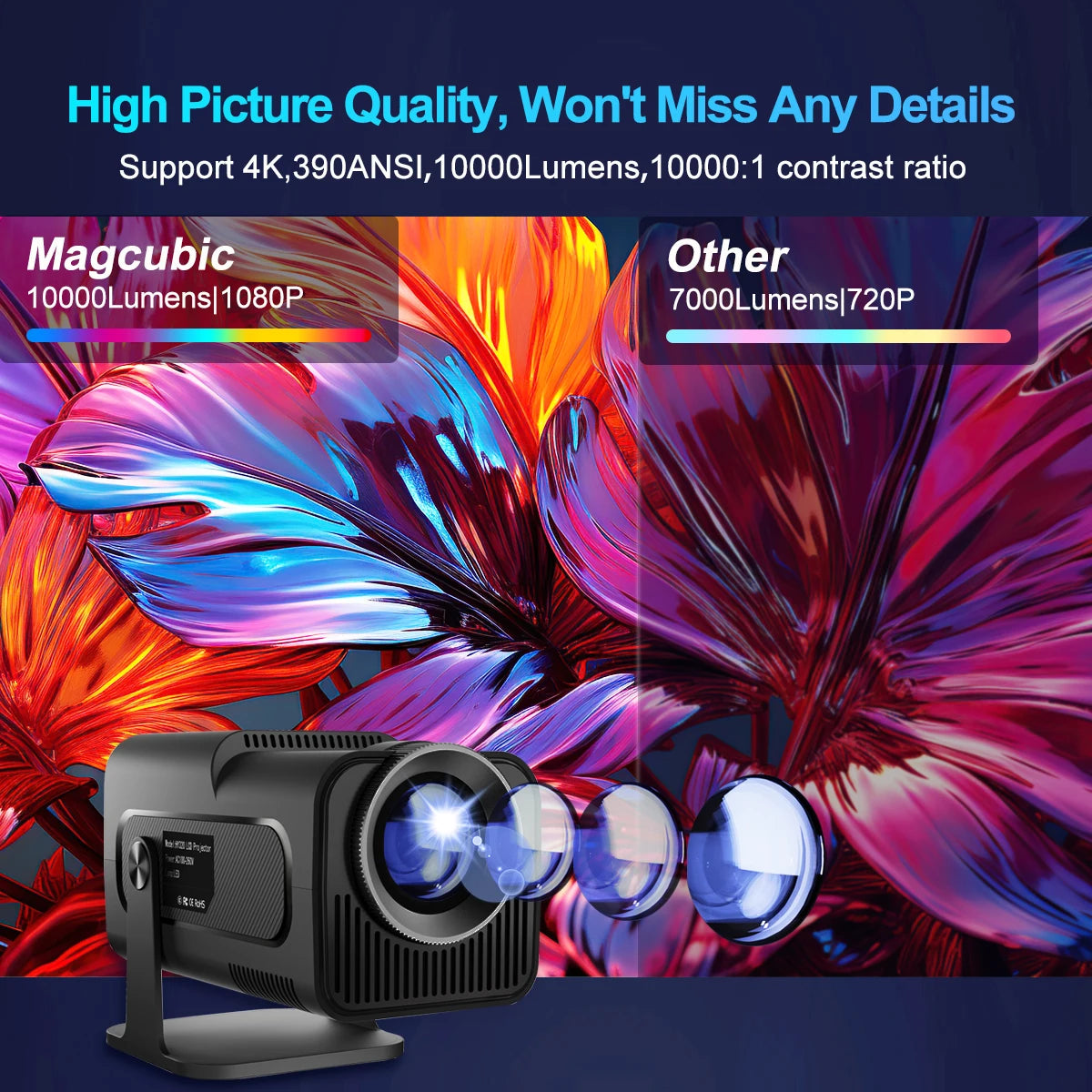
With native 1080P resolution and support for decoding 4K content, the projector delivers bright and colorful images in both dark and mildly lit environments. The LED light source offers vibrant tones and reliable long‑term performance.
Its built‑in speakers create a satisfying listening experience for everyday use. When you want deeper sound, Bluetooth 5.0 lets you instantly pair external speakers or headphones.
Auto keystone correction helps maintain proper screen alignment, while manual adjustments offer finer control when needed. A digital zoom option lets you scale the image from 100% to 85% without moving the projector.
The HY320 supports multiple wireless casting standards, including Miracast, AirPlay, and DLNA, making it simple to mirror content from most phones and tablets. With both 2.4G and 5G connectivity, WiFi 6 ensures strong and reliable streaming performance.
The system’s app store blends the functions of a TV box with a compact projector, letting you stream, browse, and download apps directly. Its lightweight body and compact shape make it convenient for indoor and outdoor use.
The projector includes ports for easy connection to external devices, giving you flexibility for gaming consoles, laptops, or USB drives.
Questions & Answers
How do I update the firmware?
Open Settings, enter the system information menu, and choose the online upgrade option.
How can I reset the projector?
Go to Other Settings and select the factory reset option to return everything to default.
How do I zoom the image?
Adjust digital scaling by opening Projection Settings and selecting the zoom controls.
How can I fine‑tune the keystone manually?
Disable auto keystone in Projection Settings, then use manual trapezoid adjustment.
How do I find the system version?
Open System Information > About Devices for full version details.
How do I connect Bluetooth devices?
Go to Bluetooth settings and choose any available device from the list.
How do I focus the image?
Turn the focus wheel slowly until the picture becomes sharp.
No sound is coming from the projector—what can I do?
Raise the volume, test with a Bluetooth speaker, try a non‑Dolby audio file, or reset sound settings in the menu.
The image is tilted—how can I fix it?
Align the projector with the screen, adjust initial keystone settings, or manually fine‑tune keystone correction.
An app keeps crashing—how do I solve this?
Try another WiFi network, confirm your time zone, clear the app cache, or reset the projector.
The projector won’t connect to WiFi—what should I try?
Move closer to the router, test both frequency bands, verify the time zone, or perform a factory reset.
The projector won’t power on—what now?
Check the power indicator, test another cable, or install the latest firmware via USB if possible.
The projector turns on but shows no picture—what's wrong?
Reconnect the internal screen cable or lamp board if loose, or install updated firmware.
The projector shuts down unexpectedly—what can cause this?
Check for overheating alerts, verify the fan is running, or reinstall firmware.
The picture isn’t clear—how do I improve it?
Clean the lens, adjust focus, darken the room, and use the recommended projection distance.
The image looks burnt—how do I fix this?
Ensure proper cooling, reconnect or replace the fan if needed, or replace the internal screen if damaged.
Bring stunning picture quality and effortless streaming to your home—make this projector part of your setup today.
Choose options