


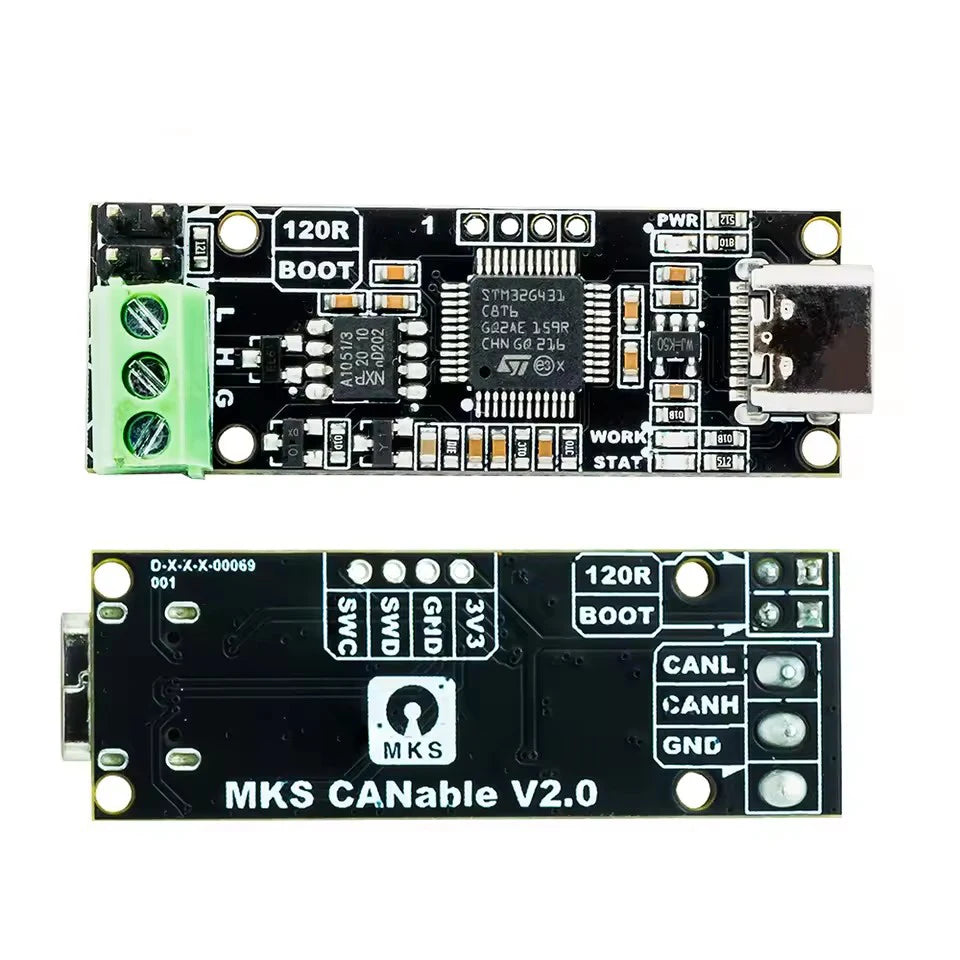





CANable 2.0 USB-to-CAN Adapter Options
Connect a compatible CAN project to a computer with a selected CANable 2.0 USB adapter.
✅ Bring CAN traffic into the host workflow - The adapter supplies the USB-to-CAN connection for supported software.
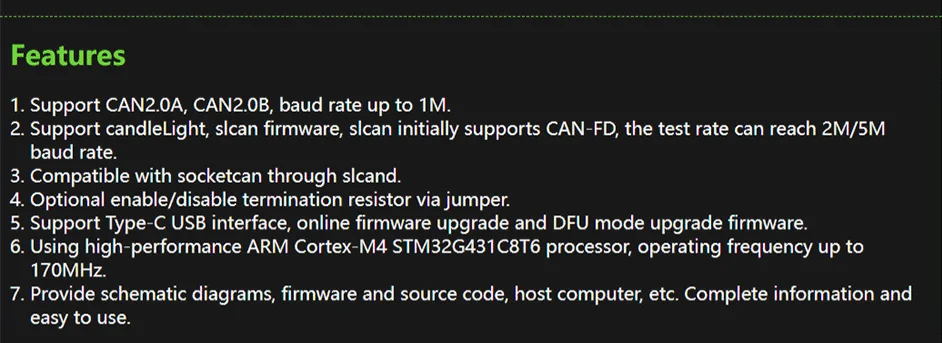
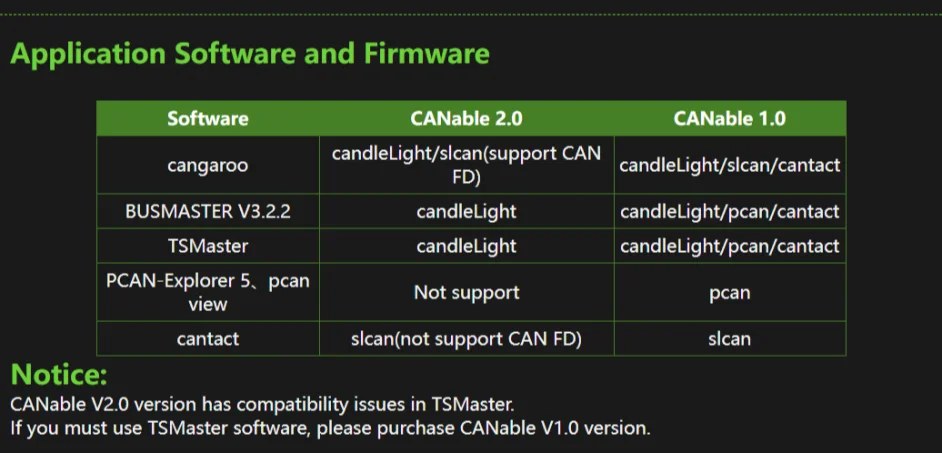
✅ Choose the firmware interface - slcan, SocketCAN and candleLight references support different correctly configured host arrangements.
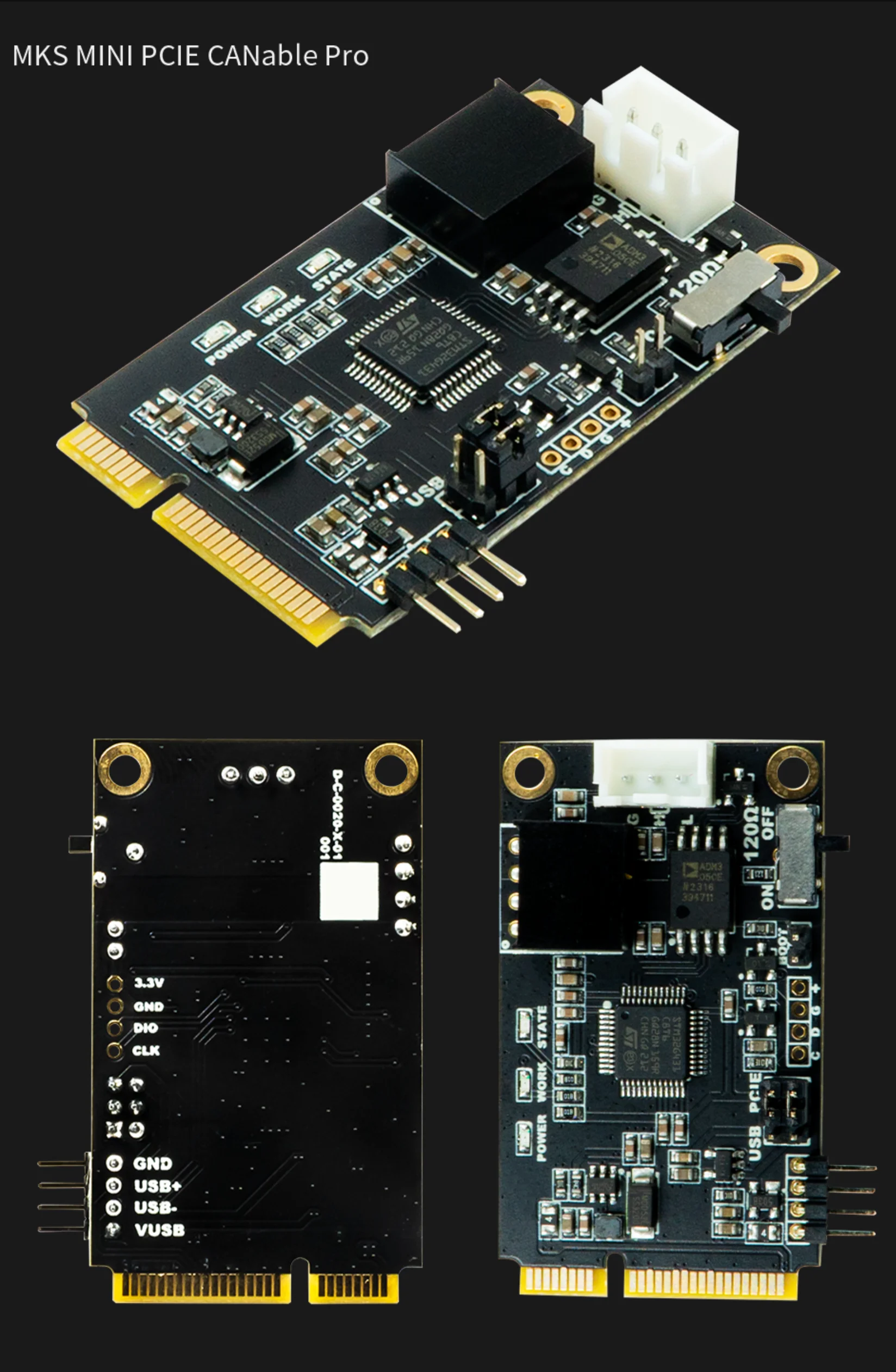
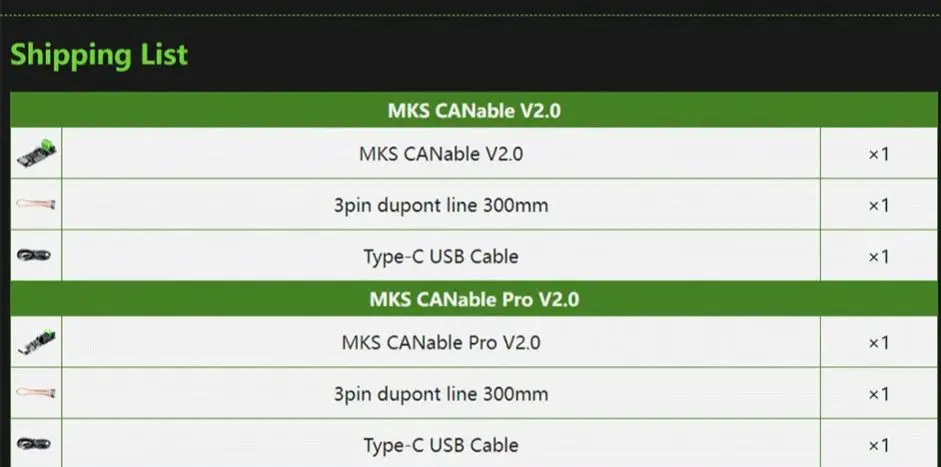
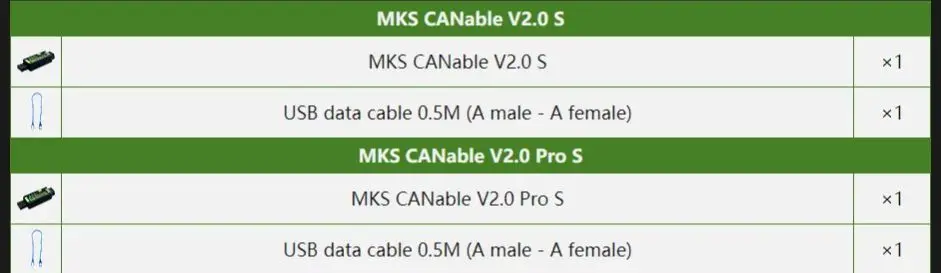
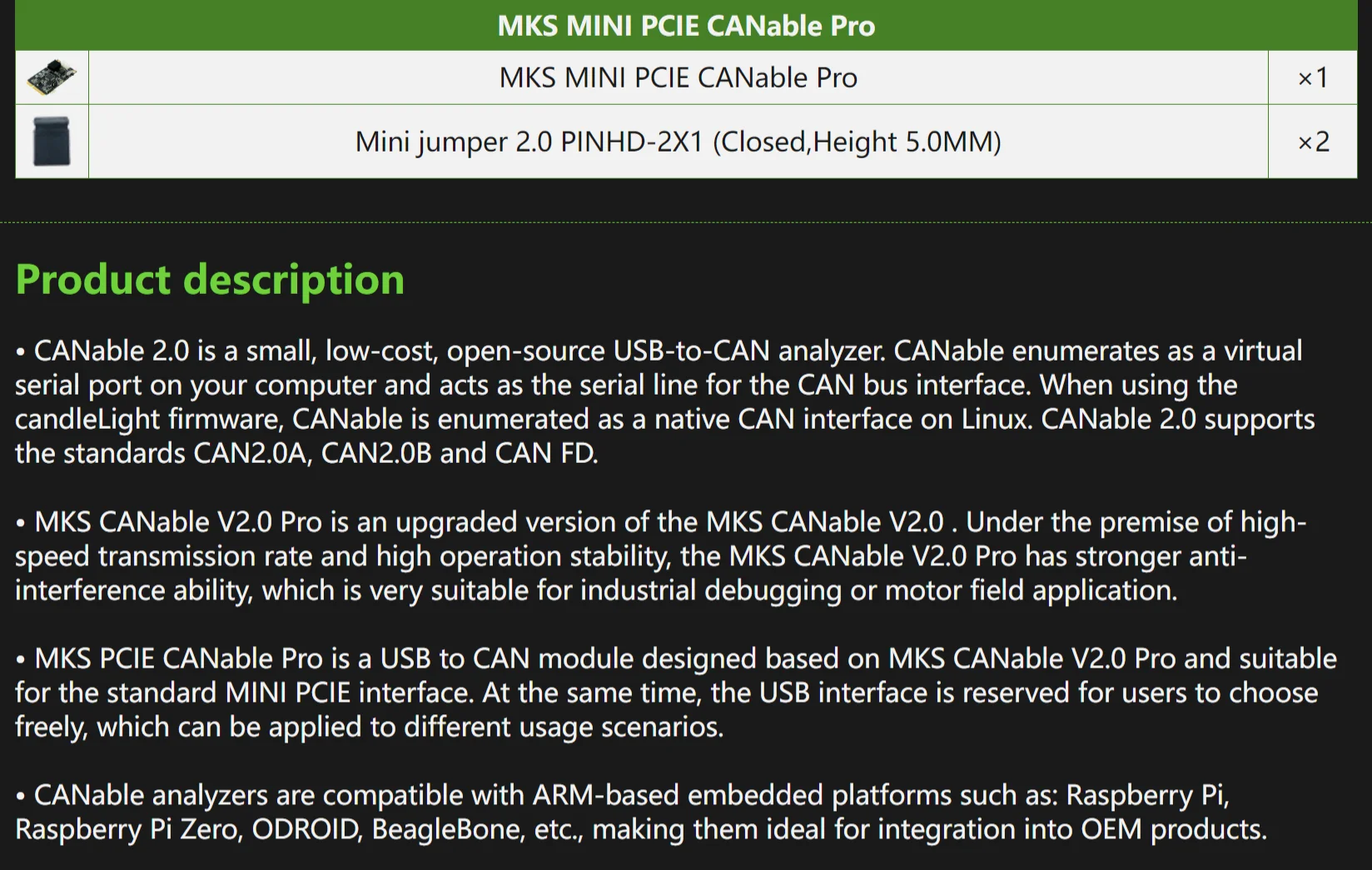
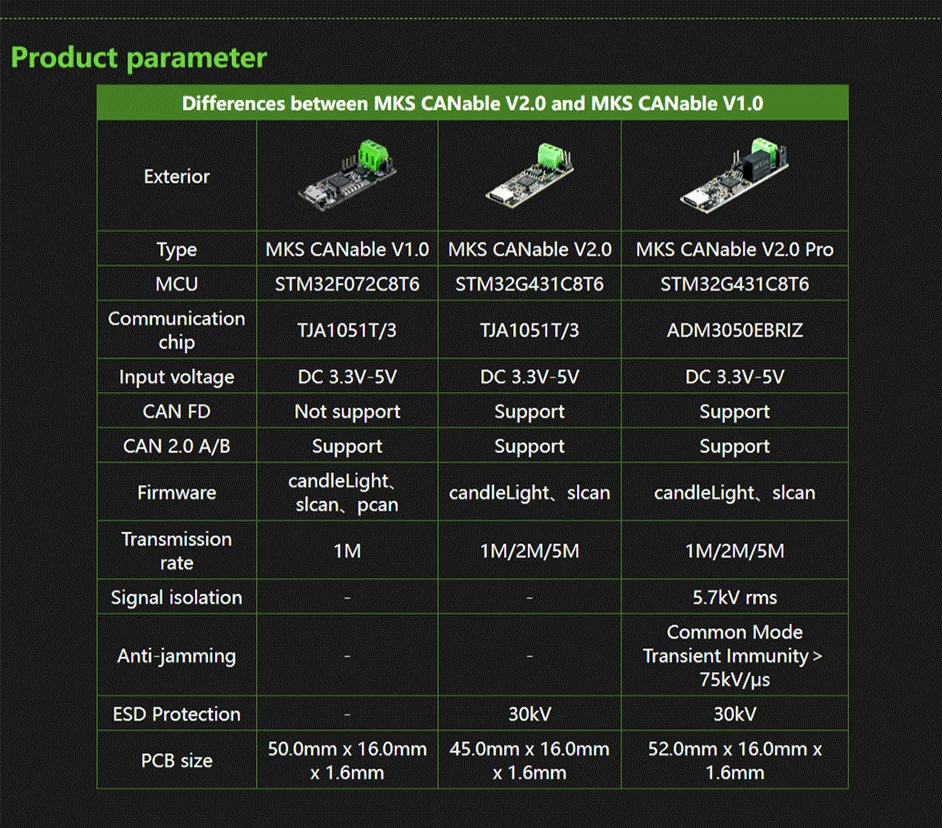
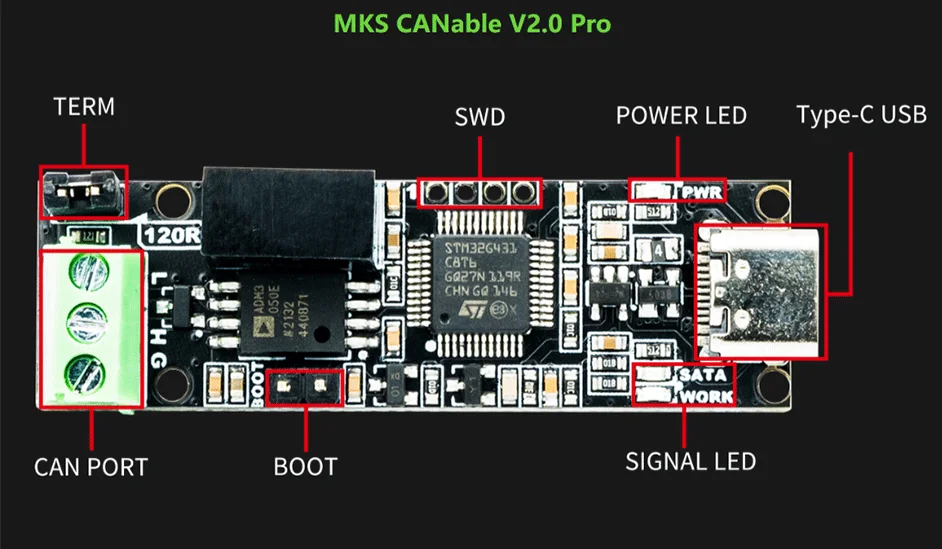
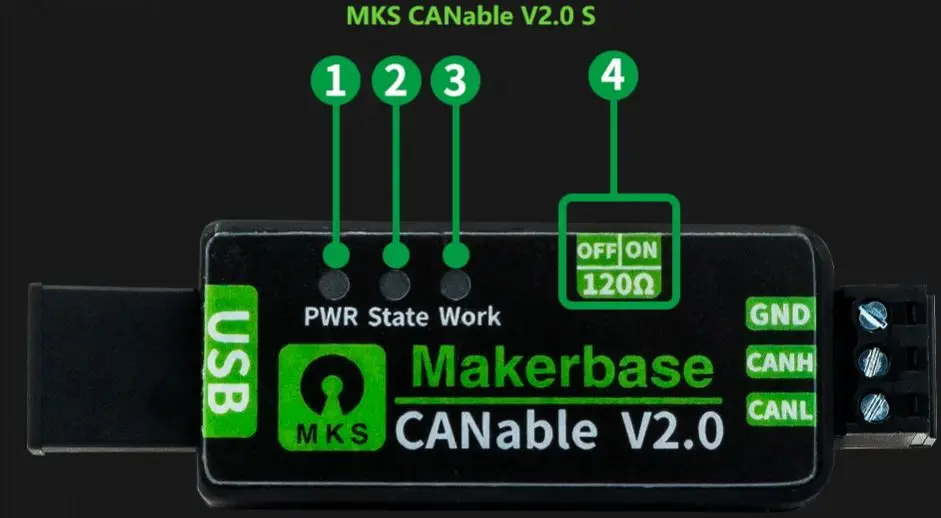
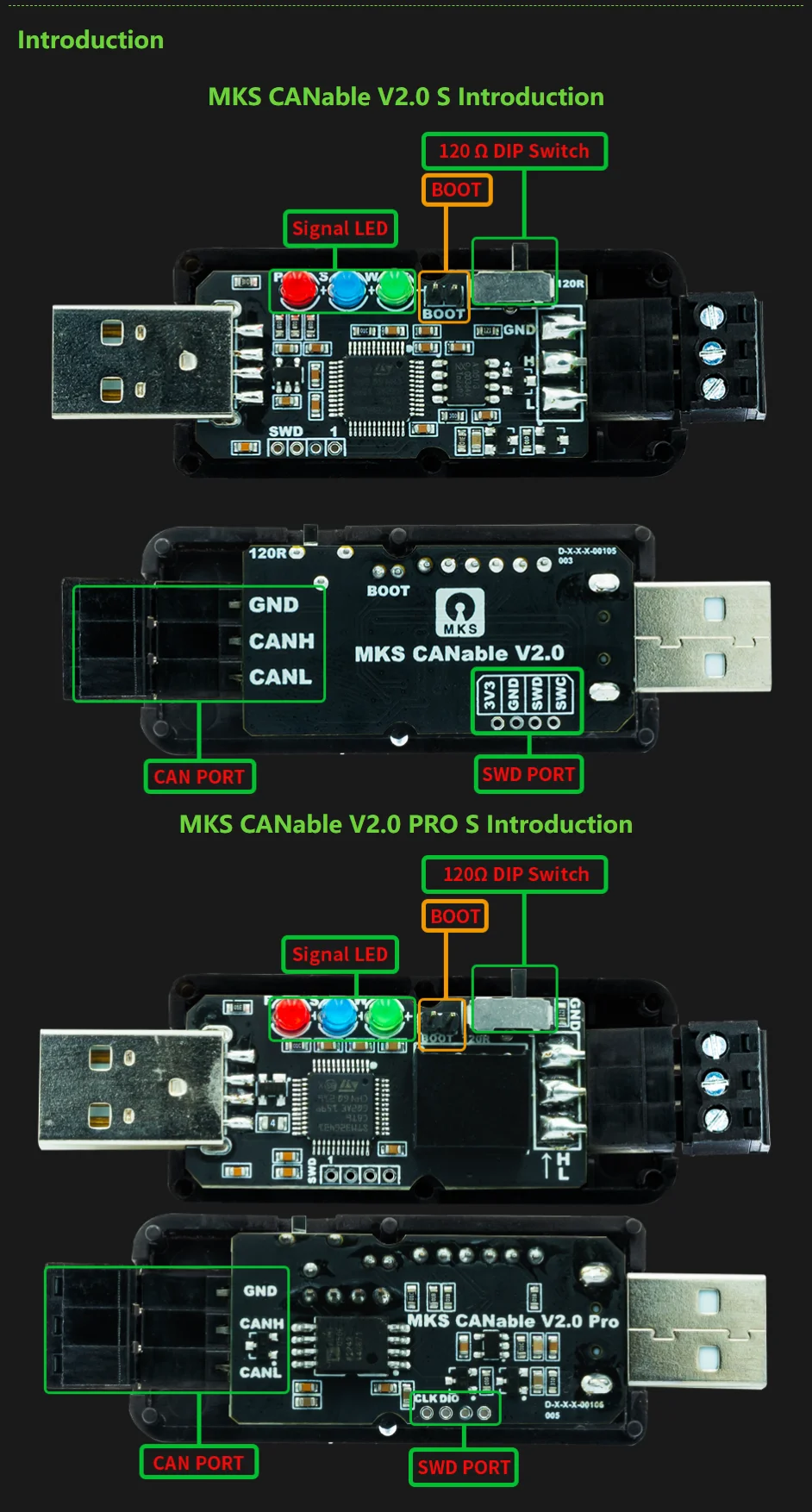
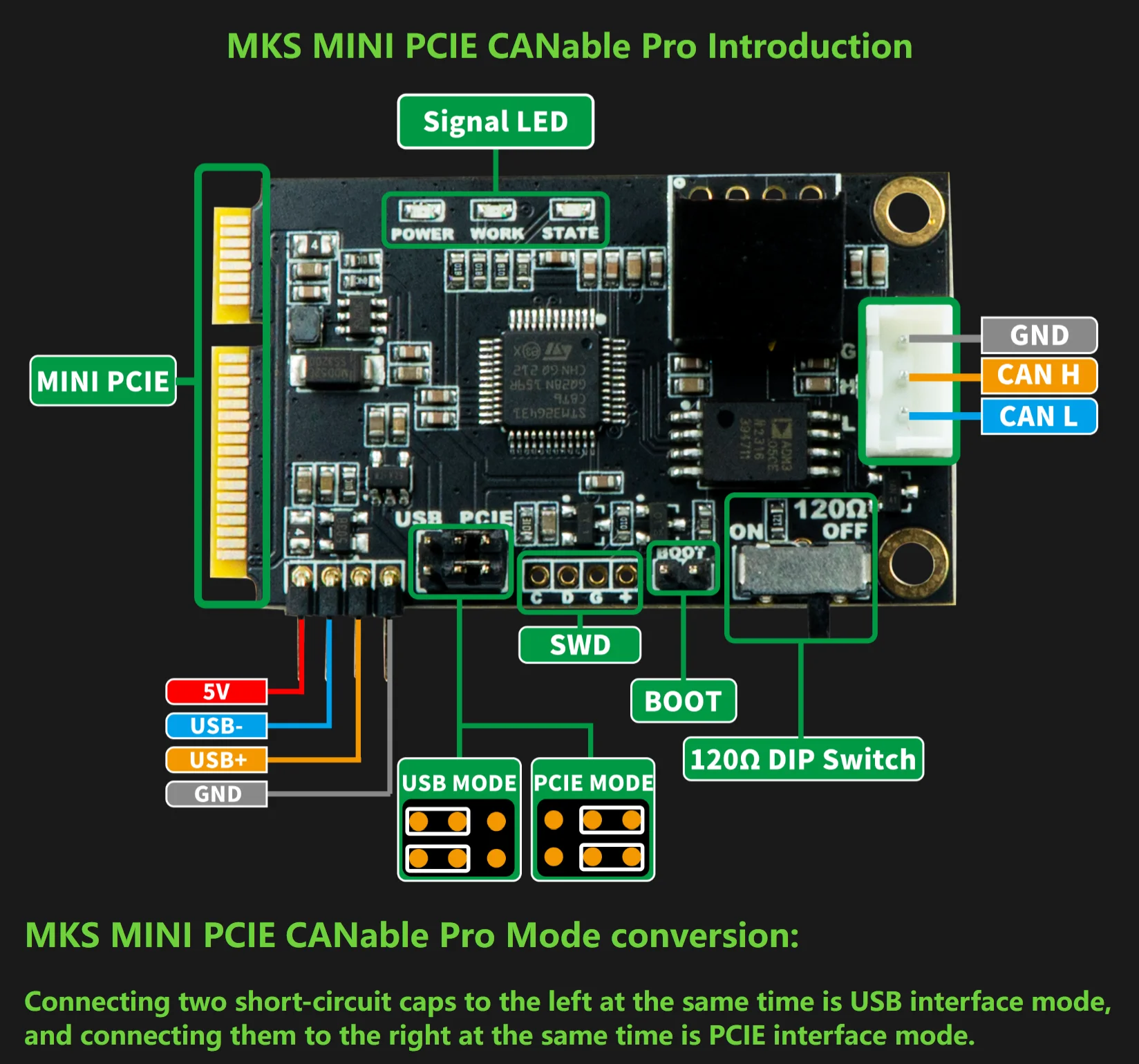
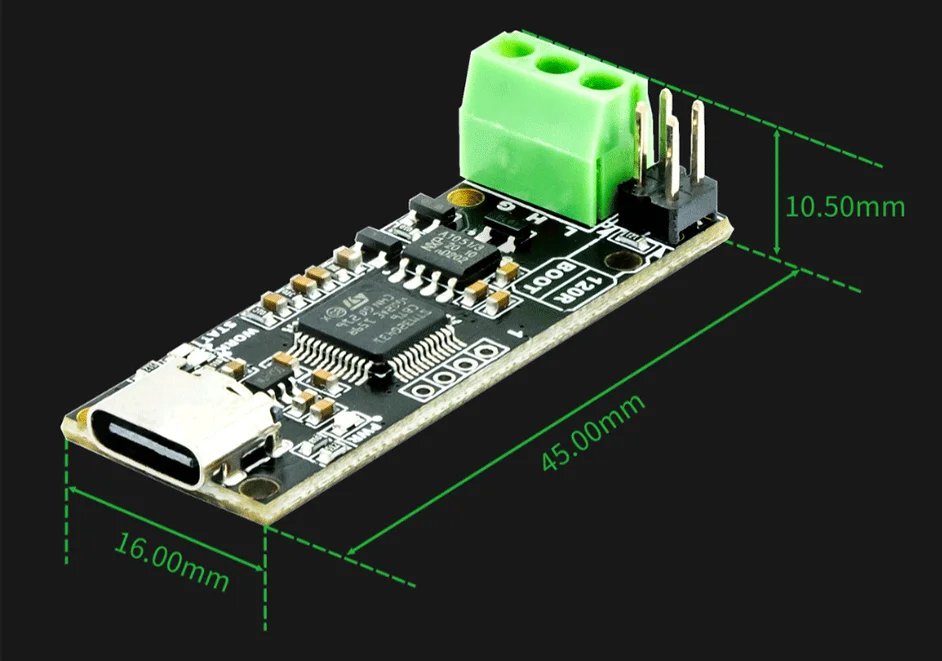
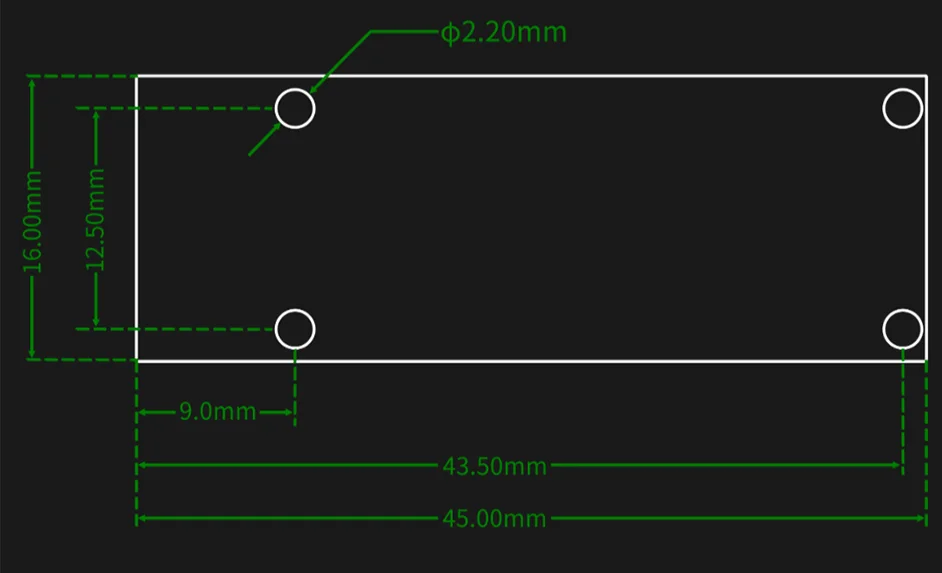
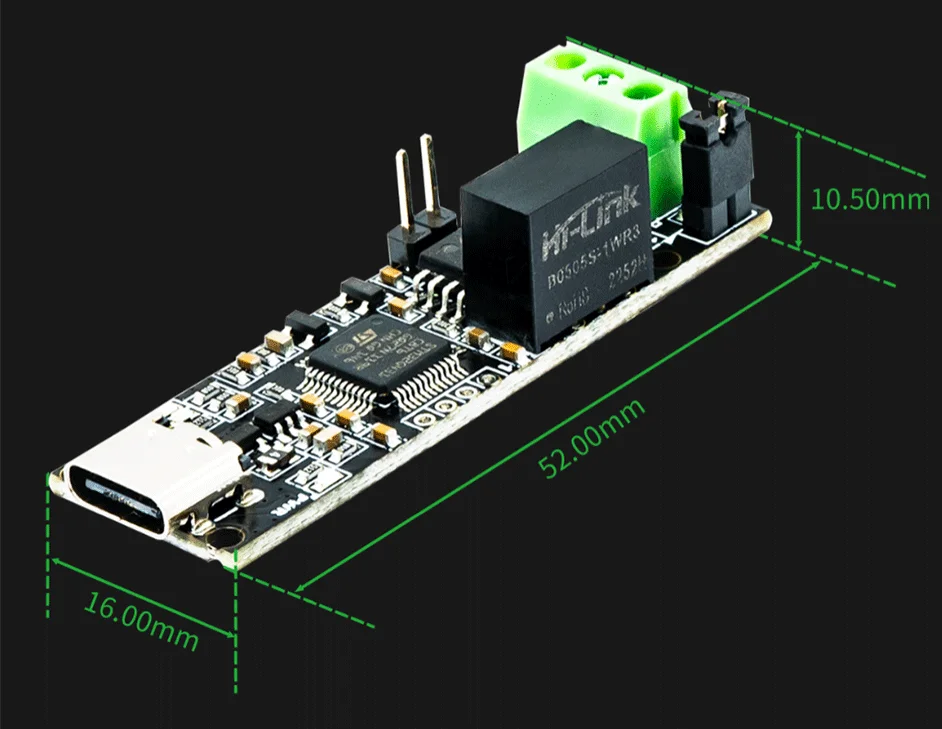
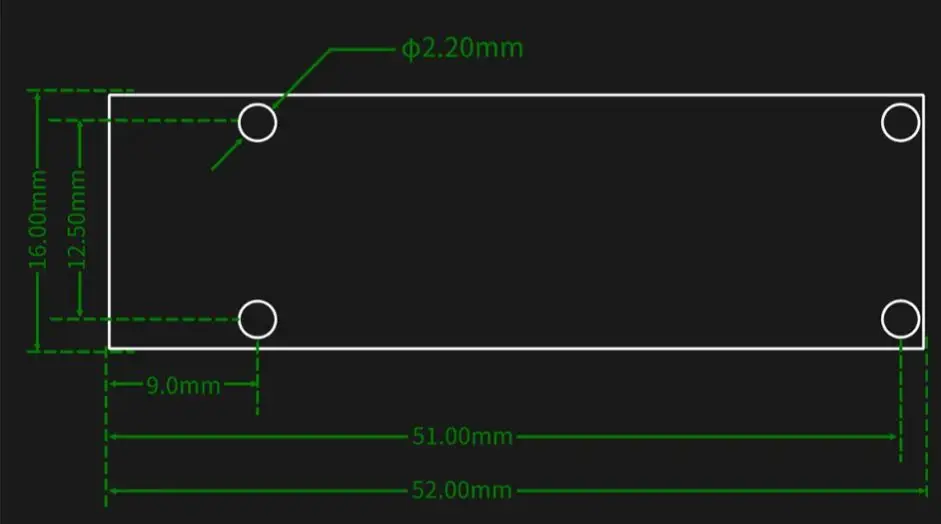
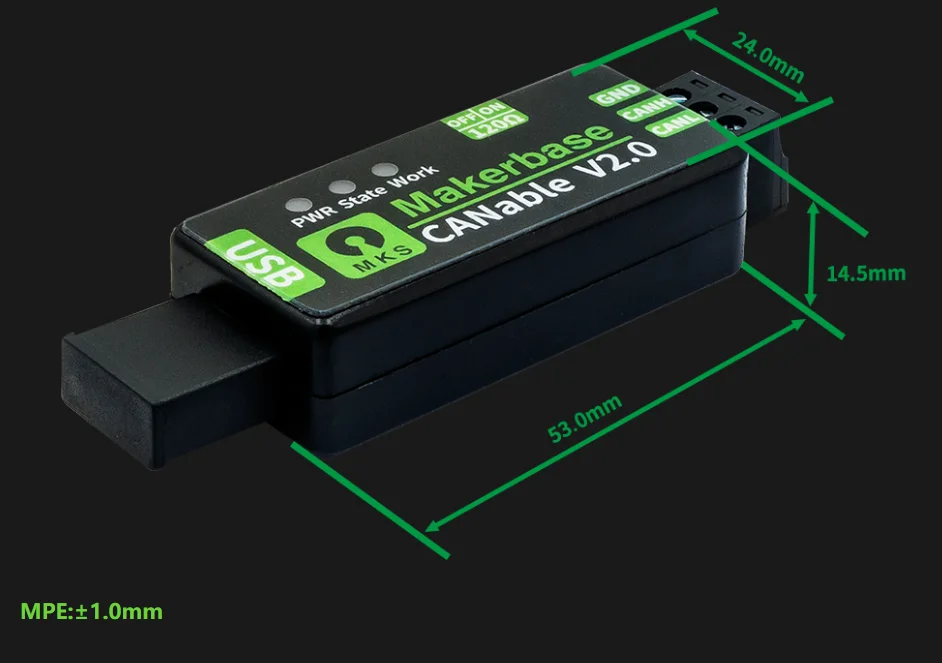
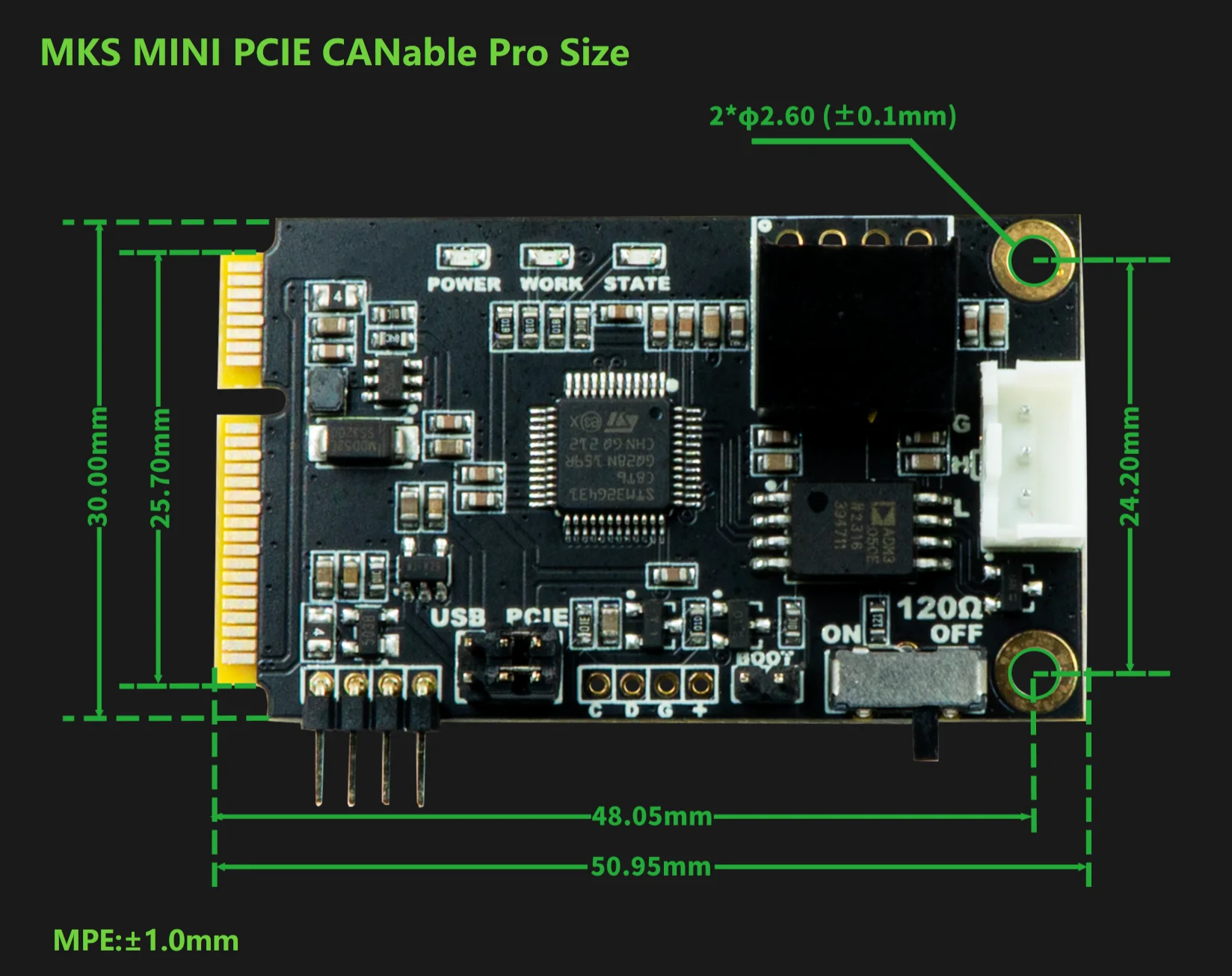
✅ Match the hardware version - Standard, Pro and S selections let you choose the required board configuration.
Check the firmware and bus together
A CAN adapter needs its firmware, host software and bus settings to agree. Identify the bitrate and interface expected by the application, then configure the selected board before connecting it.
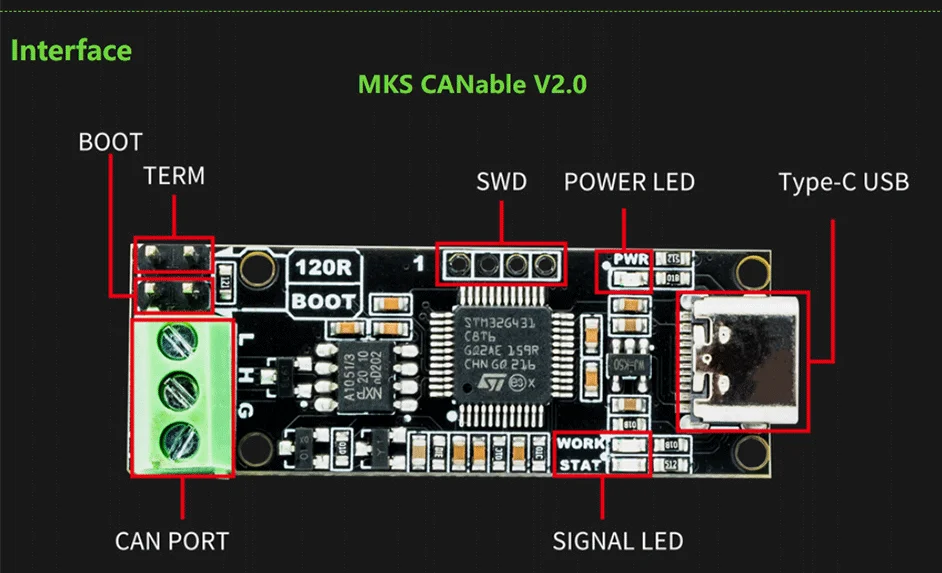
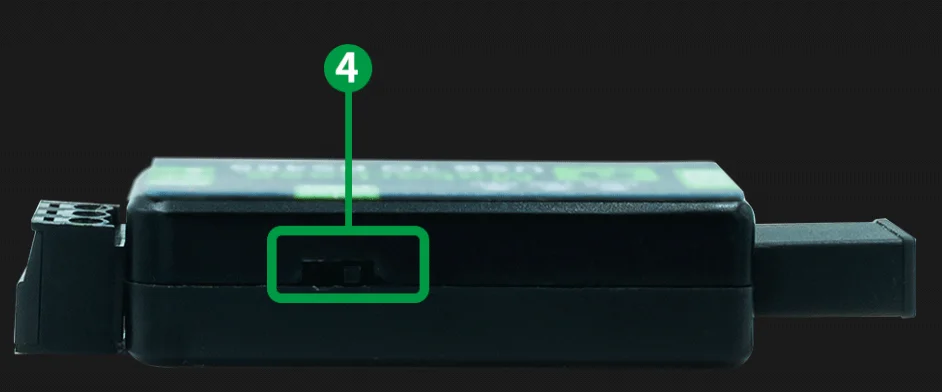
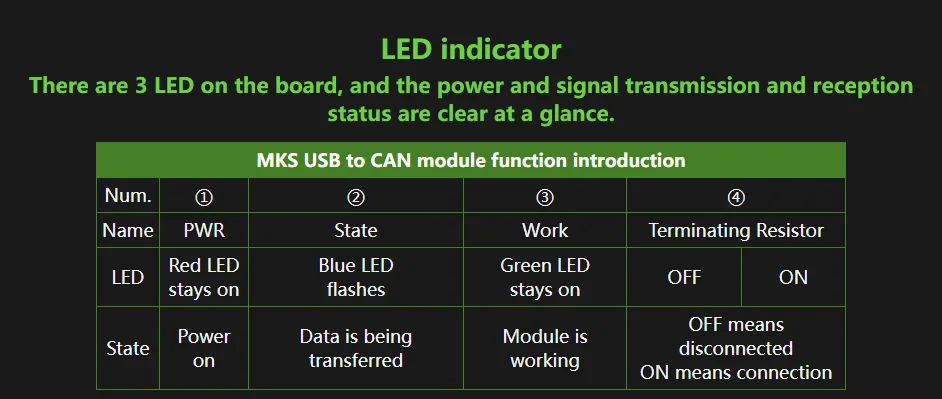
Verify isolation, CAN FD support and termination for the exact version rather than assuming every CANable option is identical. Use the adapter only on systems you are authorised to test, and avoid changing live control traffic unintentionally.
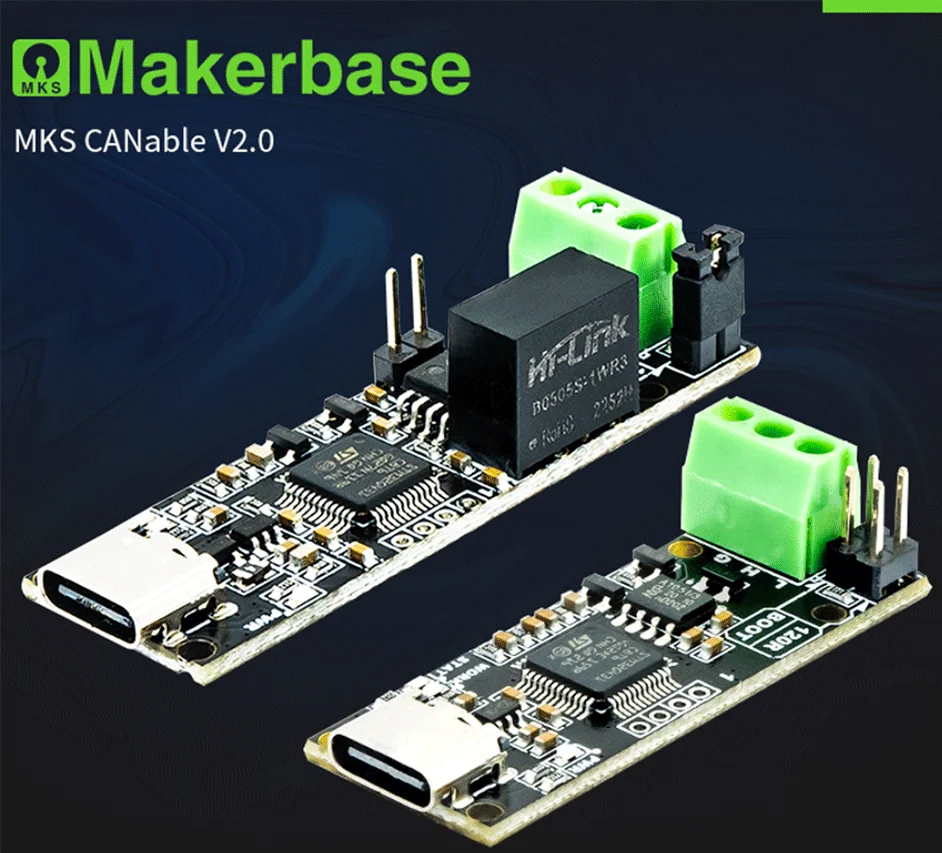
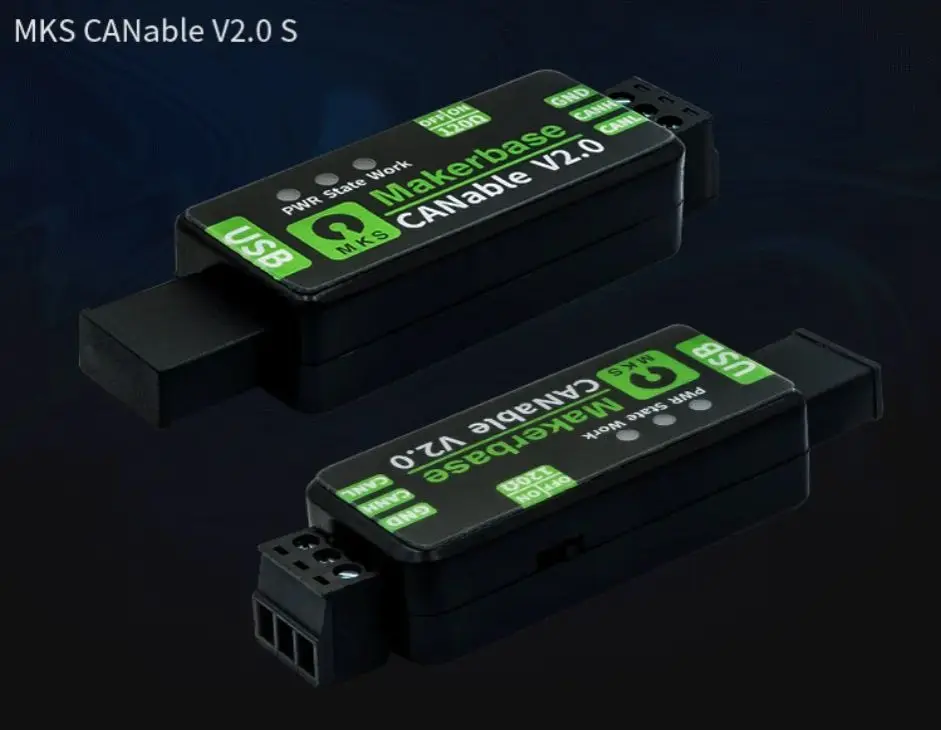
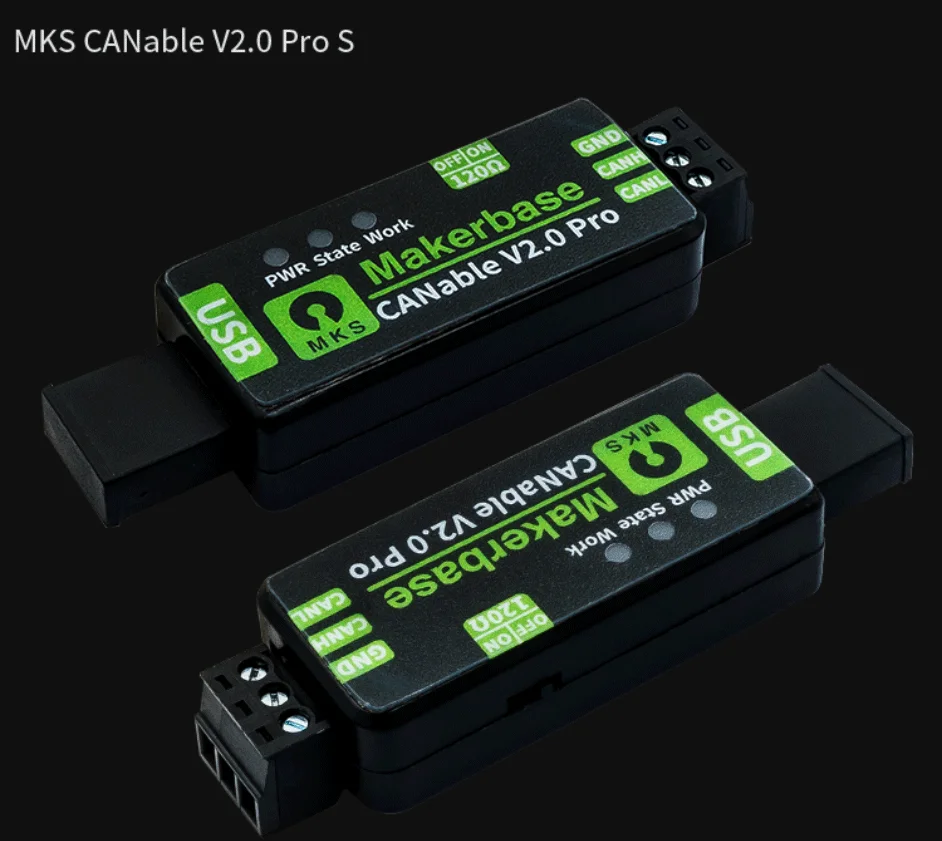


Technical details
- Family: CANable 2.0
- Type: USB-to-CAN adapter
- Selections: standard / Pro, with S variants
- Software references: slcan, SocketCAN, candleLight and compatible Klipper arrangements
- Actual features depend on board and firmware
- Host and CAN wiring: separate
Choose the matched CAN interface for your development bench.
Choose options