



Mini Voice Recorder Pen with USB Flash Recording
Capture important audio without drawing attention. This mini voice recorder pen fits naturally into your day while giving you a simple way to record lectures, meetings, conversations, and notes.
It also writes like a pen, so you can take notes and record at the same time. That means less juggling, less delay, and fewer missed details when time matters.
Stay ready to record while keeping a normal writing routine
✅ Record lectures, meetings, or conversations so key details stay with you
✅ Start recording with one-button operation when moments move quickly
✅ Carry it through the day with a pen-style shape that feels natural in hand
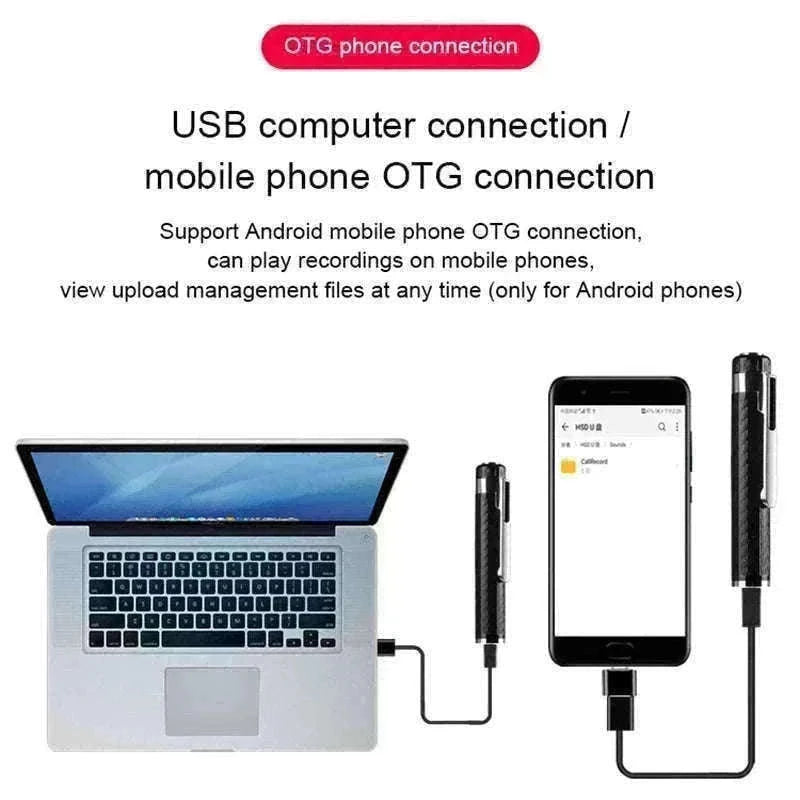
✅ Transfer and manage recordings on a computer or Android device for quick access
✅ Keep files safe with automatic saving when power runs low
✅ Write and record at once, so note-taking stays simple and organized
✅ Stay discreet in professional or classroom settings while focusing on the discussion
This recorder is built for everyday use in study sessions, business discussions, interviews, and personal note-taking. The slim profile keeps it easy to hold, and the non-slip, sweat-resistant surface adds comfort during longer sessions.
One-button activation keeps the process straightforward. You can begin recording without moving through settings, which makes it practical when you need to act fast or stay focused on the conversation.
For storage and file handling, the pen connects to a computer and can also work with Android devices through OTG. That gives you a simple way to review, organize, and share recordings when you need them.

Keep your recording tool close without changing your routine.

Stay organized with a setup built for daily use.
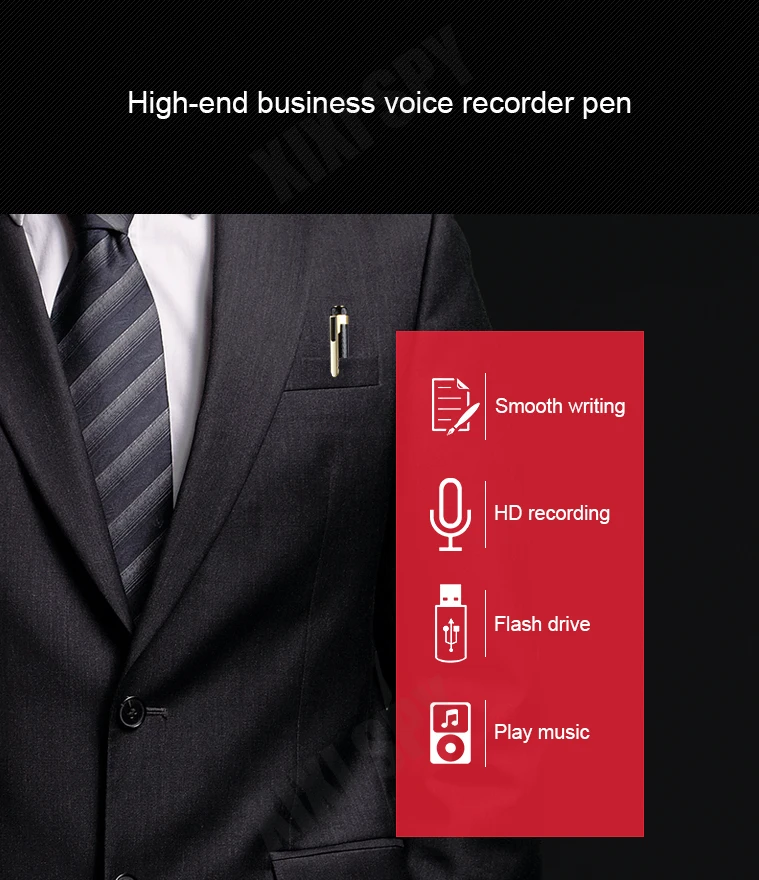
Take notes and capture audio at the same time.

Start recording quickly when the moment matters.

Keep recordings close with a shape that fits everyday carry.

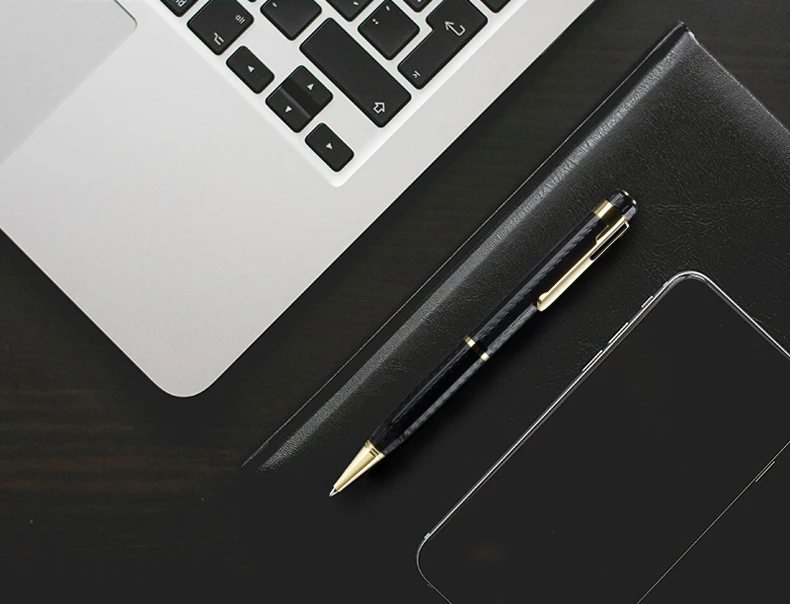
Move files easily when you need quick access on your devices.

Protect your recordings before the battery runs out.

Use a simple tool that stays useful across school, office, and personal tasks.
The compact size of 14×1.4cm and weight of about 25g make it easy to keep with you during the day. The replaceable refill adds long-term value for school, office work, or daily personal use.
Its discreet form keeps attention on the conversation, not the device. That makes it a practical choice when you want clear recordings in a professional or classroom setting.
Keep your notes clear and your recordings ready with one pen.
Choose options