




USB Multiport Hub, Connector and Layout Options
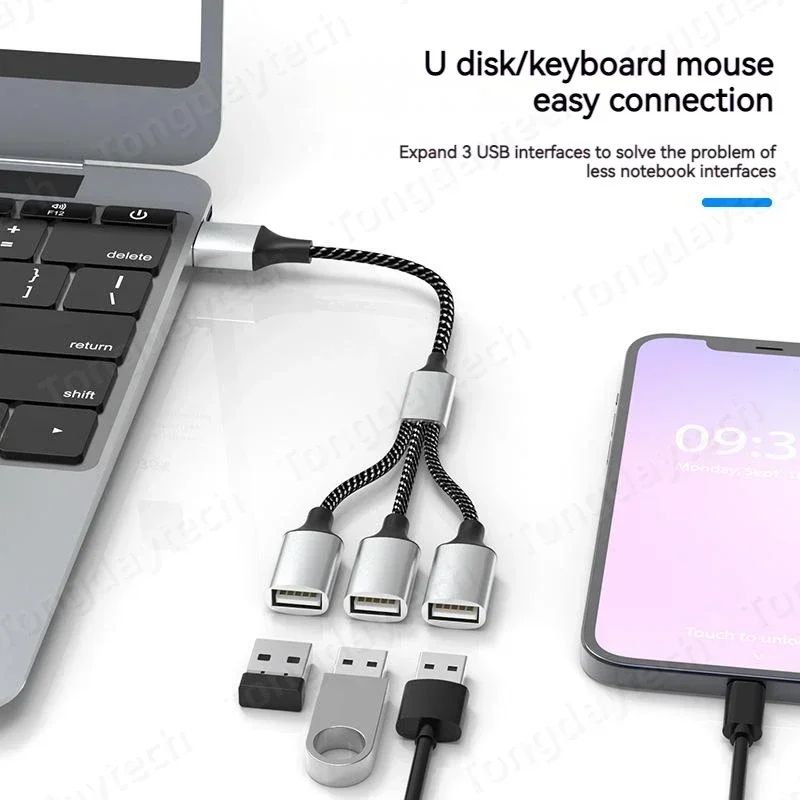
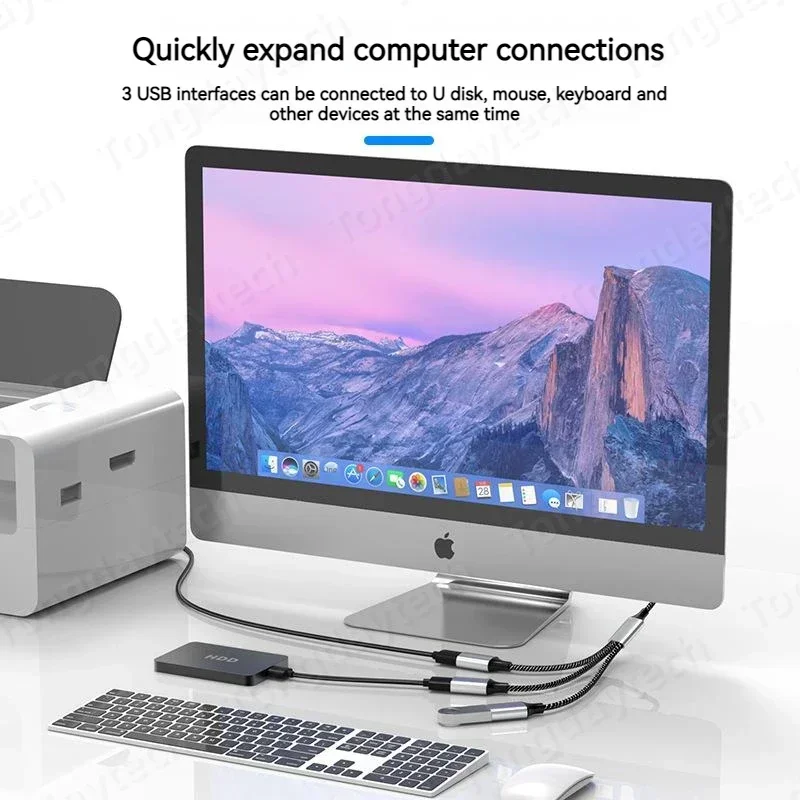
Add connection points to a compatible computer or supported mobile setup with a compact USB hub. Different connector and layout options let you choose the version that matches the host and accessories.
- ✅ Connect several suitable accessories - use the selected hub's available ports.
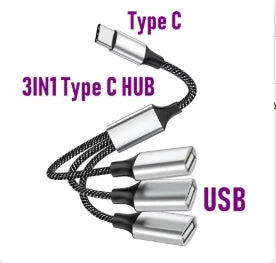
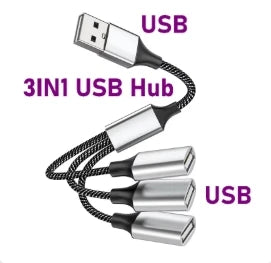
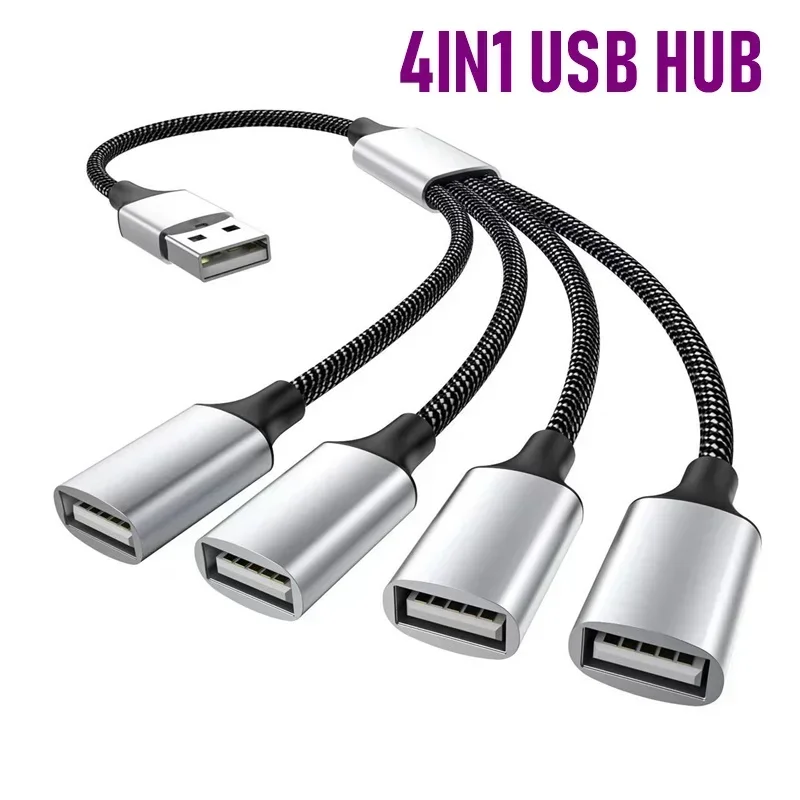
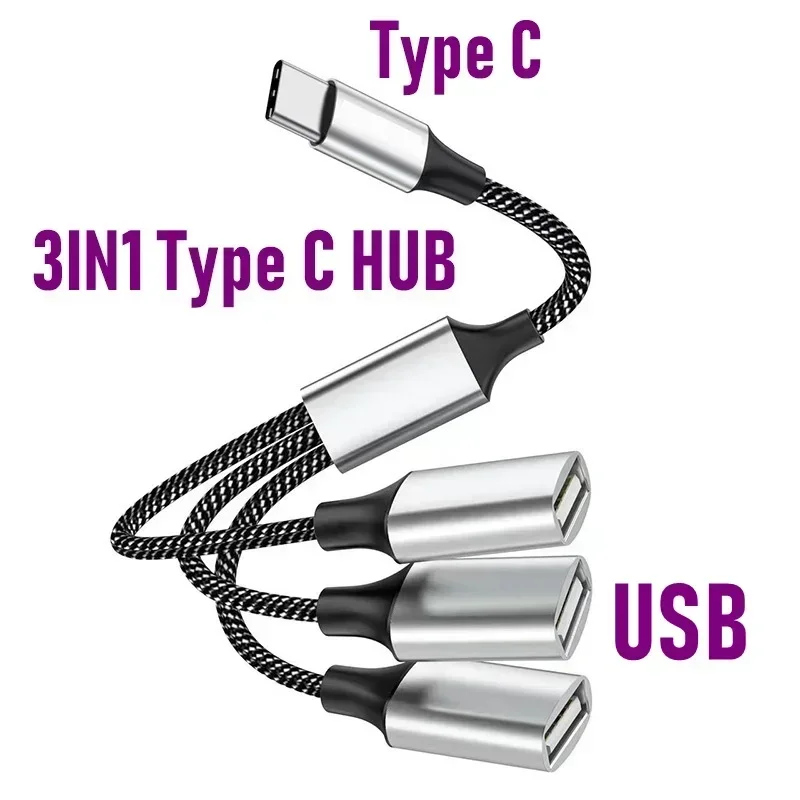
- ✅ Choose the host connection - USB-A and USB-C-labelled variants are listed.
- ✅ Keep the setup compact - the small hub groups connections in one place.
Choose by the Actual Port Layout
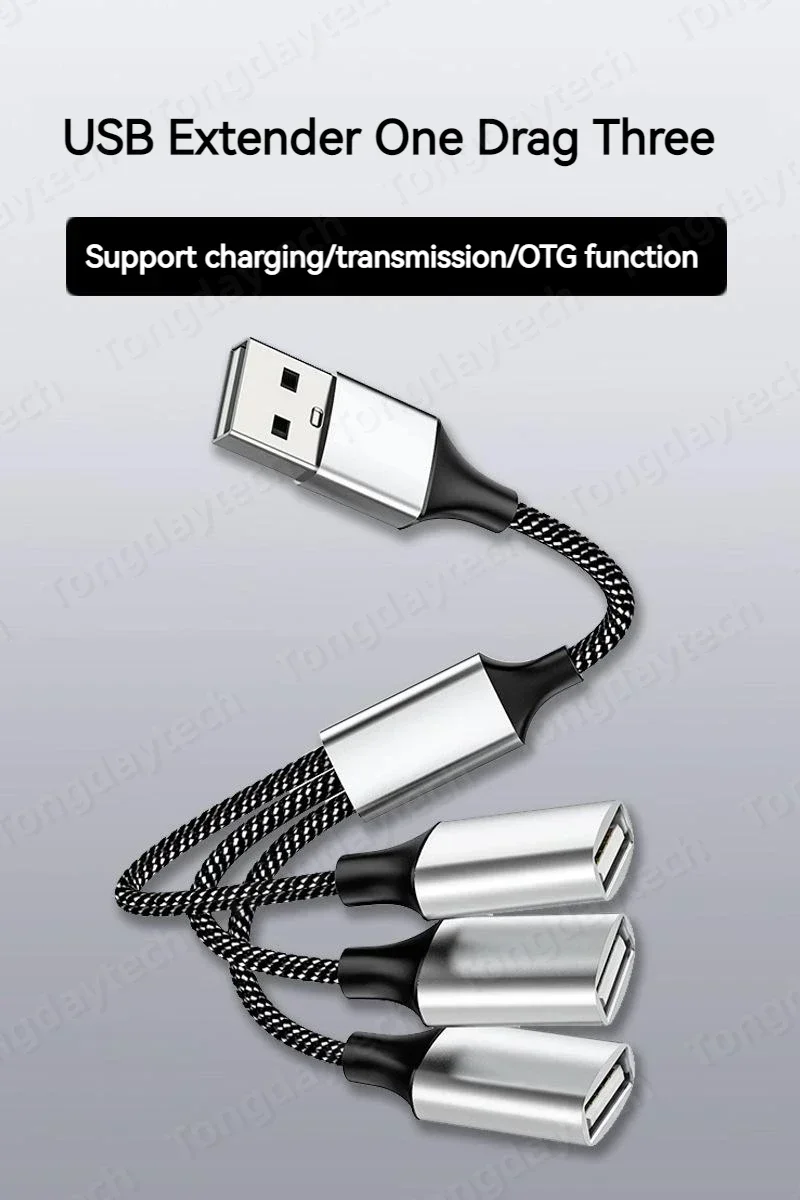
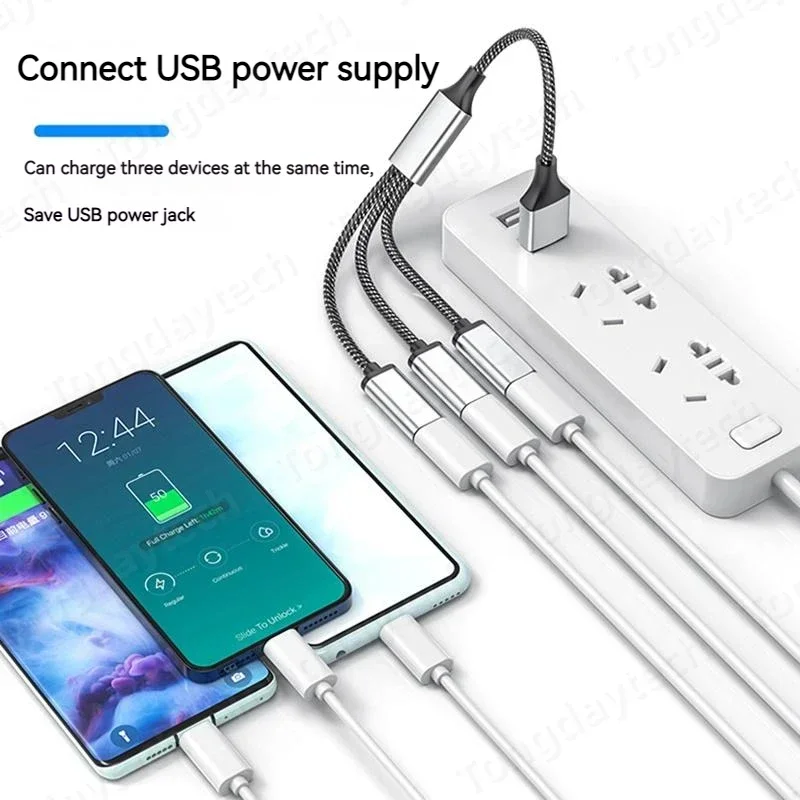
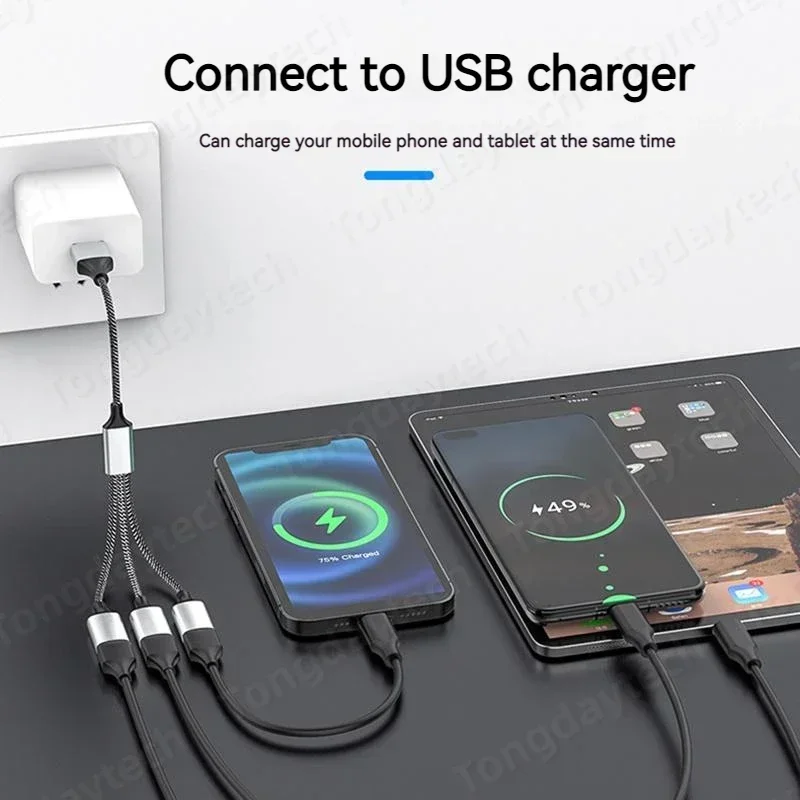
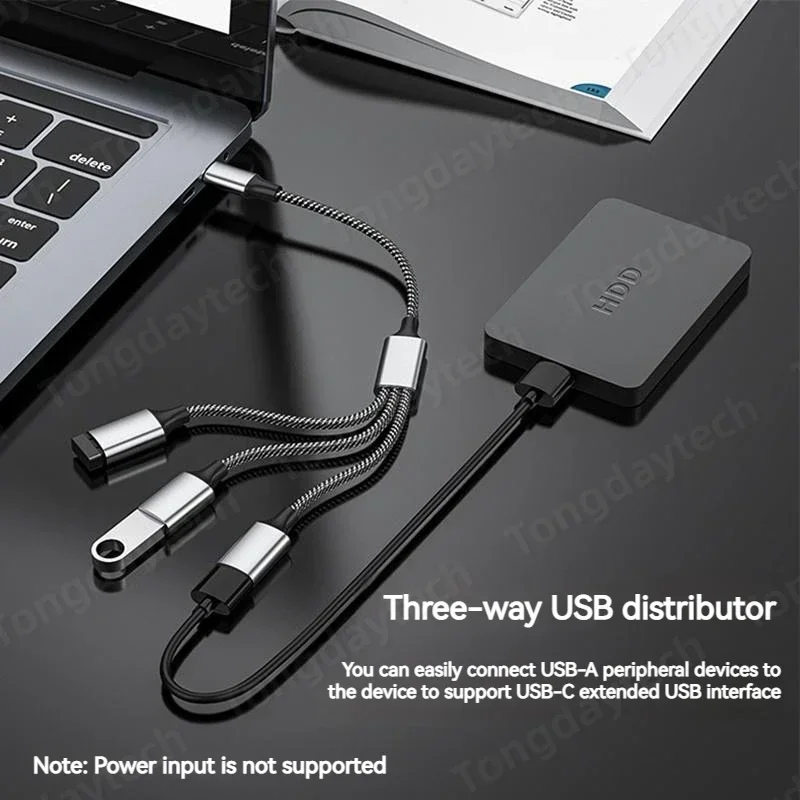
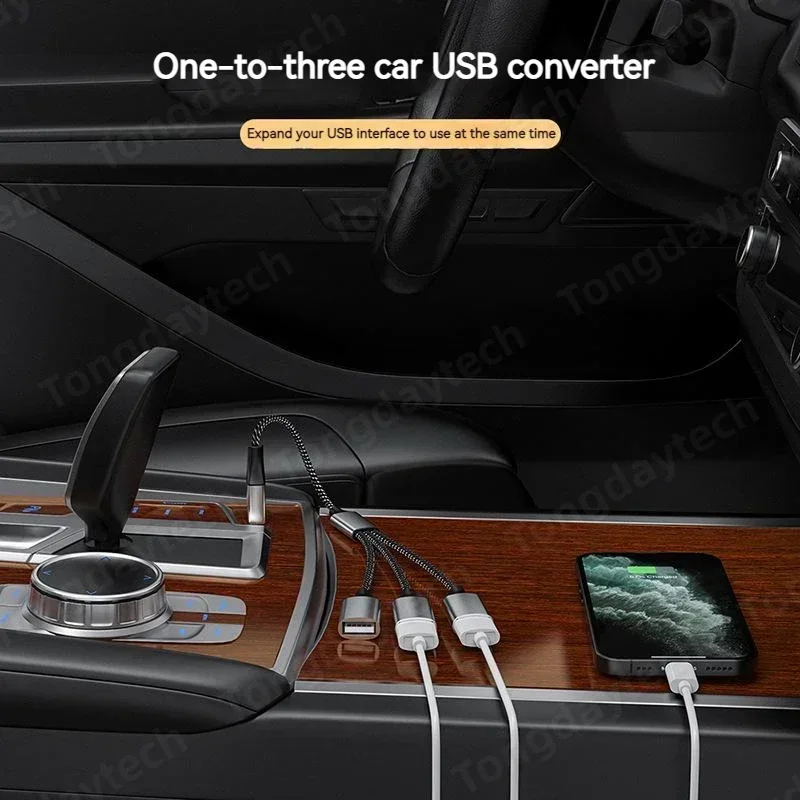
The listing mixes three-in-one and other port-count options, so compare the selected photographs rather than assuming every version is a four-port USB 3.0 hub. Check which ports support data and whether any other function is included.
Mobile use requires a compatible host/OTG implementation. Transfer rate and available power depend on the actual hub and host; no fast charging or universal phone compatibility is established. Devices and separate power supplies are not included.
Technical details
- Product: multiport USB hub.
- Host options: selected USB-A or USB-C version.
- Variants: pictured 3-in-1 and other labelled layouts.
- Package: one selected hub.
- Verify actual USB standard and port roles.
Match the host connector and port layout before choosing the hub.
Choose options