


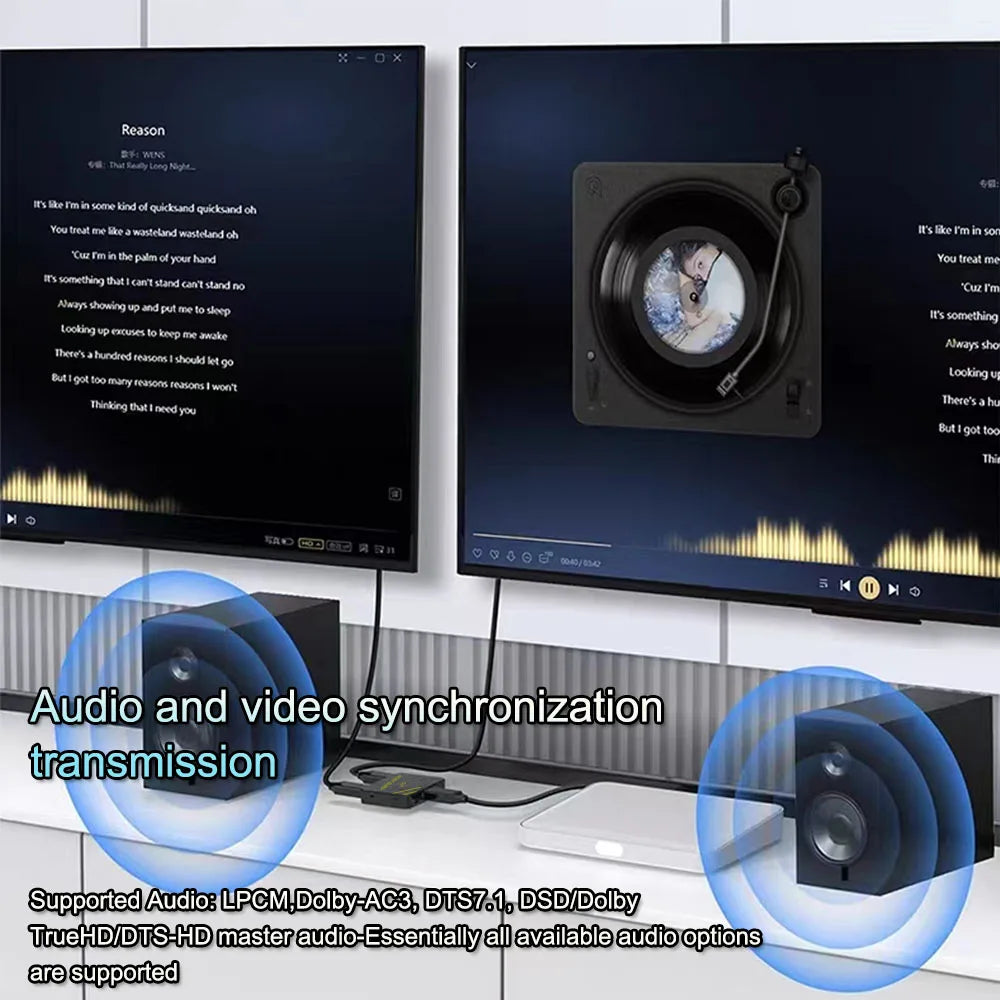


HDMI Splitter - Two- or Four-Output Options
Show the same HDMI source on several supported displays. Choose the two- or four-output version for the number of screens in the installation.
✅ Share one source across screens - A splitter distributes the same incoming picture to the connected displays.
✅ Keep one playback device in the setup - Several screens can receive the output without a separate source player at each display.
✅ Choose the output count - Two- and four-output selections provide different layouts for the intended installation.
Duplicate the Picture, Not an Extended Desktop
This is a splitter, so it sends the same content rather than creating independent desktop areas. Check the source, displays and cables for the signal mode you intend to distribute.
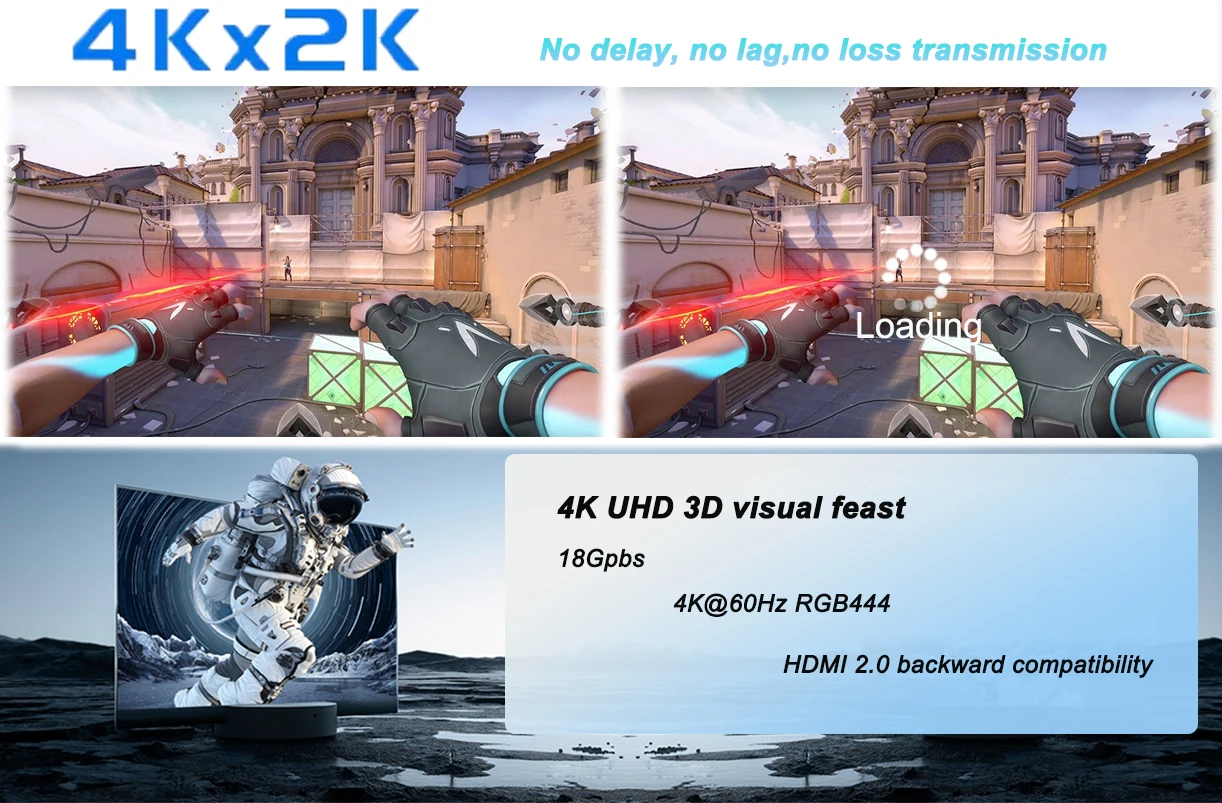
The two-output specification includes HDMI 2.0 and up to 4K at 60 Hz where the connected equipment supports the mode. HDR and other formats require the appropriate support throughout; check the actual four-output model separately.
Technical details
- One HDMI input
- Two- or four-output versions
- Same-source picture distribution
- Two-output specification: HDMI 2.0, up to 4K 60 Hz
- Model-specific power and format support
- Displays and HDMI cables separate
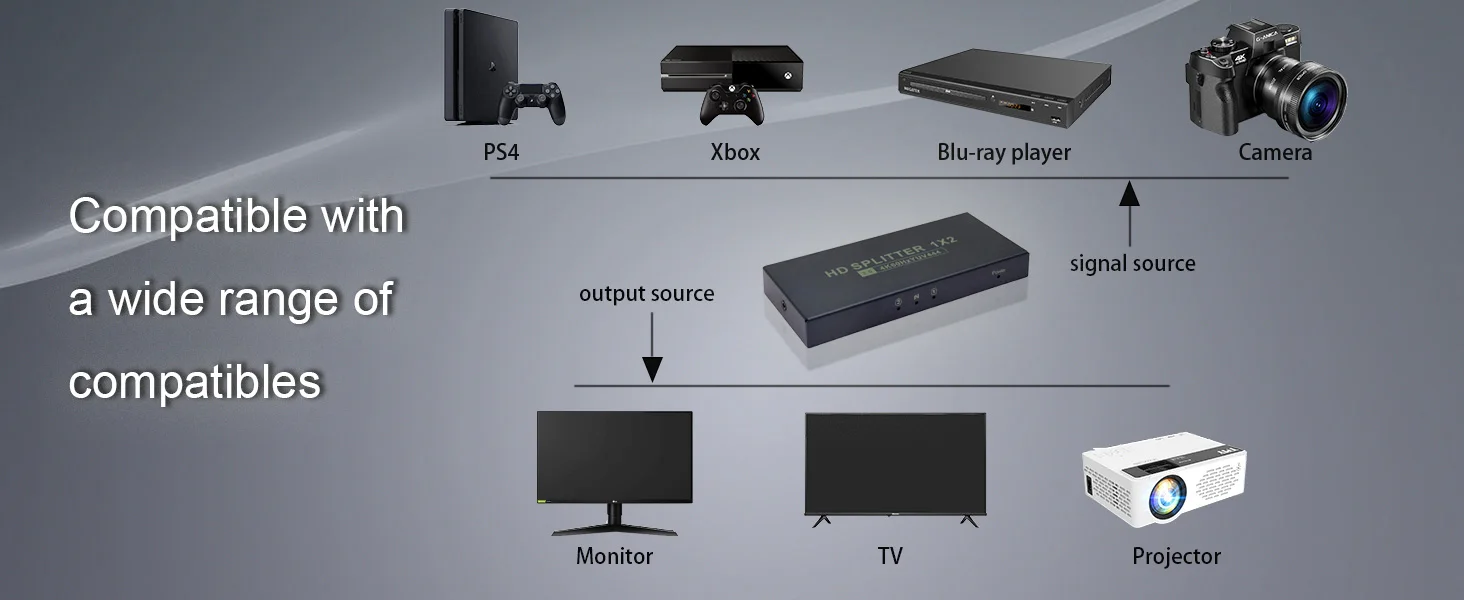
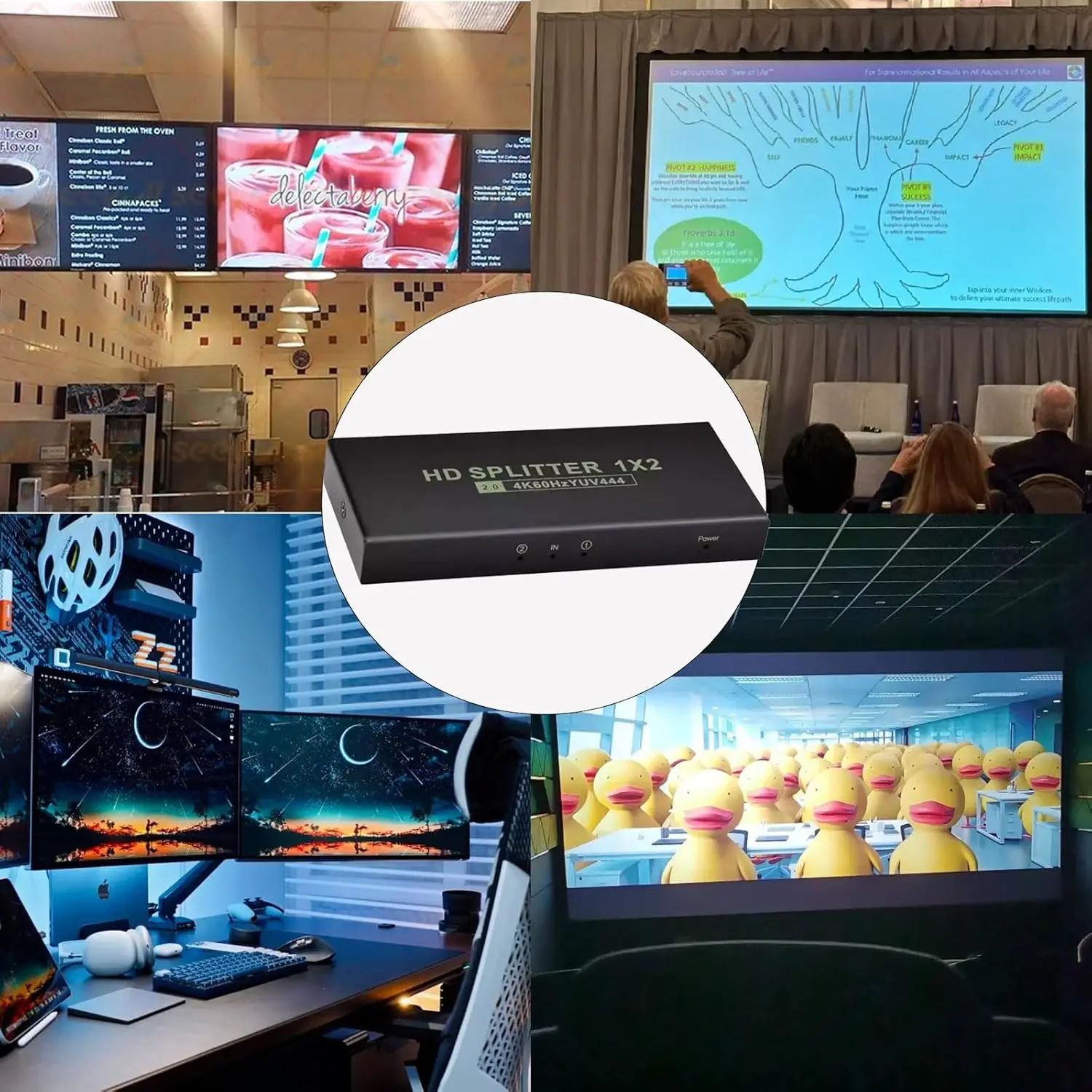
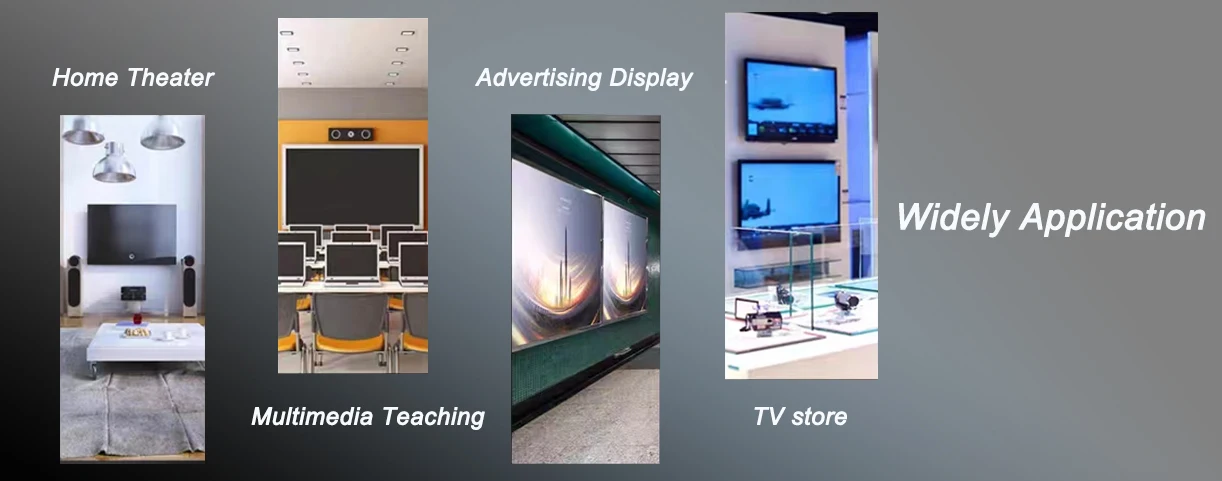
Choose the output count for your matching display arrangement.
Choose options