


USB-C to DisplayPort 1.4 Video Cable
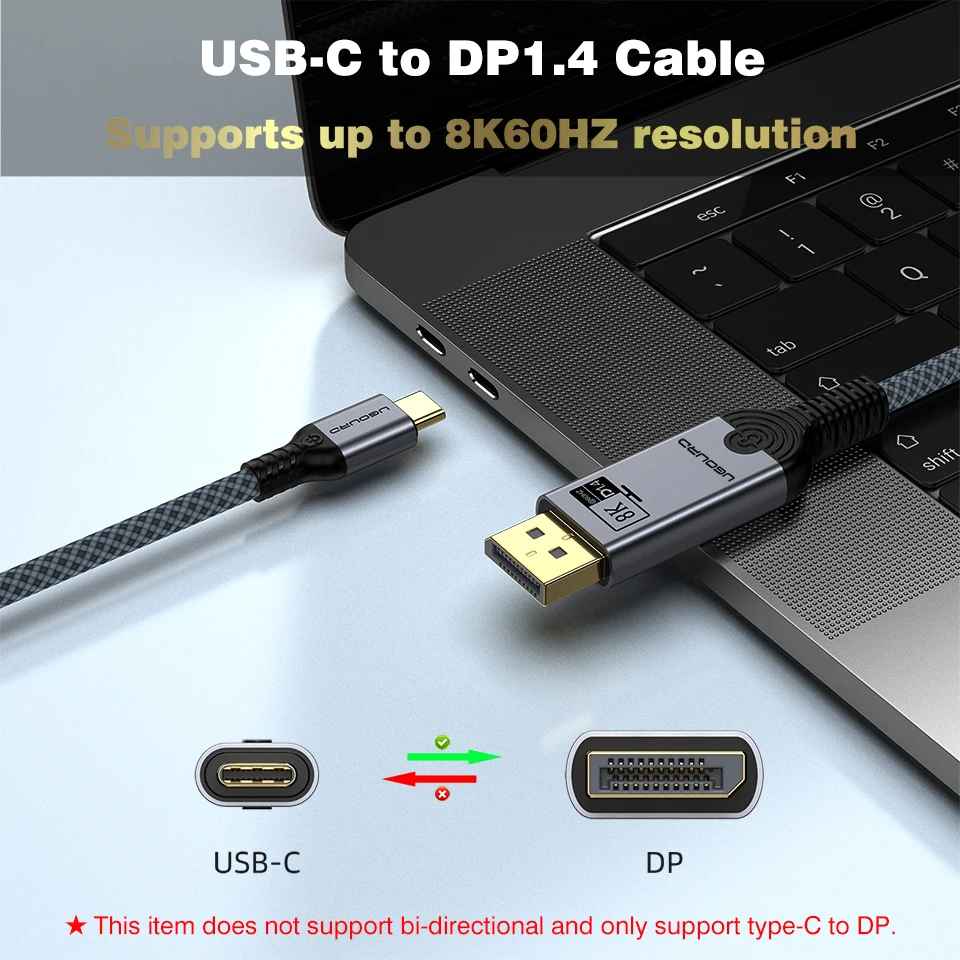
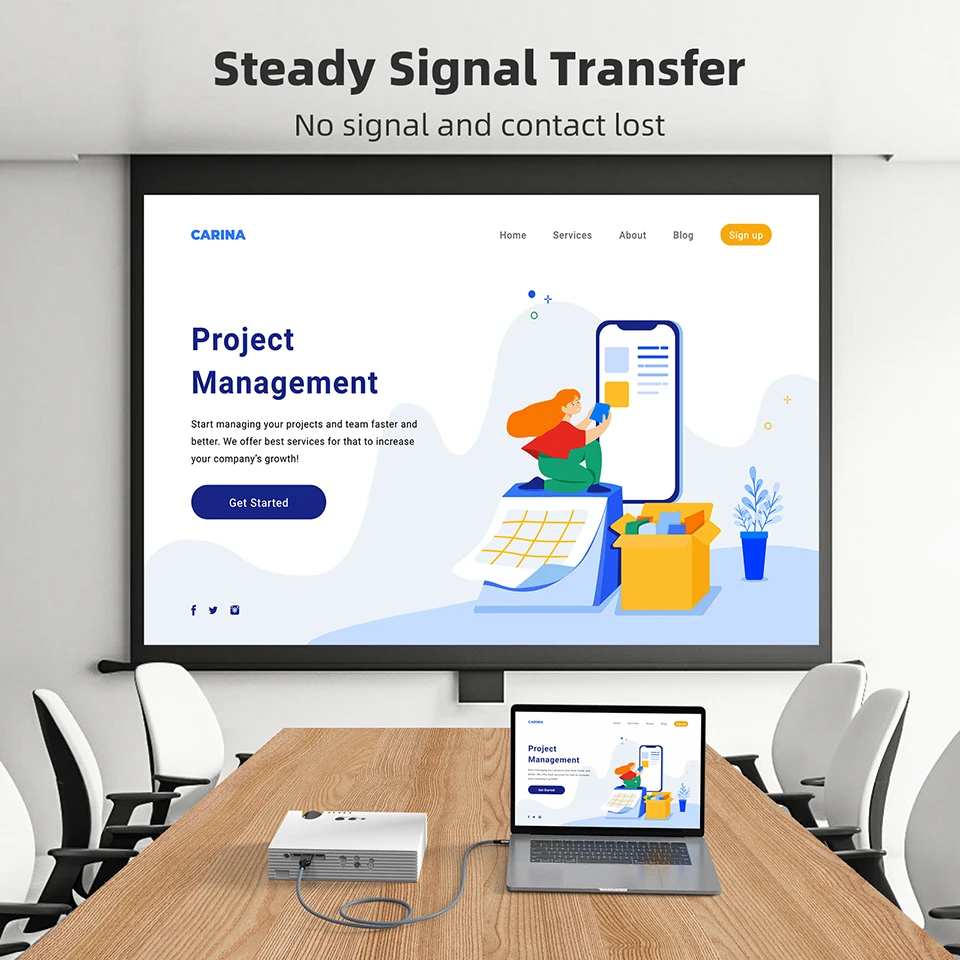
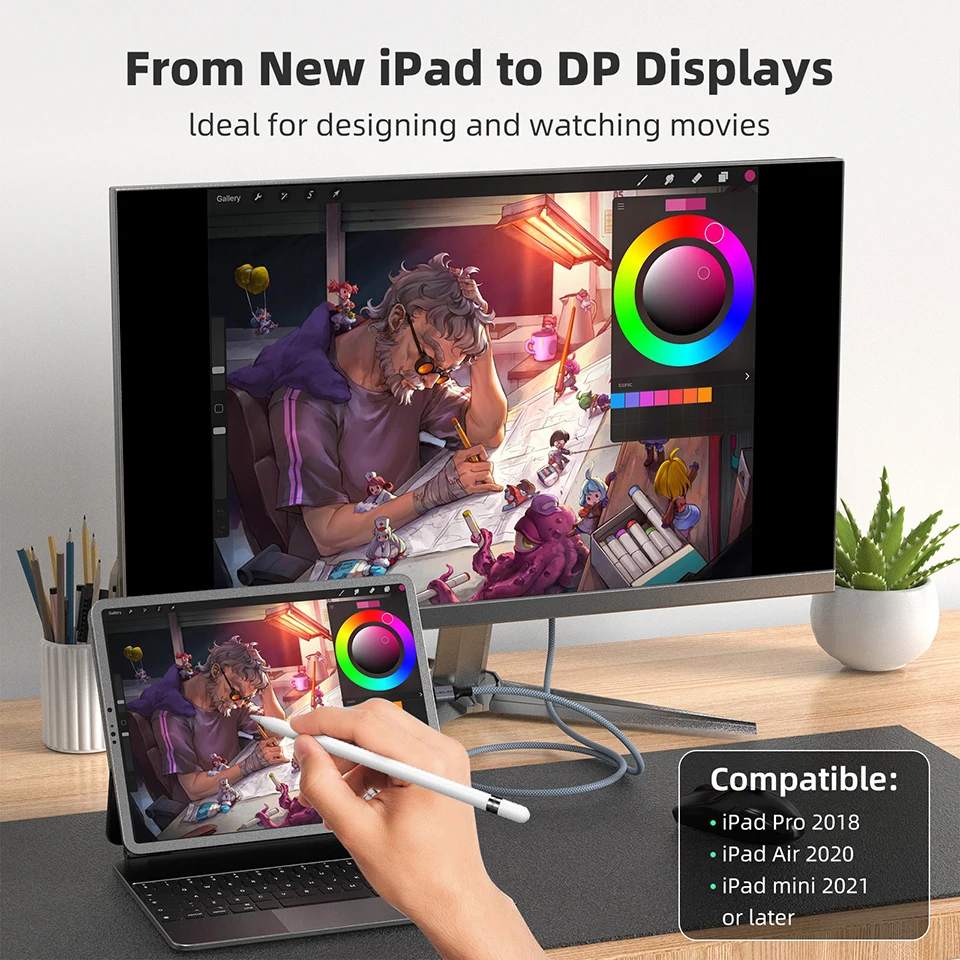
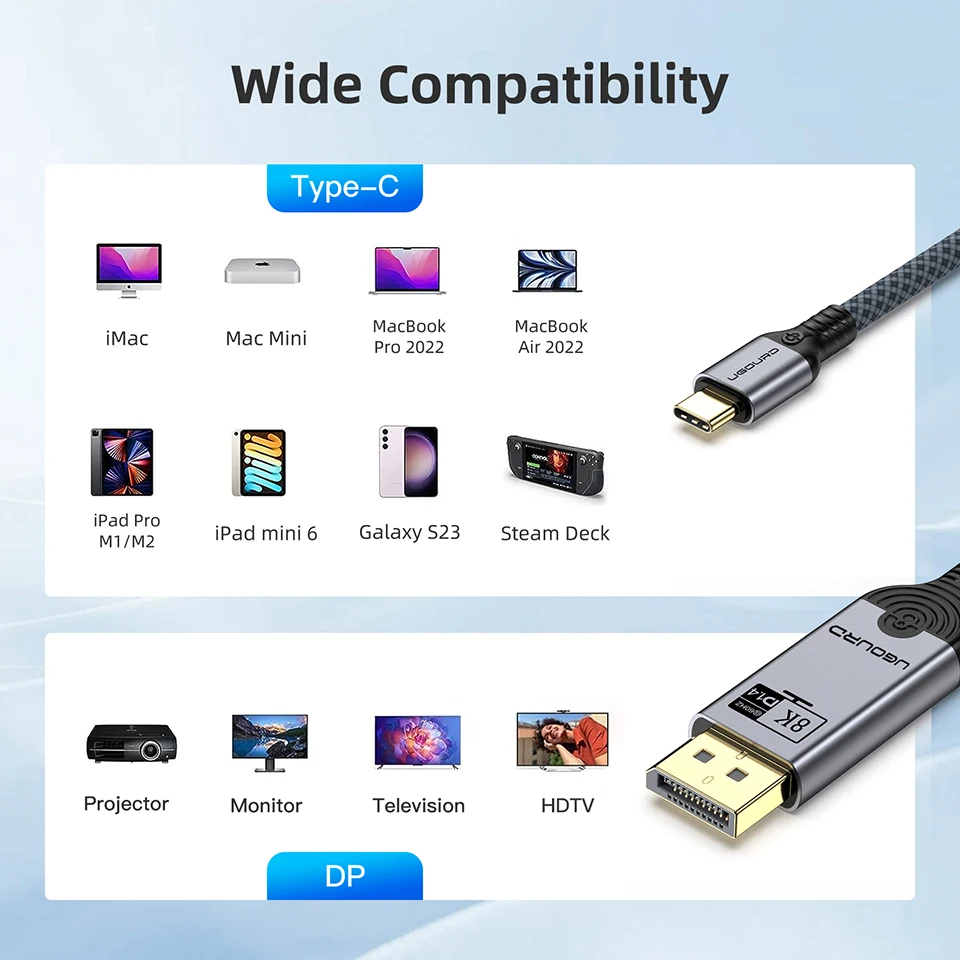
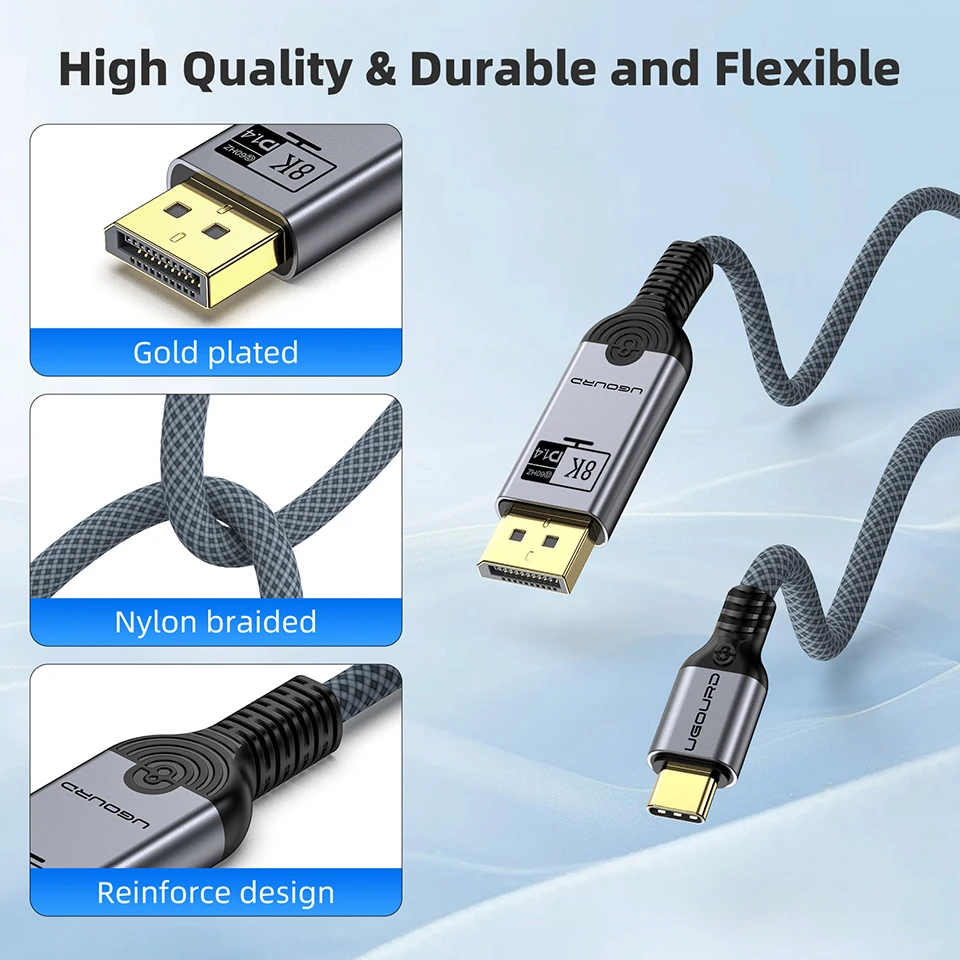
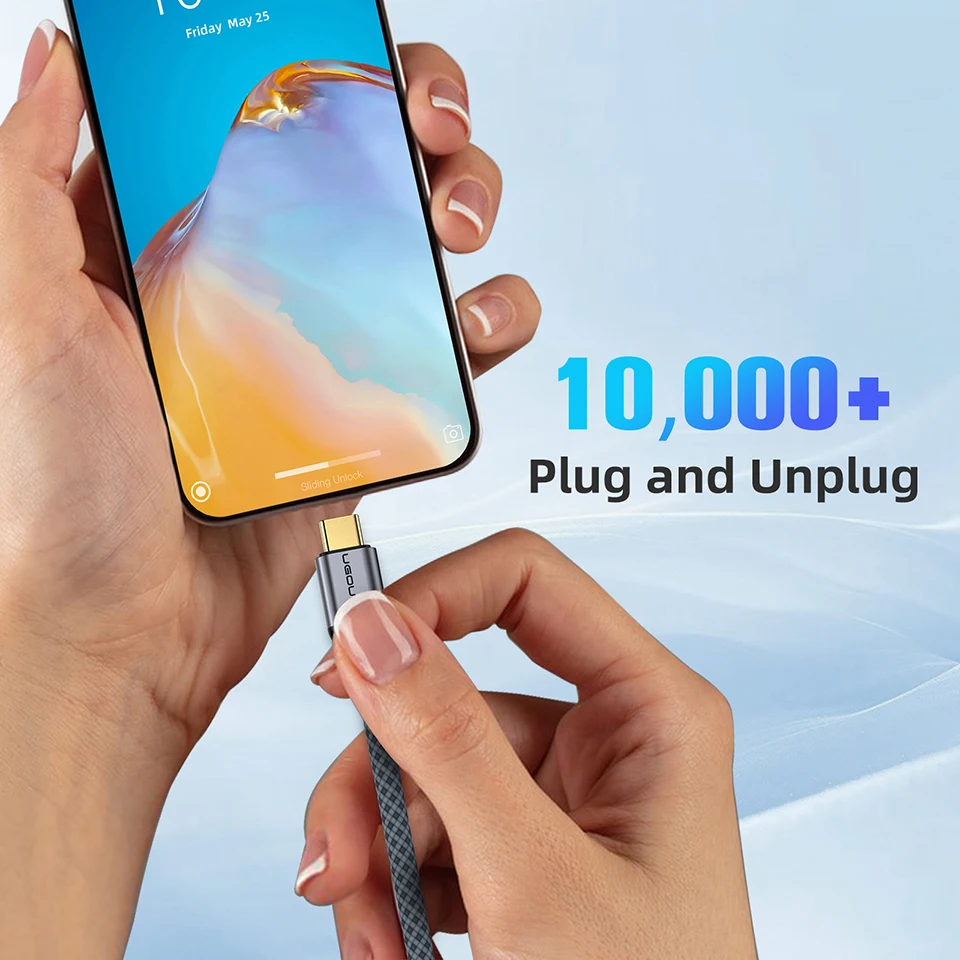
Connect a video-capable USB-C device to a DisplayPort monitor with one cable. This directional connection is useful for a compatible laptop, tablet or phone display setup.
✅ Move content to a larger screen - A supported external display provides more room to view or work.
✅ Choose the reach you need - One-, 1.5-, two- and three-metre lengths suit different desks.
✅ Keep the connection straightforward - USB-C at the source and DisplayPort at the monitor define the signal path.
The Source Port Must Provide Video
Use a USB-C port supporting DisplayPort Alt Mode or the required compatible Thunderbolt video output. A data-and-charging-only USB-C port will not work.
This cable runs from USB-C source to DisplayPort display and cannot transmit in reverse. Output modes up to the stated 8K at 60 Hz depend on source, display and supported compression; check the complete system.
Technical details
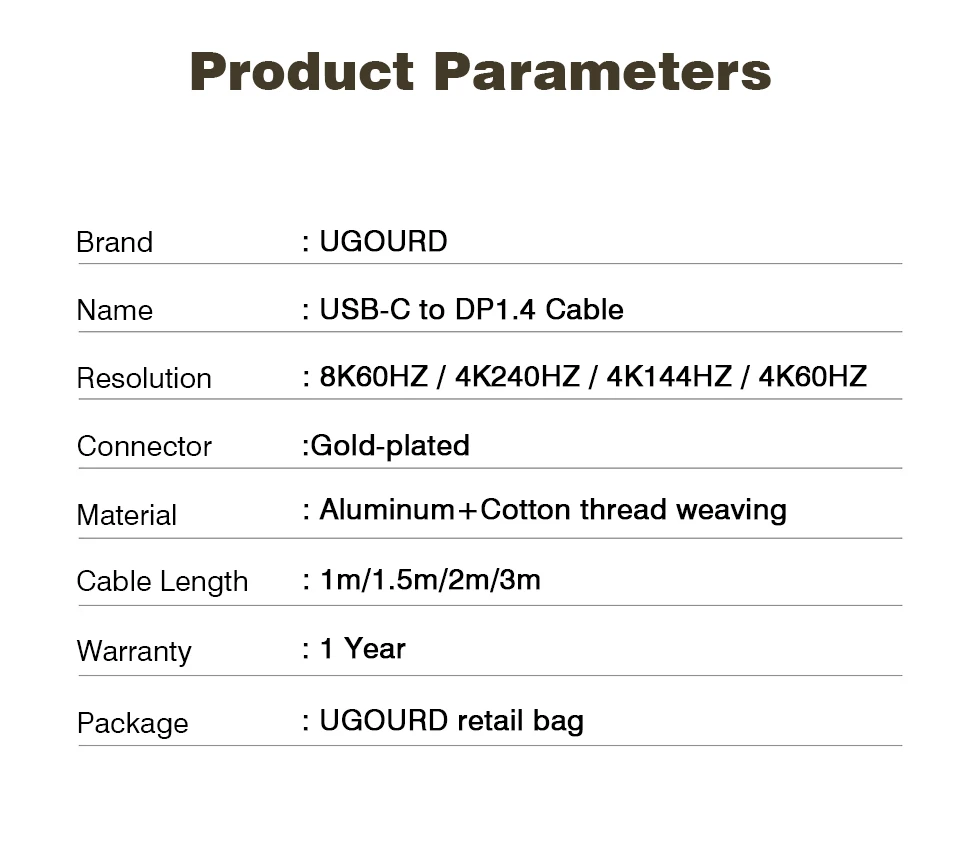
- USB-C to DisplayPort 1.4
- One-way USB-C source to DP display
- 1 / 1.5 / 2 / 3 m options
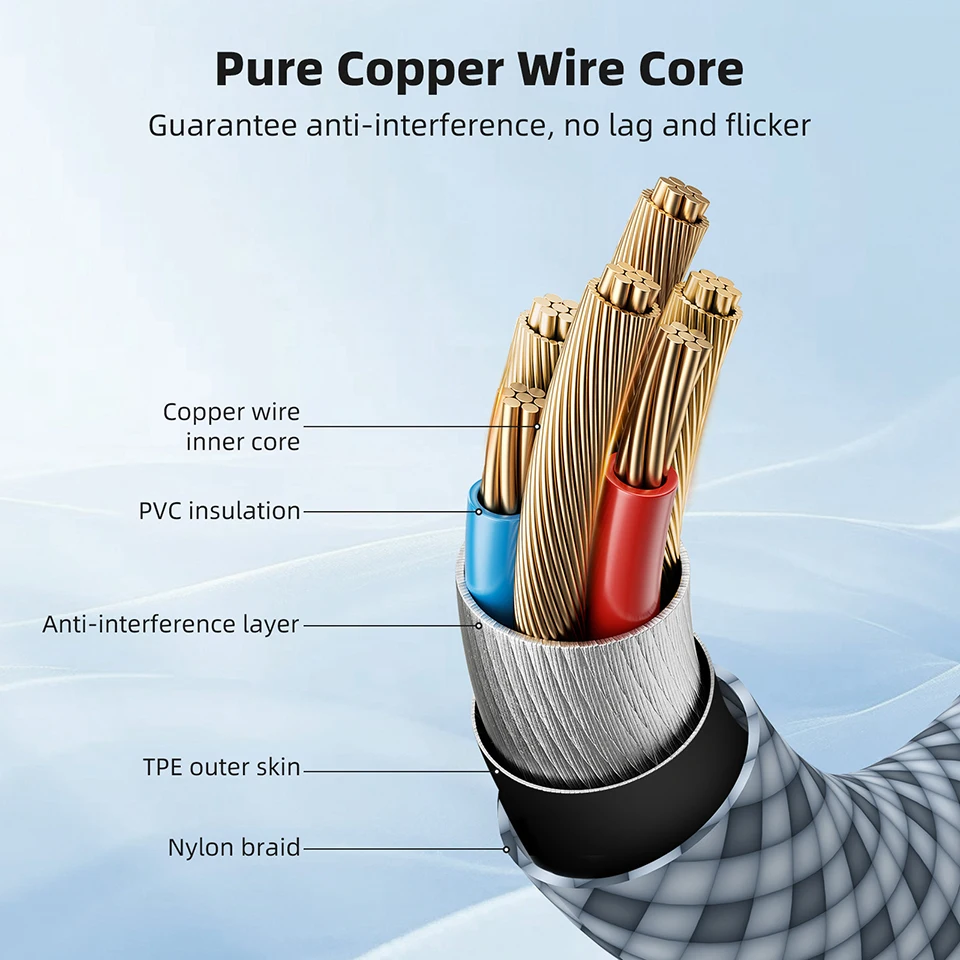
- Braided cable body
- Video-capable source port required
- Maximum mode depends on connected equipment
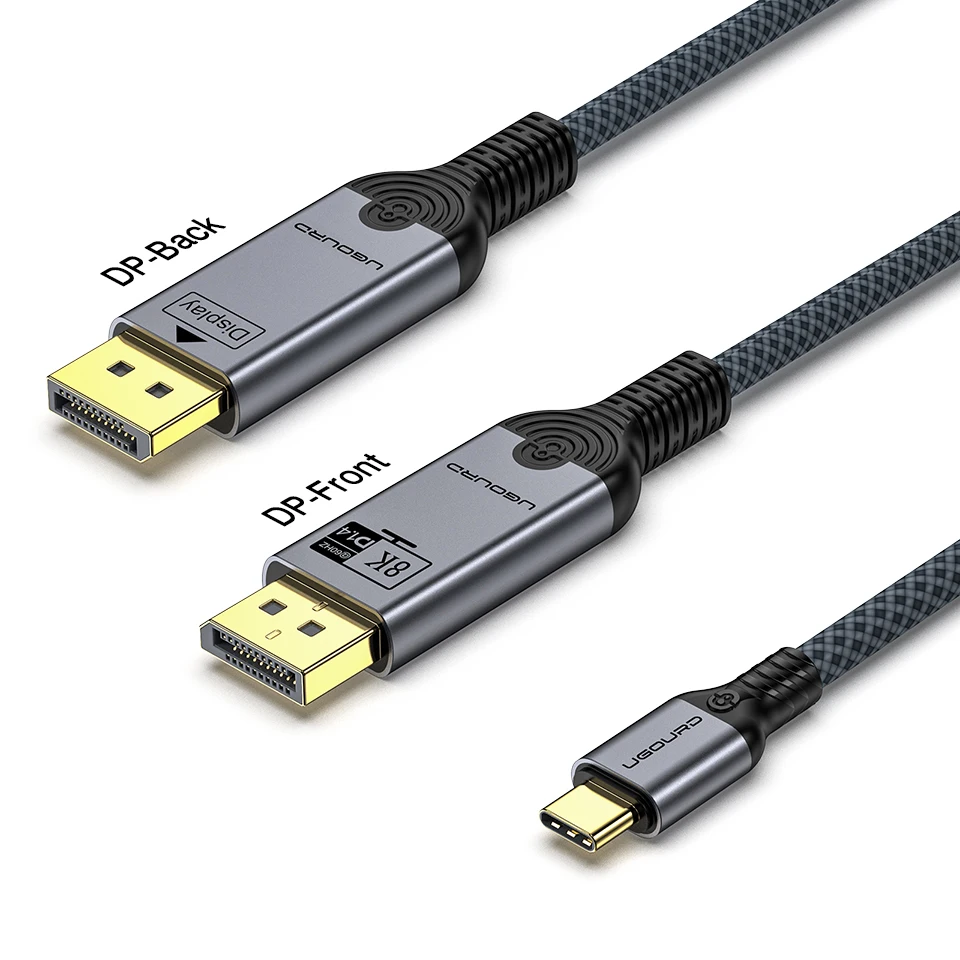
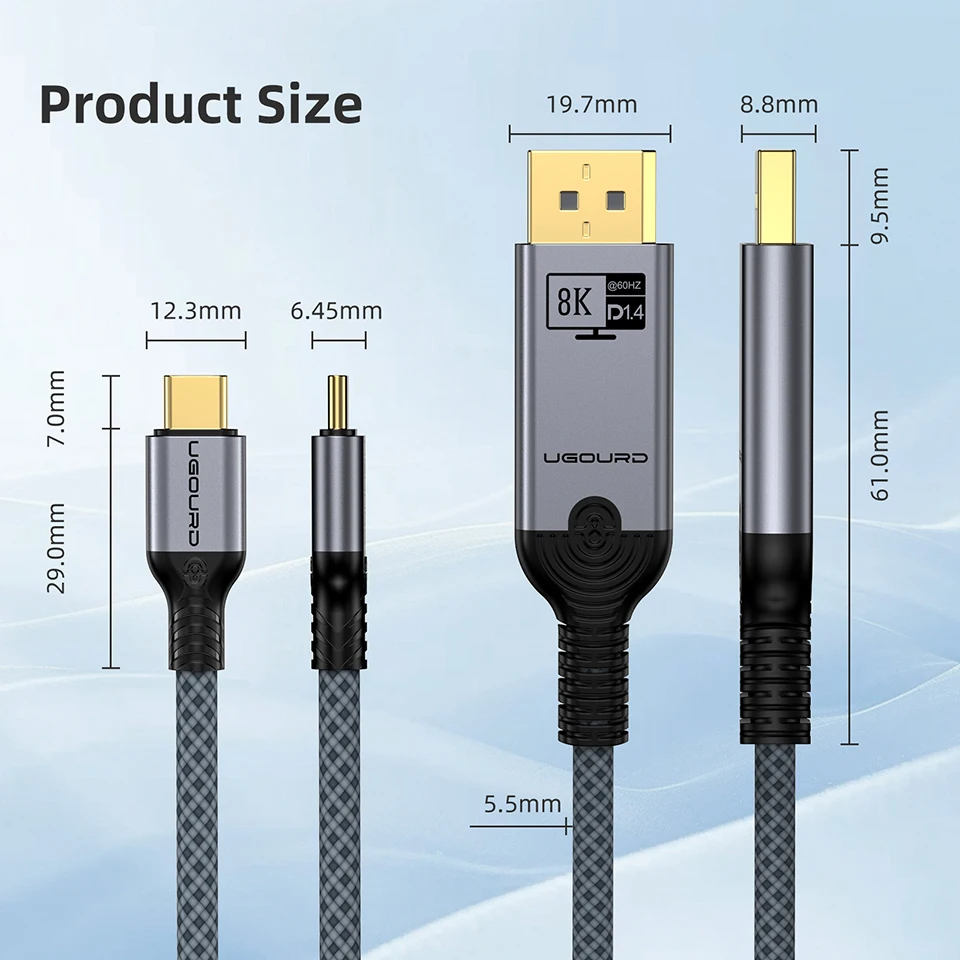
Choose the length for your compatible USB-C display setup.
Choose options