








Magnetic Vlog Selfie Monitor for Phone with 4" Wireless Screen
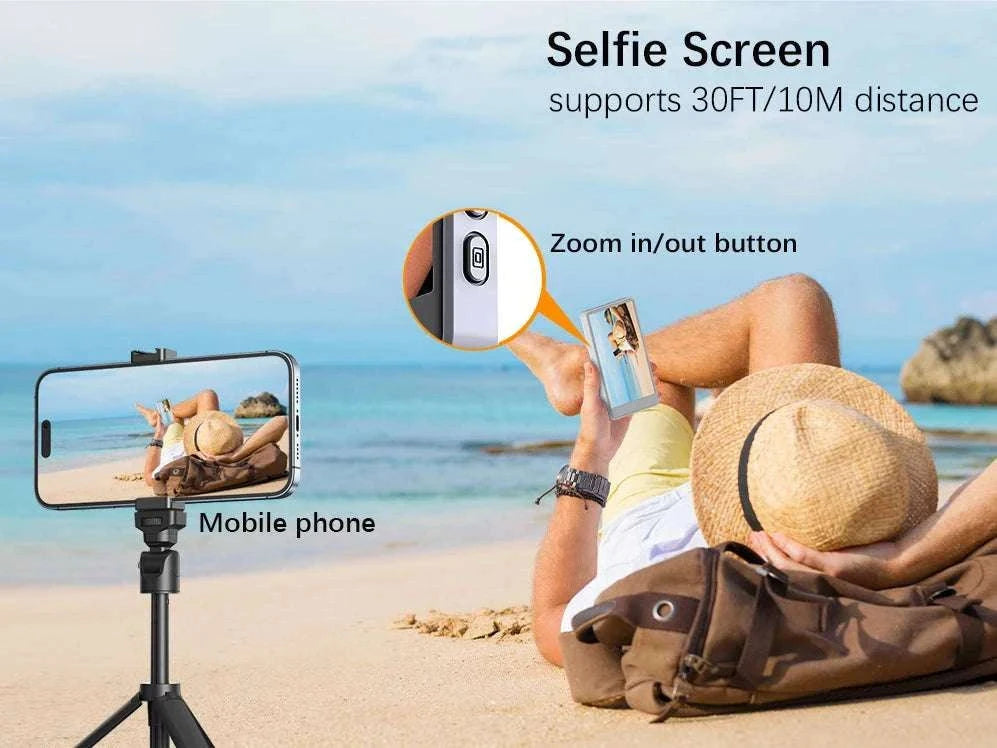
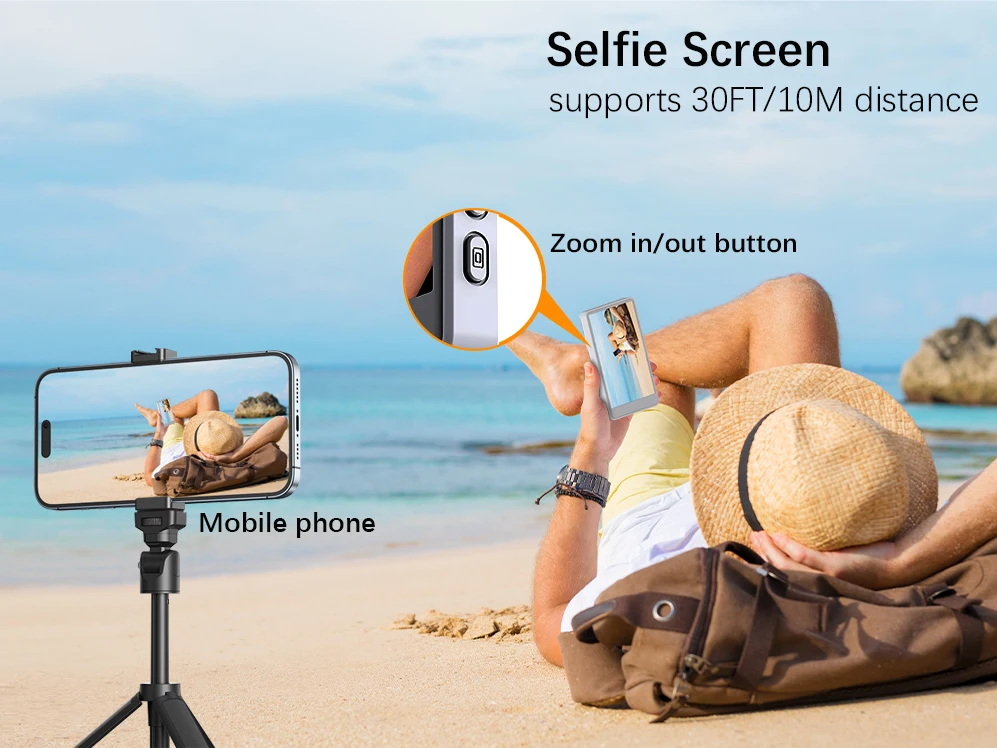
Frame yourself perfectly using your phone’s rear camera. This compact 4" selfie monitor mirrors your screen in real time, so your videos look sharp, centered, and ready to post.
No more guessing angles or recording blind. You see exactly what your audience will see while you film, stream, or shoot content anywhere.
See yourself clearly while filming with your rear camera
✅ Shoot sharper videos using your phone’s rear camera with live screen view
✅ Stay centered on a 4-inch display so framing looks clean and intentional
✅ Record hands-free with magnetic mounting for stable, steady shots
✅ Remove cable clutter with wireless screen mirroring
✅ Keep visuals clear with 450CD brightness and 800:1 contrast
✅ Create content anywhere with a simple, portable setup
✅ Avoid retakes by seeing your shot live as you record
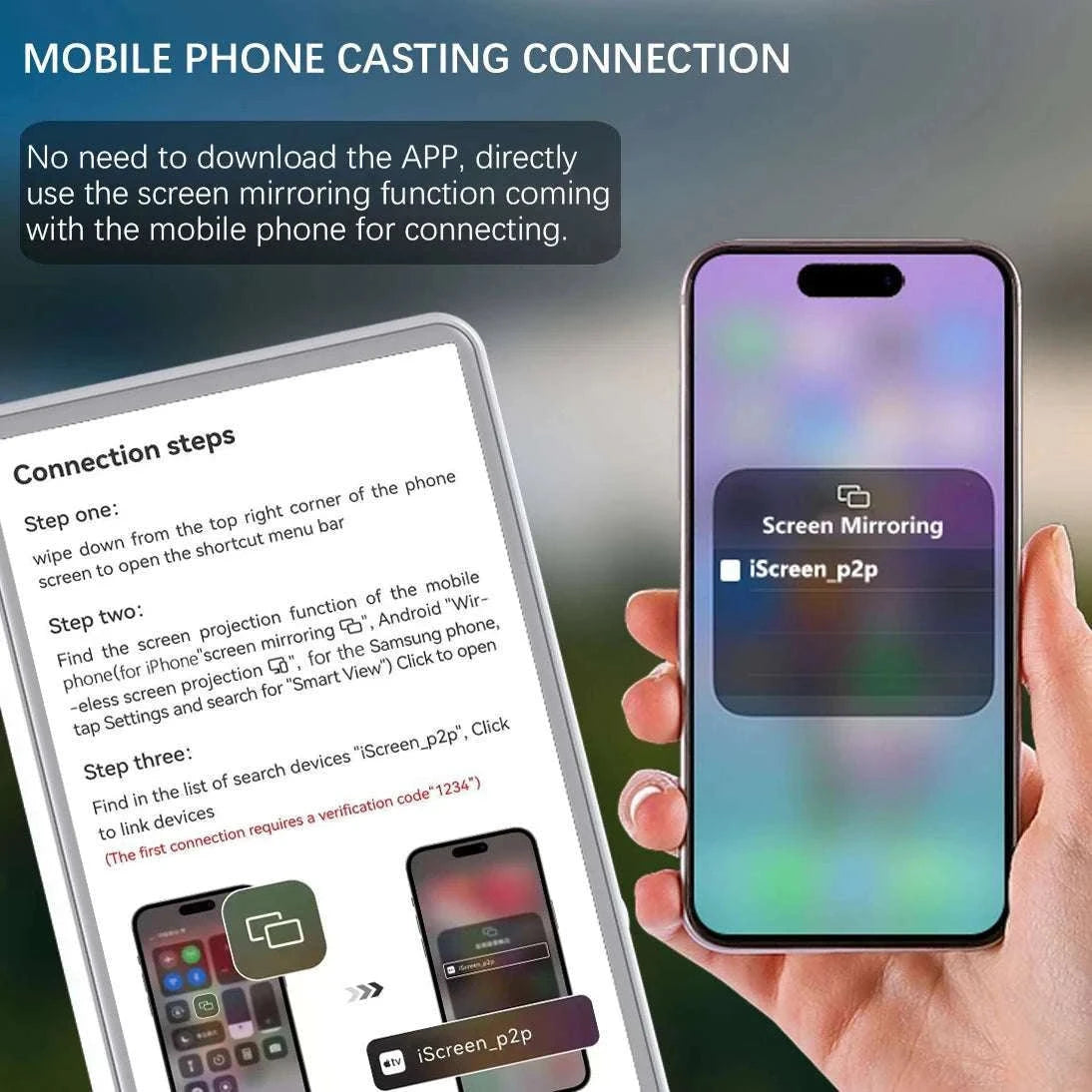
This monitor connects wirelessly using screen mirroring, showing your phone display instantly on the 4" screen. It lets you use your rear camera for higher-quality videos while still seeing your composition in real time.
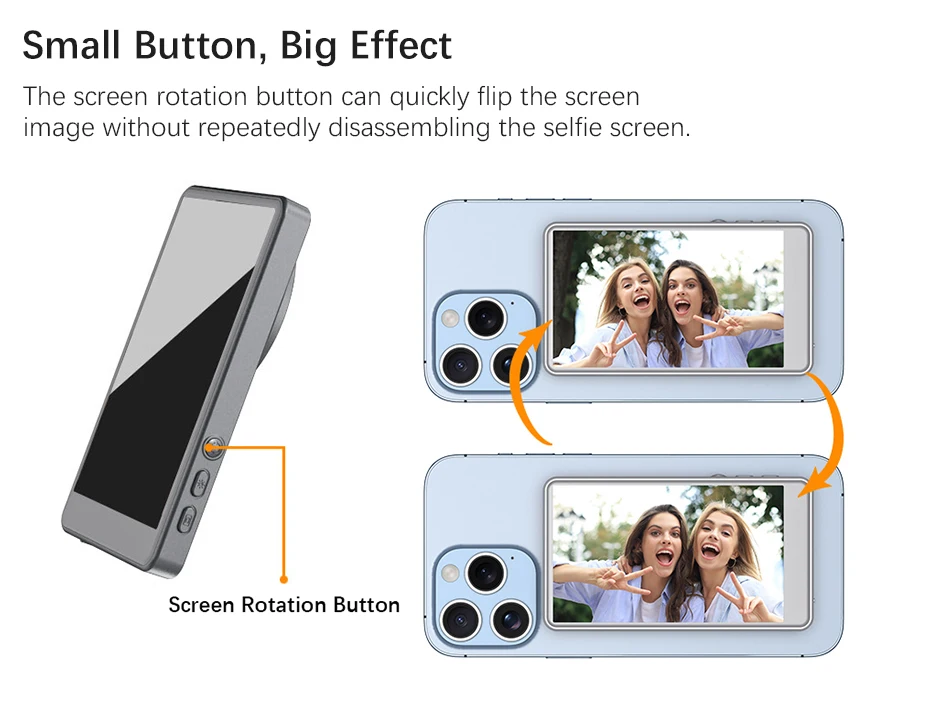
The magnetic mount snaps securely onto compatible phones (iPhone 12–16 series), giving you a stable, adjustable viewing angle for vlogging, livestreams, and social content. With no cables involved, your setup stays clean and easy to manage.
It supports multiple languages including English and Simplified Chinese. For iPhone use, Wi-Fi must be turned on. Not compatible with iPhone 17 or Google Pixel devices.
Compared to guessing your framing or relying on front cameras, this setup gives you more control, clearer footage, and a smoother content workflow without extra gear or complicated setup.
 Stay perfectly framed while recording every shot.
 Attach instantly for quick and stable setup.
 See live footage without messy cables.
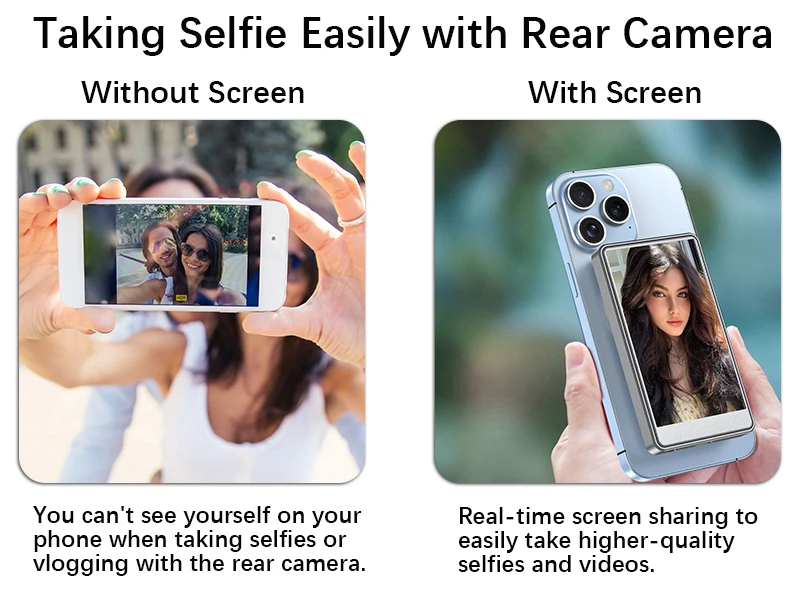 Create content confidently anywhere you film.
 Use better cameras without losing visibility.
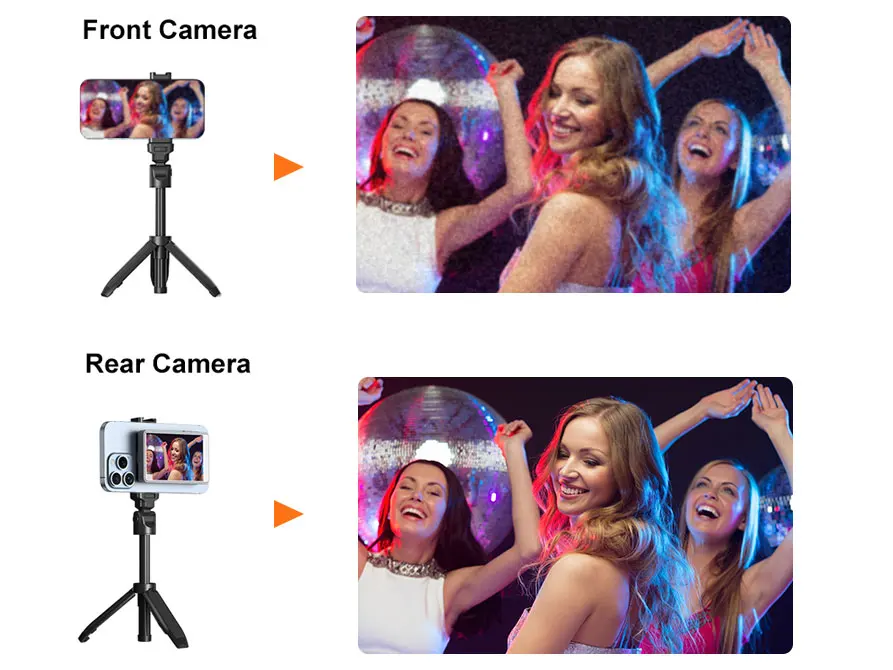 Carry it easily for everyday shooting.
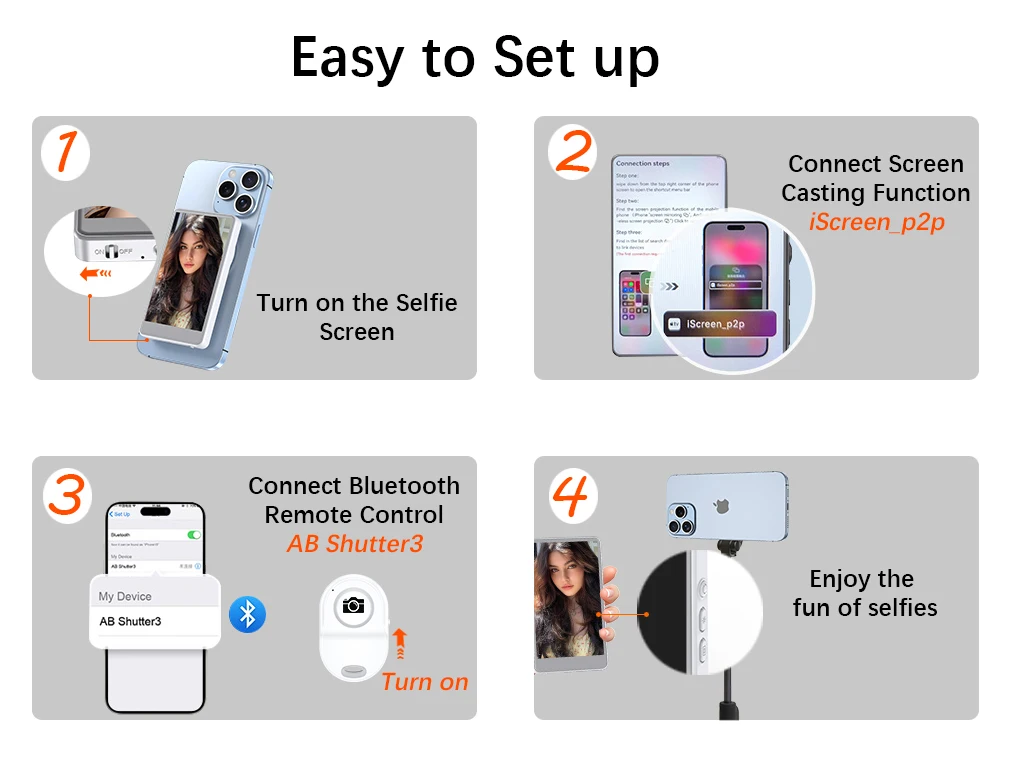 Simplify your setup and focus on creating.
Get clear, confident shots every time you hit record.
Choose options