

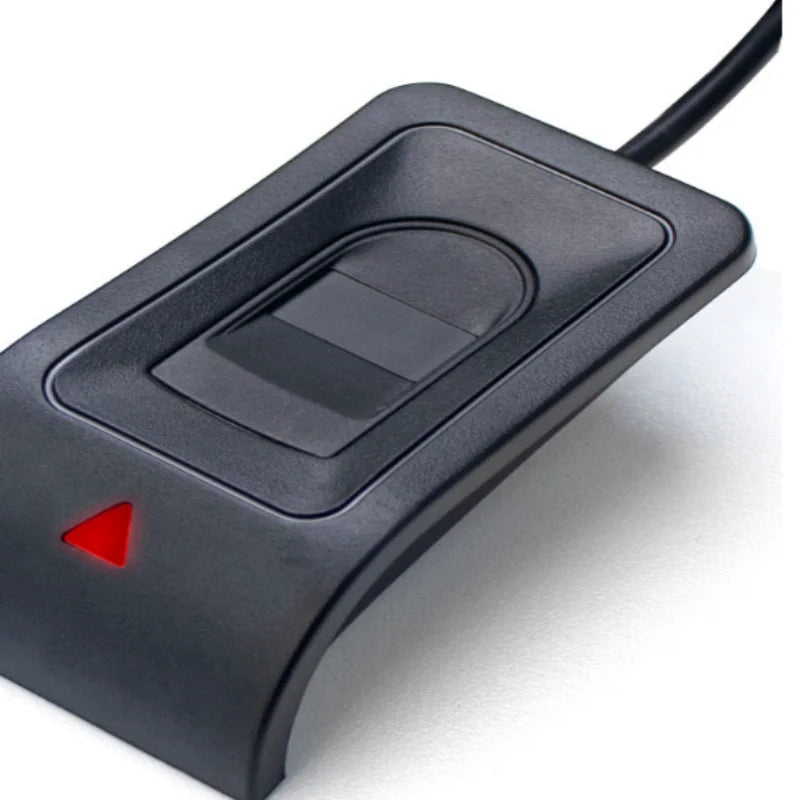



USB Fingerprint Reader for Windows Hello
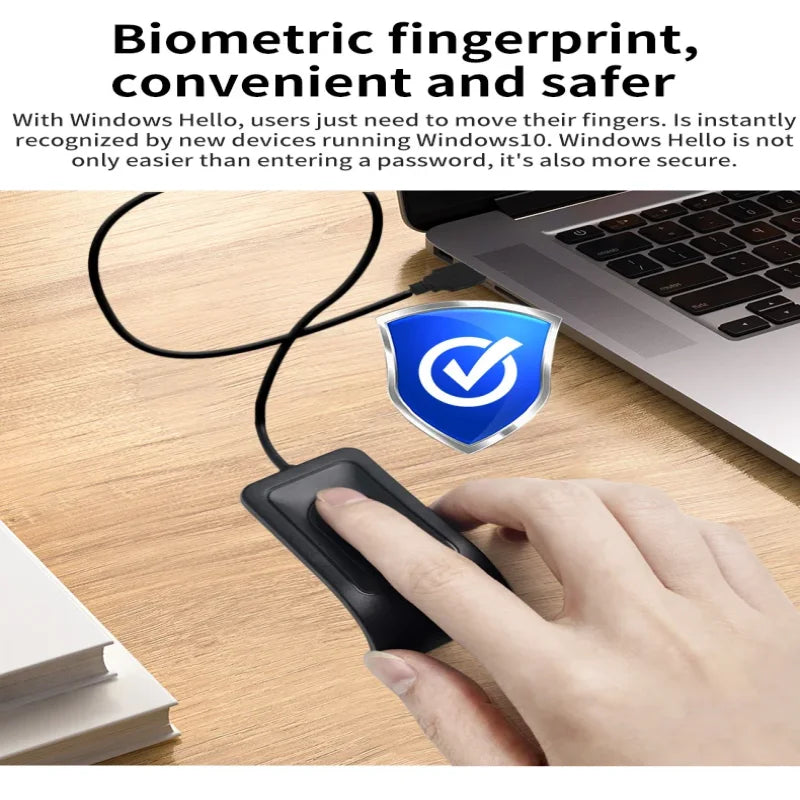
Sign into a compatible Windows account with a fingerprint using an external USB Windows Hello reader.
✅ Use a finger at the sign-in screen - Windows Hello enrolment adds the supported fingerprint sign-in method to the account.
✅ Add the reader without opening the computer - An external USB sensor fits a compatible laptop or desktop port.
✅ Keep the sign-in accessory portable - A small USB format can move with the computer when needed.
Enrol the fingerprint in Windows
A computer without a built-in fingerprint reader can gain that input through a compatible USB accessory. Set up the fingerprint in Windows sign-in options and test it with the intended user account.
Confirm Windows version, driver support and account policy before purchase. Keep the configured recovery method available; this reader does not automatically enable biometric sign-in for every website or replace the computer's wider security controls.


Technical details
- Type: USB fingerprint reader
- Compatibility reference: Windows 10/11 with supported Windows Hello setup
- Connection: USB
- Use: compatible account sign-in
- Check actual driver and system requirements
Add fingerprint input to your compatible Windows sign-in routine.
Choose options