Video Surveillance: Choosing Cameras for Shared Workspaces
Choosing the right video surveillance for shared workspaces requires balancing safety, privacy, and legal boundaries while matching technical capabilities to real use cases. This article compares camera types, deployment patterns, and compliance issues for offices, coworking spaces, and small-business suites so facility managers and owners can make defensible, practical choices.
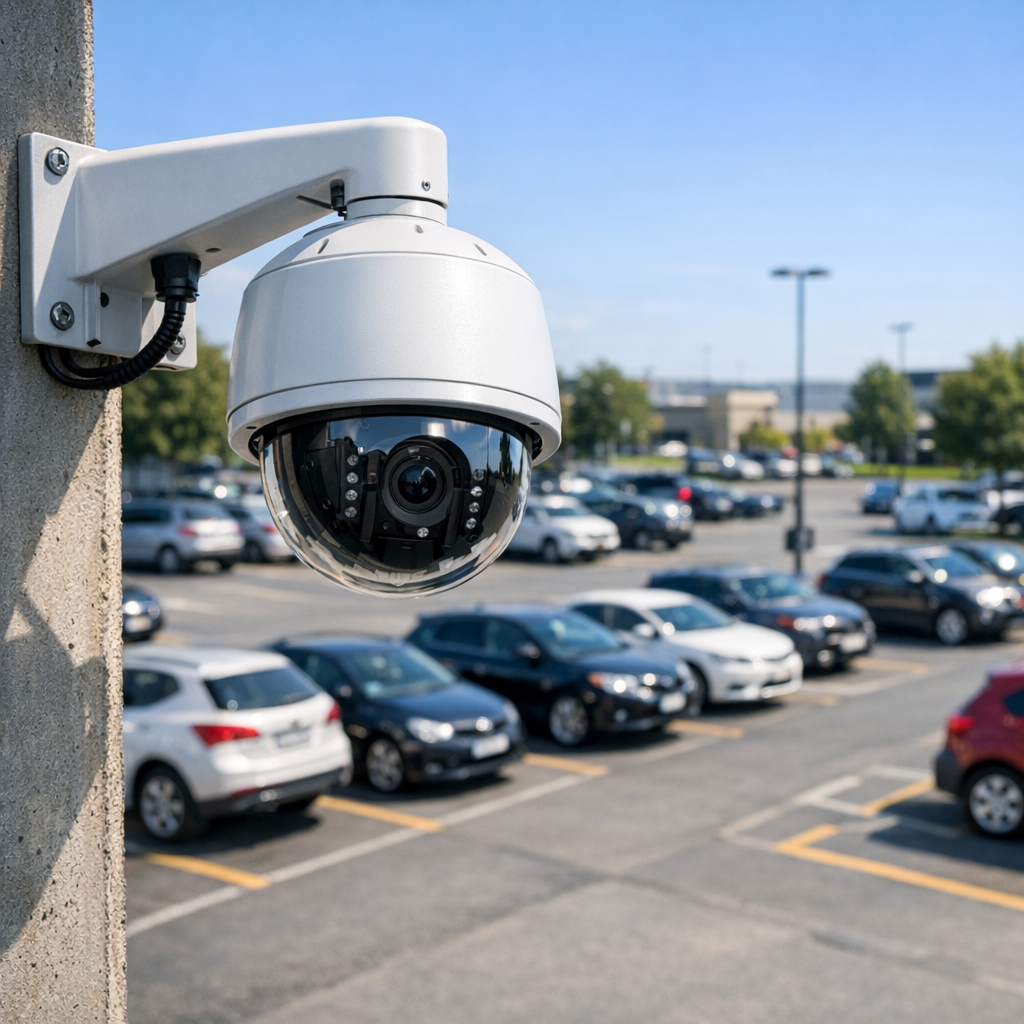
Comparing video surveillance camera types for shared workspaces
The basic camera categories—fixed, varifocal, PTZ (pan-tilt-zoom), and smart analytics cameras—differ in coverage, cost, and privacy implications. Fixed cameras are inexpensive and ideal for small reception areas; varifocal lenses let you adjust field of view during installation, reducing the number of devices needed; PTZs cover wide, dynamic spaces but introduce concerns about continuous tracking; analytics cameras add behavior detection and people-counting functions that can be valuable for facility optimization but increase data collection risks.
Pros and cons at a glance
- Fixed cameras: low cost, simple, predictable coverage; limited flexibility if layouts change.
- Varifocal cameras: flexible framing, fewer blind spots, slightly higher complexity at install.
- PTZ cameras: broad coverage and remote control, higher maintenance and privacy oversight needs.
- Analytics-enabled cameras: operational insights (queue times, density) but require data governance and possibly stronger consent or notices.
Use-case comparison: selecting cameras by shared-space scenario
Different shared workspaces have distinct patterns of movement, access needs, and privacy expectations. Below are three practical scenarios and the recommended camera approaches:
Small coworking floor (open desks, occasional events)
Objective: deter theft, monitor access to meeting rooms, and maintain a comfortable privacy baseline. Recommended: a mix of varifocal cameras in open areas to reduce device count, fixed cameras at entrances, and a clear policy on recording in common areas. Analytics can provide occupancy metrics without storing full-face video if configured for metadata-only logging.
Shared office suites with multiple tenants
Objective: segregate tenant liability and avoid cross-tenant surveillance. Recommended: place cameras only in common corridors, lobbies, and building perimeters; avoid cameras directed into tenant offices or private meeting rooms. Use edge storage or partitioned network video recorders and strict access controls so recordings are only accessible to authorized building security personnel.
Flexible retail or maker spaces
Objective: protect tools and merchandise while preserving creative privacy. Recommended: limited PTZ coverage for large workshop spaces during open hours, fixed cameras covering high-value inventory, and signage to inform visitors of recording. Consider motion-triggered recording to limit data retention and simplify incident review.
Buyer guide: evaluation criteria when choosing video surveillance hardware
When evaluating devices for shared workspaces, prioritize capabilities that match your operational needs and compliance obligations. Key evaluation criteria include:
- Field of view and resolution — higher resolution helps identify incidents but increases storage needs; balance resolution with retention policy.
- Low-light performance and WDR — essential for lobbies with variable lighting.
- Connectivity and power — PoE simplifies installations in multi-tenant buildings; wireless may be acceptable for temporary setups.
- Storage architecture — edge vs. central NVR vs. cloud: consider who controls encrypted backups and who can access footage.
- Access control and auditing — robust account management and activity logs are crucial when multiple stakeholders (building admin, security, tenants) need restricted access.
- Analytics scope — choose analytics tuned for your needs (people counting, loitering detection) and verify whether analytics transmit identifiable data off-device.
- Vendor support and firmware updates — active security patching reduces vulnerabilities exploited by attackers.
For a broader primer on selecting systems for both homes and businesses, consult our detailed pillar resource for deployment strategy. Read the complete Video Surveillance guide
Deployment trade-offs: privacy, coverage, and cost
The central trade-off in shared spaces is coverage versus privacy. Maximizing camera density reduces blind spots but increases the risk of capturing private conversations or personal workspace activity; minimizing cameras reduces privacy issues but creates investigative gaps. Choose placement that focuses on access control points and high-value assets rather than continuous monitoring of desks. For many managers, combining modest camera density with prudent retention and strict access policies yields the best risk profile.
Practical examples and common mistakes
Real-world examples illustrate common pitfalls. A coworking operator who installed ceiling-mounted fisheye cameras to “cover everything” found that tenants complained about being recorded while interviewing candidates; the operator resolved the issue by reorienting cameras to common areas and implementing shorter retention windows. Another small office used cloud-only storage for convenience but later couldn’t access footage after a vendor lockout—demonstrating the importance of local backup and export procedures.
Common mistakes
- Installing cameras pointed at private workstations or rest areas rather than entrances and commons.
- Failing to document retention policies and data access procedures before deployment.
- Assuming analytics are anonymous by default; many analytics models still rely on video frames that can be re-identified.
- Neglecting firmware updates and network segmentation, exposing cctv systems to remote compromise.
Legal boundaries for video surveillance in shared workspaces
Legal obligations differ across jurisdictions, but several consistent principles apply: avoid recording where there is a reasonable expectation of privacy, maintain clear notice to occupants, limit retention to what is necessary, and protect access with technical and administrative controls. In the United States, state laws and sector-specific regulations (for example, healthcare) may impose additional requirements. In the European Union, data protection under the GDPR treats recorded footage as personal data, meaning organizations need a lawful basis for processing and must adhere to data minimization and rights of access. Organizations often rely on legitimate interests or security needs, paired with impact assessments, to justify camera use. Discreet solutions
Practical compliance steps
- Conduct a privacy impact assessment before roll-out.
- Publish a clear surveillance notice describing purpose, retention, and contact for requests.
- Restrict camera placement to public or semi-public common areas; avoid restrooms and private offices unless explicitly consented and legally justified.
- Define transparent retention and deletion schedules and enforce them technically.
Operational governance: who can view what, and when
Technical configurations should reflect governance decisions. Implement role-based access control so front-desk staff can view live lobby feeds while only designated security or legal personnel can retrieve recordings. Log all access events and enable tamper alerts. For multi-tenant buildings, provide tenants with a documented boundary of surveillance coverage during lease or membership onboarding; this reduces disputes and clarifies liability allocation between landlords and tenants.
Integration considerations with home and business systems
Shared workspaces often intersect with business surveillance and home-style solutions. Consumer home security cameras may seem attractive for cost reasons, but they typically lack enterprise-grade access controls, audit trails, and retention features expected for business surveillance. Meanwhile, cctv systems designed for enterprise use provide better scalability and compliance options but require more rigorous configuration. Choose systems that match both the technical scale and the compliance expectations of your environment, and avoid mixing consumer accounts with corporate credentials.
Frequently Asked Questions
Q: Can I install cameras in a coworking space without tenant consent?
A: Generally, you may install cameras in common areas under legitimate security interests, but you should provide notice and conduct a privacy impact assessment to justify placement and retention.
Q: How long should I keep recorded footage?
A: Retention should be the minimum necessary for incident investigation—commonly 7–90 days depending on risk, regulatory obligations, and available storage.
Q: Are analytics-enabled cameras allowed in the EU?
A: Yes, but analytics that process personal data must comply with GDPR principles, including lawful basis, transparency, and data minimization.
Q: Is wireless camera deployment acceptable in multi-tenant buildings?
A: Wireless can work for temporary or low-risk areas, but PoE wired installations provide more reliable power, bandwidth, and network segmentation for business surveillance.
Q: What is the safest way to share footage with law enforcement?
A: Establish a documented process: obtain written requests when possible, verify authority, export only relevant clips, and maintain an audit trail of the disclosure.
Educational closing: Selecting video surveillance for shared workspaces is a multidimensional decision that requires aligning technical capabilities with legal constraints and tenant expectations. By comparing camera types against real use cases, enforcing governance, and prioritizing privacy-first deployments, managers can deliver safety and operational insight without overreaching. For further technical selection guides and examples of typical deployments, explore our resources on choosing surveillance cameras for mixed-use facilities. Browse Video Surveillance