



Omnidirectional Condenser Microphone, 3.5 mm Plug, Tripod
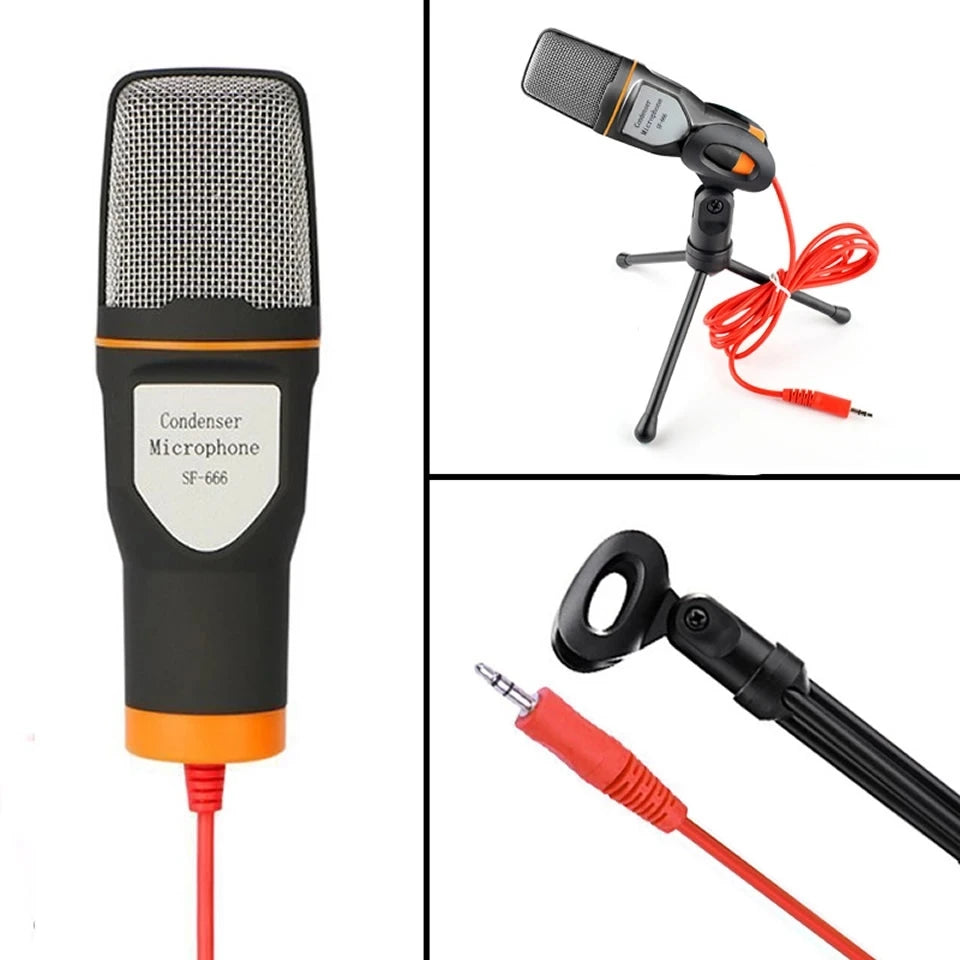
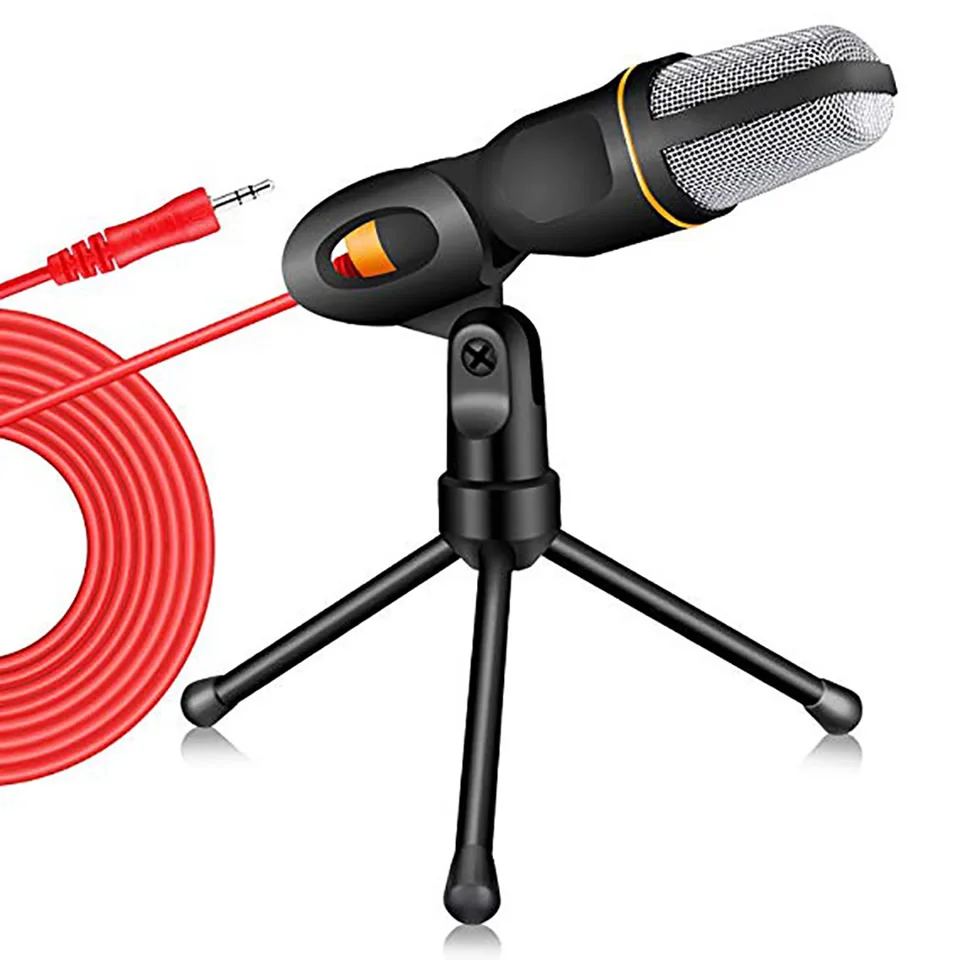
A meeting or a recording at the desk usually fails on the microphone, not the software. This wired condenser microphone uses a 3.5 mm plug and an omnidirectional capsule, so it picks up a voice from either side of the desk. It suits calls, teaching, streaming and PC karaoke.
A Desk Microphone That Hears the Room
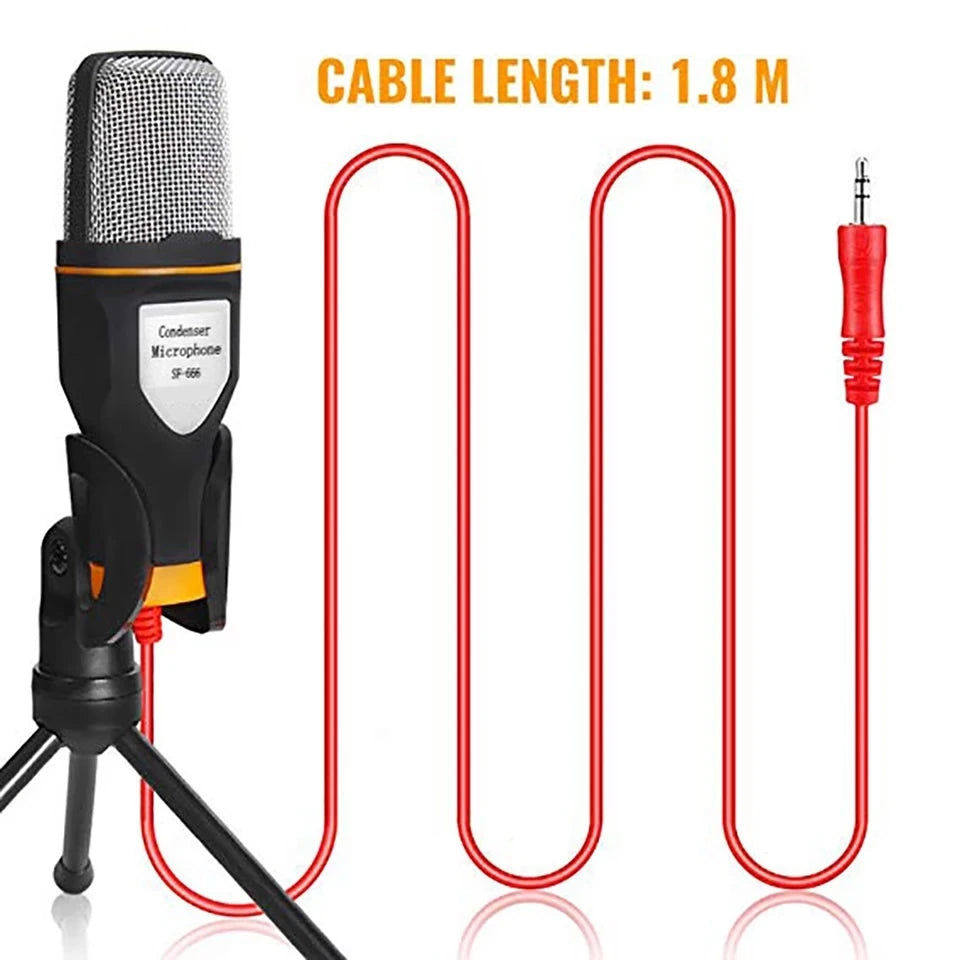
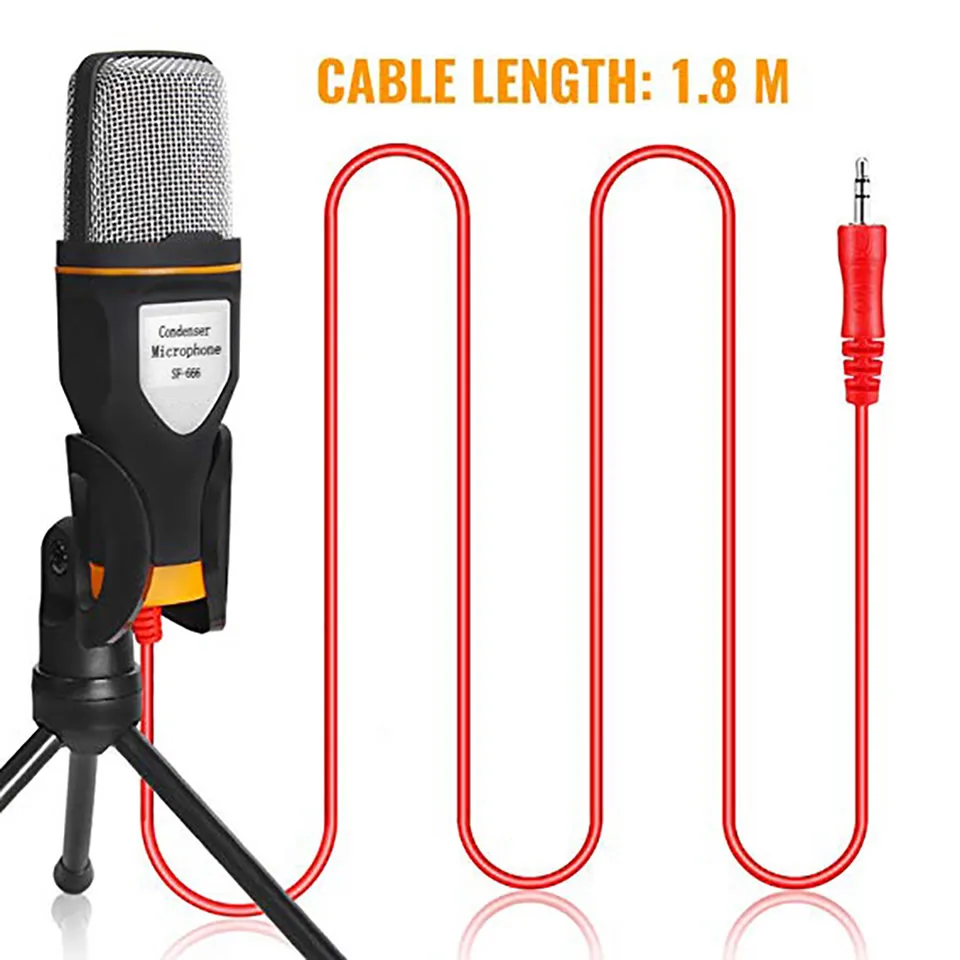
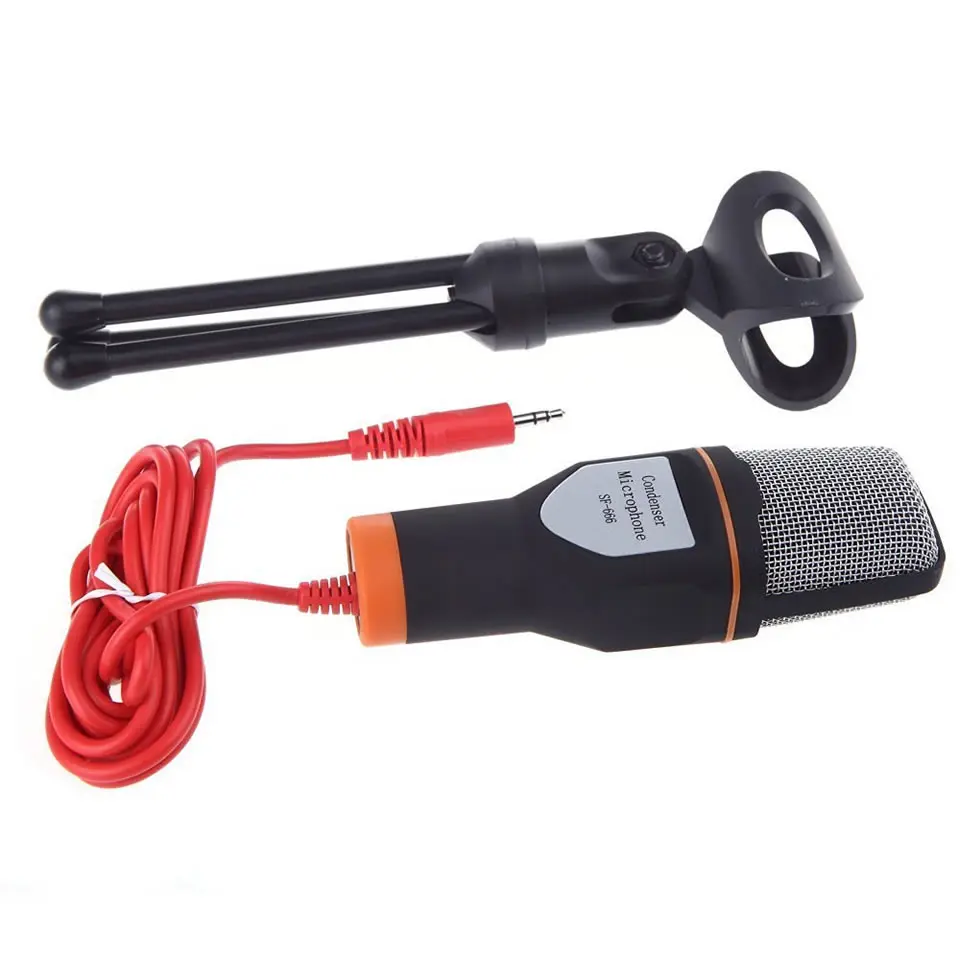
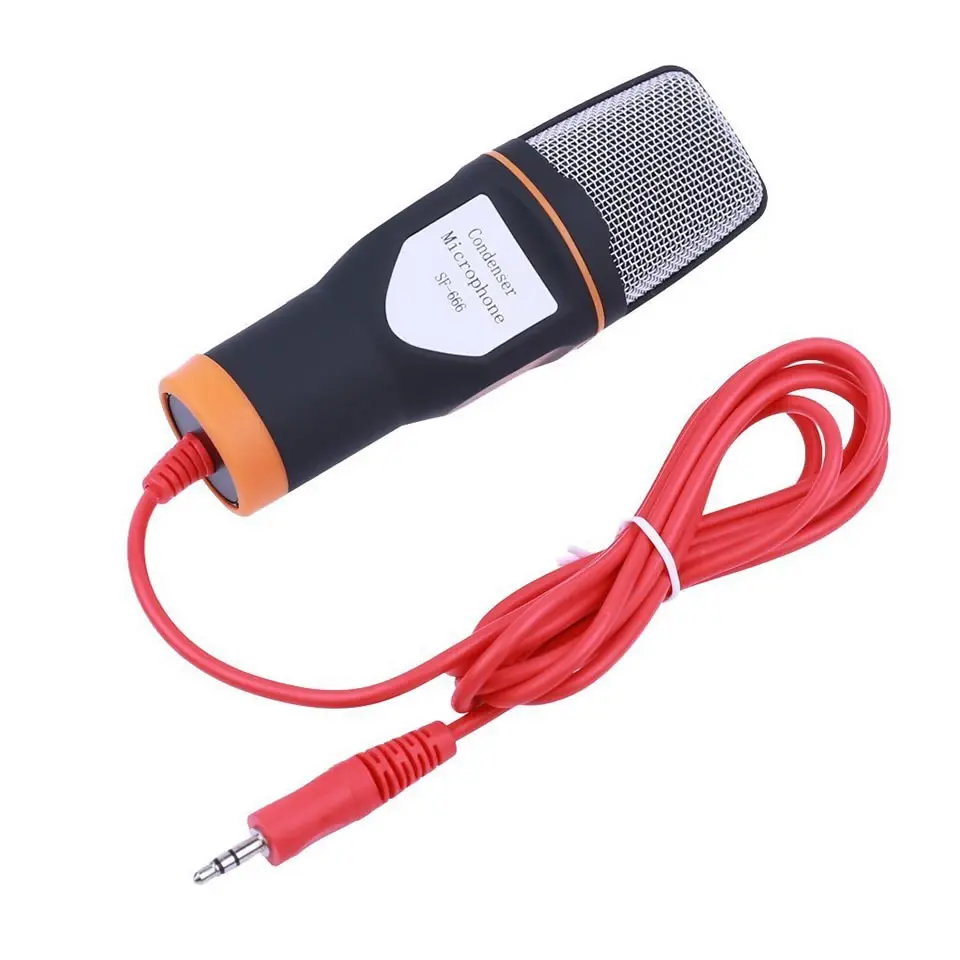
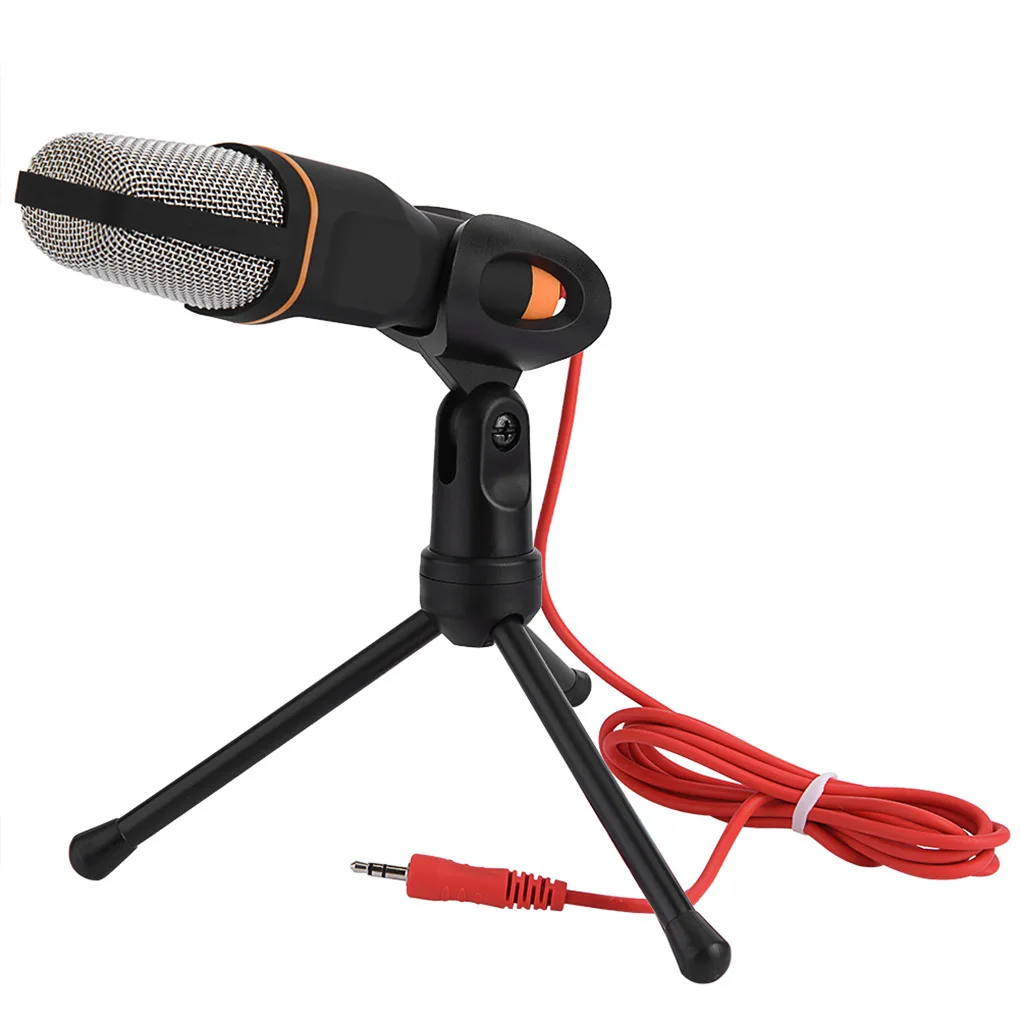
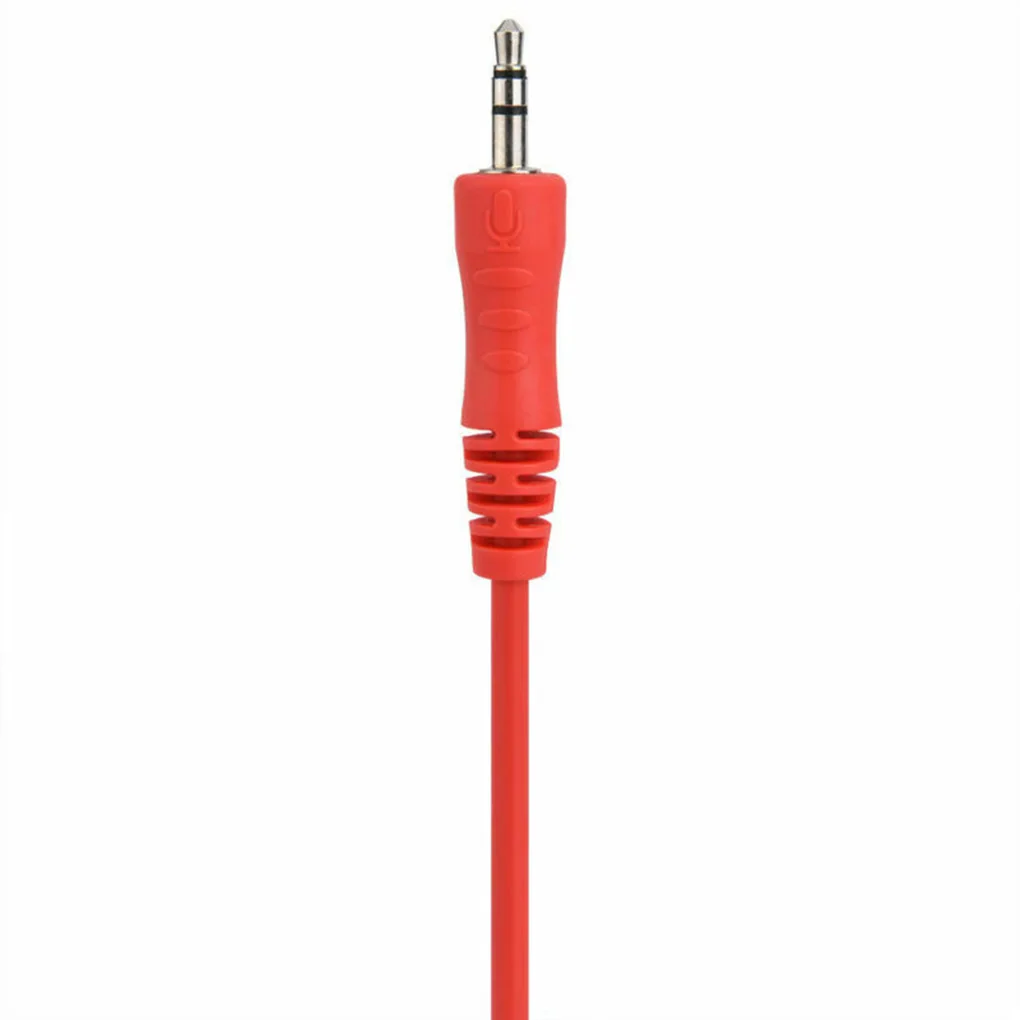
✅ Plug In, No Driver A 3.5 mm plug and 1.8 m lead go into a desktop PC or external sound card, with no driver to install.
✅ Heard From Any Seat The capsule picks up in every direction, so you can lean back or turn to a second screen without losing level.
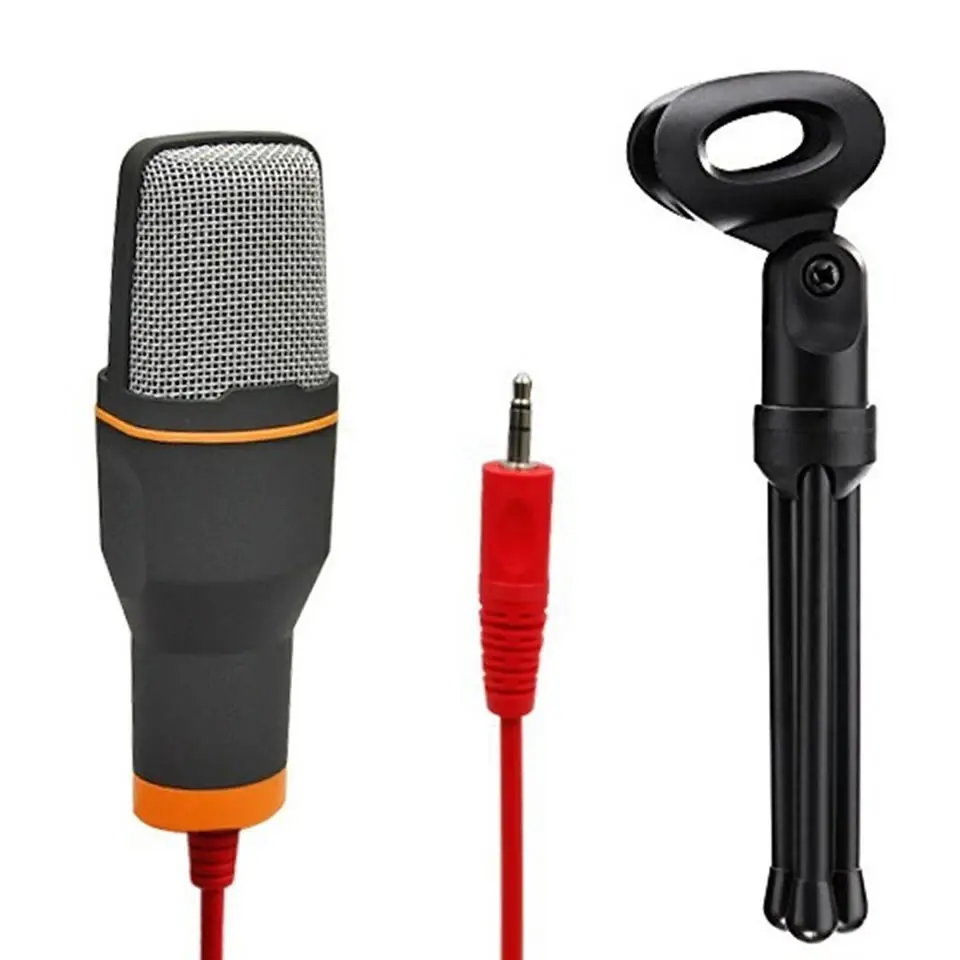
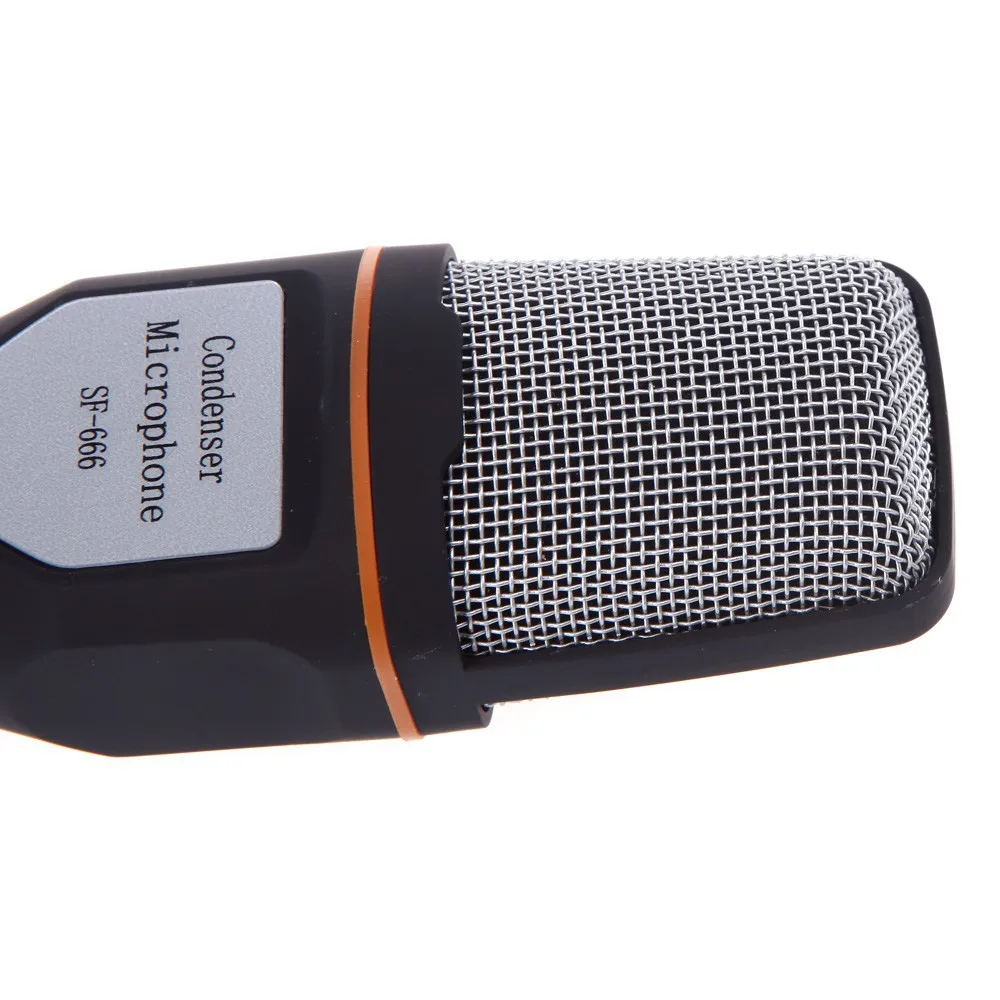
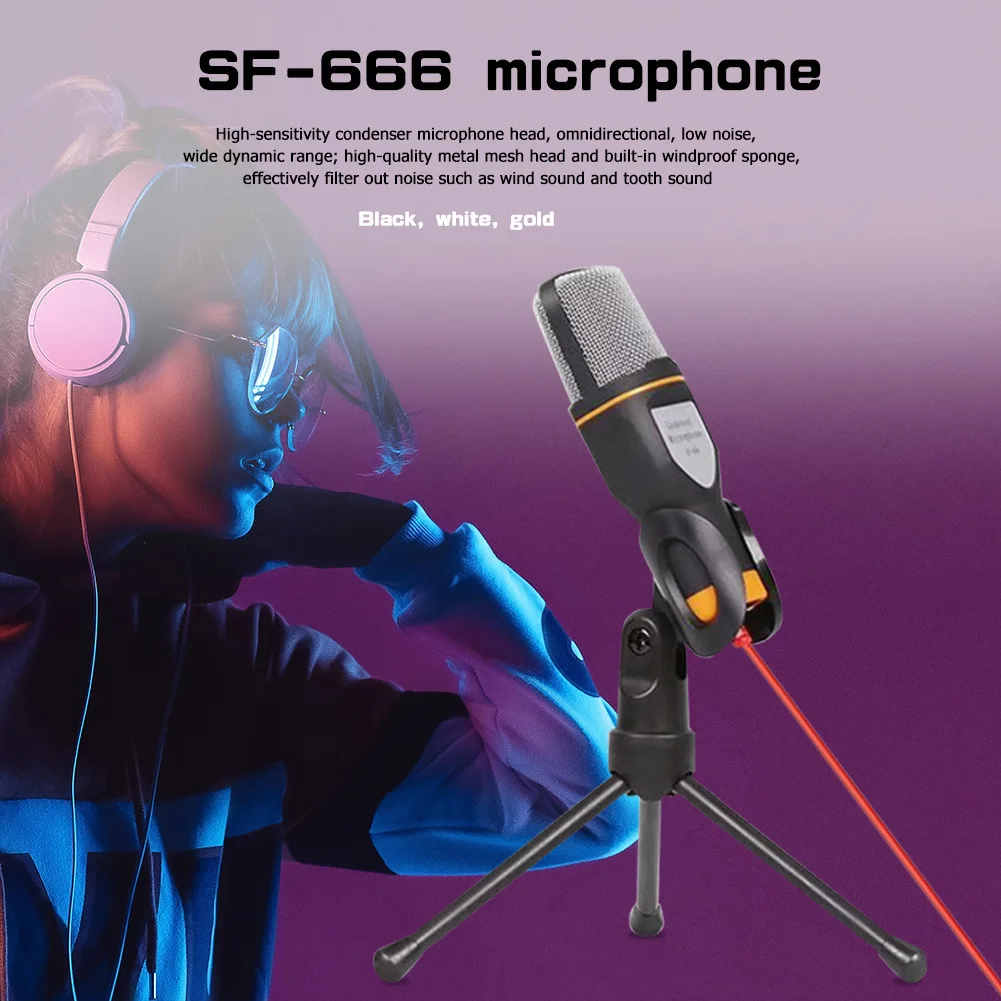
✅ Less Breath Noise Up Close A metal mesh head with a built-in windproof sponge sits over the capsule and softens breath noise near the microphone.
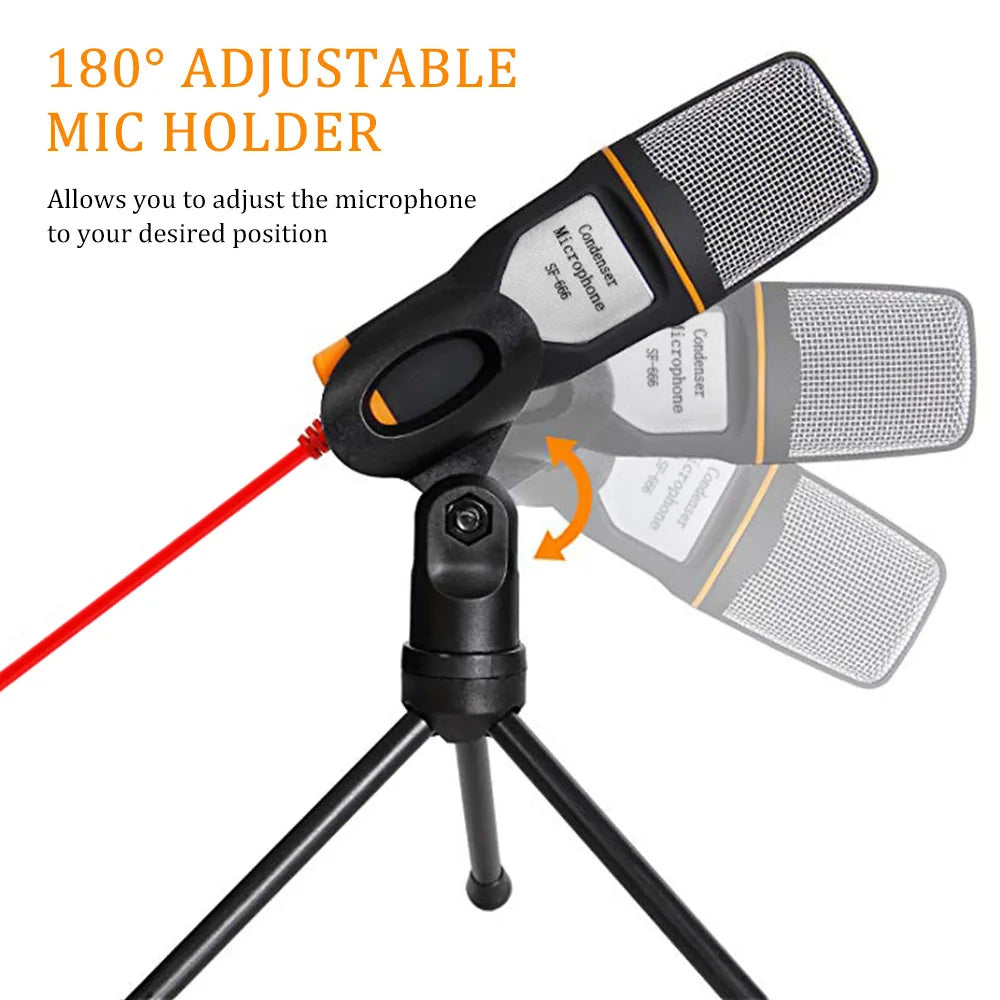
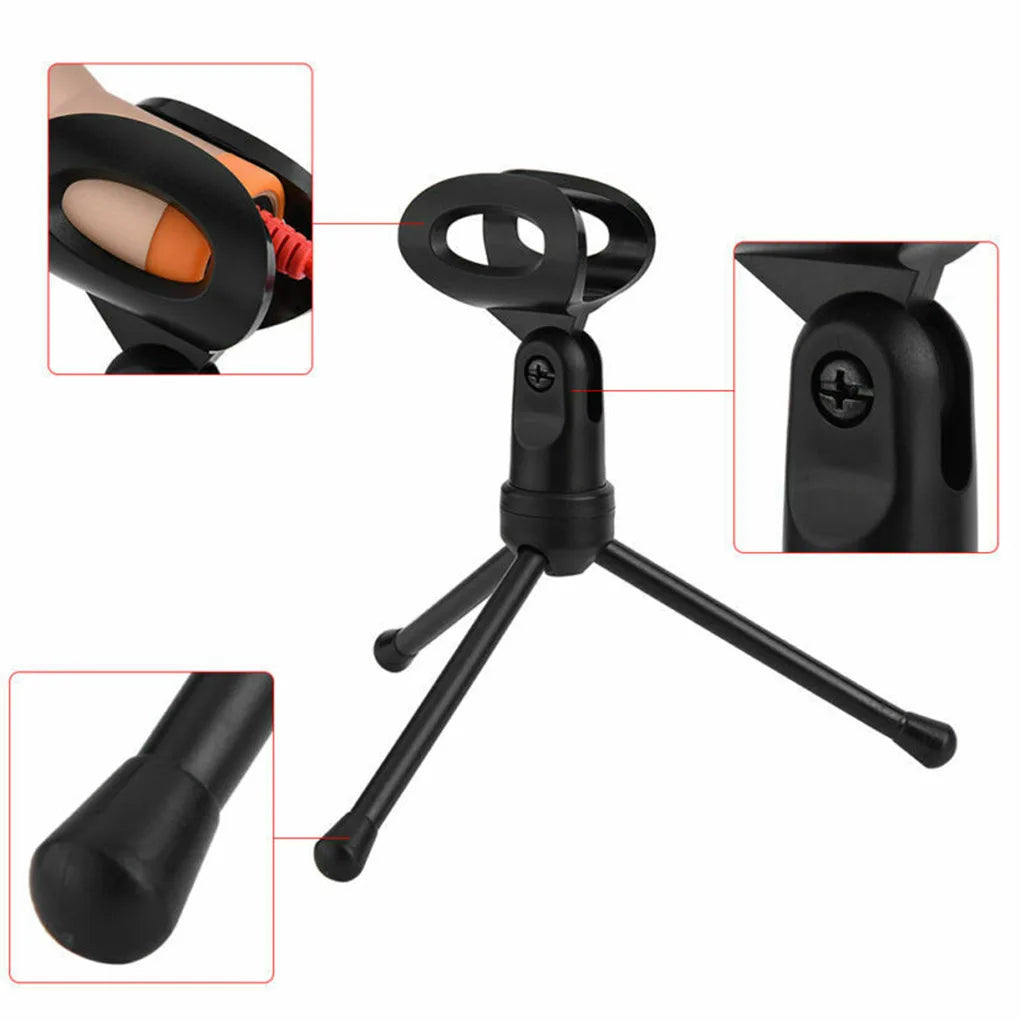
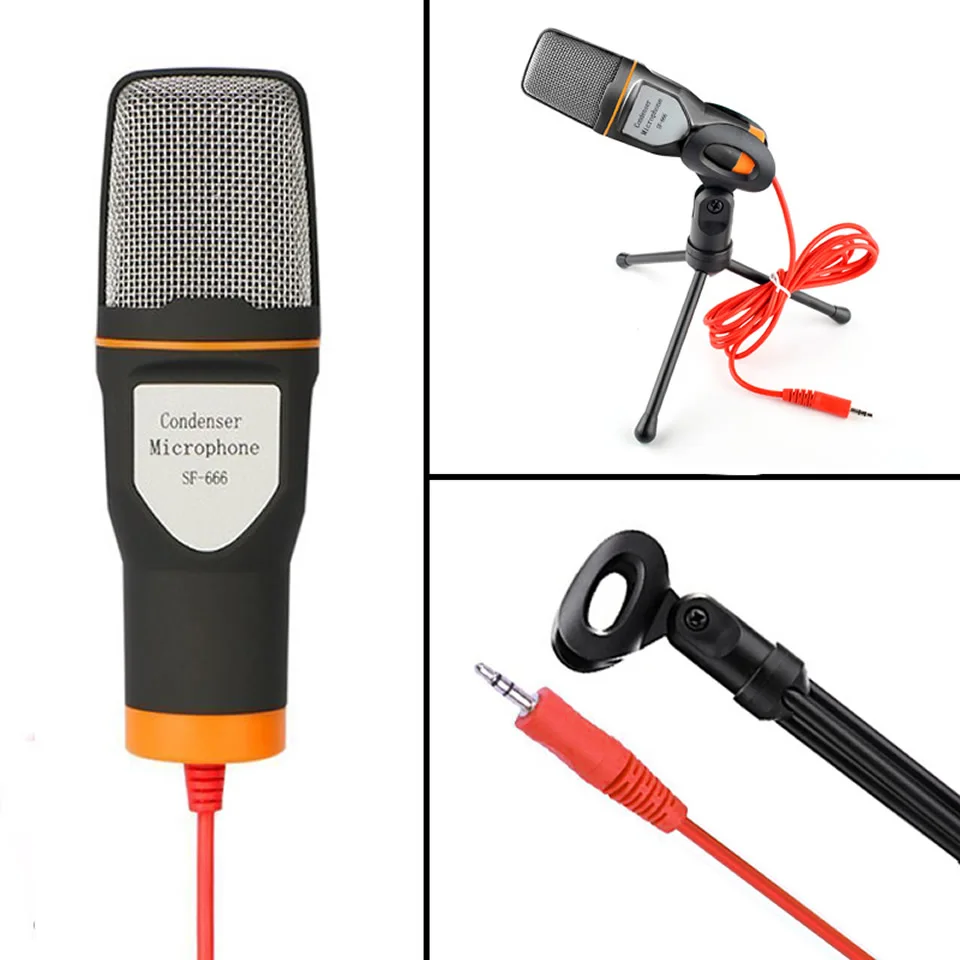
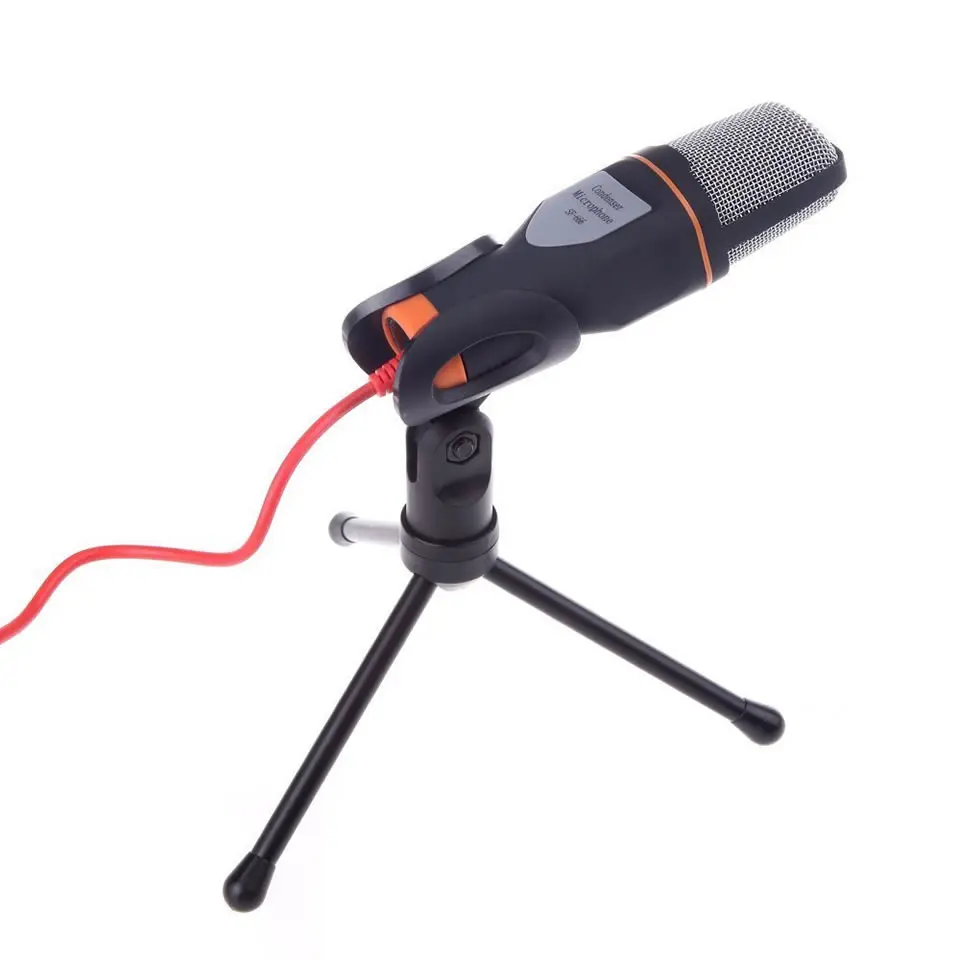
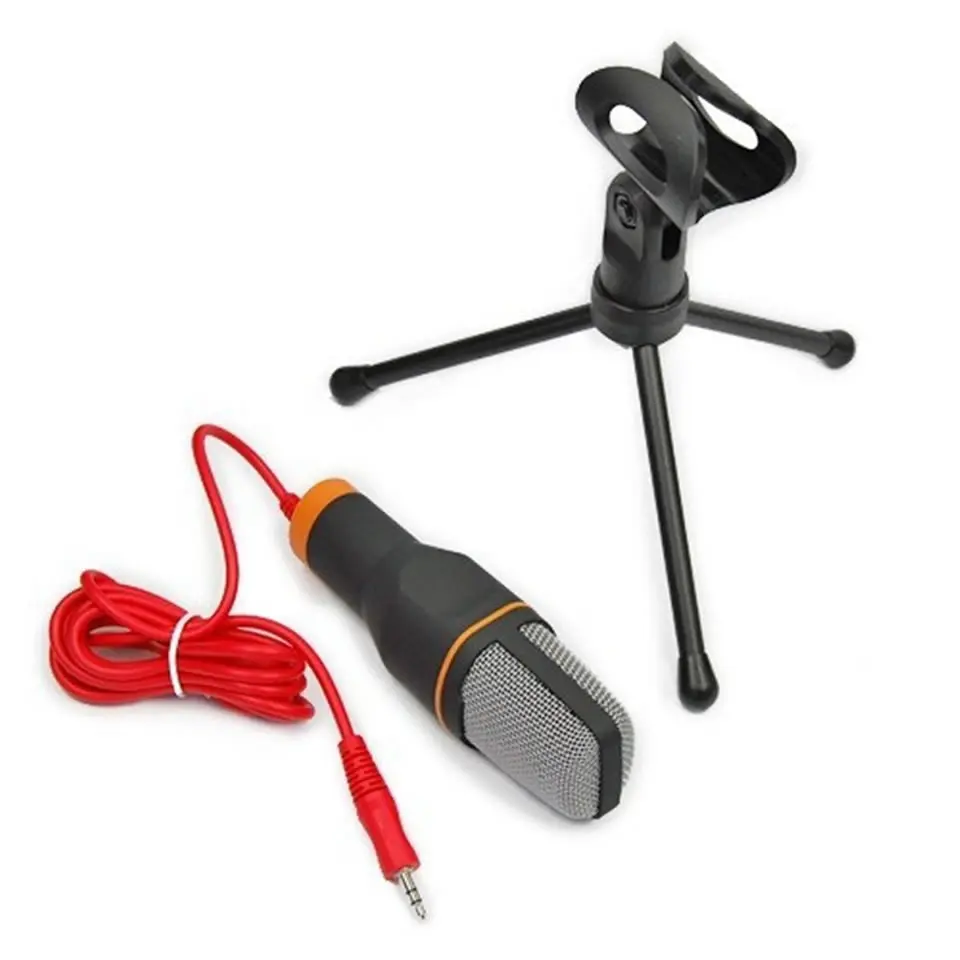
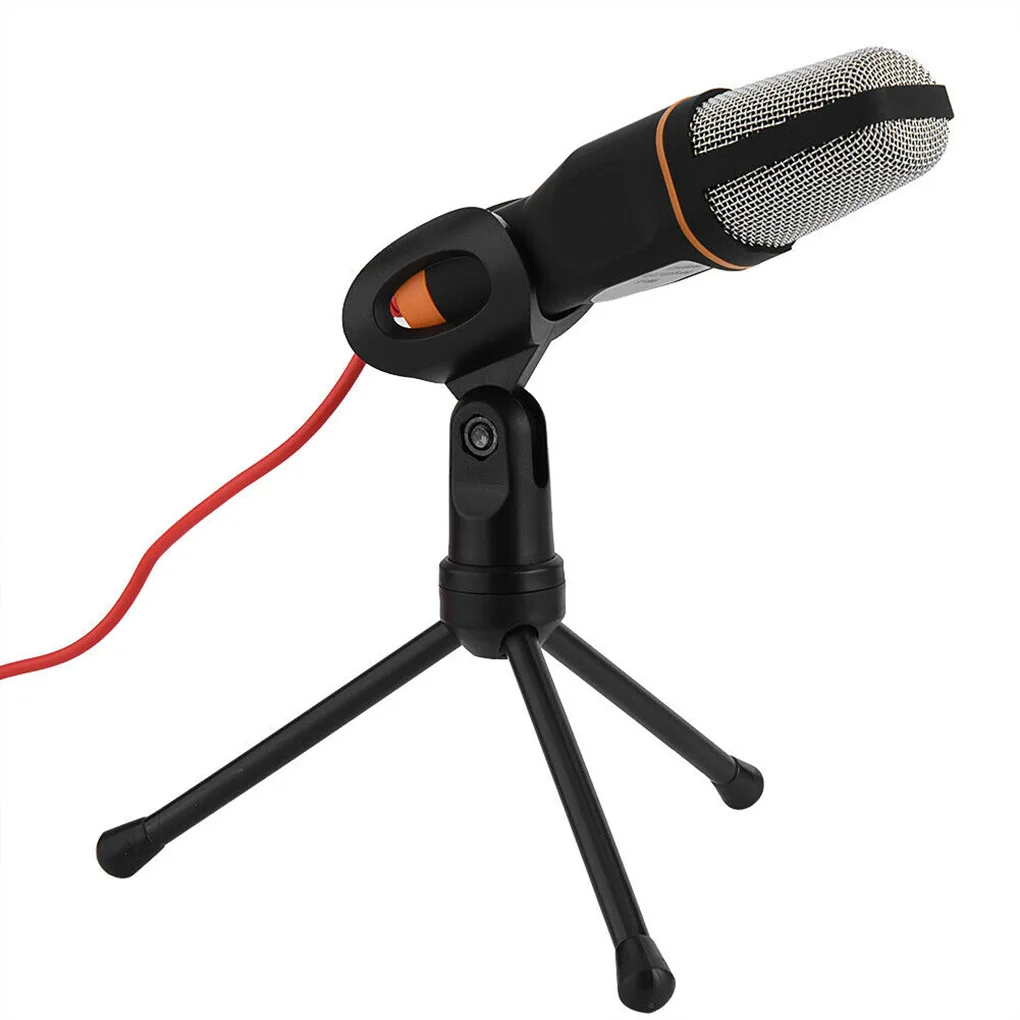
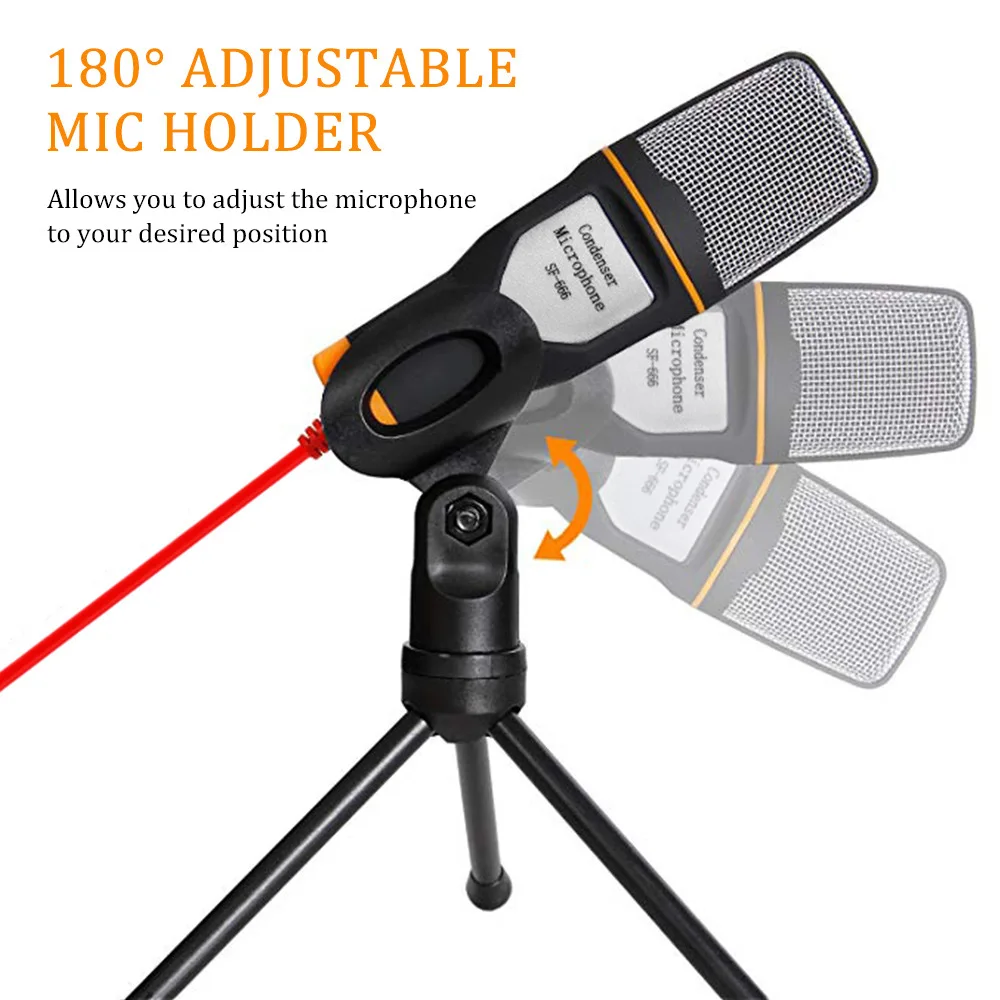
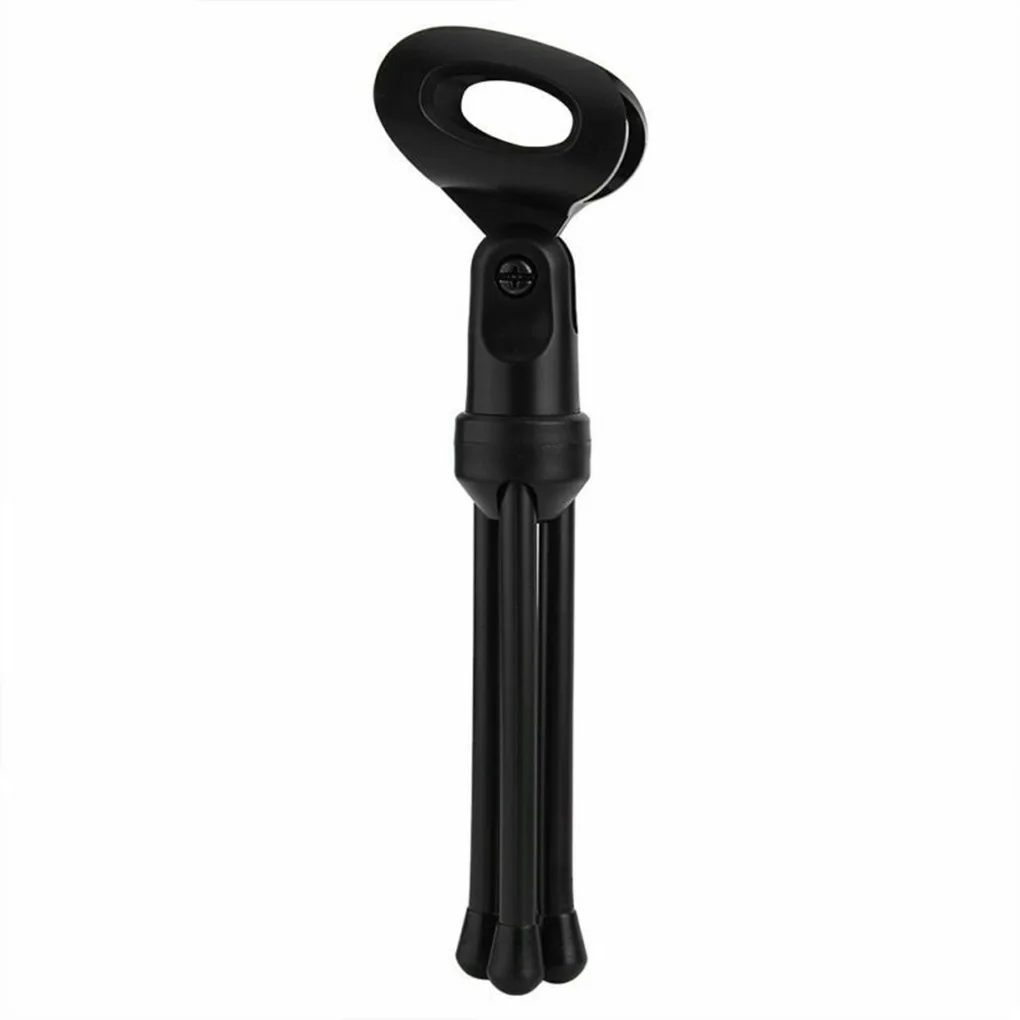
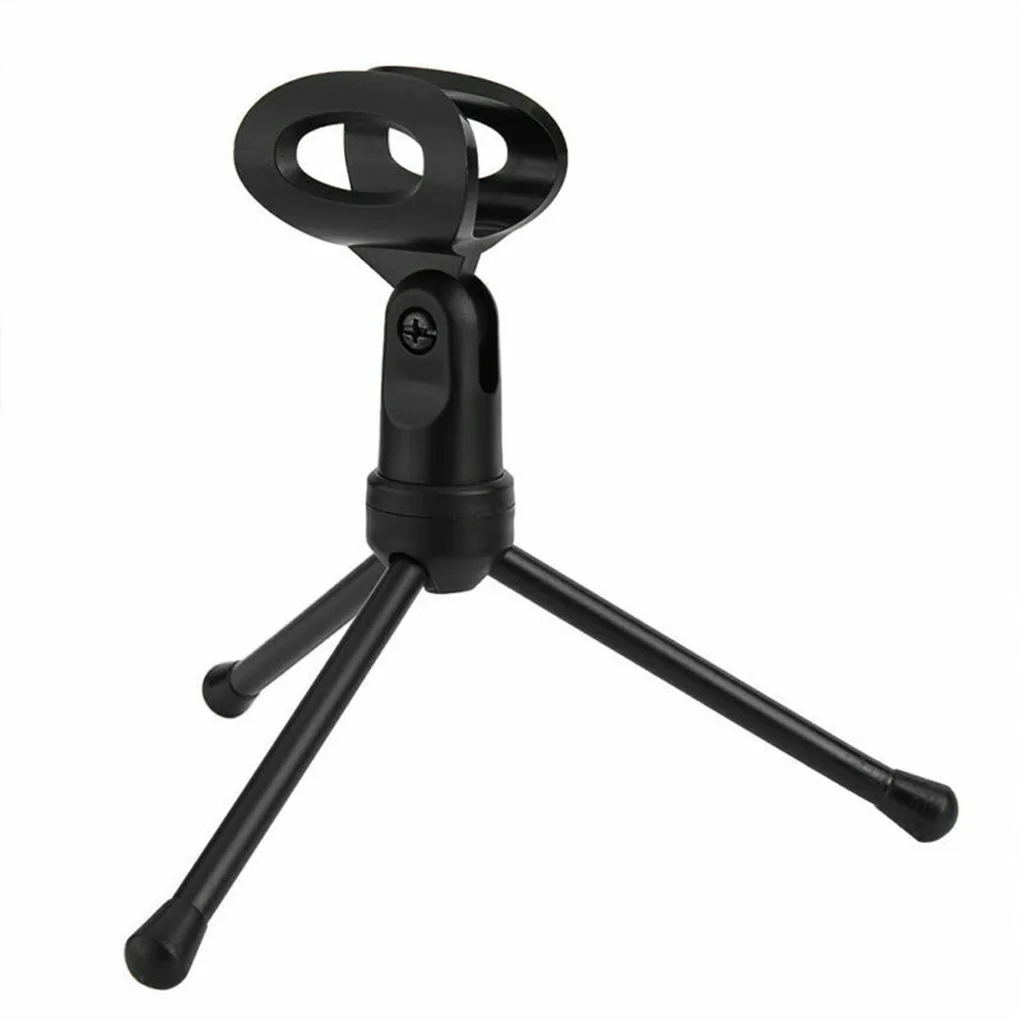
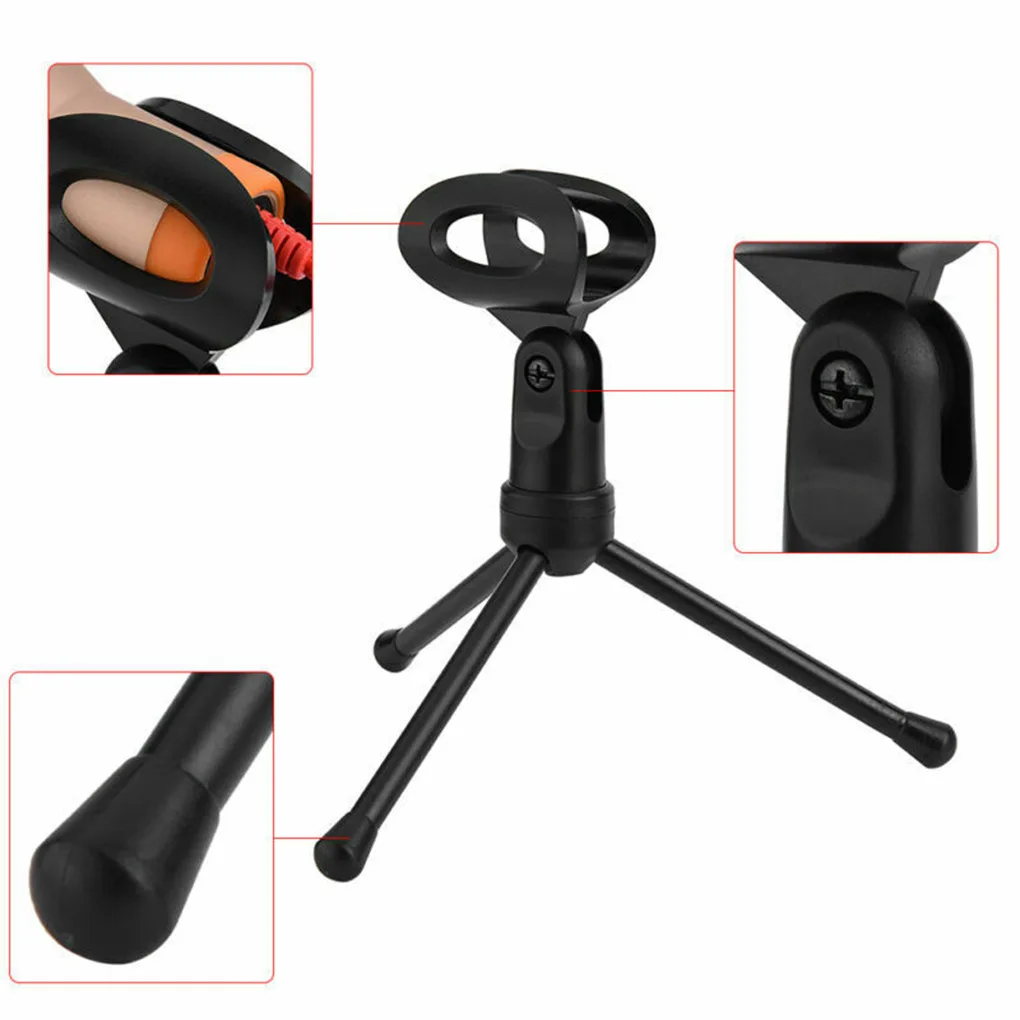
✅ Set It at Mouth Height The folding telescopic tripod adjusts height and angle, and it separates from the microphone so both pack away flat.
Worth checking before you order: the plug is a 3.5 mm microphone jack, so a desktop with separate microphone and headphone sockets is straightforward, while a laptop with one combined headset socket may need a splitter.
An omnidirectional capsule hears the room as well as it hears you, so a fan, a keyboard or a busy kitchen will land in the recording. A quiet corner and something soft on the wall behind you do more for the result than any setting in the app.
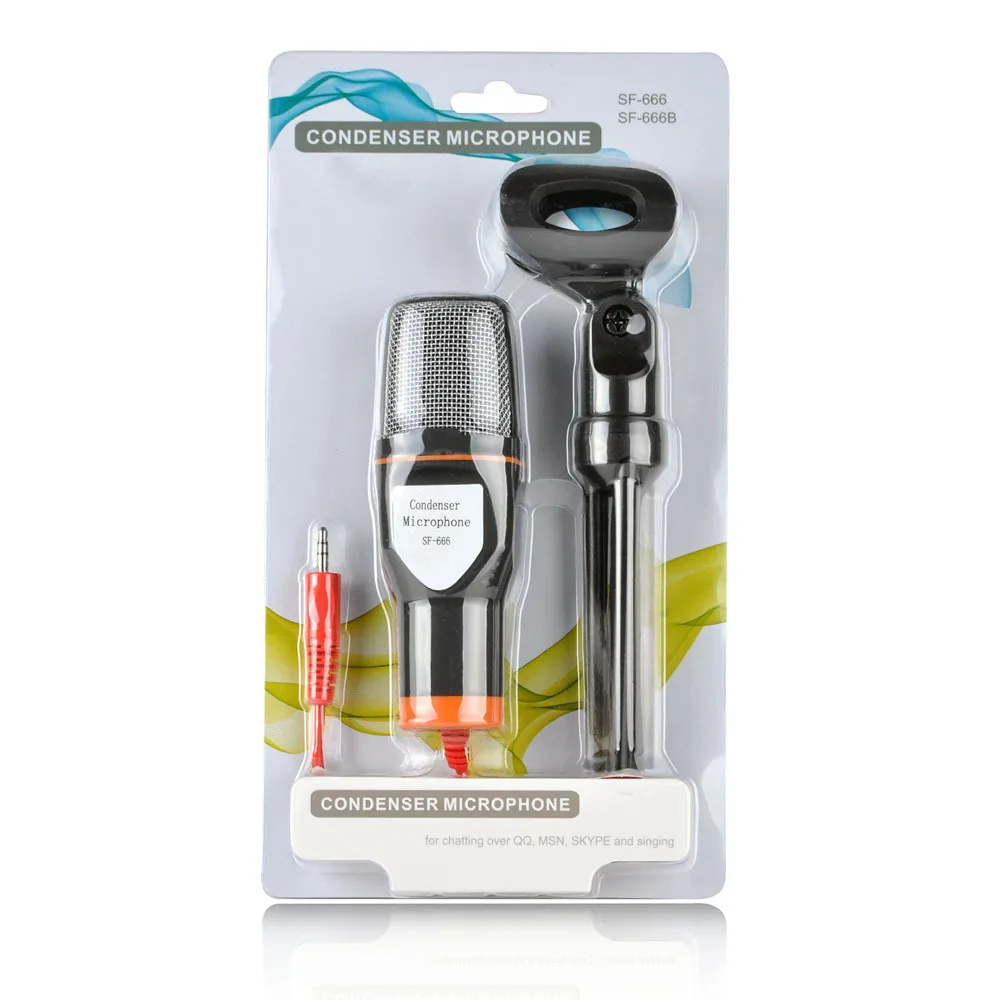
The set is a single microphone with its 1.8 m lead and folding tripod. Stand it on the desk, angle the head towards your mouth and set the input level in the app you are using; the physical setup is over in under a minute.
Technical details
- Type: Wired condenser microphone
- Directivity: Omnidirectional
- Connector: 3.5 mm plug
- Cable length: 1.8 m
- Frequency response: 50 Hz – 16 kHz
- Sensitivity: -30 dB ± 3 dB
- Impedance: ≤ 2.2 kΩ
- Signal-to-noise ratio: > 36 dB
- Enclosure: Plastic, metal mesh head with windproof sponge
- Power: From the connected sound card; no built-in battery
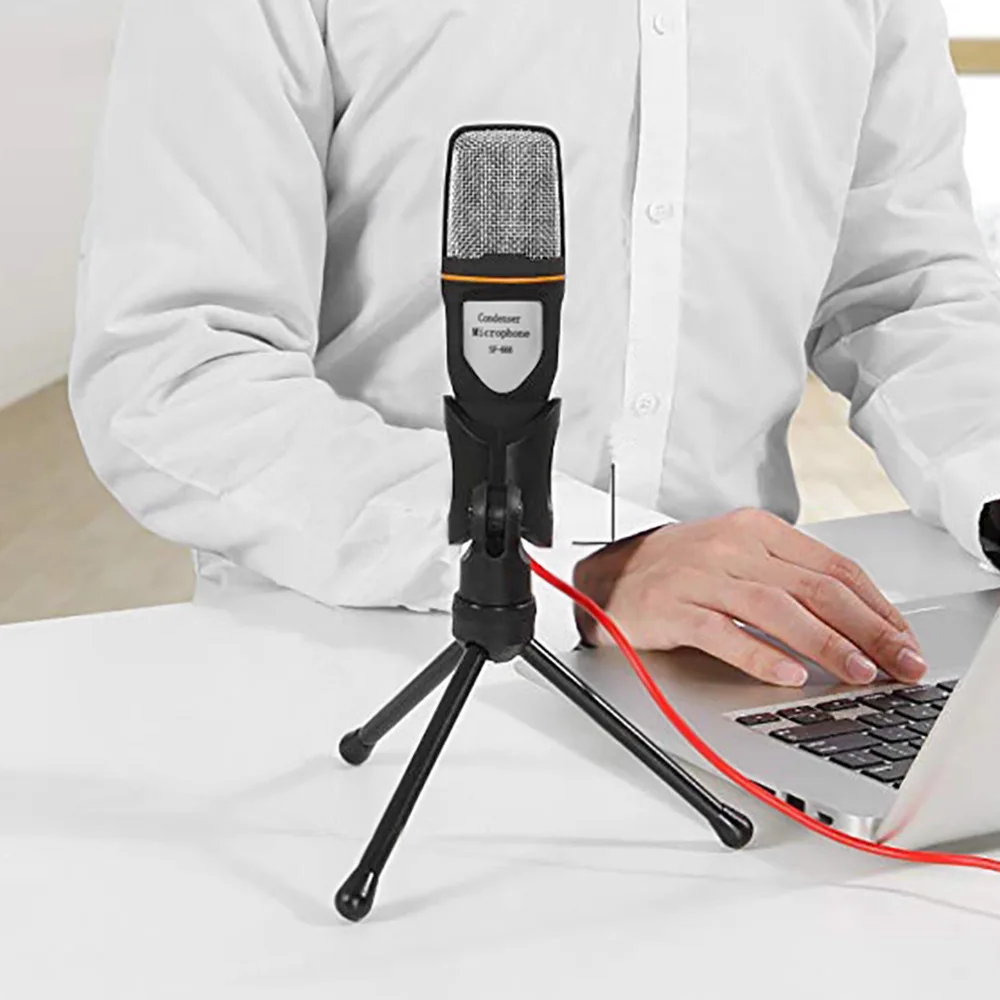
Put the microphone on your desk, angle the head towards you and start the call.
Vyberte možnosti