
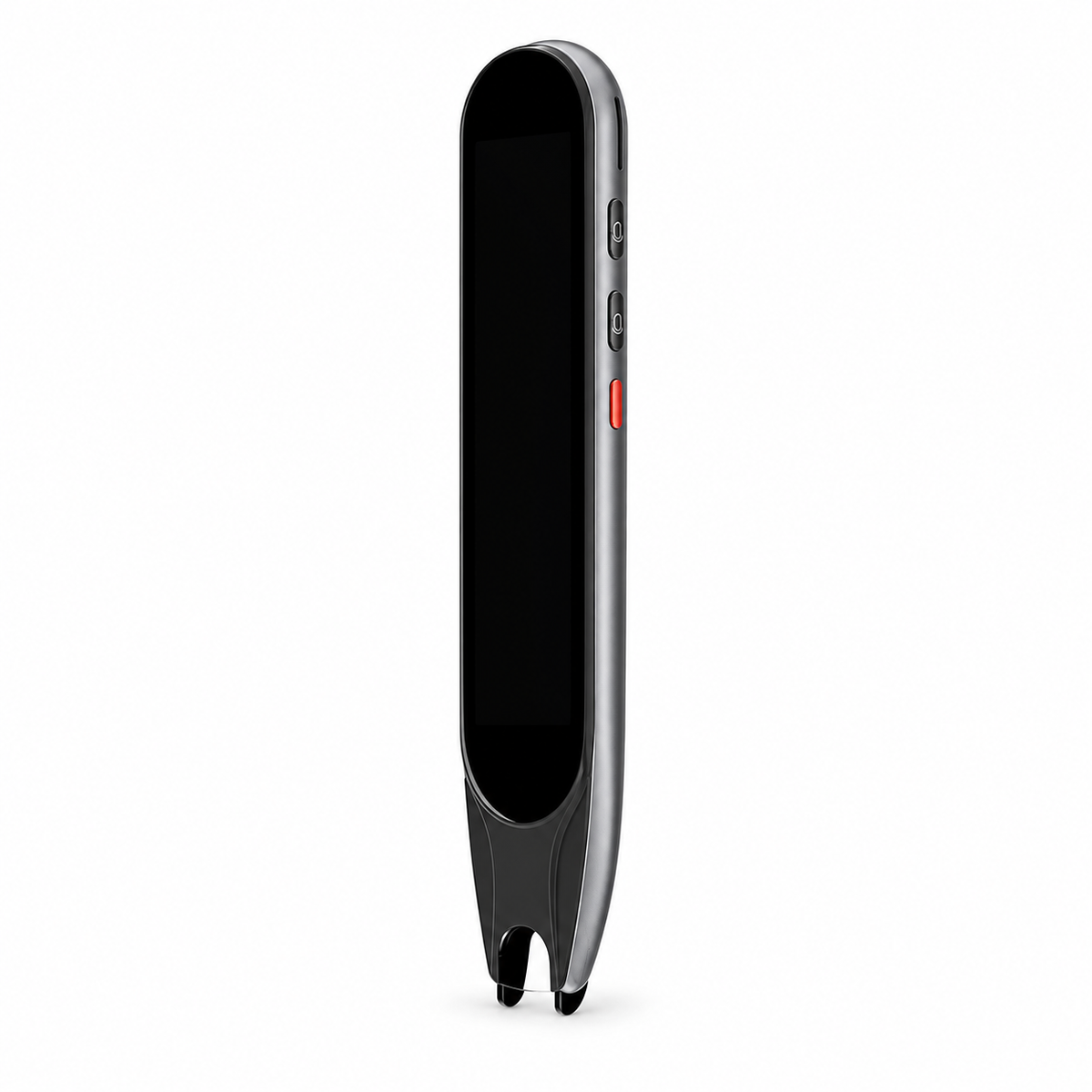


S60 Scanning and Voice Translation Pen
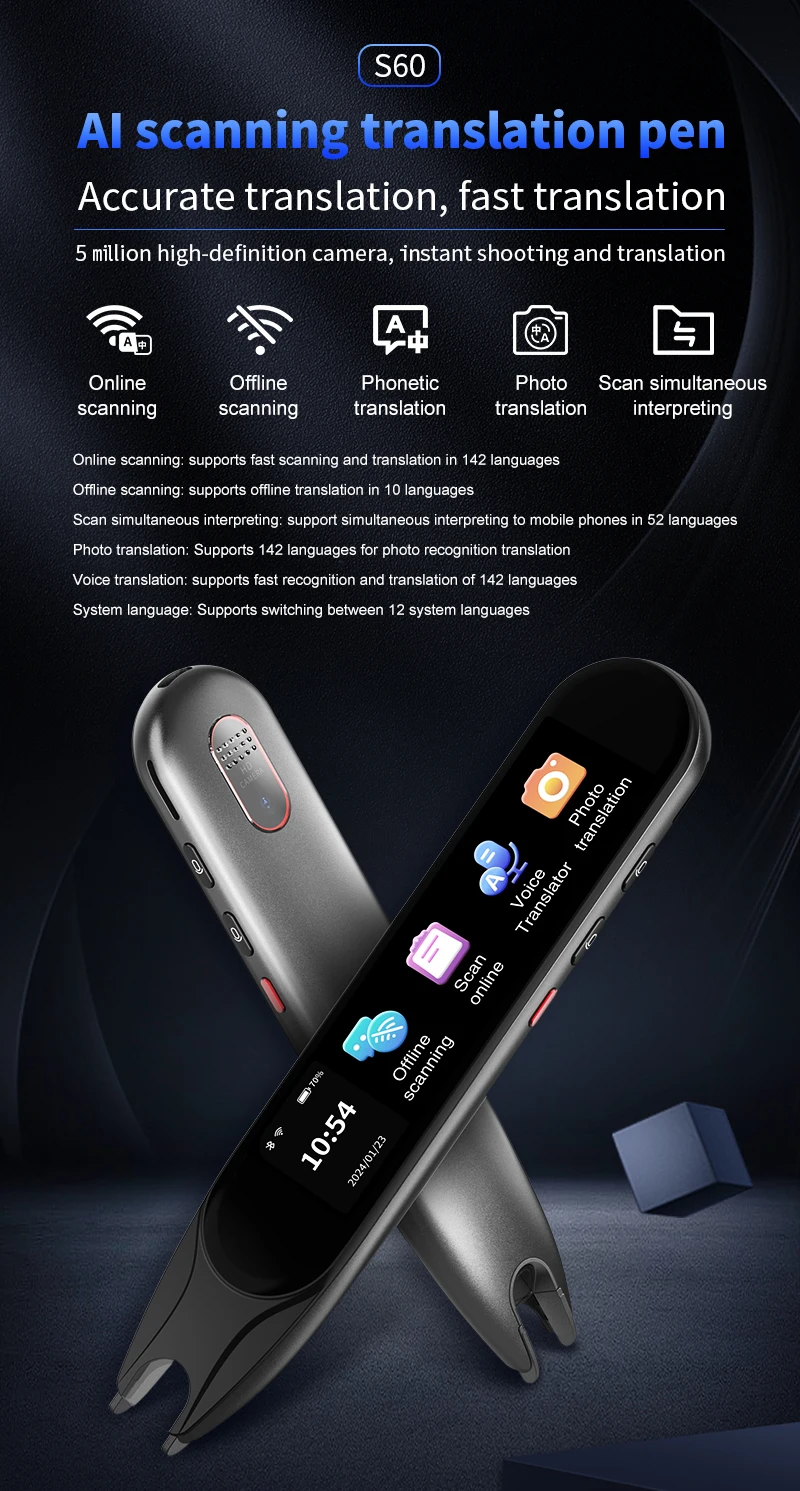
Work with printed text and spoken phrases through one portable translation pen. The S60 combines scanning, photo and voice-translation functions with an on-device display for supported languages.
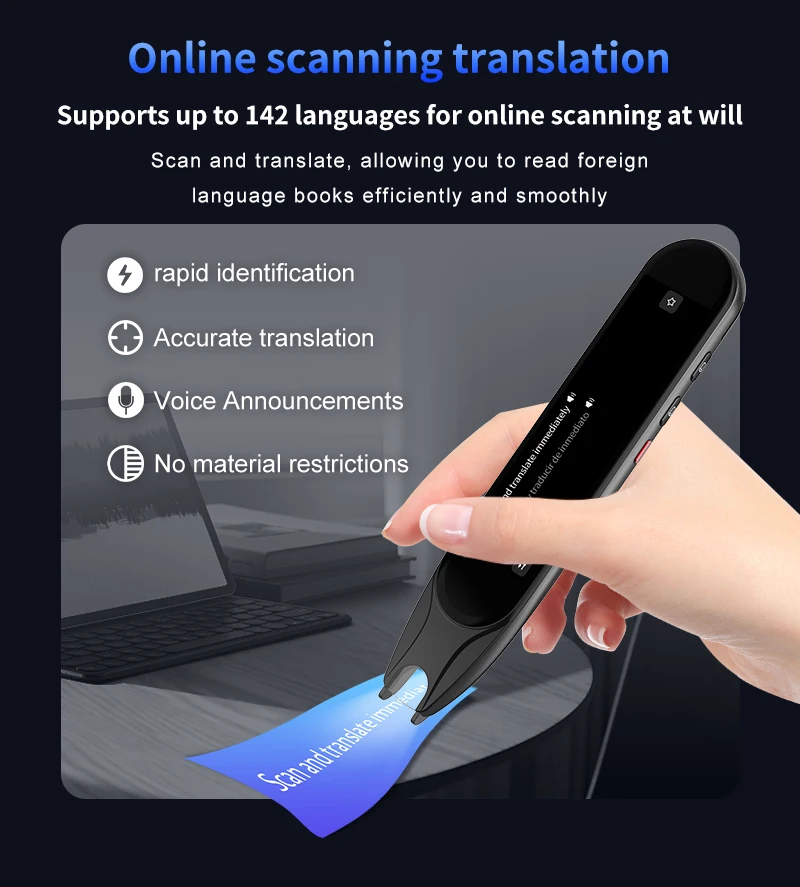
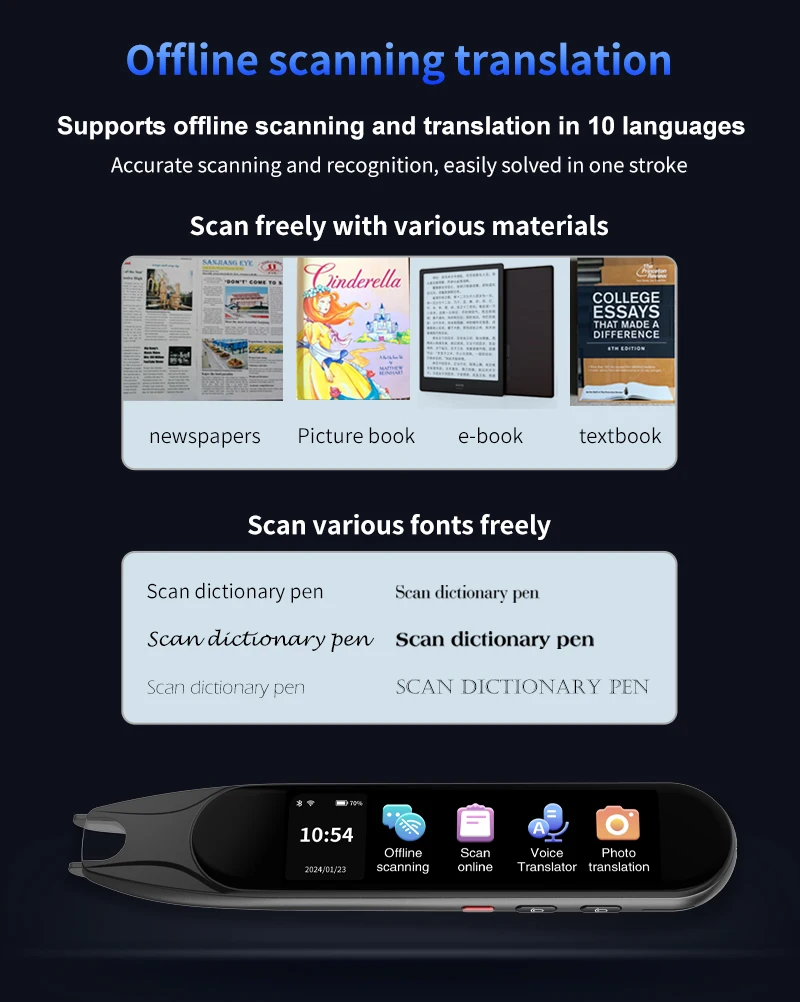
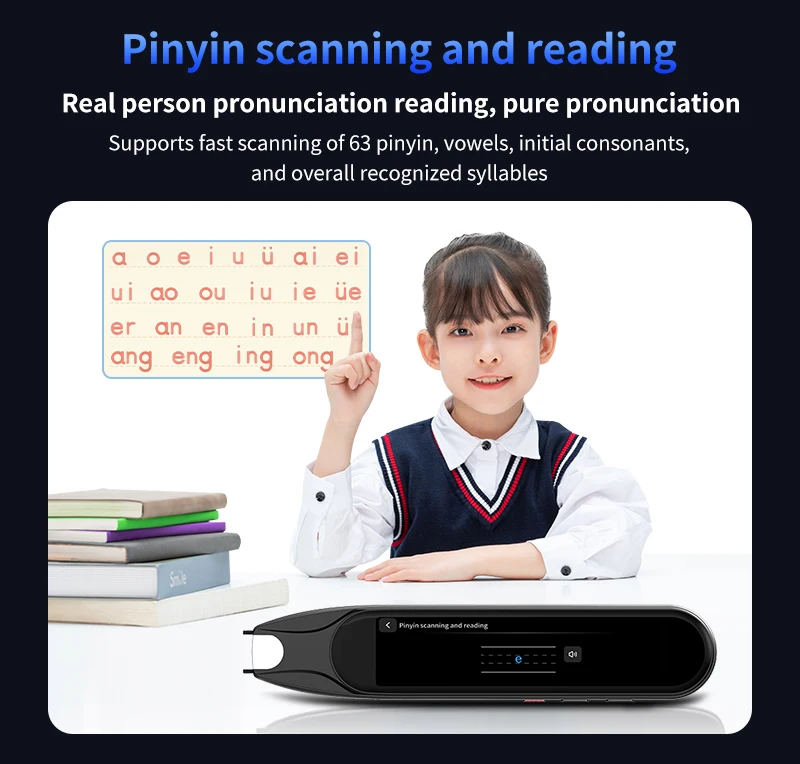
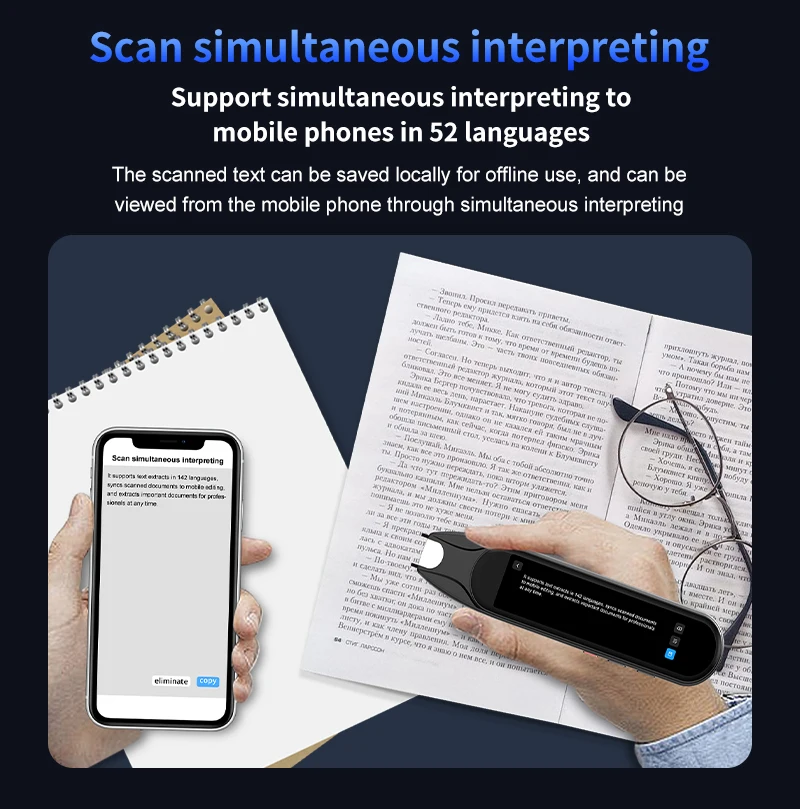
✅ Translate a selected section of printed text - The scanning function captures suitable text for the supported translation mode.
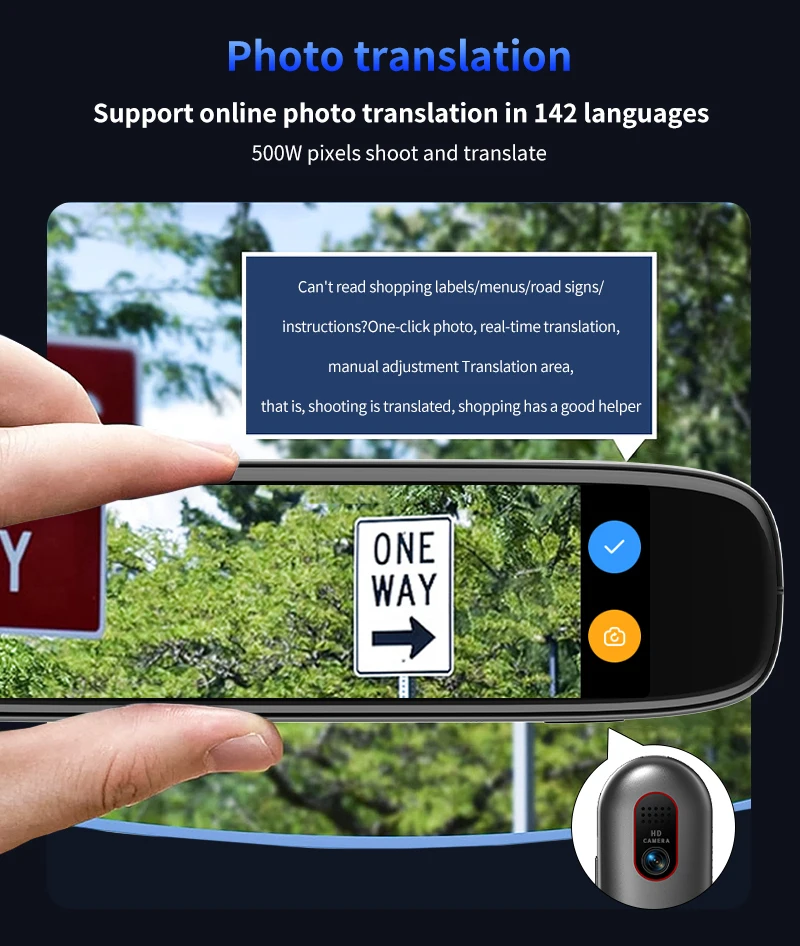
✅ Use another input when scanning is inconvenient - Photo translation provides a separate way to capture compatible written content.
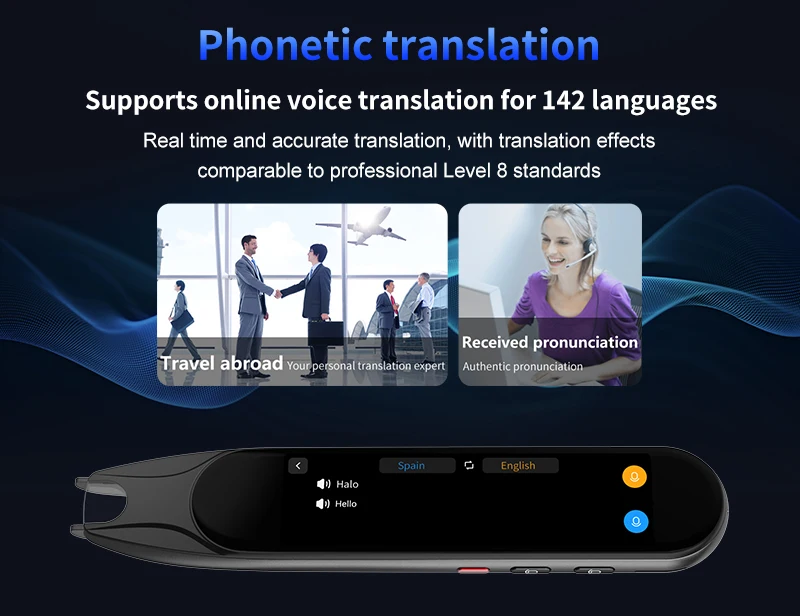
✅ Work with spoken phrases as well as print - Voice-dialogue translation provides another input method for a supported spoken phrase.
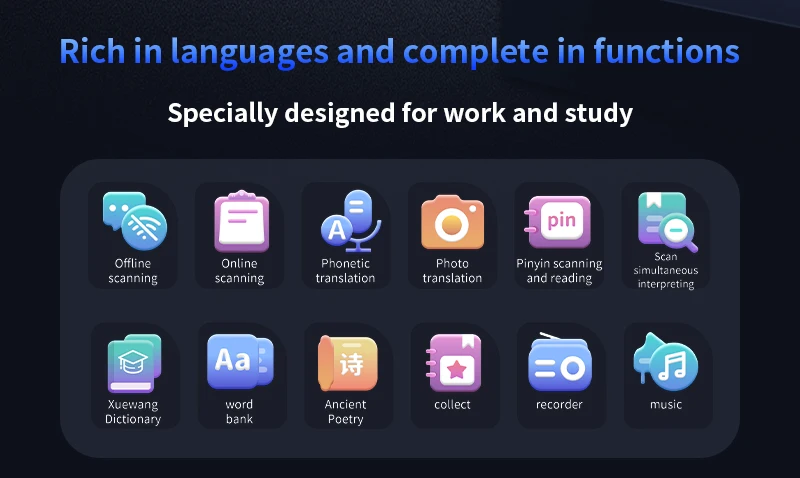
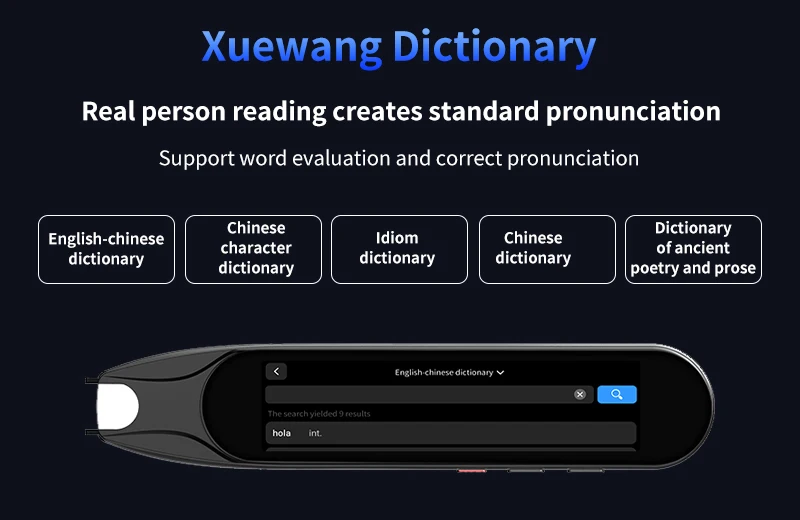
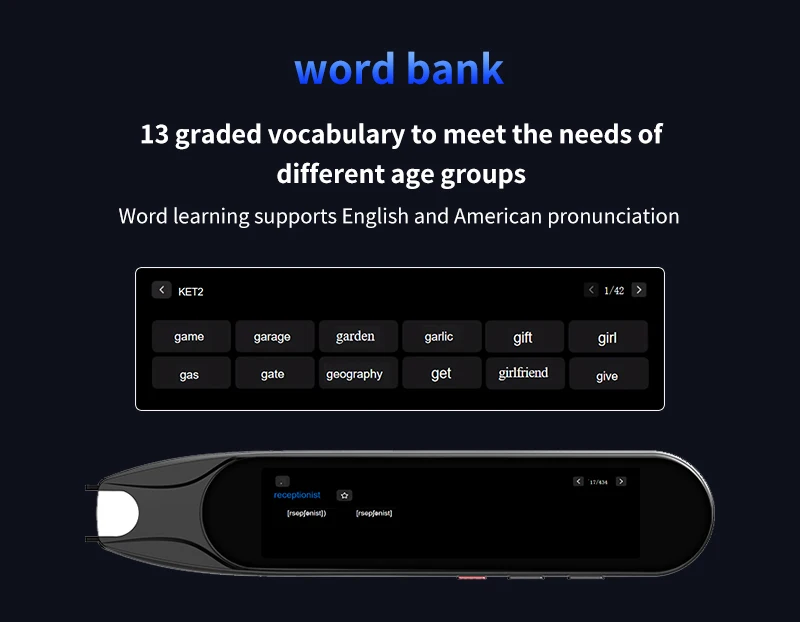
✅ Keep useful words for later practice - Vocabulary and dictionary functions provide a reference after the first translation.
Choose the Input Around the Text or Conversation
A printed passage and a spoken question need different input methods. Choose the relevant mode, capture a clear sample and read the result on the display before using it in the conversation or task.
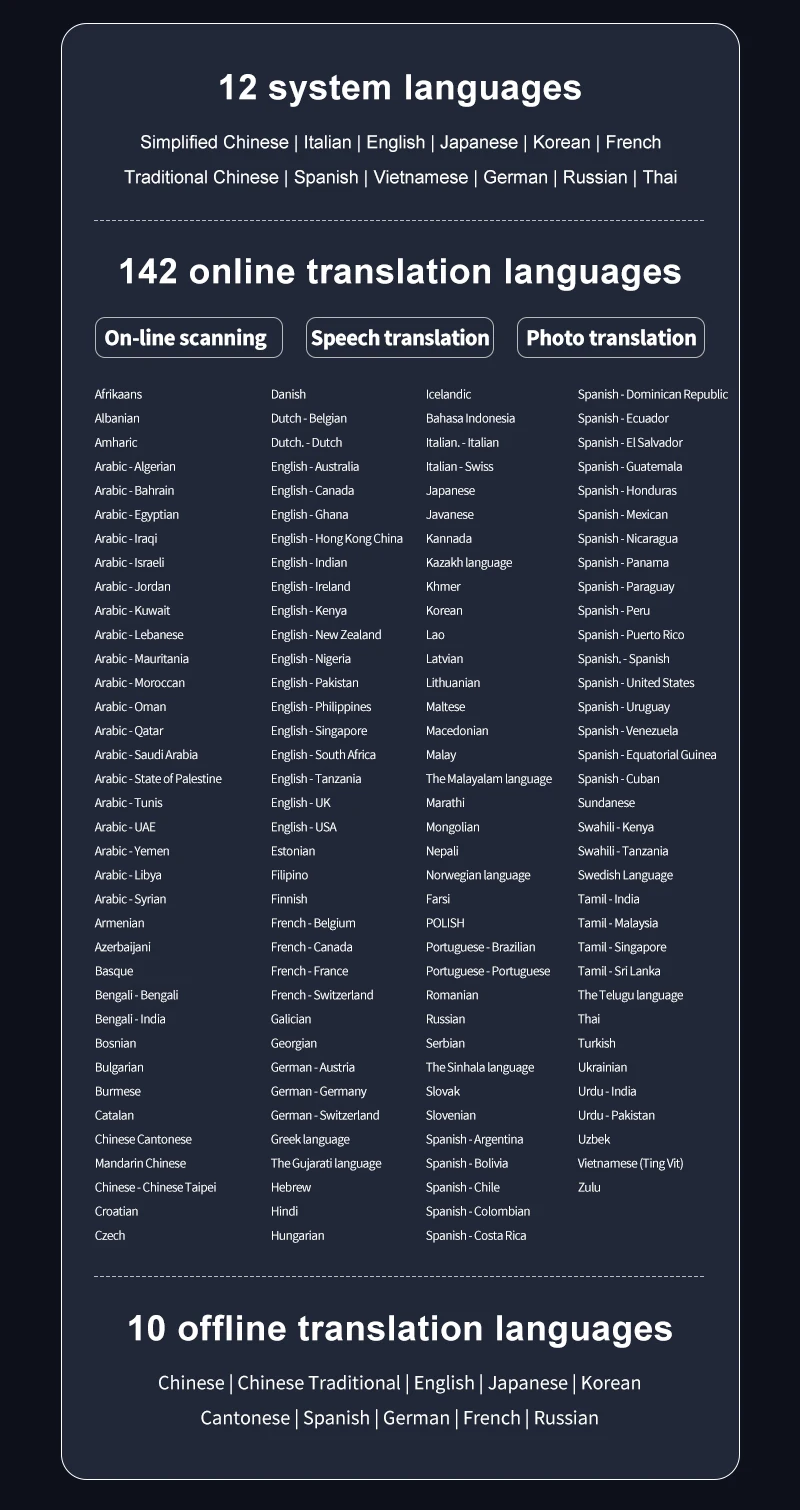
Confirm the languages supported by each mode and whether that function needs a network connection. Language coverage is not necessarily identical for scanning, speech and offline use. Translation can miss context, so check important wording with a competent speaker.
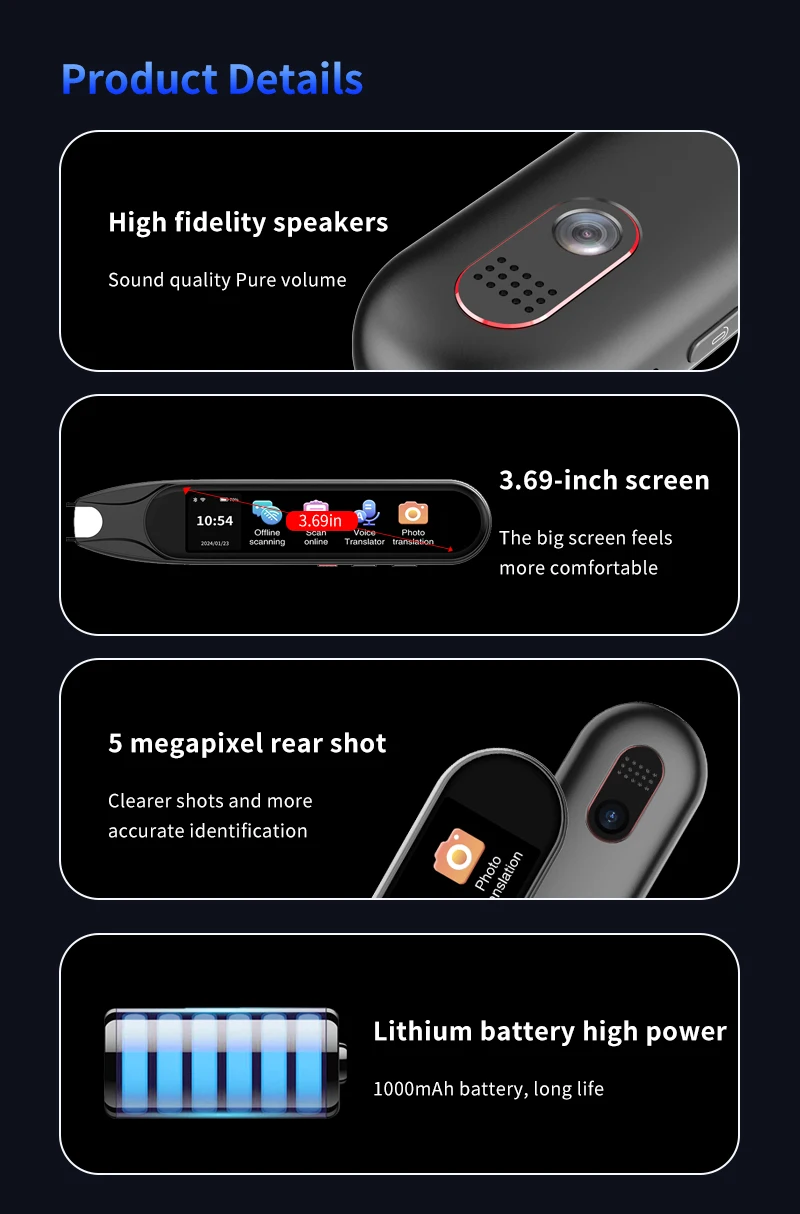
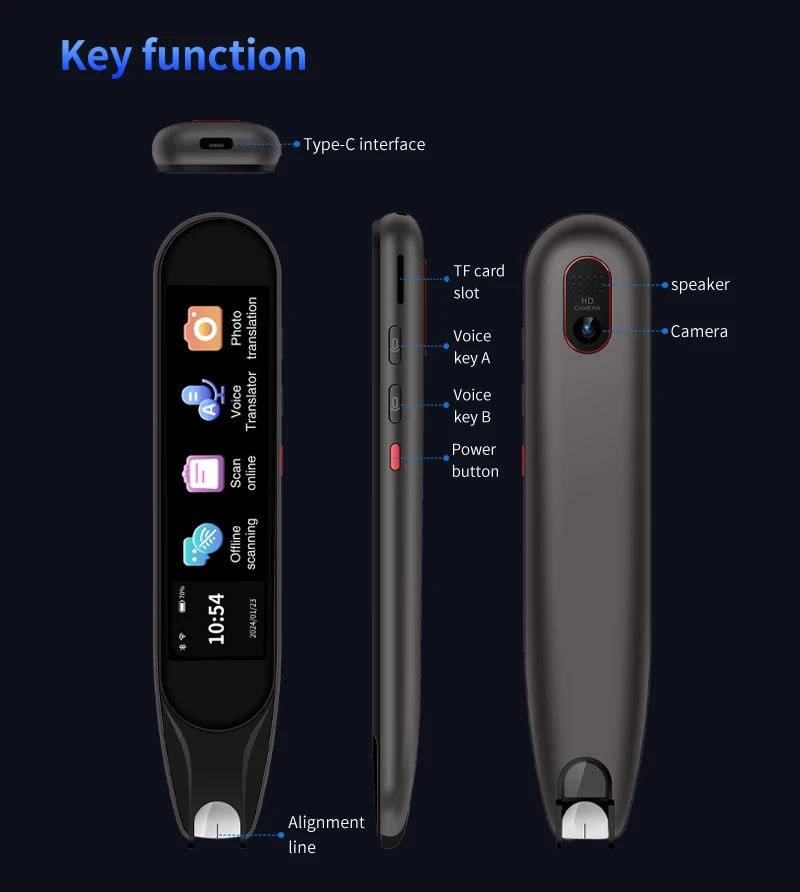
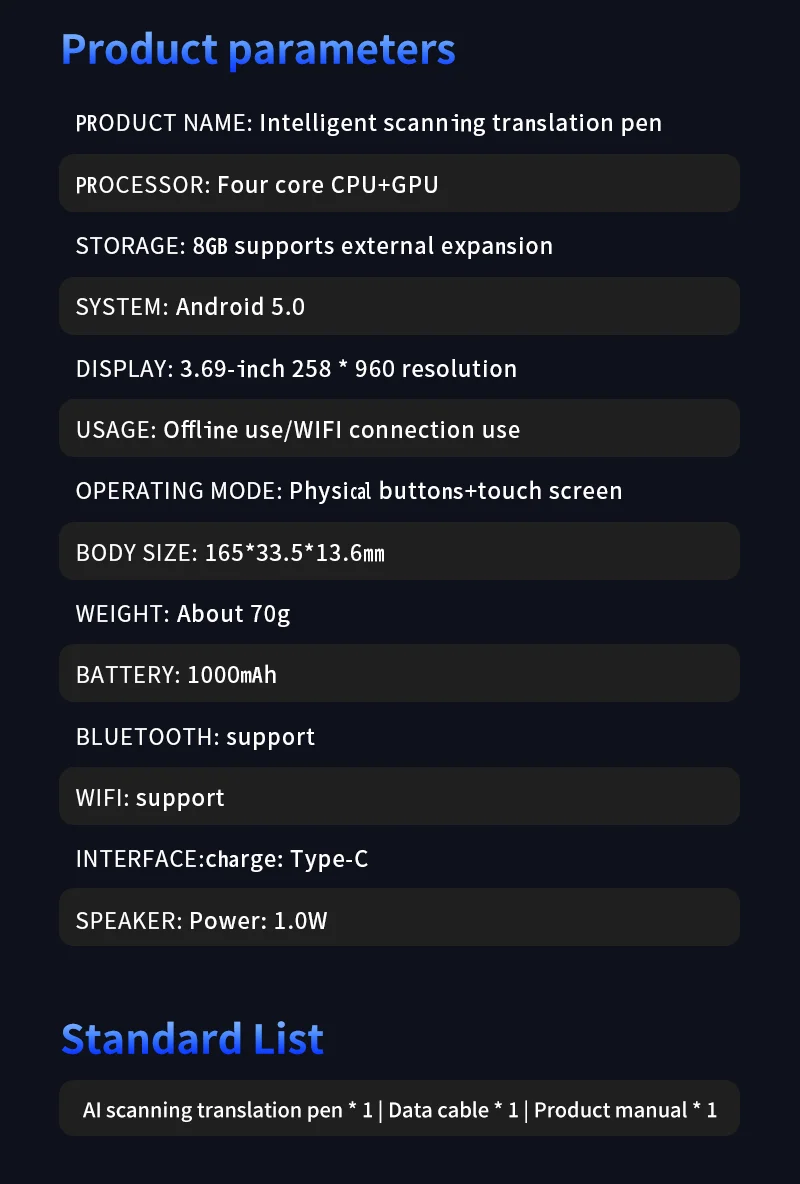
Technical details
- Model: S60
- Type: scanning/voice translation pen
- Inputs described: text scan, photo and voice
- Display: built in
- Additional functions: dictionary, vocabulary and recording
- Memory described: 1 GB plus 8 GB
- Language and connection requirements: mode-specific
Check your language pair and add a portable input option to translation work.
Välj alternativ