Video surveillance legal pitfalls small business owners need to know
Many small business owners assume video surveillance is a straightforward safety upgrade, but the legal landscape around video surveillance is complex and often misunderstood. This article examines common legal misconceptions, compares technical and policy choices, and provides practical decision logic for owners choosing CCTV systems for storefronts, offices, and mixed-use properties. Early attention to compliance reduces liability and protects customer privacy while preserving the security benefits of modern systems. Read the complete Video Surveillance guide
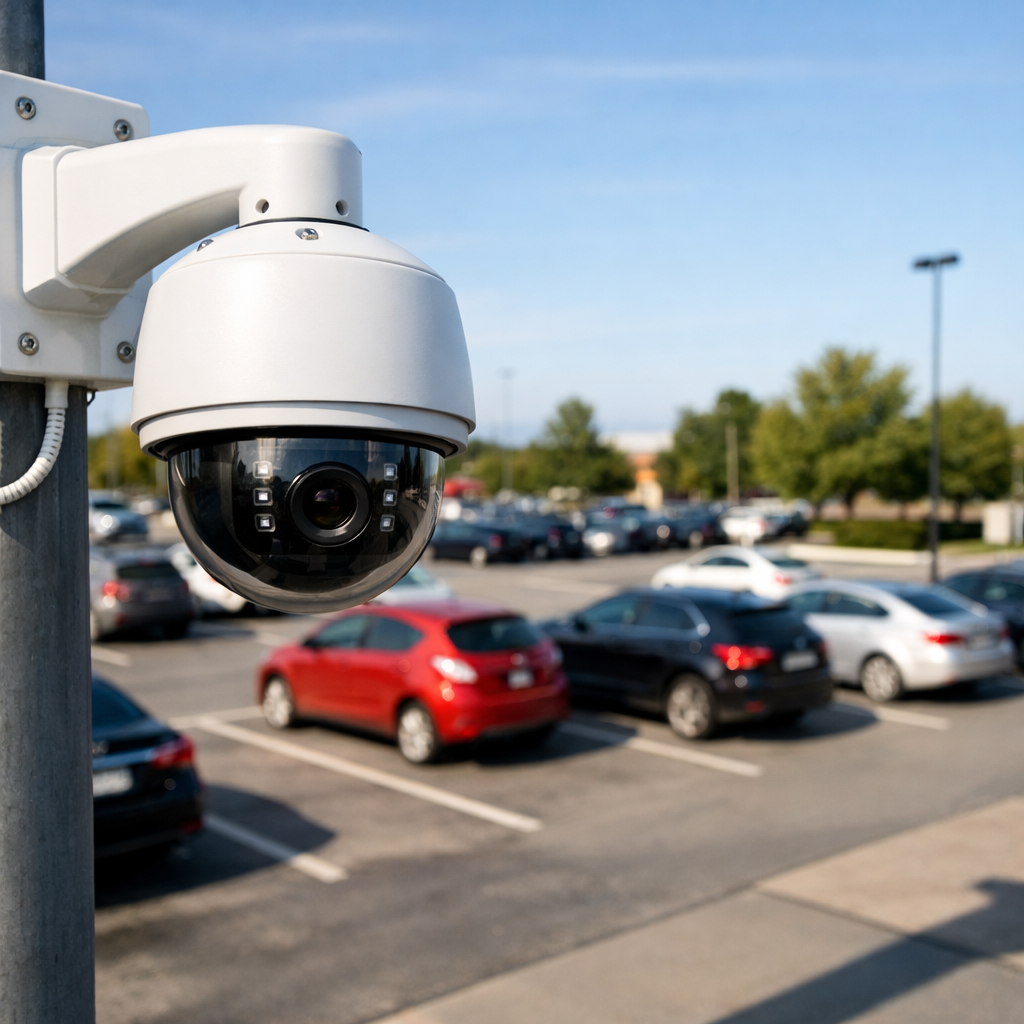
Legal misconceptions about video surveillance
Business owners frequently conflate what is technologically possible with what is legally permissible. One persistent myth is that recording anywhere on private property is automatically lawful. In reality, legality depends on where cameras point, whether audio is captured, expectations of privacy, and applicable state or national laws. For example, areas such as restrooms, locker rooms, and private offices often carry a heightened expectation of privacy and may be off-limits for monitoring, even on property you own.
Another common misunderstanding is that prominent signage alone cures all privacy concerns. While notice is often part of compliance, signage does not replace consent requirements where audio recording or employee monitoring triggers separate wiretapping or labor rules. Similarly, business surveillance that records customer faces or license plates may create data protection obligations when footage is stored, shared, or retained for extended periods.
Comparing video surveillance setups: legal trade-offs
Choosing between visible and covert cameras, cloud or on-premise storage, and high-resolution versus low-resolution feeds involves trade-offs that affect legal risk. Visible cameras deter theft and make lawful notice straightforward, reducing accusations of secret monitoring. Covert cameras, used only in narrow, legal circumstances, increase risk and require strong justification, documentation, and legal review.
Cloud storage simplifies remote access and redundancy but raises cross-border transfer issues and contractual requirements with service providers. On-premise DVR/NVR systems keep data local, which can limit transfer risks but require robust physical and network security to meet data protection expectations. Higher resolution aids identification but increases the sensitivity of the footage because clearer images are more likely to be considered personal data or biometric material under some laws.
Pros and cons summary:
- Visible IP cameras: deterrence and easy notice; easier to defend legally but may be challenged if installed in sensitive sightlines.
- Covert cameras: investigate internal theft with minimal detection but higher legal scrutiny and limited lawful use.
- Cloud storage: convenience and resilience, but third-party contracts and data transfer rules can create obligations.
- Local storage: control over data location but higher operational responsibility for security and retention policies.
Buyer guide: evaluation criteria and common procurement mistakes
When selecting business surveillance equipment, evaluate more than camera resolution. Prioritize these criteria: data lifecycle controls, audio capture settings, field-of-view limitations, storage location, access controls, and vendor contract terms addressing data breaches and deletion. Ensure any system selected can implement retention limits and export logs for incident reviews.
Common mistakes include purchasing systems that default to continuous audio recording, selecting cloud services with unclear data residency, and failing to document monitoring policies. Another frequent error is overlooking employee-consent and labor-law implications when cameras monitor break rooms, entrances, or workstations. A practical procurement step is to request a vendor data-processing addendum that clarifies responsibilities and to test default privacy settings before deployment. Browse Video Surveillance
Use-case scenarios and decision logic
Below are three realistic scenarios with decision logic that balances security needs and legal constraints.
1. Small retail storefront
Need: Loss prevention, customer safety, and parking lot monitoring. Preferred setup: Visible exterior cameras covering the sidewalk and parking area, cameras focused on transaction points with blurred zones for customer seating areas, no audio recording. Legal cautions: Avoid recording neighboring properties or public sidewalks in ways that capture private areas; use signage that informs customers of video monitoring; set a 30–90 day retention policy aligned with incident response needs.
2. Professional services office (e.g., accounting)
Need: Building access control, lobby monitoring, and internal security without violating client confidentiality. Preferred setup: Access control cameras at entrances, limit interior cameras to common areas, encrypt stored footage, and restrict access to footage to named security personnel. Legal cautions: Never place cameras in consultation rooms; ensure footage cannot be linked to client records without consent; log access attempts and maintain retention schedules consistent with confidentiality obligations.
3. Small manufacturing warehouse
Need: Asset protection, safety compliance, and monitoring of loading docks. Preferred setup: High-resolution exterior and dock cameras with controlled PTZ access, local storage with scheduled off-site backups, and visible placement to deter intruders. Legal cautions: If monitoring employees, align any use of footage for disciplinary actions with employment law and union rules; document policy and provide notice to staff.
Practical examples and common mistakes
Example 1: A café owner installed cameras pointing into an alley and across to neighboring apartments. Residents complained. The owner had not considered the expectation of privacy for those residents and lacked signage. The remedial steps were to re-angle cameras, restrict field-of-view, and consult local privacy rules.
Example 2: A boutique used cloud camera footage to share a customer’s image in social media to identify a suspected shoplifter. Without redaction or legal review, the store exposed itself to privacy claims. Safer practice: preserve footage internally, involve law enforcement for public identification, and avoid public posting of identifiable images.
Common procurement mistake: buying a consumer-grade home security camera for a business without checking terms of service; some consumer products prohibit commercial use or have inadequate access logging. Invest in business-grade systems when obligations and risks are higher.
Legal & ethical considerations (EU/US high-level, non-legal advice)
EU context: Under the GDPR, footage that can identify a person is personal data. Businesses must have a lawful basis for processing, minimize data collected, inform data subjects, and honor data subject rights where applicable. Retention should be proportionate and clearly documented. Use of CCTV that combines with face recognition or other biometric processing triggers additional safeguards.
US context: Federal law does not comprehensively regulate video surveillance, but audio recording is subject to wiretapping statutes and many states require one- or two-party consent for audio capture. Employment law and state privacy statutes may restrict the monitoring of employees or customer areas. Sector-specific rules (healthcare, finance) add obligations for sensitive premises. Across jurisdictions, signage, access controls, retention policies, and lawful purpose documentation reduce risk. Discreet solutions
Ethically, businesses should balance security gains against intrusions into personal privacy. Even lawful surveillance can damage customer trust if poorly communicated. Prefer minimal retention periods, strictly control access, and apply redaction or face-blurring where footage is shared externally.
Frequently Asked Questions
Q: Can I record audio with my CCTV for loss-prevention?
A: Audio laws vary; many jurisdictions treat audio differently from video. Avoid audio unless you have clear legal advice and documented consent where required.
Q: Are IPR or GDPR obligations triggered by license plate capture?
A: License plates can be personal data under GDPR when linked to identifiable individuals. Limit retention, document lawful basis, and use secure controls when plates are captured.
Q: Do I need to inform employees about cameras?
A: In most places yes; transparency with employees about purpose, scope, and retention of footage is considered best practice and often required by employment or privacy laws.
Q: Is a visible sign enough to make surveillance lawful?
A: Signs help but do not eliminate other legal duties like avoiding private areas, respecting audio consent rules, or complying with data-protection obligations.
Q: How long can I keep CCTV footage?
A: Retention should be the minimum necessary for the stated purpose—commonly 30–90 days for routine security—unless required longer for an active investigation or legal hold.
Closing summary: Choosing and operating video surveillance in a business context requires balancing security goals with legal and ethical responsibilities. Use a structured comparison of system types, storage options, and monitoring scope to align your technology choices with compliance obligations and operational needs. Document decisions, prioritize transparency, and review vendor terms before procurement to reduce risk while maintaining effective protection.