
Video Surveillance: Camera Placement Mistakes That Reduce Coverage for Homes and Small Businesses
Effective video surveillance begins with where and how you place cameras. Early placement errors can create persistent blind spots, violate privacy expectations, or leave footage unusable during incidents. This buyer-focused guide explains the most common camera placement mistakes for homeowners, small business operators, and facility managers, and shows how to evaluate devices and mounting strategies to achieve consistent coverage without legal or operational surprises.
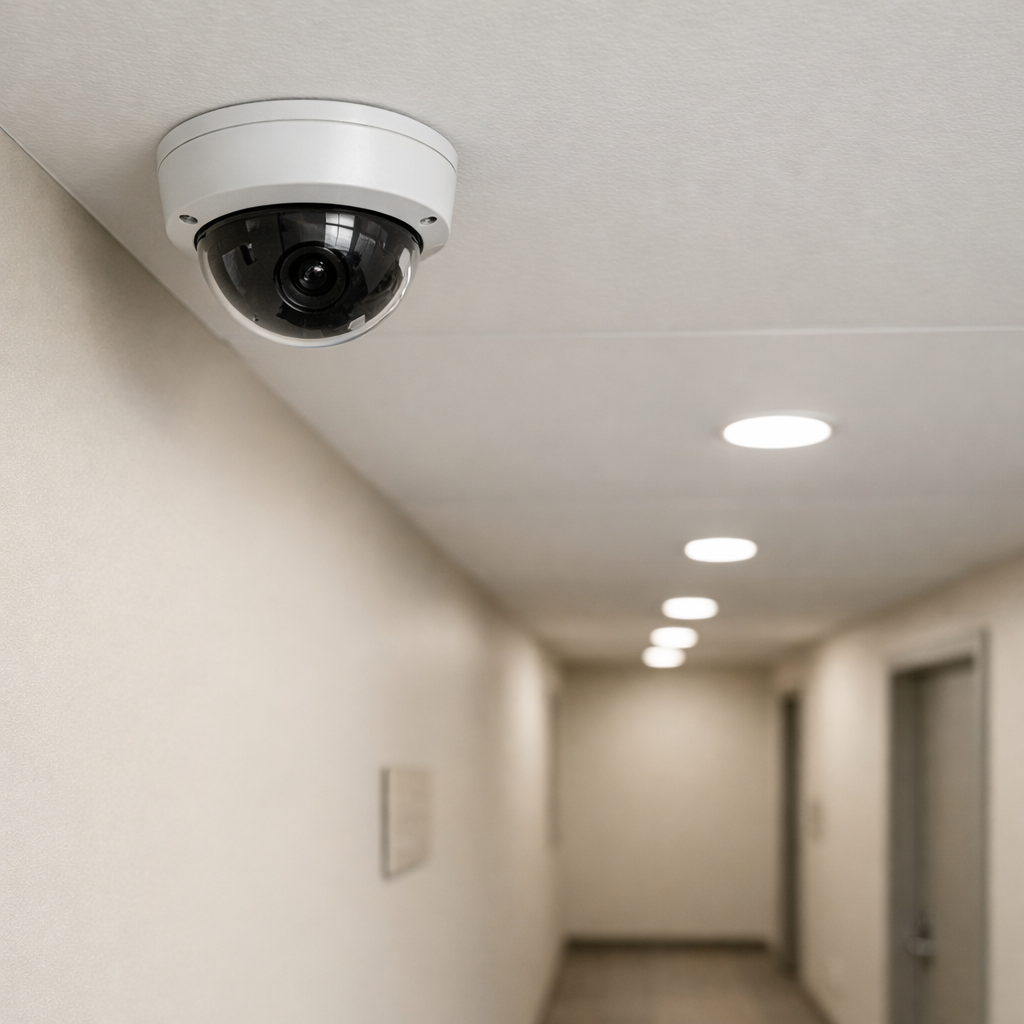
Common camera placement mistakes that reduce video surveillance coverage
Placement problems often stem from treating cameras as decorative hardware rather than system components. Typical mistakes include mounting too high or too low, pointing cameras into reflective surfaces, relying on single-camera coverage of wide areas, and ignoring sightlines created by landscaping or shelving. These errors do not just lower image quality — they create exploitable gaps. For example, a camera mounted high on an eave may miss a suspect crouching near a door threshold, while a camera placed behind a glass storefront may produce unusable glare at night.
Choosing mounts and angles for effective video surveillance
Mount selection and aiming are core to field-of-view planning. Fixed-wall mounts, ceiling mounts, soffit mounts, and pole mounts each serve different use cases; dome cameras afford discreet 360-degree coverage but may be limited by lens choice, while bullet cameras provide longer range and clearer directional focus. Use the camera's horizontal field-of-view (HFOV) and sensor size to calculate placement distance so faces are captured at usable pixel density. A common buyer error is equating higher megapixels with longer range without accounting for lens focal length and compression artifacts.
Mounting height and tilt
Mount too high and faces become small; mount too low and the camera is accessible for tampering. For most fixed installations intended to capture faces, aim for 8–12 feet (2.5–3.5 m) with a downward tilt that centers the primary approach path in the frame. In exterior parking areas or long corridors, elevate cameras to reduce occlusion but pair them with longer focal lengths or PTZ coverage to maintain identification-level detail.
Overlapping coverage and redundancy
A single camera per entrance is a frequent mistake. Proper coverage designs use overlapping fields so one camera captures a broad approach while a second captures identification at a choke point. This redundancy compensates for occlusion, sun glare, or intentional obstruction and supports forensic review.
Evaluation criteria when selecting cameras and planning placement
Buying decisions should be based on use-case requirements, not marketing claims. Prioritize lens type, sensor size, dynamic range (WDR), IR performance, and compression codecs. For indoor home security cameras you might favor wide HFOV and integrated audio, while business surveillance often demands PoE connectivity, higher low-light performance, and local NVR support. Consider environmental ratings (IP66/67) for weather-exposed cameras and IK ratings for vandal resistance.
When planning, document desired coverage areas, required identification distances, and storage retention targets. Feeding these requirements into a simple placement diagram reduces guesswork and prevents post-installation rework. For system-level architecture and integration choices, consult our in-depth systems overview to match placement with storage and analytics needs. Read the complete Video Surveillance guide
Wired vs wireless trade-offs
Wireless cameras reduce cabling but introduce signal reliability and latency concerns. They are suitable for quick home deployments or locations where cabling is impractical, but for critical business surveillance prioritize wired PoE or fiber for consistent power, network stability, and easier compliance with retention and chain-of-custody procedures.
Practical placement scenarios and common mistakes
Scenario 1 — Small retail storefront: Owners commonly mount a single camera behind the counter aimed outward. This produces great footage of the salesfloor but misses faces as customers enter. A better layout uses one camera covering the doorway from an oblique angle to capture faces and a counter camera for transaction detail. Avoid pointing through window glass without anti-glare positioning or shading.
Scenario 2 — Residential front entry: A camera directly facing a porch light will wash out faces at night. Use side-mounted fixtures with downward tilt to reduce direct light hitting the lens, and select cameras with good WDR to handle mixed lighting. For multi-occupant homes, consider doorbell-style wide-angle cameras complemented by a second camera that captures the sidewalk approach.
Scenario 3 — Small office with communal areas: Installing cameras to cover desks is a privacy risk and a common legal misstep. Focus on entrances, common area perimeters, and exterior exits. Combine ceiling-mounted dome cameras for corridor monitoring with wall mounts on exits for identification-level footage. For camera hardware selection, review devices in our surveillance collection when matching camera models to installation environments. Browse Video Surveillance
Legal and ethical considerations for video surveillance
Legal constraints shape placement decisions. In the US and EU, general principles restrict recording in areas with a reasonable expectation of privacy (bathrooms, dressing rooms, private offices) and often require signage when recording public-facing spaces. For workplaces, labor laws and union agreements may impose additional notification or consultation obligations. Data protection rules such as the EU GDPR influence retention, subject-access requests, and data-minimization; businesses must document their lawful basis for recording and implement access controls and retention schedules.
Ethically, avoid cameras that can inadvertently monitor neighboring private property or capture audio in sensitive contexts unless explicit consent and lawful justification exist. In many jurisdictions, audio recording carries stricter rules than video; disabling audio or seeking legal counsel before enabling audio capture is often prudent.
Installation mistakes that harm evidence quality
Several installation errors degrade forensic value: excessive compression settings that blur faces, low frame rates that miss critical actions, improper time synchronization across devices, and unsecured storage that risks tampering. Configure retention and export policies to preserve chain of custody, and implement periodic verification checks to catch drift in time stamps or network outages.
Maintenance and operational checks
- Schedule quarterly checks for lens cleanliness, focus drift, and obstructions.
- Verify night-mode performance seasonally as foliage and lighting change.
- Test remote access and review permissions to ensure logs and footage are protected.
Frequently Asked Questions
Q: How many cameras do I need to cover a home or small store?
A: Coverage depends on approach paths and identification requirements; start with one camera per entrance plus overlapping coverage for parking and blind spots, then add focused identification cameras at choke points.
Q: Can I mount cameras behind glass?
A: Mounting behind glass often creates reflections and IR bloom; if unavoidable, angle the camera to minimize reflections, use anti-reflective housings, or place the camera outside with weather-rated housing.
Q: Are dome cameras better than bullet cameras for business surveillance?
A: Dome cameras are discreet and vandal-resistant, suitable for indoor and ceiling installs; bullet cameras have better long-range performance. Choose based on sightline, vandal risk, and identification distance.
Q: Do I need to worry about privacy laws when installing cameras outside my business?
A: Yes. Avoid recording private spaces and ensure signage and retention policies comply with local and regional regulations; businesses should maintain documentation of lawful bases for recording and access controls.
Q: How important is camera overlap and redundancy?
A: Overlap is critical. It reduces blind spots and provides alternate viewpoints for incident reconstruction, improving both deterrence and post-event analysis.
Educational closing: planning compliant, effective video surveillance
Camera placement mistakes are avoidable with a structured planning approach: define what you need to capture, where identification is required, and which areas must remain private. Match hardware to those requirements, account for environmental and lighting conditions, and adopt network and data-management practices that support legal compliance and evidentiary integrity. For guidance on integrating placement choices with system-level architecture and analytics, consult our pillar systems discussion to align device selection with storage and operational needs. Discreet solutions
Thoughtful placement and ongoing maintenance maximize the utility of home security cameras or business surveillance investments while minimizing legal and privacy risks. A deliberate, checklist-based installation is the most reliable path from purchase to practical, defensible coverage.