


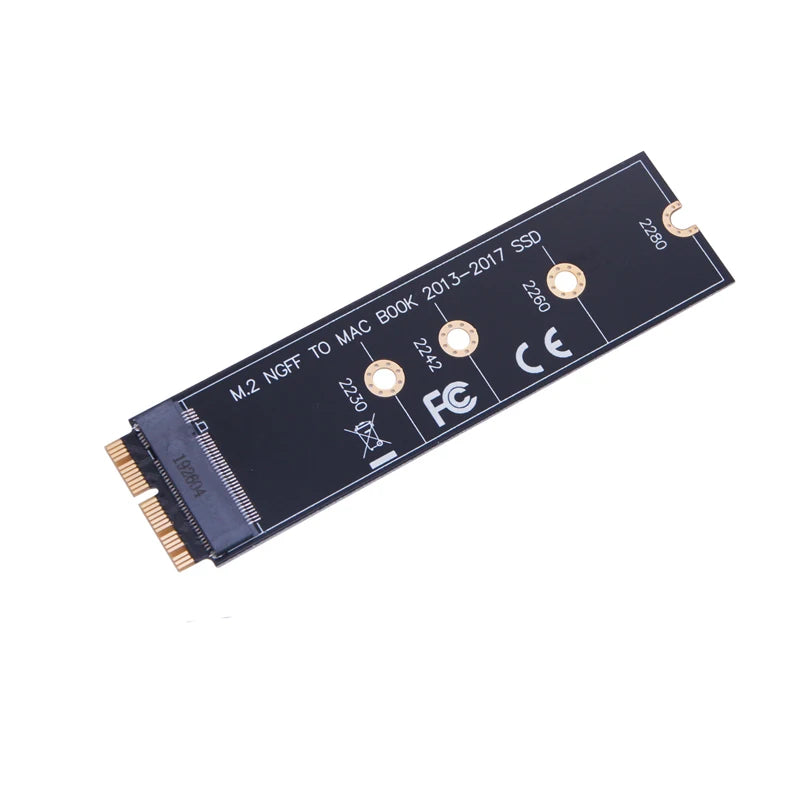

M.2 SSD Adapter for Selected MacBook Models
Use a supported M.2 PCIe SSD in a matching older MacBook storage slot. The AC4814 adapter bridges the connection for a properly planned drive replacement.
✅ Consider a replacement M.2 drive - The adapter enables a supported SSD format to connect to the specified MacBook interface.
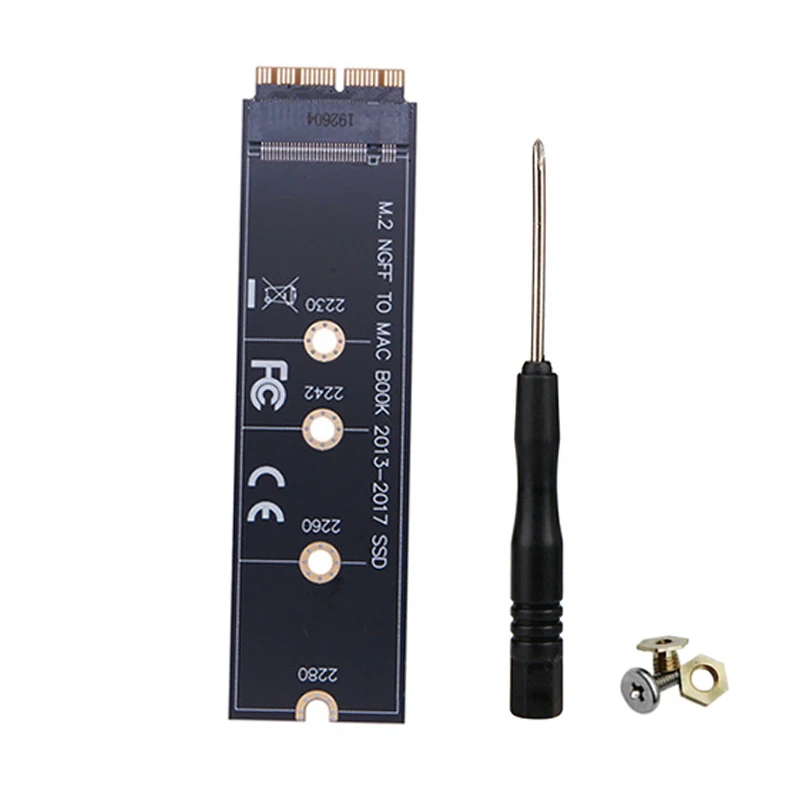
✅ Keep installation accessories together - The included screw kit and screwdriver accompany the adapter card for the matching installation.
Plan the Drive Upgrade Before Opening the Computer
Specified models include MacBook Air A1465 and A1466 from mid-2013 to 2017, plus Retina MacBook Pro A1502 and A1398 from late 2013 to mid-2015. Confirm the exact computer, SSD type and firmware support.
The setup requires macOS 10.13 or later and a prepared bootable USB installer; internet recovery is not supported for this arrangement. Some SSD combinations can have hibernation issues. Back up the existing drive and plan the software installation before replacing hardware.
Technical details
- Adapter model: AC4814
- For specified M.2 PCIe NVMe/AHCI arrangements
- Selected MacBook Air and Retina Pro models
- macOS 10.13 or later required
- Includes adapter, screw kit and screwdriver
- SSD not included

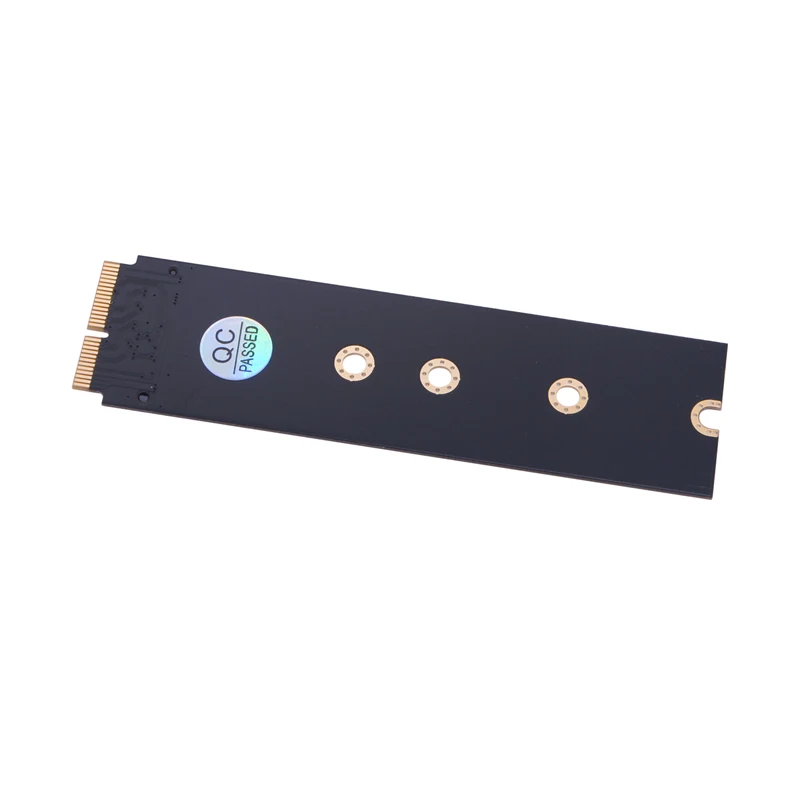


Prepare your matched MacBook storage upgrade with the correct adapter.
Odaberite opcije