


USB-C to HDMI Cable - Resolution Options
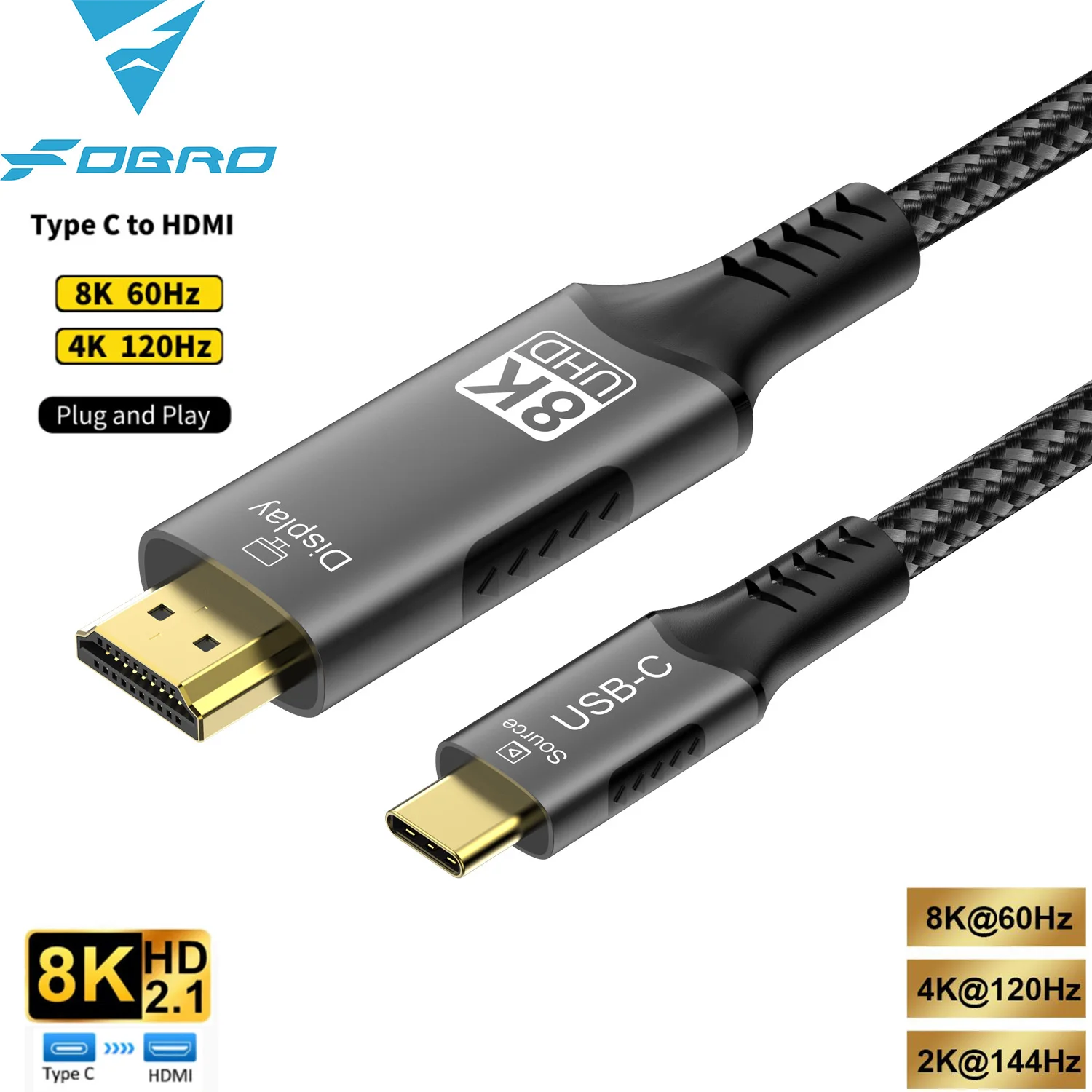
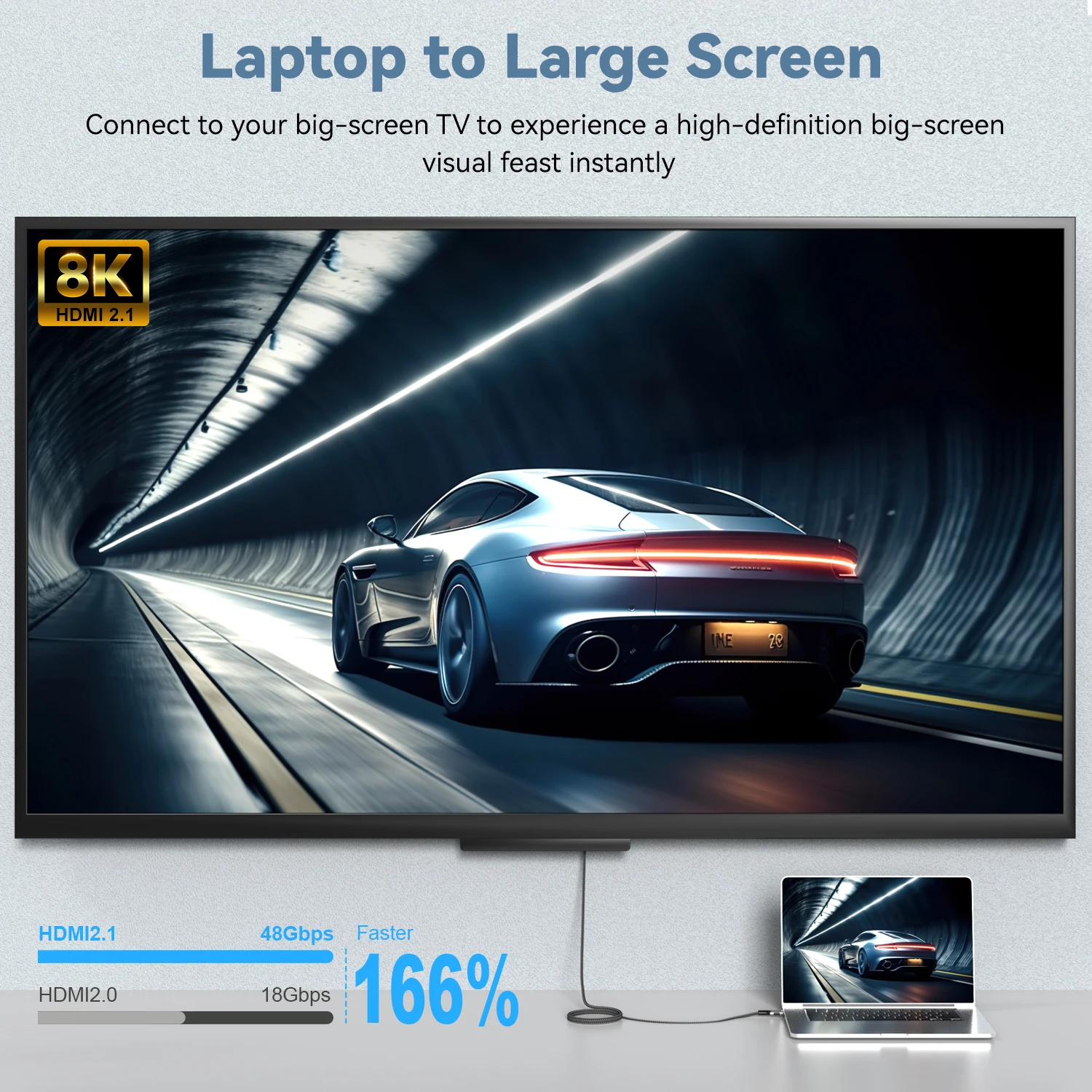
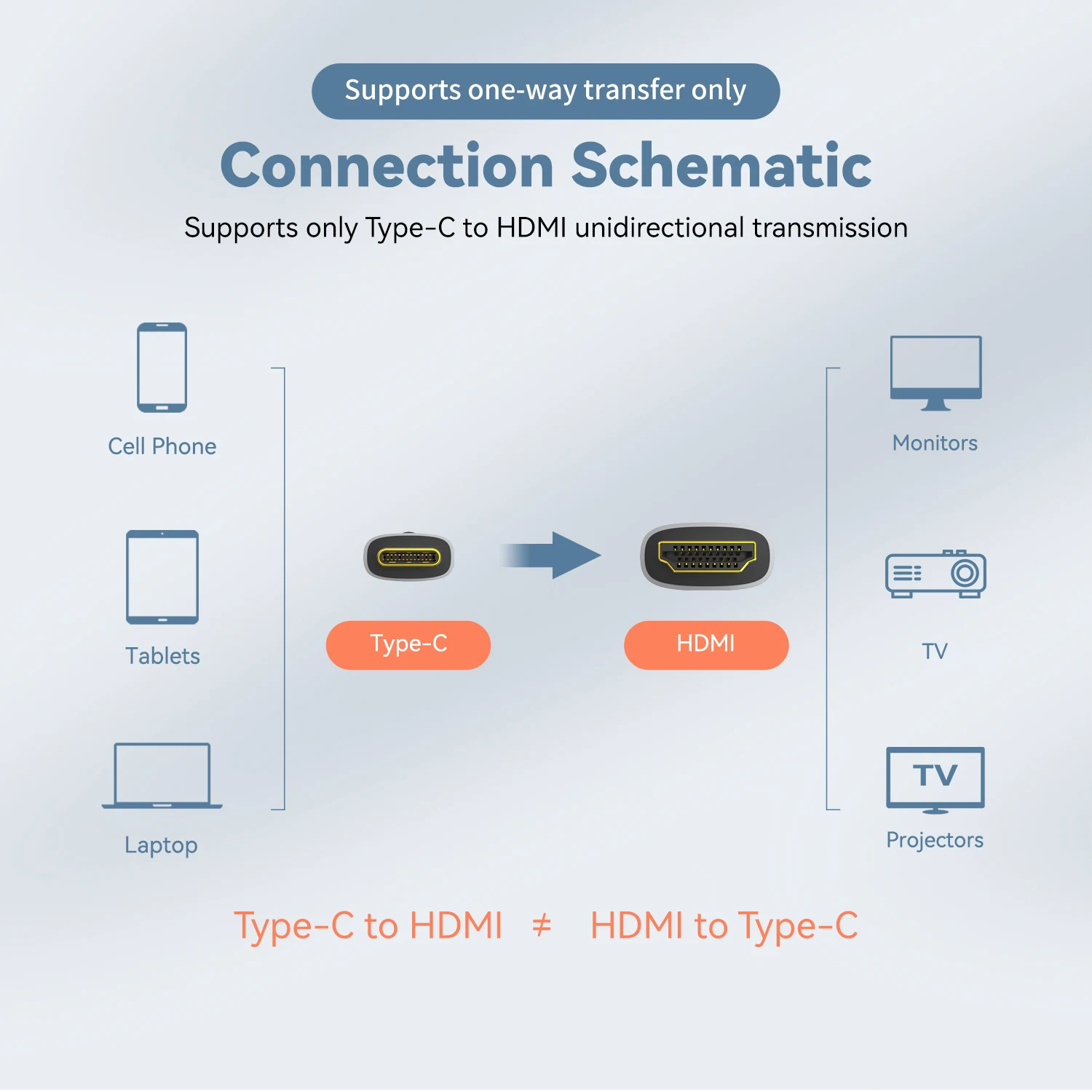
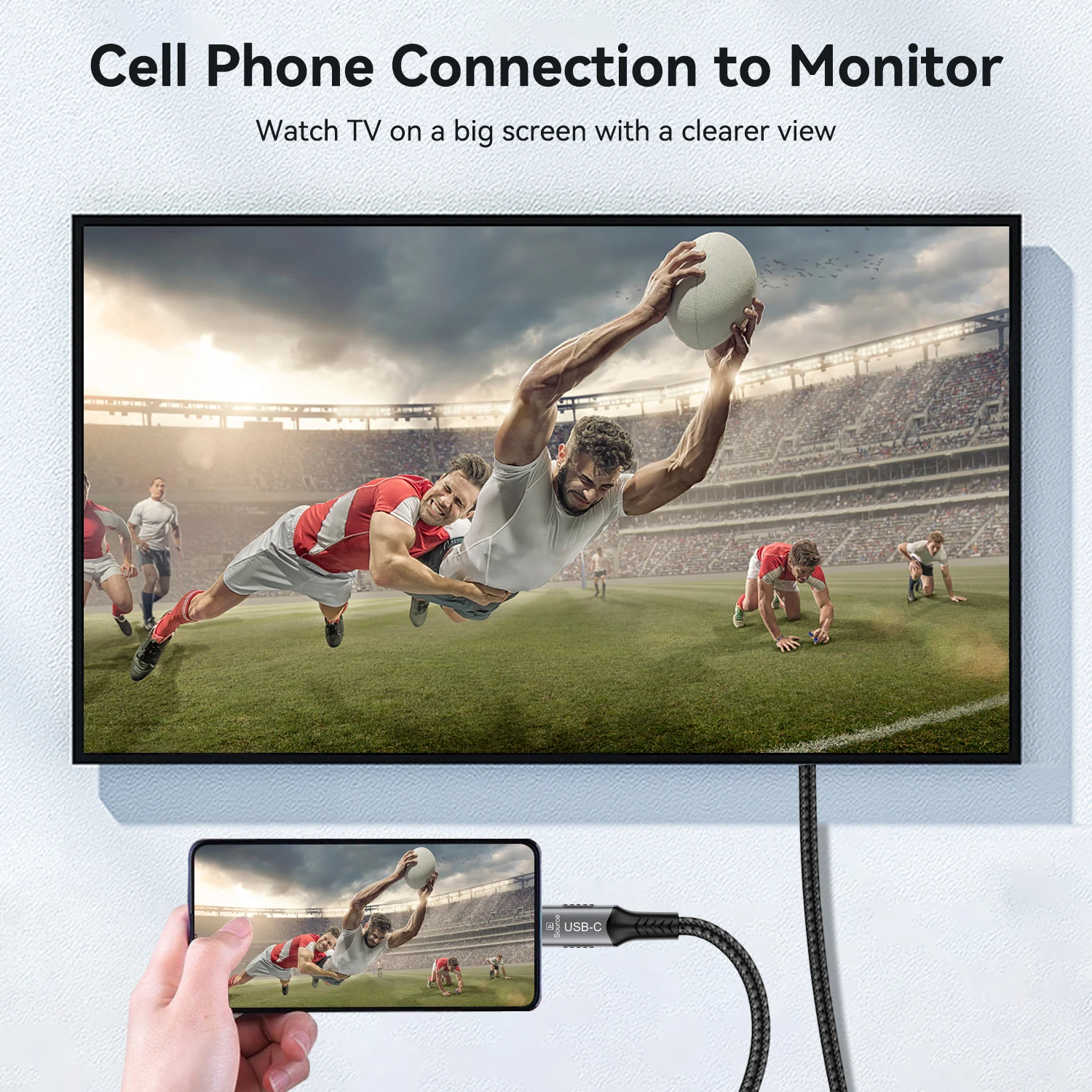
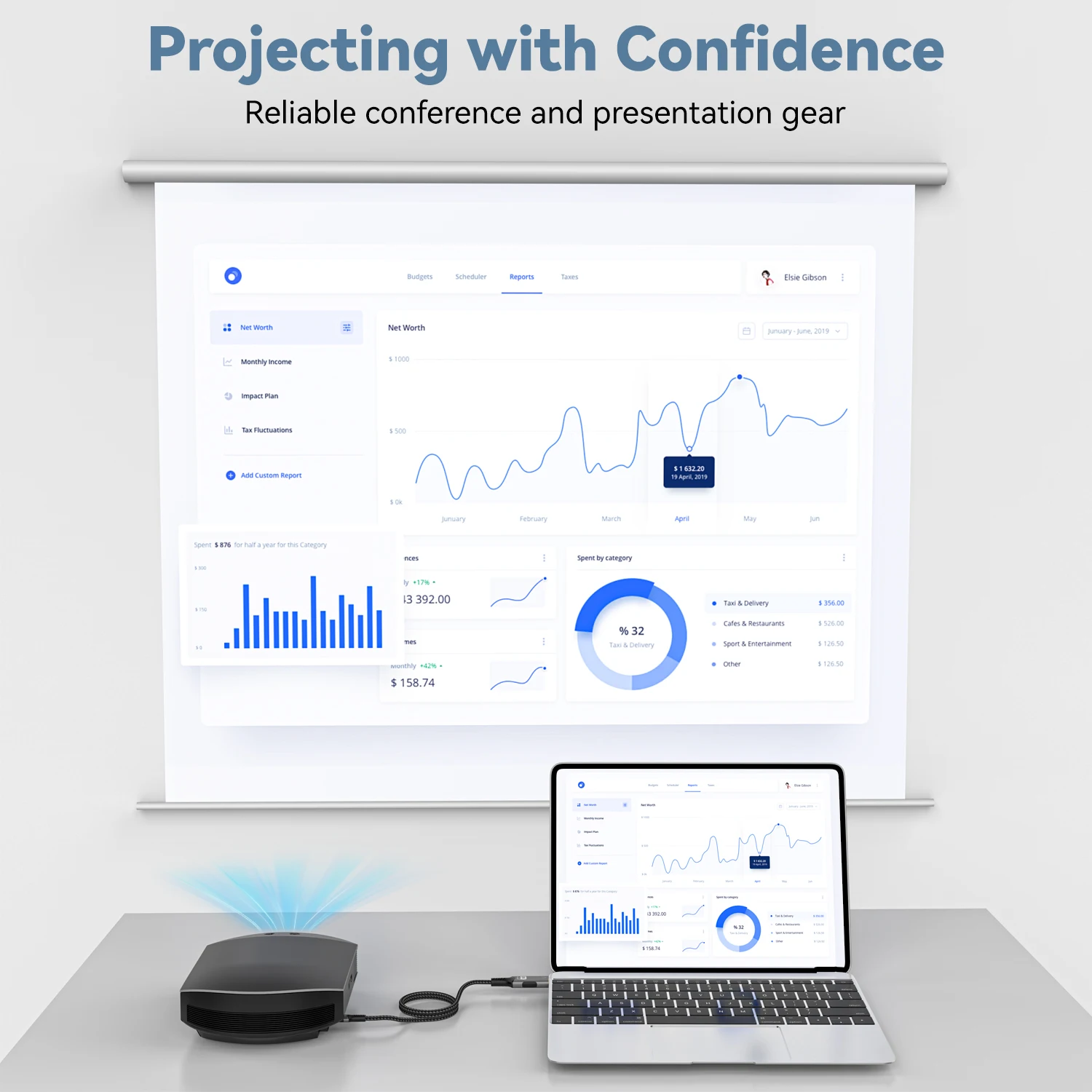
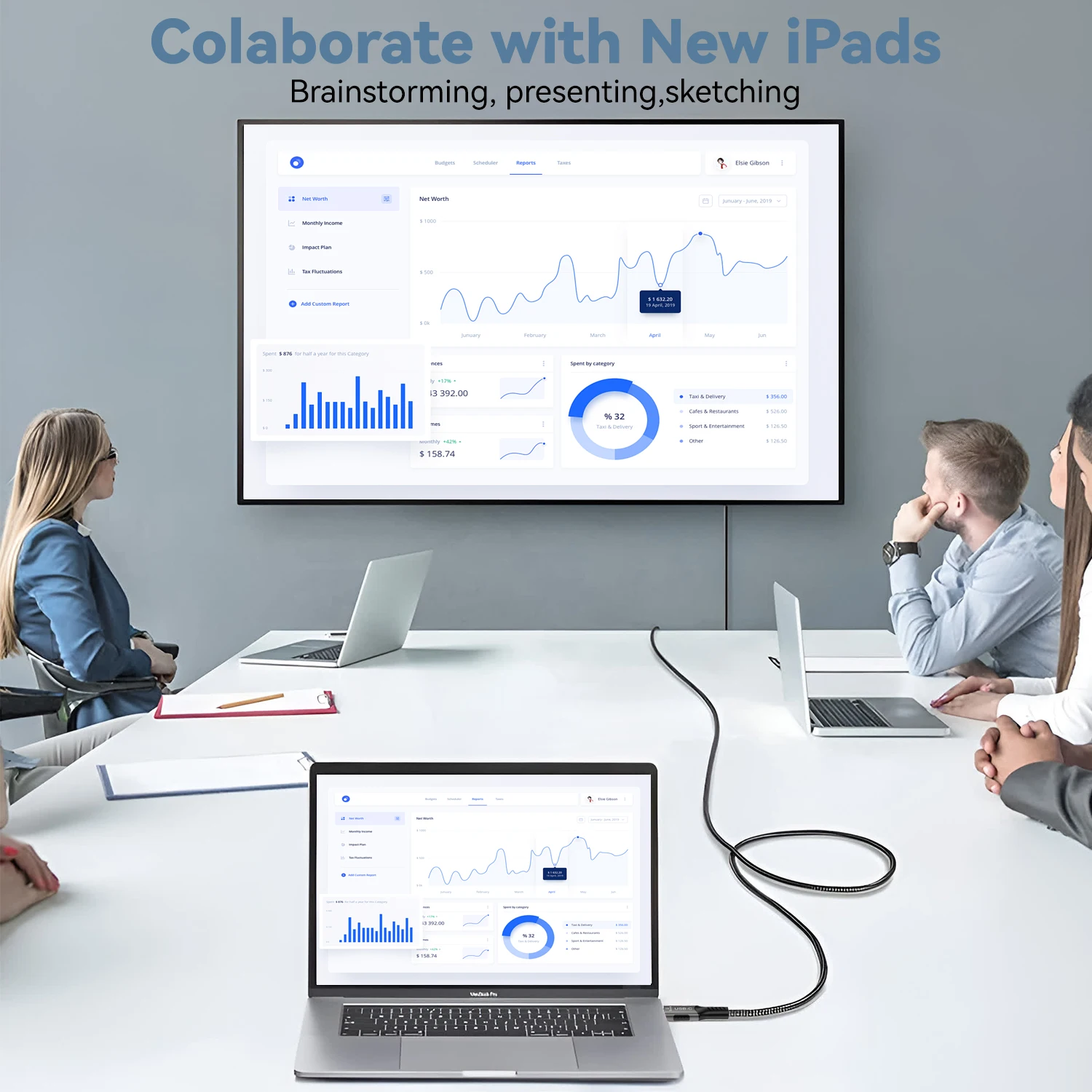
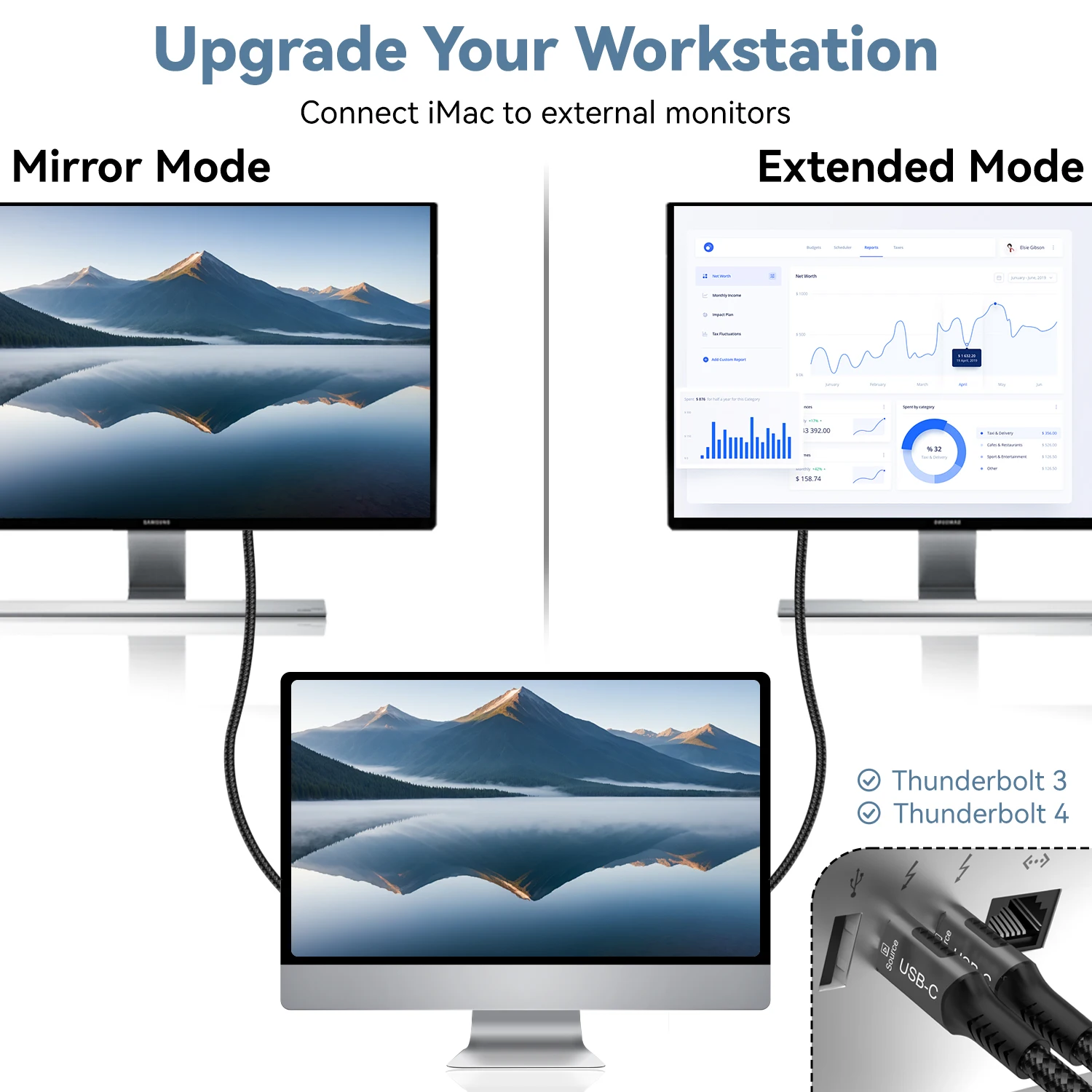
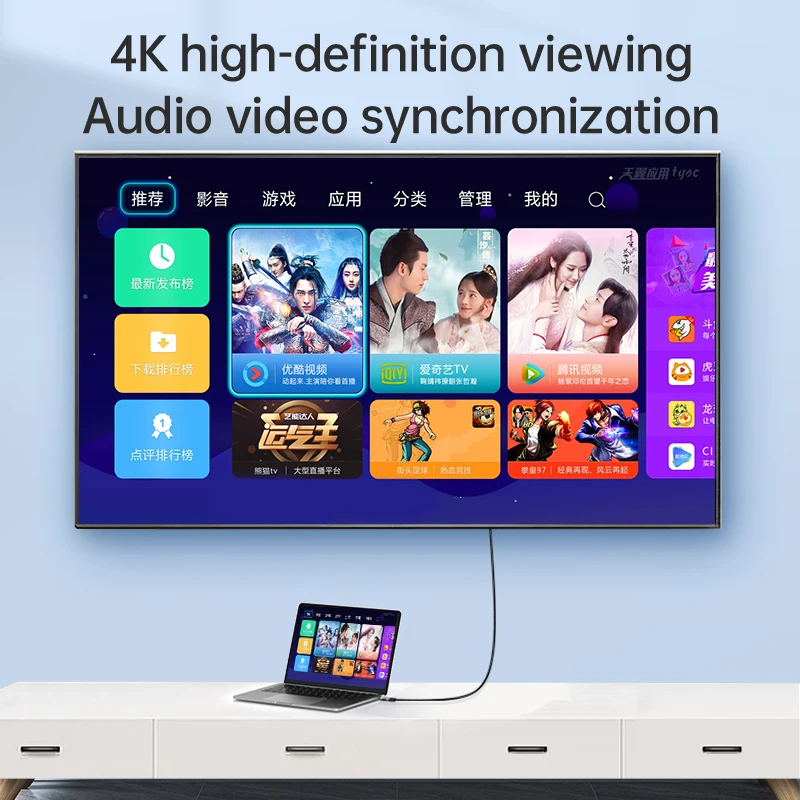
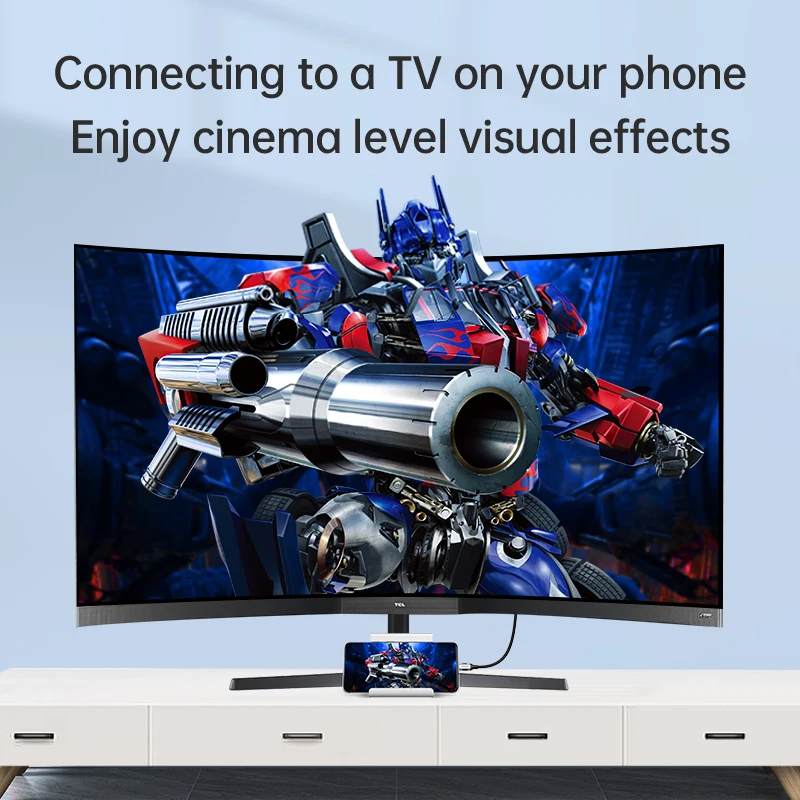
Show content from a compatible USB-C device on an HDMI screen. This direct cable connection gives a suitable laptop or other supported source a way to use a television, monitor or projector.
✅ Use a larger screen for the content you want to share - A compatible video-capable USB-C source can send its display signal to an HDMI input.
✅ Keep the connection in one cable run - The USB-C-to-HDMI arrangement avoids a separate adapter-and-HDMI-lead combination for the matched connection.
Check the USB-C Port Before Connecting
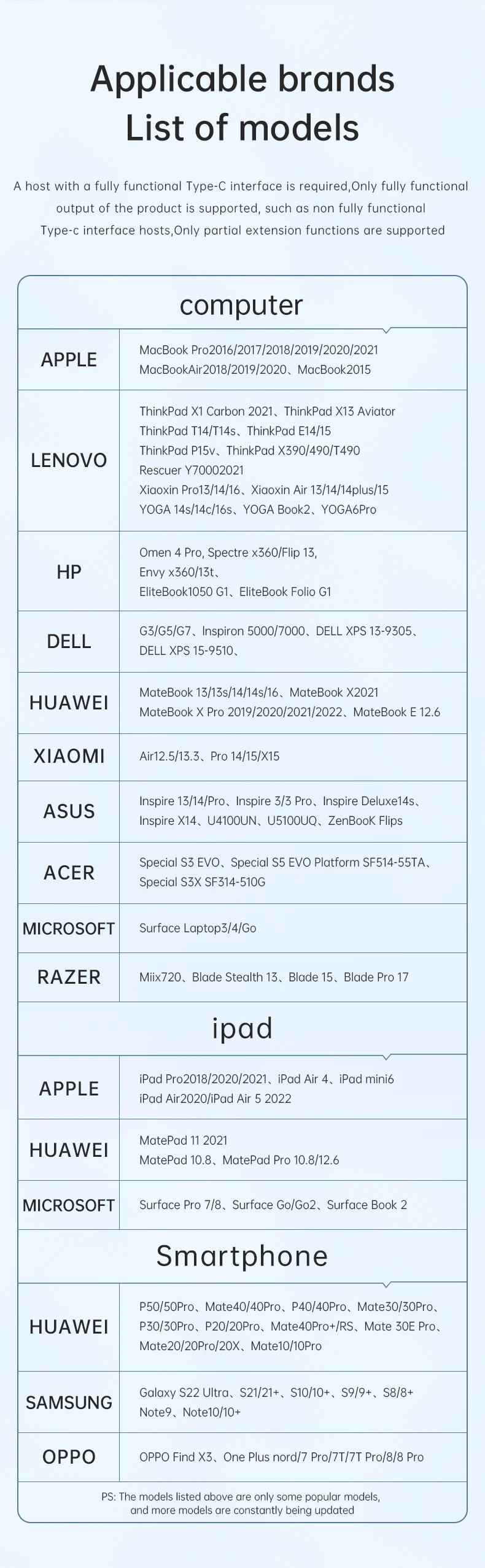
Not every USB-C socket outputs video. The source must support the required DisplayPort Alt Mode or compatible video-output arrangement; a charging-only or data-only USB-C port will not gain that function from the cable.
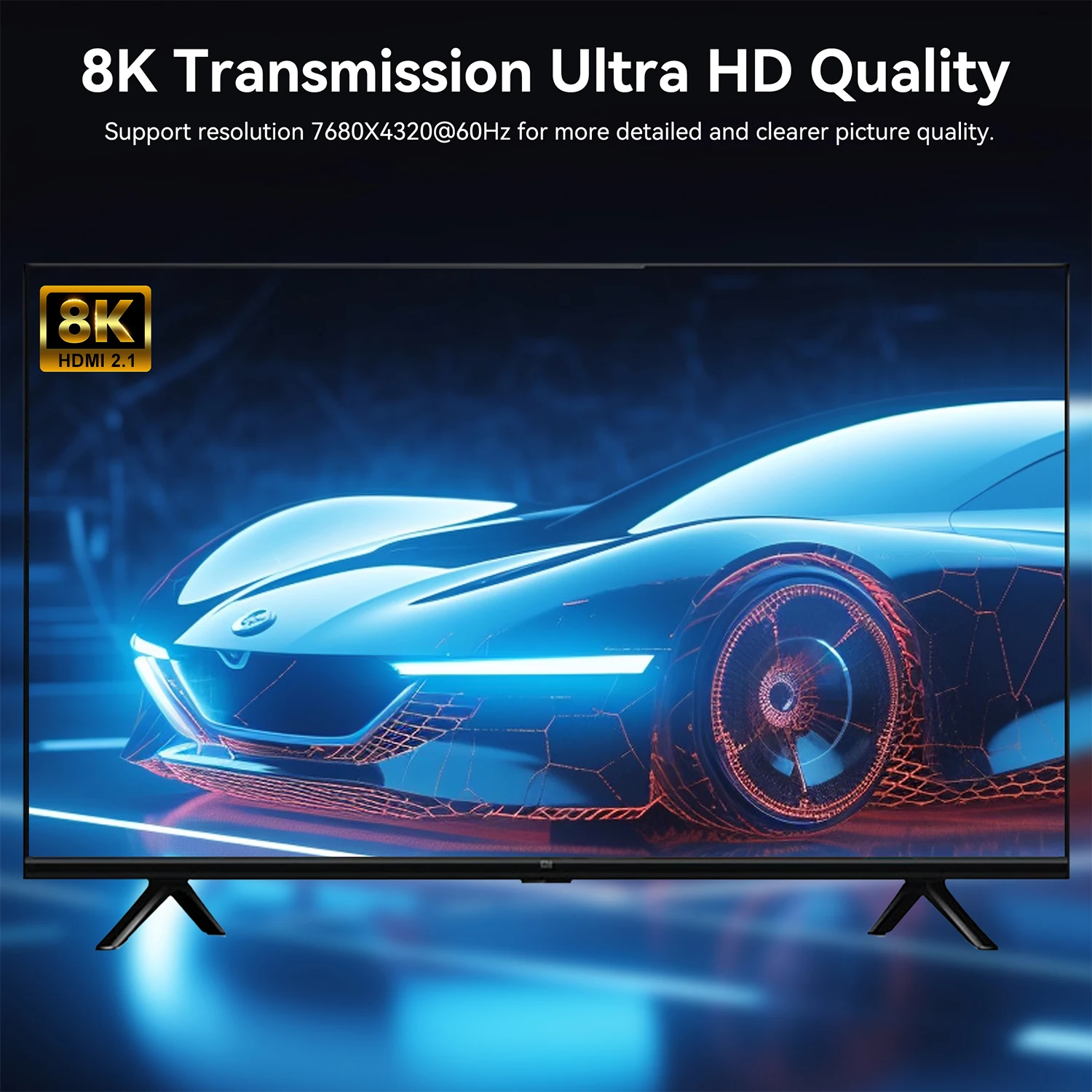
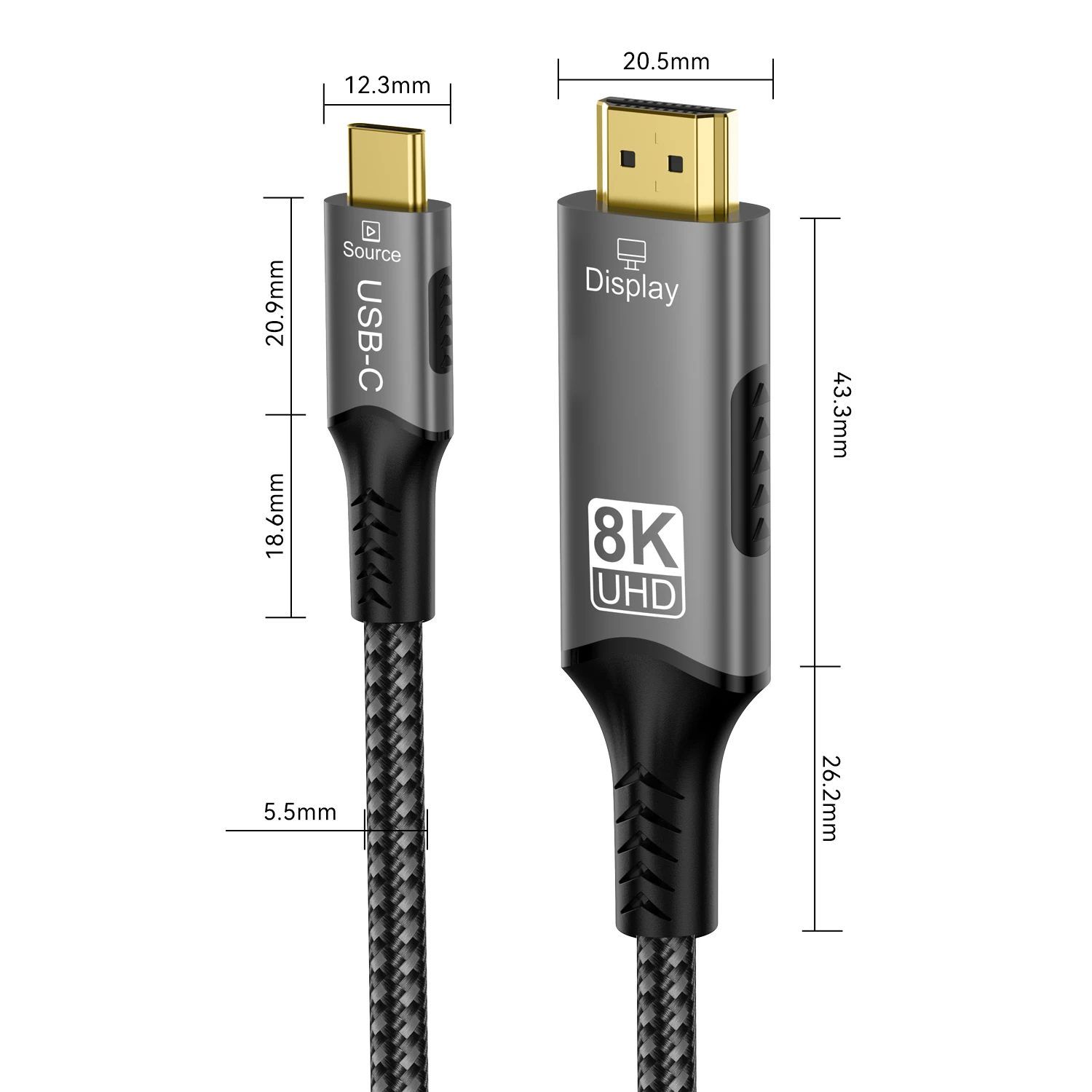
Choose the length for the distance between the source and screen, then confirm the actual model's video limit. Four-K and eight-K-labelled selections differ, and the refresh rate depends on the complete source, cable and display path rather than the product title alone.








Technical details
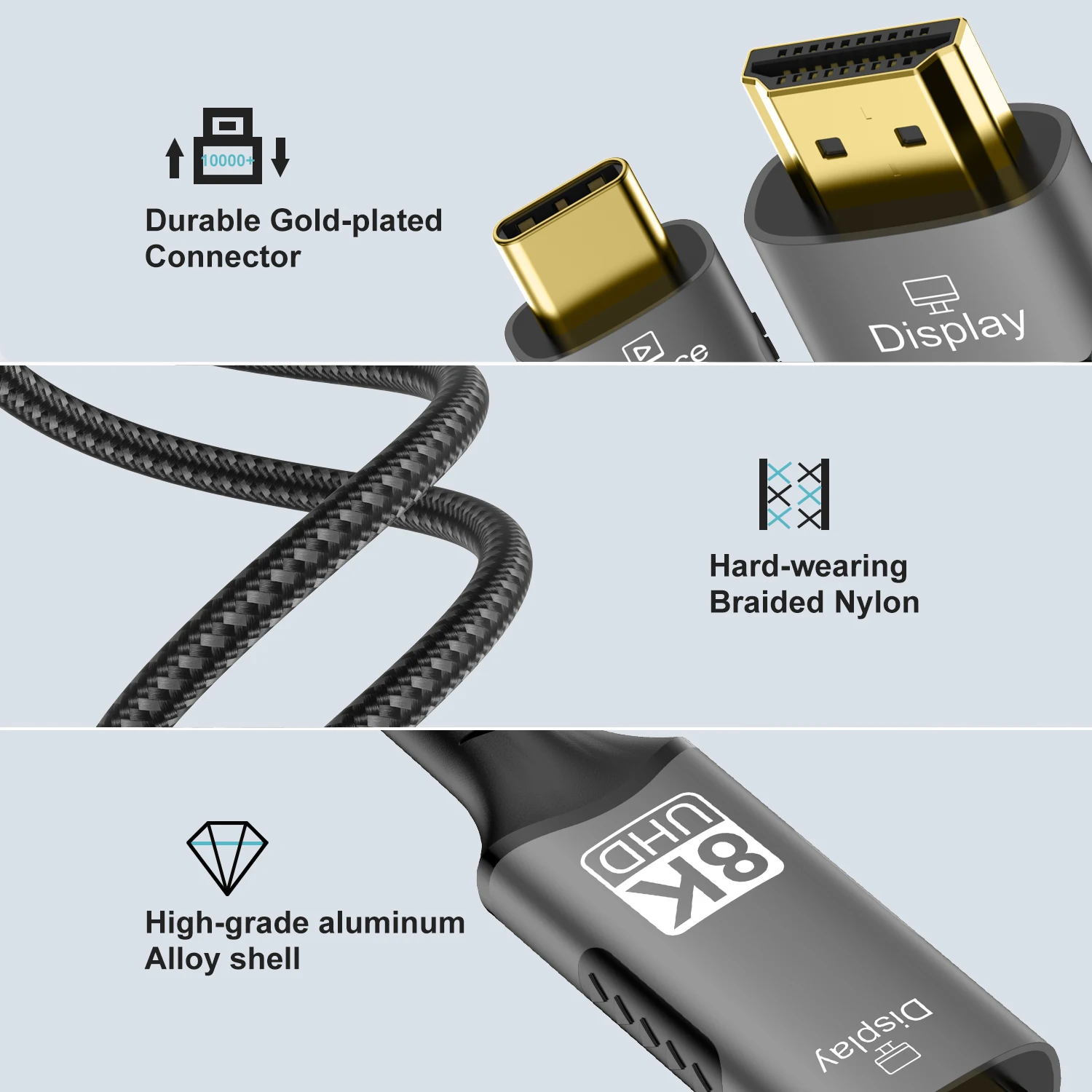
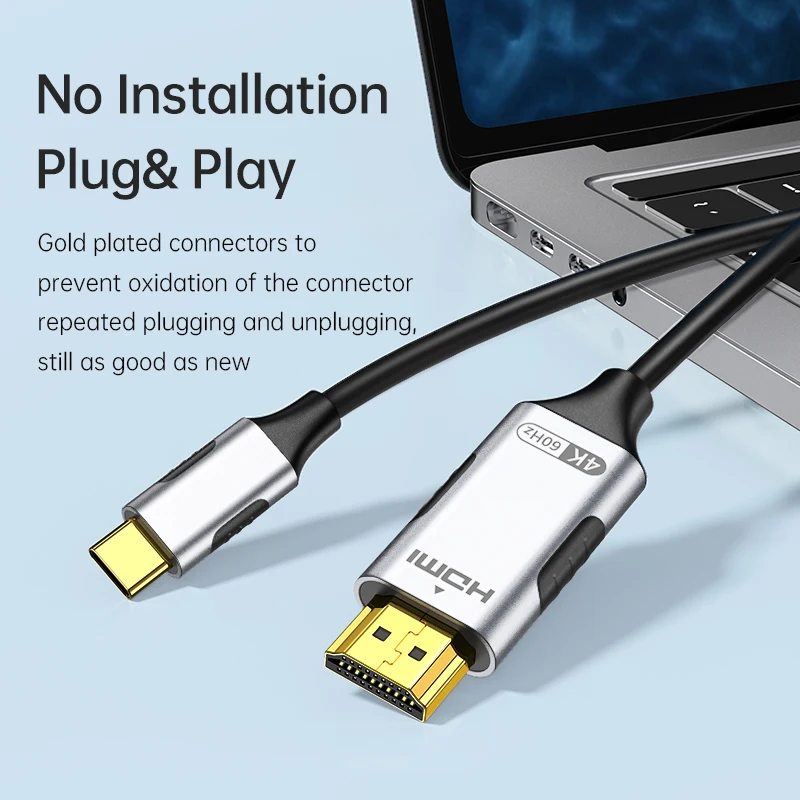
- USB-C source to HDMI display connection
- 1m, 2m and 3m length selections
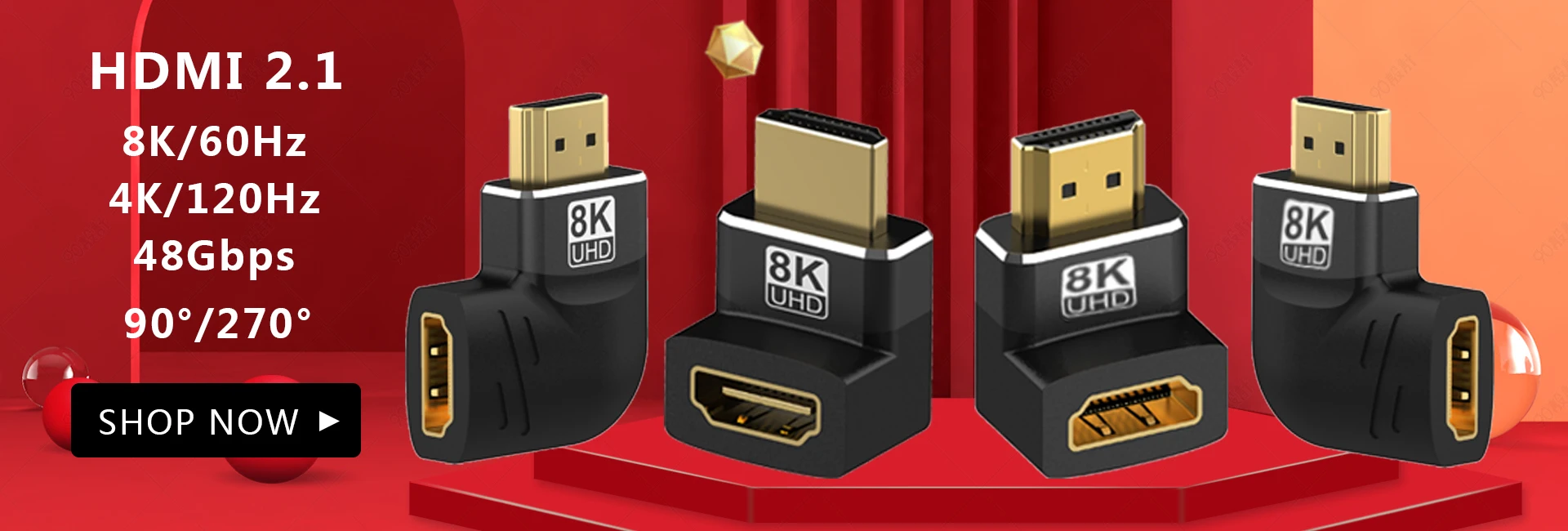
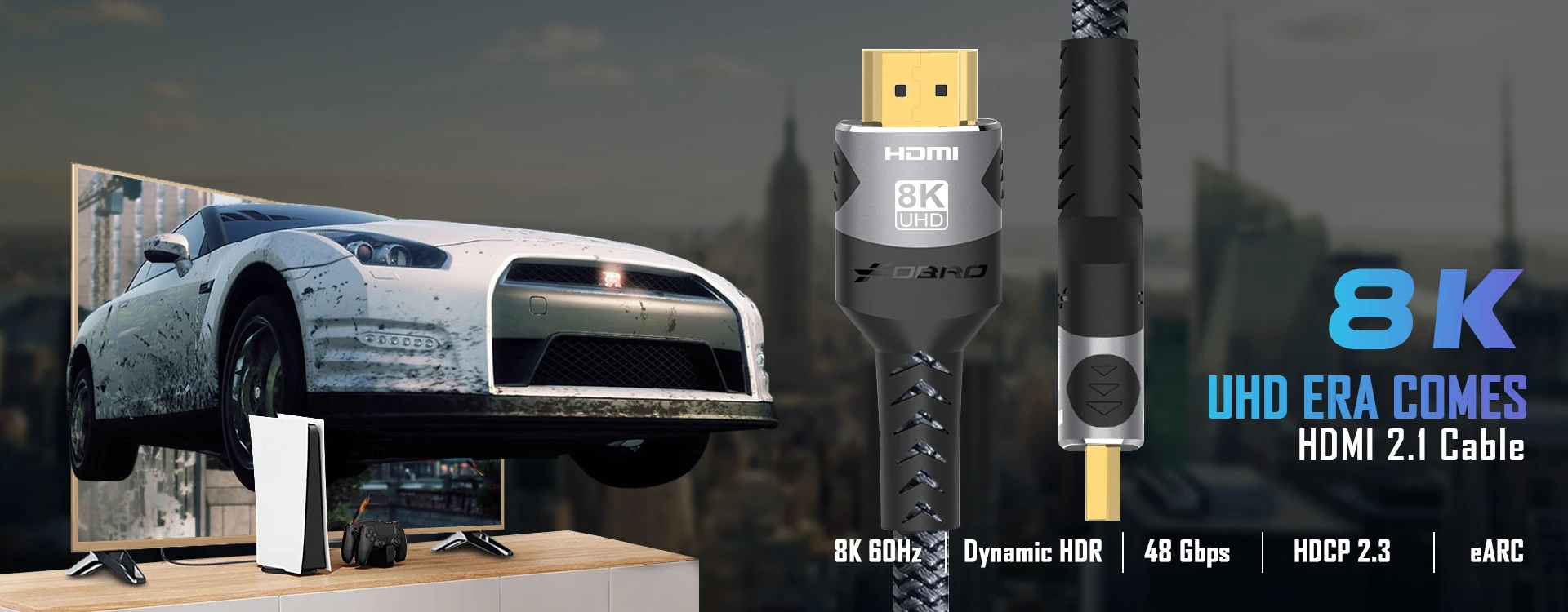
- 4K- and 8K-labelled model options
- Requires compatible USB-C video output
- Check selected version and device support before purchase
Match your source's video capability and the screen connection before choosing the cable.
Odaberite opcije